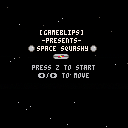
I'm officially putting up this "hack" of the original Squashy code from PicoZine 1. We all have to start somewhere, right? I've replaced the basic ball and paddle with full sprites and added a map to show stars instead of just the flat green background. The reason I am versioning this not quite at 1.0 is that I really want to get the Game Over screen proper instead of just looping back to the splash screen. Other than that, it's completely playable!
Z to start
Left and Right arrows to move
1pt for getting a wall bounce
10pts for not losing a ball


 0 comments

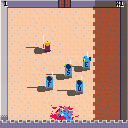
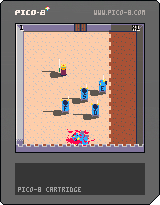
A game about fencing and castle, with trolls.
Press the letter keys to attack the trolls, and the arrows to dodge. Post your scores :)
7 comments





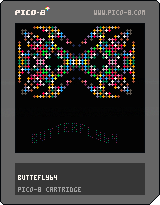
Found out about PICO-8 just the other day. Did allot of assembly programming on the C64 in the old good days. Thought I would give this "Fantasy console" a try. Since i never written a line in LUA before I was thrilled over how easy it is to understand the basic idea about programming for this machine. Yesterday I spent abou 5 hours (1 hour on read thru the forums and the manual) and then the rest of the time to write a simple demo for PICO-8. It's a a convertion of a BASIC demo i wrote in 2010 for the C64.
0 comments



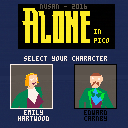
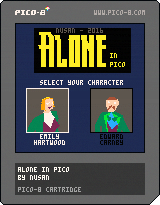
"A suspicious suicide. A chilling curse. A malevolent power. And a wicked dark secret. This is Derceto ...
Choose between Emily Hartwood and Edward Carnby to explore this virtual adventure game inspired by the work of H.P.Lovecraft."
Controls : Arrow keys to move, 'c' or 'v' to interact
Music can be turned off in the menu ('enter' key)
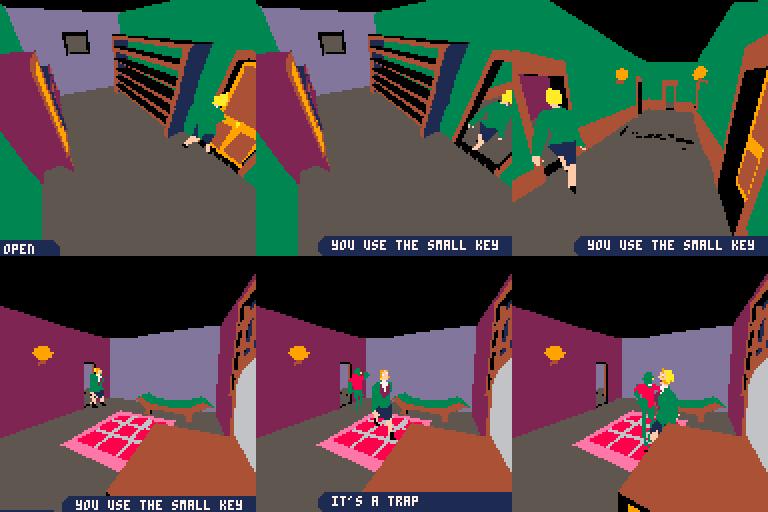
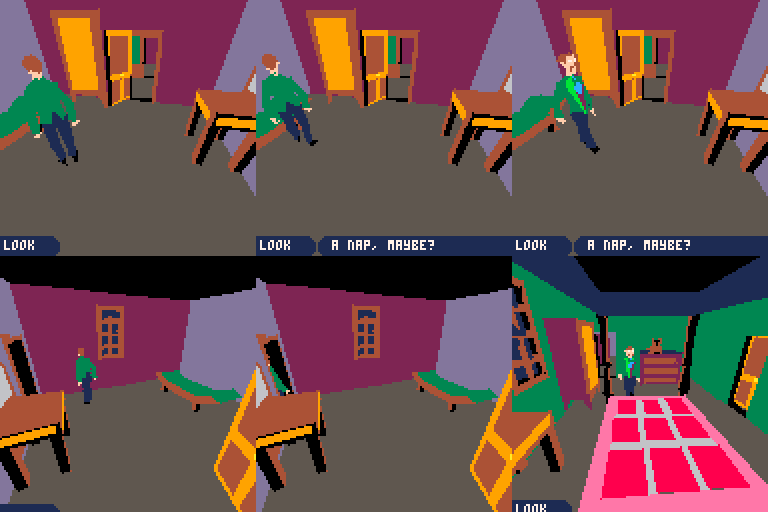
I wrote a (long) post-mortem of this project : here
This is a small "demake" of Alone in the Dark. You can explore and find your way out of the top two floor of the mansion. I tried to keep it close to the original, but there is no fight (if you see an enemy you will die) and the interaction system is simpler. The 3D meshes of the characters are ripped from the original game.
41 comments








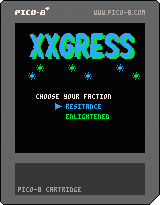
cursor keys : move
[Z] key : attack (fire a burster)
[X] key : create a link
1 Choose your faction (color) first.
2 Visit portals scattered in the field.
3 Then you will get bursters and keys (yellow symbols on portals).
4 Attack enemy color portals and make them your color.
5 Create links to portals whose keys you have.
6 Create triangles by links.
7 Area of triangles is called MU.
8 Make your MU larger than enemy's
9 After 7 days, if your MU is larger than 100MU+enemy's MU,
you will win the game.
Good luck.
Prizes
liberator : how many portals you changed their colors
connector : how many links you created
mind controller : how many triangles you created
Illuminator :how much MU you've aquired
explorer : how many portals you visited first
pioneer : how many portals you changed their colors first
hacker : how many times you got items from portals
5 comments



Hi,
Does anyone know of a unit testing framework for PICO-8? If not I'll see if I can get a simple system up and running.
--Graham
1 comment


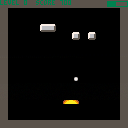
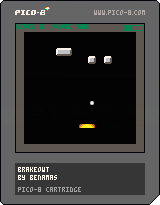
a playable but (currently) boring breakout clone
- press z to launch a ball, and left and right to move the paddle in an effort to keep the ball in play as it breaks bricks
- break 10 bricks without losing to CHARGE UP the METER
- press Z with a full meter to launch a SECOND, THIRD, ETC... ball
- there are only 4 levels and they repeat
still very much in progress... work on this is slow cuz my day job sucks all my energy out and i only really code on the weekends
old versions: cart 24831, 25020, 25448
2 comments


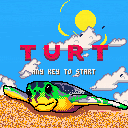
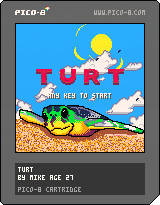
Mother Turt has laid her clutch and left them to find their way to the sea! Avoid crabs and seabirds to escape.
Left/Right set turt's direction
Up/Down switch between selected turt
A/B Menu confirm
I drew the main turtle in photoshop. Thought I'd add the script I wrote to import it. Provide your png, cart, and sprite index and it does the rest:
https://github.com/Jigglebizz/pico8scripts
I'm not planning on working on this any more. I got what I wanted out of this project. If you'd like to work on it, the source is available on my github:
https://github.com/Jigglebizz/turt
8 comments




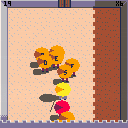
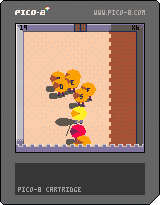


I have a routine where I'm checking a pixel color at a certain x/y to determine whether or not to place a new sprite there. If it's black, it's open; if it's white, it's unavailable. I'm doing this in the _update() loop but I'm often getting cases where it'll place a sprite twice in the same place rather than just once.
After going through my code again and again, it struck me that having the pixel check in the update() might not be the best place. Wondering if doing pixel checks in the draw() are more reliable because there's cases where update() could be slower/faster than draw()...?
I chose to do pixel checking to avoid having to loop through an array checking x/y coordinates every time but it sounds like that may be more reliable?
Any thoughts/insight is appreciated.
4 comments


In my opinion, pico-8's musical notes don't go nearly low enough.
In addition, its UI assigns numerical values to notes' octaves which are off by 2. (A middle C in reality lies at the bottom of octave 4. In pico-8, its octave is labeled as 2)
Personally, I would love pico-8 to at least cover the range of a traditional 4-string bass guitar, down to e1. (in the 1.8 UI that note would be labeled as octave -1) Even better would be getting all the way to octave 0.
(also, I'm aware I can put a track in "slow" mode.)
3 comments



Long time ago I had a project of the demake of a specific game on retro hardware (this project is not dead yet, I just lack time to work on it)
And a few days ago, I crossed some data for that project and my brain told me
- Why not see if it's possible with Pico-8?
My answer was quite simple: - Challenge accepted!
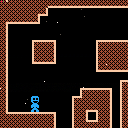
It's not a game perse, but I'm currently more advanced than on the original project, there is no cartridge for now, as the code is a mess and it's basically just testing some of my original ideas, I have a lot of things to do before I could say "it's a playable game" right now I've just tested the level generation, so nothing really fancy for now.
So, I present you the first moving picture of PPPPPPPP:
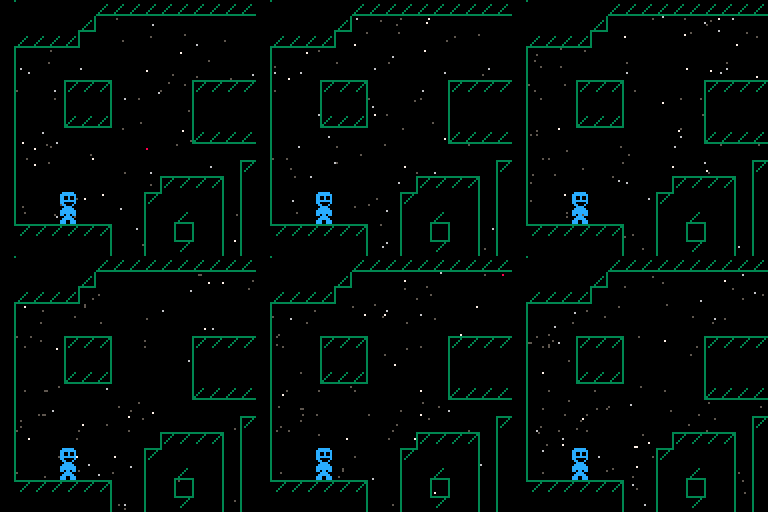
(the starfield come from the same effect in the tweetjam, I used it to test the transparency)
Edit: added the cart here:
 9 comments


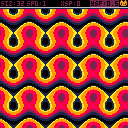
This is a shader thingy with a few variables and palettes to play around with.
It's all ready to go, but I might introduce dithering into the palettes in the future.
Left / Right changes the active value, and modify values when a value is chosen.
Button 1 activates and deactivates modifying values.
Button 2 changes the palette.
It has a few quirks:
- The timer makes the image jerk a bit after 32000 seconds when it loops around.
- Due to the way the pattern is drawn onto the spritesheet, a lot of the patterns will look weird and cut off. This drawing method made it run way faster though.
- Floating point inaccuracies mess the printed values up a bit sometimes.
Have fun! :>
7 comments




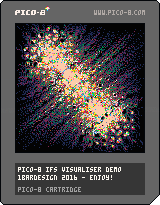
This is an IFS viewer for pico-8
Hit Z to stop iteration if the view hasn't converged,
or to start iterating with new parameters if it has.
Jump into the src and edit the function for different visuals!
Feel free to remix, this is a commented extension of this #tweetjam snippet with nicer visuals.

 7 comments



Changes:
- Some cleanups
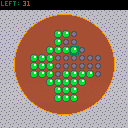
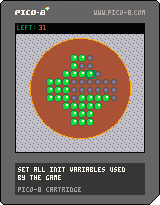
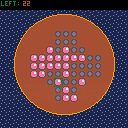
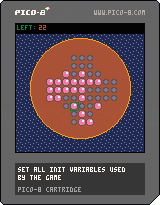
How to play the game:
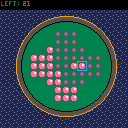
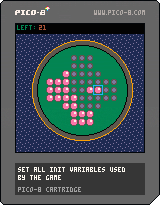
You win when there is only one marble left on the board. You remove marbles by jumping over them to a empty slot of the board. If you select a marble and there is only one valid move to make from this selection this move will be executed automatically. if there are multiple valid destinations you have to specify where to move the selected marble.
 2 comments




is there a non-stylistic reason that it's useful to define _init? i haven't been able to discern any practical difference between defining things in _init and defining things outside of _init other than that the former gives you slightly more flexibility in ordering your source code.
13 comments


With the ability to record longer GIF videos now, the file size gets pretty big, but I didn't manage to find a suitable GIF optimizer, which removes redundant frames and extends the display time of the frame - all optimizers I found only remove the n-th frame or dither the image... Anyone knowing such a tool, online or offline?
2 comments

OK, not sure that this is a proper place to post but I have been really fleshing out the Squashy game into something bigger for my first try into Pico8/Lua. I've got it all the way I want it but I can't get it to flip game modes back to the main splash screen as the "game over" screen.
A couple of things... how do i get that to work? (should I post the game or the code?) If the game, how do I post it?
(crazy noob questions, sorry! :) )
10 comments