





Brand new to pico8, but looking forward to getting started with it.
I was working on a hello world example, but I'd like to create a new cartridge.
Is there a "New" shortcut or command, so I can start from scratch?


 6 comments




Hi,
Does anyone know of a unit testing framework for PICO-8? If not I'll see if I can get a simple system up and running.
--Graham
1 comment


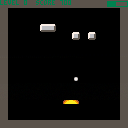
a playable but (currently) boring breakout clone
- press z to launch a ball, and left and right to move the paddle in an effort to keep the ball in play as it breaks bricks
- break 10 bricks without losing to CHARGE UP the METER
- press Z with a full meter to launch a SECOND, THIRD, ETC... ball
- there are only 4 levels and they repeat
still very much in progress... work on this is slow cuz my day job sucks all my energy out and i only really code on the weekends
old versions: cart 24831, 25020, 25448
2 comments


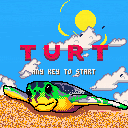
Mother Turt has laid her clutch and left them to find their way to the sea! Avoid crabs and seabirds to escape.
Left/Right set turt's direction
Up/Down switch between selected turt
A/B Menu confirm
I drew the main turtle in photoshop. Thought I'd add the script I wrote to import it. Provide your png, cart, and sprite index and it does the rest:
https://github.com/Jigglebizz/pico8scripts
I'm not planning on working on this any more. I got what I wanted out of this project. If you'd like to work on it, the source is available on my github:
https://github.com/Jigglebizz/turt
8 comments





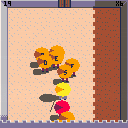

I have a routine where I'm checking a pixel color at a certain x/y to determine whether or not to place a new sprite there. If it's black, it's open; if it's white, it's unavailable. I'm doing this in the _update() loop but I'm often getting cases where it'll place a sprite twice in the same place rather than just once.
After going through my code again and again, it struck me that having the pixel check in the update() might not be the best place. Wondering if doing pixel checks in the draw() are more reliable because there's cases where update() could be slower/faster than draw()...?
I chose to do pixel checking to avoid having to loop through an array checking x/y coordinates every time but it sounds like that may be more reliable?
Any thoughts/insight is appreciated.
4 comments


In my opinion, pico-8's musical notes don't go nearly low enough.
In addition, its UI assigns numerical values to notes' octaves which are off by 2. (A middle C in reality lies at the bottom of octave 4. In pico-8, its octave is labeled as 2)
Personally, I would love pico-8 to at least cover the range of a traditional 4-string bass guitar, down to e1. (in the 1.8 UI that note would be labeled as octave -1) Even better would be getting all the way to octave 0.
(also, I'm aware I can put a track in "slow" mode.)
3 comments




a=100 m1="-2"+0 m2=-2 print(m1) --- prints -2 print(a*m1) --- prints -199.998 print(a*m2) --- prints -200 |
While m1 prints as -2, a*m1 seems to be -199.998. Multiplying by m2, the exact same number but not parsed from string, doesn't have this problem and gives the correct answer: -200.
Maybe it's some sort of an off-by-one problem in the parsing that "-2"+0 implicitly does?
Anyway, would be great if this could be fixed for 0.1.9 :).
14 comments


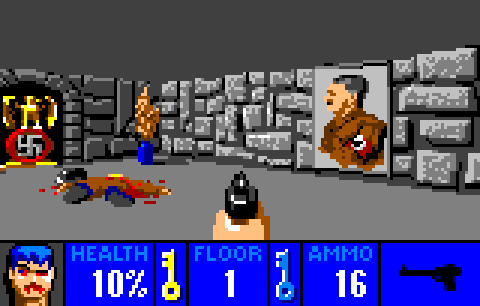


Long time ago I had a project of the demake of a specific game on retro hardware (this project is not dead yet, I just lack time to work on it)
And a few days ago, I crossed some data for that project and my brain told me
- Why not see if it's possible with Pico-8?
My answer was quite simple: - Challenge accepted!
It's not a game perse, but I'm currently more advanced than on the original project, there is no cartridge for now, as the code is a mess and it's basically just testing some of my original ideas, I have a lot of things to do before I could say "it's a playable game" right now I've just tested the level generation, so nothing really fancy for now.
So, I present you the first moving picture of PPPPPPPP:
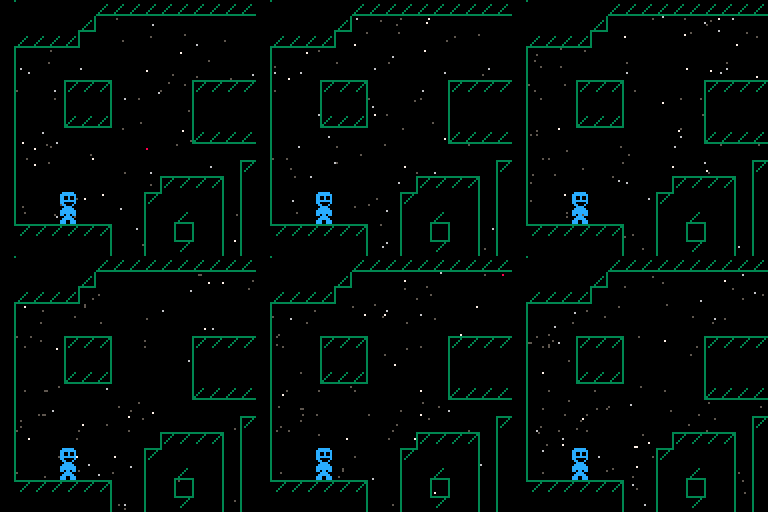
(the starfield come from the same effect in the tweetjam, I used it to test the transparency)
Edit: added the cart here:
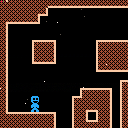
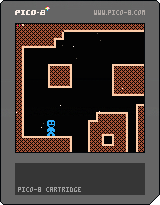 9 comments


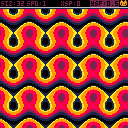
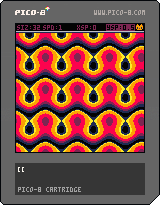
This is a shader thingy with a few variables and palettes to play around with.
It's all ready to go, but I might introduce dithering into the palettes in the future.
Left / Right changes the active value, and modify values when a value is chosen.
Button 1 activates and deactivates modifying values.
Button 2 changes the palette.
It has a few quirks:
- The timer makes the image jerk a bit after 32000 seconds when it loops around.
- Due to the way the pattern is drawn onto the spritesheet, a lot of the patterns will look weird and cut off. This drawing method made it run way faster though.
- Floating point inaccuracies mess the printed values up a bit sometimes.
Have fun! :>
7 comments




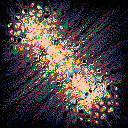
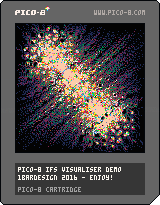
This is an IFS viewer for pico-8
Hit Z to stop iteration if the view hasn't converged,
or to start iterating with new parameters if it has.
Jump into the src and edit the function for different visuals!
Feel free to remix, this is a commented extension of this #tweetjam snippet with nicer visuals.
 7 comments



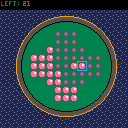
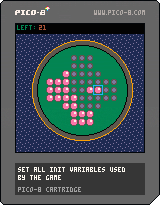
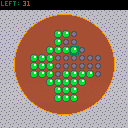
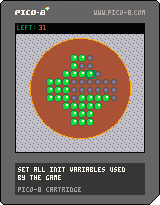
Changes:
- Some cleanups
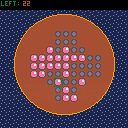
How to play the game:
You win when there is only one marble left on the board. You remove marbles by jumping over them to a empty slot of the board. If you select a marble and there is only one valid move to make from this selection this move will be executed automatically. if there are multiple valid destinations you have to specify where to move the selected marble.
 2 comments




is there a non-stylistic reason that it's useful to define _init? i haven't been able to discern any practical difference between defining things in _init and defining things outside of _init other than that the former gives you slightly more flexibility in ordering your source code.
13 comments


With the ability to record longer GIF videos now, the file size gets pretty big, but I didn't manage to find a suitable GIF optimizer, which removes redundant frames and extends the display time of the frame - all optimizers I found only remove the n-th frame or dither the image... Anyone knowing such a tool, online or offline?
2 comments


OK, not sure that this is a proper place to post but I have been really fleshing out the Squashy game into something bigger for my first try into Pico8/Lua. I've got it all the way I want it but I can't get it to flip game modes back to the main splash screen as the "game over" screen.
A couple of things... how do i get that to work? (should I post the game or the code?) If the game, how do I post it?
(crazy noob questions, sorry! :) )
10 comments


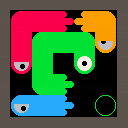


So, I boot into Pico-8 fullscreen, do stuff, and type "shutdown". However, instead of shutting down Pico-8 and returning me to Raspbian Jessie (latest version), it just freezes up. Anyone else experiencing this?
1 comment

Ive been hard at work making a port of the pretty good puzzle game from from the game "game center cx 2" called "Triotos". i would describe it but this guy did it well enough i dont think its needed for me to just retype what he did.
However the problem is that i do not have the skills nor the knowledge to actually program the damn thing. i can use my limited knowledge to imagine how it could work but after that its pretty much blank.
Ive made most of the sprites done and the gamefiled (although im still working on the background) and ive done some basic code.
I forgot how to post cartridges so uh...here's just a mediafire link (sorry)
50 comments



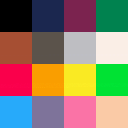
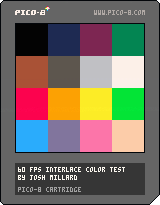
Note: web player doesn't currently support 60 FPS rendering, so this is just going to look like a static palette unless you download it.
Hat tip to ilkke for the inspiration.
This is a simple palette vs. palette demo to show off the idea of color interlacing in a very simple way: it uses the new 60 FPS function to render very quickly alternating images of 1. a single large tile version of the pico 8 palette and then 2. a 4*4 matrix of palettes, one lined up perfectly with each of the large color squares.
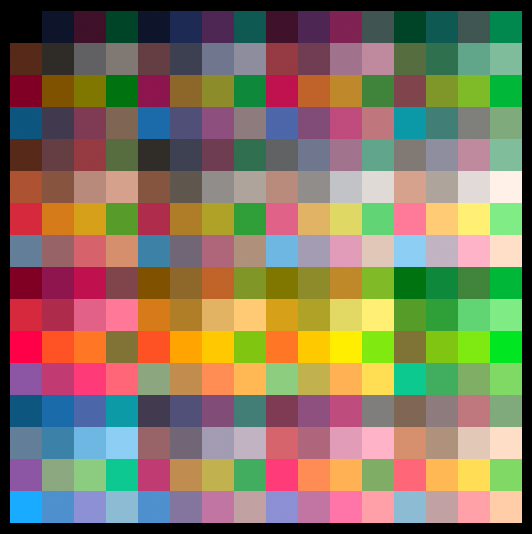
The result, when viewed, is a flickery implication of 256 separate colors*, one for each combination of two colors from the pico 8 palette. As laid out in this example, that shows up as a series of variously tinted versions of the palette itself.
It'd be interesting to lay out the color combos in a more gradient-centric way, but this was far simpler to throw together as a first experiment.
Here's a rendered approximation of the interlaced effect as a smooth static image, though of course the visual effect in practice has a kind of restless volatility that this doesn't capture:
 7 comments

