


Topic.
I usually run Pico-8 maximized (but not full screen) so I can move between windows and tabs more easily. It's mildly annoying to have to find my mouse again because I moved it onto my main screen, and Pico suppresses it when I'm going for another window.


 2 comments





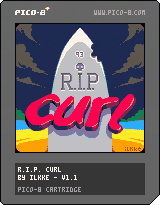
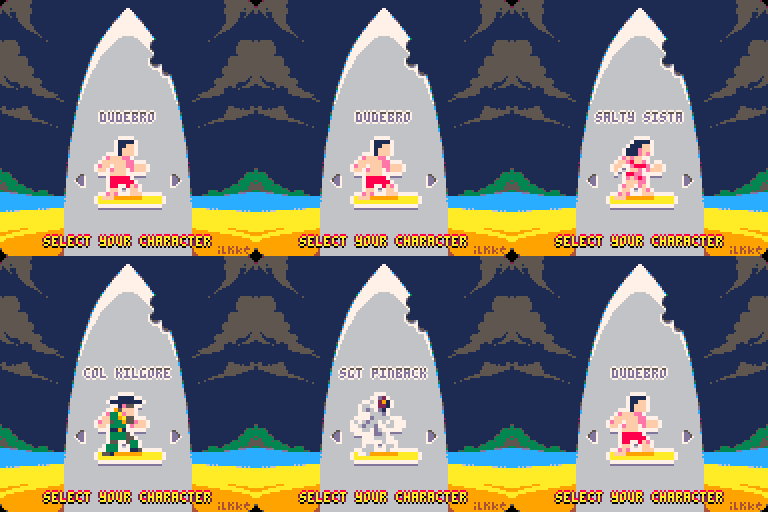
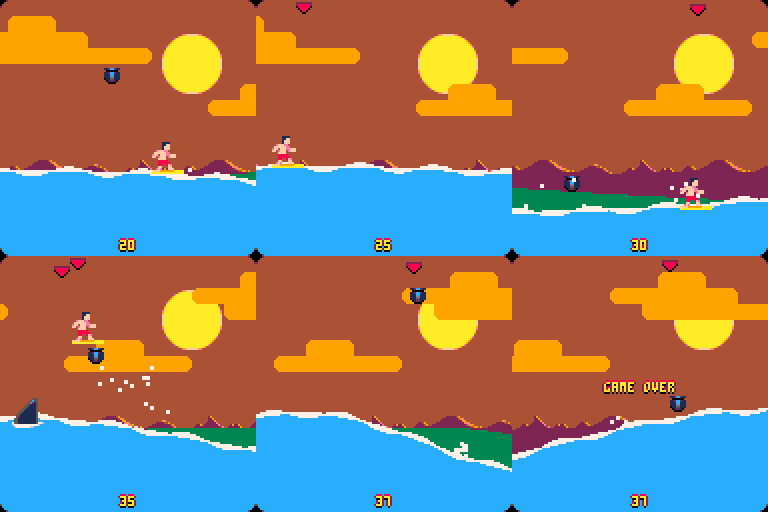
My first solo release, made entirely on the train during this week's commute.
Hope you enjoy.
23 comments




Currently doing an Adafruit PI GRRL build. So far Pico-8 is running great on the RPi 1! My plan is to include it in an emulation station menu - but I haven't found a good way to quit Pico-8 itself without a full keyboard.
My suggestion would be to simply add this to the splore menu.
7 comments





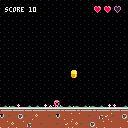
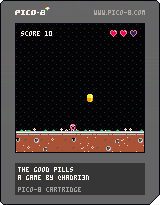
This is my first attempt on creating a game using PICO-8 within 24h.
The goal is simple: your character need to eat the good pills, knowing that the pill should be of the same color as the character.
- Use Left and Right arrow keys to move the character, and Down arrow to Speed up the Pill
- Use X and Z keys to change the character's color
- Put you under a pill to eat it
Have fun!
4 comments



So I was planning on giving abilities to my player character in the form of auras. My question is: Is it possible to code in the aura color changing (i.e. from blue, red, purple, etc
) with a core sprite, or does each one have to be drawn out individually?
2 comments



I like the new printable button glyphs introduced in 0.1.8. This is a small idea, but it'd be cool if they were allowed chars in variable names. Right now any appearance outside of a string is a syntax error.
Bonus: pre-define L R U D O X to equal their btn() values, so I can test btn(L) as well as btn(0).
9 comments




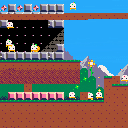
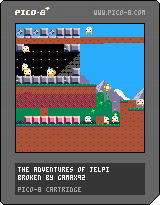
My PICO-8 system seems to be broken, the video is glitchy and it keeps crashing or freezing up on me.
Please help :(
6 comments


I just upgraded to v0.1.8, and now when in SPLORE, attempting to access 'NEW' gives the error 'UNABLE TO CONNECT TO BBS' but every other tab can connect as per usual. Does anyone else get this? Is this a known bug?
28 comments






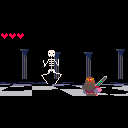
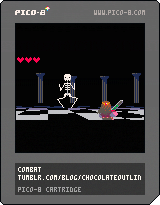
EDIT: fixed bug and added title screen
old version:
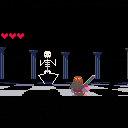
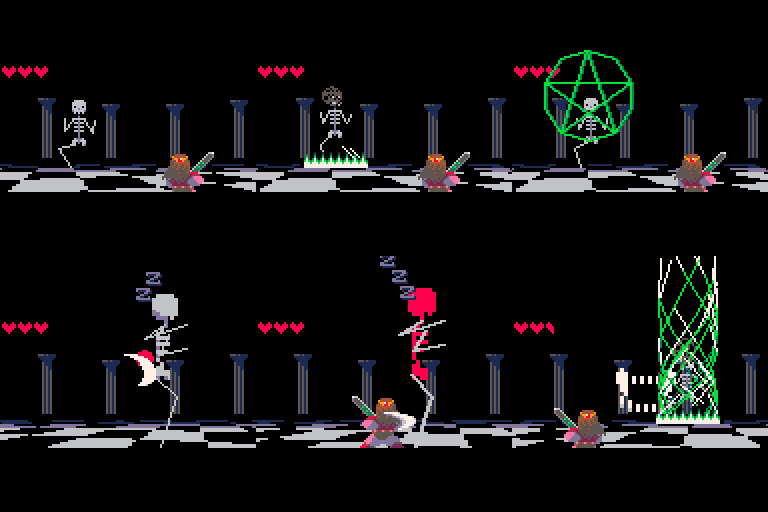
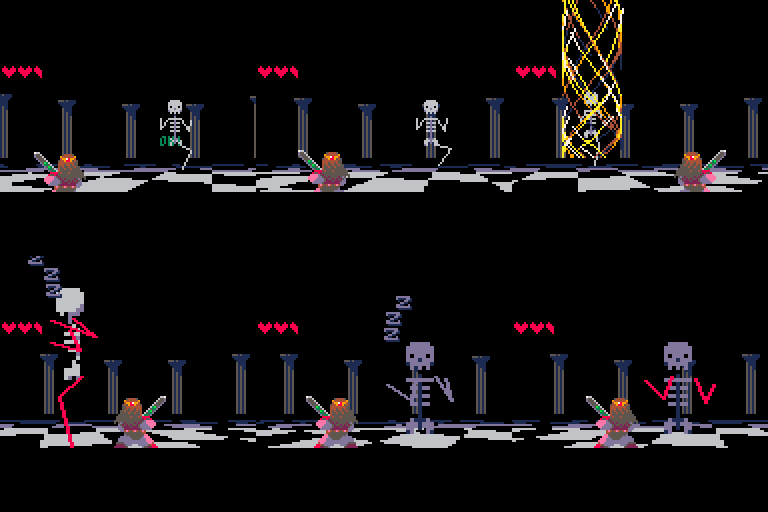
This is a shabby prototype of a combat system.
I suppose the main influences are Ocarina of Time and Golden Sun.
Maybe the over-the-shoulder perspective is heresy on a platform like this, I was thinking it's a bit like pokemon though.
I think the most interesting feature is the way your mobility is limited. your position is locked to north/south/east/west and you can move between a near/far plane, like this:
 12 comments



It would be great if it was possible to draw in the sprite and map editors using only the keyboard (i.e. without requiring the use of a mouse/touchpad). With sprites being only 8x8, I find myself wanting an easy way to precisely move the cursor by one pixel at a time instead of the inherent looseness/analogueness of a mouse/touchpad.
I also think in general it might be thematically fitting for all of PICO-8's editor modes to be completely useable without requiring a mouse, to be similar to older computers for which mice were either optional peripherals or not present at all :)
6 comments




Update 2019-05-13: Use the "Enter Menu" to "load" some code examples.
Update 2017-05-14: The sonification can be switched off :-) (or rather, you need to explicitly turn it on in the X-menu).
Update 2017-05-05: Added crazily sounding sonification.
Update 2017-04-24: Made the UI a bit more clear and fixed some bugs.
TL;DR:
Hold X, pres DOWN once, release X, and watch the nerdy numbers fill your screen.
MORE INFO
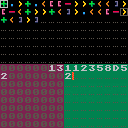
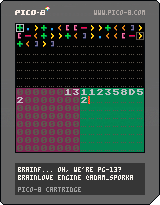
Hey all, I made a very simple visual IDE for writing and running code in Urban Müller's Brainfuck programming language. https://en.wikipedia.org/wiki/Brainfuck
Top part of the screen is your code.
Bottom left is your memory.
5 comments
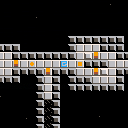
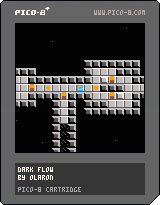
First version done in one night.
I'm pretty surprised by what can be done with PICO-8 in so little time.
1 comment



When using _update60(), btnp() timing is also 2x faster, which makes it much less useful - the time to let go before the press is repeated is halved to 0.12s, and time between repeats also goes down.
This matches the docs (which say frames), but doesn't feel like it was intended - maybe something to be fixed for 0.1.9?
5 comments

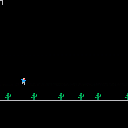
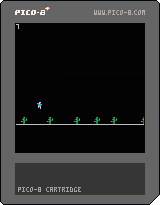
Just a test of how much game I can write on a single commute. Missing: collision, attract screen, score, sound.
0 comments
Just wanted to make sure I understood how things worked before diving into it too deeply.
So I understand the idea behind the pattern editor, I've used it to make short sound clips and stuff (and then these are obviously arranged within the music editor to make different instrument tracks, etc)
From what I can tell at a surface glance though, is that the music editor only supports one song. Is that correct? I get the impression that I can set the loop start/end points to choose between different pattern sets to allow for multiple songs (eg 0-7 might be song 1, 8-16 could be song 2, etc). Additionally, I assume that I can create my own pattern arrangements on the fly by means of poke()
Anyone know for sure?
1 comment


Is there any way to rotate or flip a sprite map?
I have a platformer room that is a sprite map but want to be able to rotate/flip the map so I can get several rooms out of a single drawn room.
My alternative is to use the map as a blueprint and then just draw the sprites myself in the loop at coordinates so I can rotate them that way, but sounds like quite a bit of effort (for me and the P8). So hoping I can manipulate the sprite map somehow.
7 comments


