


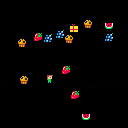
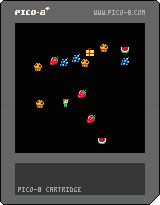
I just started playing around with Pico-8 and while I've been programming for a very long time, I've never done so at such a low level so I'm finding P8 a great challenge that is wonderful escape from my daily style. That being said, I'm looking for code review-style feedback on my first little learning game.
I'm making a simple game for my preschooler daughter so it's not complicate but it's requiring me to cover all the basics for making any game - collisions, maps, sprites, movement, etc. This first pass focuses on movement and object/sprite collision. I watched the "popular" light cycle tutorial as well as read through the Fanzines and took all that cobble something together. So thanks to all of those people! It's be a treat learning something new.
Right now the game is just moving the character around and collecting food items. Run into a present and food pops out. Run into the food and they disappear (collected). That's it.
Again, I'm just looking for feedback on how it's written, probably mostly around the architecture and places where I'm wasting space. The game is working as I expected, so there are no bugs, per se...just looking for efficiencies.
I am planning on adding more graphics and stats that keep track of what's been collected. There will be other screens but that's the next lesson.
I appreciate any feedback, thanks!
pickups={}
player={}
box={}

-- ///////////////////////

function _init()
	cls()
	createplayer()
	createbox()
end

function _update()
	foreach(pickups,function(o)
		if (o.wild and collide(o,player)) then o.wild=false end
	end)

	if (collide(box,player) and box.closed) then
		box.closed=false
		for x=1,4 do add(pickups, createpickup()) end
		createbox()
	end

	player.update()

	if (btnp(5)) then createbox() end
end

function _draw()
	cls()
    foreach(pickups, function(o) o.draw()  end)

    player.draw()
    box.draw()
end

-- ///////////////////////

function createbox()
    box.closed=true
    box.x=flr(rnd(110)+10)
    box.y=flr(rnd(110)+10)
    box.hitbox={x=0, y=0, w=8, h=8}

    box.draw = function()
       if(box.closed) then spr(1,box.x,box.y) end
    end
end

function createplayer()
    player.x=60
    player.y=60
    player.spr={3,2}
    player.cel=2
	player.dir=1
    player.hitbox={x=1, y=0, w=6, h=8}

    player.update=function()
        -- movement controls
		if (btn(0)) then move(player,4) end
		if (btn(1)) then move(player,2) end
		if (btn(2)) then move(player,1) end
		if (btn(3)) then move(player,3) end
    end

    player.draw=function()

        spr(player.spr[player.cel],player.x,player.y)
    end
end

function move(obj, dir)

obj.dir = dir
	if (obj.dir == 1) then obj.y = obj.y-1 end
	if (obj.dir == 2) then
		obj.x = obj.x+1
		player.flip = false
	end
	if (obj.dir == 3) then obj.y = obj.y+1 end
	if (obj.dir == 4) then
		obj.x = obj.x-1
		player.flip = true
	end

	if (obj.x <= 1) then obj.x = 1 end
	if (obj.y <= 3) then obj.y = 3 end
	if (obj.y >= (125-8)) then obj.y = (125-8) end
	if (obj.x >= (125-6)) then obj.x = (125-6) end

	--p.spr = p.spr + 1
	--if (p.spr > 2) then p.spr = 1 end
	if player.cel==1 then player.cel=2 else player.cel=1 end

end

createpickup=function()
    local obj={}
    obj.x=flr(rnd(110)+10)
    obj.y=flr(rnd(110)+10)
    obj.spr=flr(rnd(5)) + 64
    obj.hitbox={x=0, y=0, w=8, h=8}
    obj.wild=true

    obj.draw=function()
        if (obj.wild) then spr(obj.spr, obj.x, obj.y) end
    end

    return obj
end

function collide(obj, other)
    if
        other.x+other.hitbox.x+other.hitbox.w > obj.x+obj.hitbox.x and
        other.y+other.hitbox.y+other.hitbox.h > obj.y+obj.hitbox.y and
        other.x+other.hitbox.x < obj.x+obj.hitbox.x+obj.hitbox.w and
        other.y+other.hitbox.y < obj.y+obj.hitbox.y+obj.hitbox.h
    then
        return true
    end
end
|


 4 comments



I'm working up the basics for a small tile puzzle game where players navigate through a maze filling the path behind them so that they can only move on each tile once. so a trail that will then have some collision so it can't be crossed
I'm having trouble working out how to leave a trail of sprites. I have a grid set up, and a player sprite to move as follows:
function _init() x = 0 y = 64 end function _update() if (btnp(0)) then x=x-8 end if (btnp(1)) then x=x+8 end if (btnp(2)) then y=y-8 end if (btnp(3)) then y=y+8 end end function _draw() rectfill(0,0,127,127,7) spr(1,x,y) end |
I've tried having something in draw but this ended with the designated sprite following the player around and I tried adding something in the update function with the keystrokes but this b0rked it.
It seems to be something beyond what I kno so even if someone can point me in the right direction of something to read up on or code to review that would be much appreciated.
1 comment

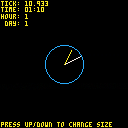
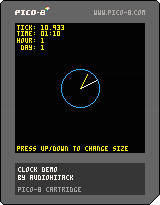
Just an example of an analog clock you are welcome to use in any project.
Will work in a realtime fashion, like the demo. Or could be passed a static hour/minute and work as a nice background prop in a game. Obviously you could style things up a bit better.
The basic code (see cart for full detail, though):
clock_size=10 --radius of clock clock_color=12 --blue hr_hand_color=10 --yellow min_hand_color=7 --white -- draw_clock(minute, hour, origin x, origin y, radius) -- ex: `draw_clock(45,3,50,50,10)` would draw a clock at 50,50 with a -- radius of 10 pixels and the hands set accordingly function draw_clock(m,h,x,y,r) -- min hand 1 px smaller than the clock radius local mh_len=(r-1)*1.0 -- hr hand 2 px smaller than the clock radius local hh_len=(r-3)*1.0 m_x,m_y=clock_hand_position(m,x,y,mh_len) -- multiply the hour value by 5 for hand position h_x,h_y=clock_hand_position(h*5,x,y,hh_len) -- draw the outline of the clock circ(x,y,r,clock_color) -- draw the minute hand line(x,y,m_x,m_y,min_hand_color) -- draw the hour hand line(x,y,h_x,h_y,hr_hand_color) end -- clock_hand_position(tick, origin x, origin y, multiplier for hand length) function clock_hand_position(t,o_x,o_y,m) -- rusty trig ahead. beware. t-=15 t=t%60 -- handle 60 tick factors t=60-t -- determine x,y from cos/sin local x=cos(t/60.0) local y=sin(t/60.0) -- multiply the x & y by `m` x*=m y*=m -- offset from originating coords x+=o_x y+=o_y return x,y end |
0 comments
Hi!
I'm looking very much forward to getting my PocketCHIP hardware, with PICO8 built-in .. and one of the things I'll be doing with the PocketCHIP is using it as the basis of a MIDI processor system.
So I was wondering - if we get PICO8 on PocketCHIP, would it be possible to request a feature for a new version of PICO8 in the future: MIDI I/O support?
This would be awesome! :)
5 comments




 [
[ ](http://www.robysoft.net/kidorion_box_600.png)
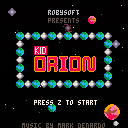
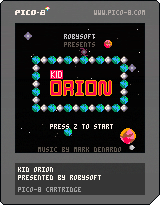
Kid Orion is a short, twitchy, 5-level space exploration game inspired by Lunar Lander and Solar Jetman. Find the landing pad to advance levels, but don't run out of fuel or health! Beware the Space Ram! Features music by Mark DeNardo. Excellent faux box art by Jacob Smiley.
Controls:
Left and Right Arrows: Tilt Ship
Z: Fire Cannon (once obtained)
Comments welcome! Post your score if you win! I make other games and weird stuff at ROBYSOFT
3 comments

.jpg)


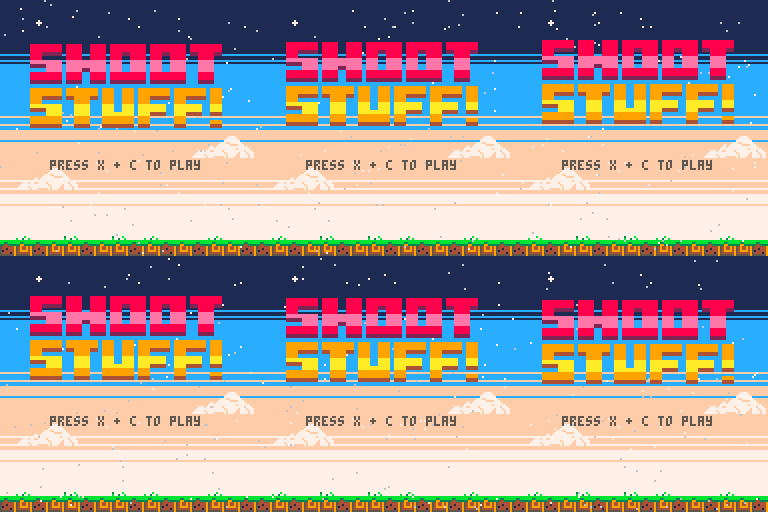
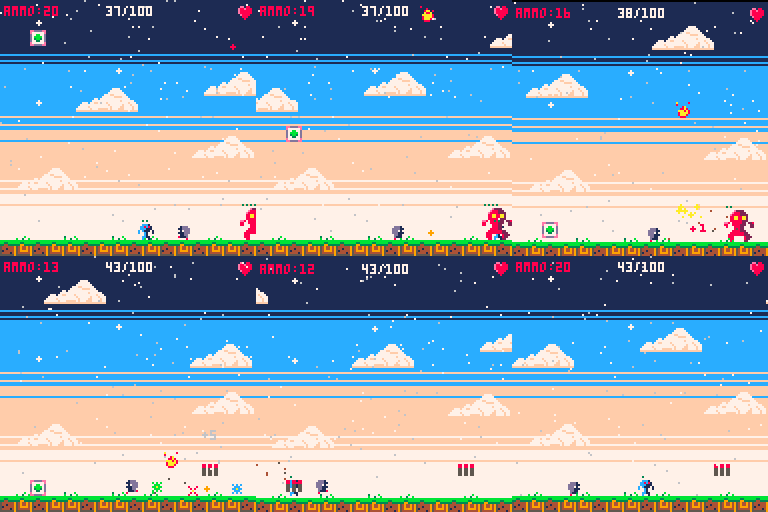
How To Play
- X to Shoot Stuff
- Arrow Keys to move and jump
- Fire at health crates to turn them into ammo
Description
The pollen wars are in full effect and it's up to you to destroy the robots that seek to eradicate all pollen from your planet.
Shoot Stuff is a small arcade game that can be completed in a single sitting. This was my first Pico-8 game and I had a blast making it. Everything about this game was inspired by the Pico community and all the awesome things you guys are making.
Acknowledgements:
9 comments






https://atom.io/packages/language-pico8
I based this extremely heavily on someone's Lua highlighter, but there's a few nifty features. It'll only highlight lua code in the lua section, and it displays stuff in the gfx section as pictures.
0 comments



If you're looking for a complete portable PICO-8 solution, good news! PICO-8 is going to ship pre-installed on Next Thing Co.'s upcoming PocketC.H.I.P. -- a complete portable mini-computer with built-in storage, wifi, keyboard, battery, touchscreen and everything else PICO-8 needs! The last few months, I've been working closely with the team at Next Thing Co. to create "PICO-8 C" -- a fully functioning and compatible edition designed to integrate nicely with NTC's hardware and software. It will be available to Kickstarter backers, or you can also pre-order one for just $49 bucks.
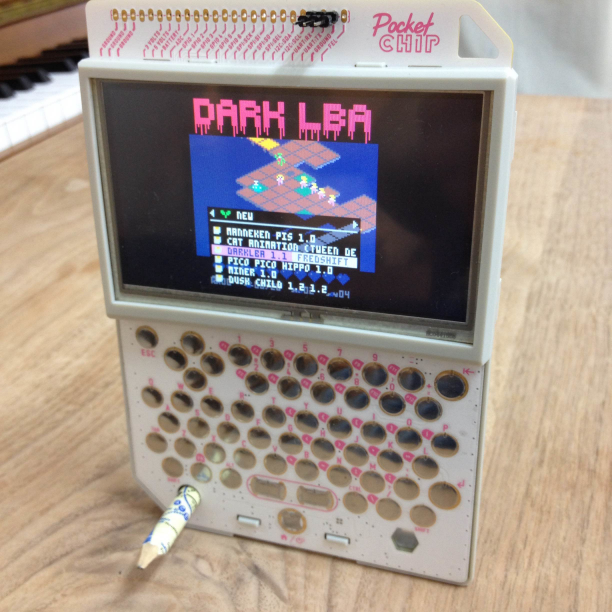
You can read more about the PocketC.H.I.P. over at getchip.com
42 comments




According to this website, the PocketCHIP is going to be shipping with PICO-8. Zep, do you have any comments on this? Will PocketCHIP owners be getting updates?
11 comments




For my first work in progress, a colourful little demo/scroller. No music yet, and it doesn't have much to say.
 0 comments


Pico8 computer
This blog is an account of my attempt to build a retro stand alone pico8 computer.
below is a crude mock up the shape it will take.
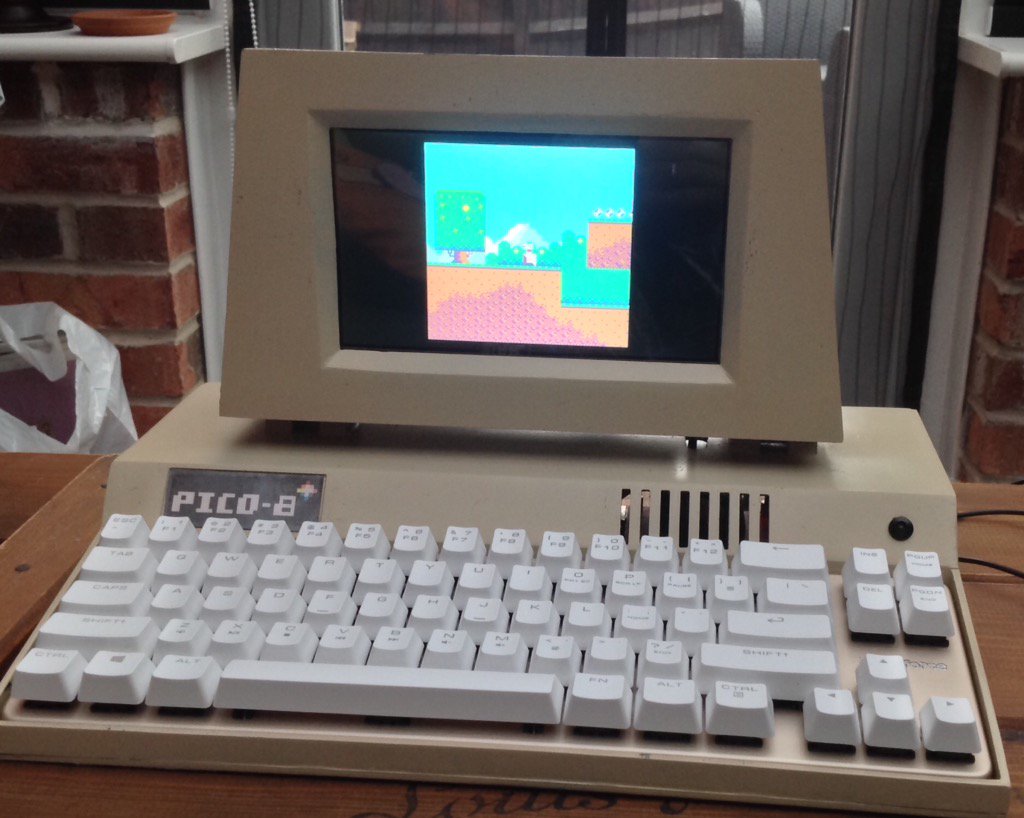
The computer is a Raspberry Pi 3 with a 1024*600 LCD screen.
It has a mechanical keyboard, integrated power, amplifier, speakers, a
few switch's and LED's. Ports at back will offer flexible power switching, and integrated voltmeter.
The case is partly 3d printed, and partly made from acrylic sheet, it will be sanded and
sprayed a suitable colour and adorned with a pico8 logo.
I may also have a hardware cartridge slot, for pico8 cartridges(with SD cards in them)
Progress so far:
Pi image complete, with working screen and auto boot into Pico8
Base acrylic sheet is all cut read to assemble,
all parts are ready to go.
I also intend to have a concave screen and have built a mould to form the plastic.
If anyone is interested I can provide more details as the project progresses.
16 comments





Hello Everyone,
I'm thinking about the Theme of the next Zine.
I have put a Poll on Twitter , feel free to vote :)
[url=Twitter Poll]description[https://twitter.com/arnaud_debock/status/725952817869950976]
Let me know if you got any feedbacks.
47 comments


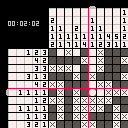
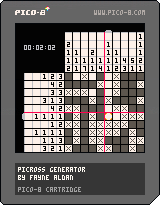
Currently a work in progress. Right now, puzzles are randomly generated, but in the future I'll likely add in pre-made levels.
View on itch.io
3 comments



Old versions:


Decided to write an encoder for 128x128, 2 color, 1 pixel scrolling, and one rectangle per frame
8 comments



Hi. Going through the Smoke Particle section of zine #1 and found an error I couldn't solve. If you copy paste the following code..
function   make_smoke(x,y,init_size,col)
 local s = {}
 s.x=x
 s.y=y
 s.col=col
 s.width = init_size
 s.width_final = init_size + rnd(3)+1
 s.t=0
 s.max_t = 30+rnd(10)
 s.dx = (rnd(.8).4)
 s.dy = rnd(.05)
 s.ddy = .02
 add(smoke,s)
 return s
end
function   _init()
 smoke = {}
 cursorx = 50
 cursory = 50
 color = 7
end

function   move_smoke(sp)
if (sp.t > sp.max_t) then
 del(smoke,sp)
end
if (sp.t > sp.max_t15) then
 sp.width +=1
 sp.width = min(sp.width,sp.width_final)
end
sp.x = sp.x + sp.dx
sp.y = sp.y + sp.dy
sp.dy= sp.dy+ sp.ddy
sp.t = sp.t + 1
end
function  _update ()
foreach(smoke, move_smoke)
if btn(0,0) then cursorx=1 end
if btn(1,0) then cursorx+=1 end
if btn(2,0) then cursory-=1 end
if btn(3,0) then cursory+=1 end
if btn(4,0) then color = flr(rand(16)) end
make_smoke(cursorx,cursory,rnd(4),color)
end

function  draw_smoke(s)
circfill(s.x, s.y,s.width, s.col)
end
function _draw()
cls()
foreach(smoke, draw_smoke)
end
|
4 comments

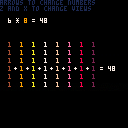
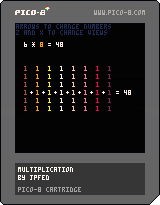
Another educational toy cart for my son. Not terribly interesting for the grownups here, but it shows the effect of changing the operands of a multiplication operation.
Controls:
Left/Right : Choose which operand to select
Up/Down : Increase/Decrease the selected number
Z/X : Choose a different visualization of the multiplication operation
1 comment

Picomino is a block stacking puzzle game made from boredom.
Select your mode, level and music and start stacking!
MARATHON
Stack your blocks into lines as long as it's possible. Don't top out or it's game over.
50-LINE
Stack your blocks to make 50 lines as fast as possible. Don't top out or it's game over.
CONTROLS
Left and Right - move block
Up - hard drop
Down - soft drop
Z/Button 1 - rotate
X/Button 2 - start/pause
SUPPORT ON ITCH.IO
https://adrian09-01.itch.io/picomino
5 comments
