


Howdy folks!
I was recently at the Austin TX Juegos Rangheros game dev meetup, and the main topic was Pico8!
This reminded me that I wrote an article and I promptly forgot to post it here on the forums!
I would love to hear everyone's thoughts and freedback, especially since I heard Joseph of Lexaloffle is interested in a "Pico8 Console"!
http://missingsentinelsoftware.com/blog/ouya-pico-8s-fantasy-console


 1 comment



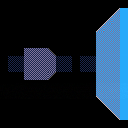
Classic dungeoncrawling renderer which draws 8x8 pixel tiles to represent the view. Player movement is restricted to the grid and 4 directions.
Things that could be experimented with or added:
- Floors and ceilings.
- Sprites like trees or enemies.
- Different textures depending on grid value.
- Transitions when turning left right, or even forward backward.
- Dynamic lighting. Use different lightsources and write to a gridbased lightmap which is then used when rendering.
- Height levels.
- The perspective is a bit weird sometimes and I guess could be made better
Controls: Use arrow keys to move and x to place/remove block. Cannot move outside level bounds.
[hidden]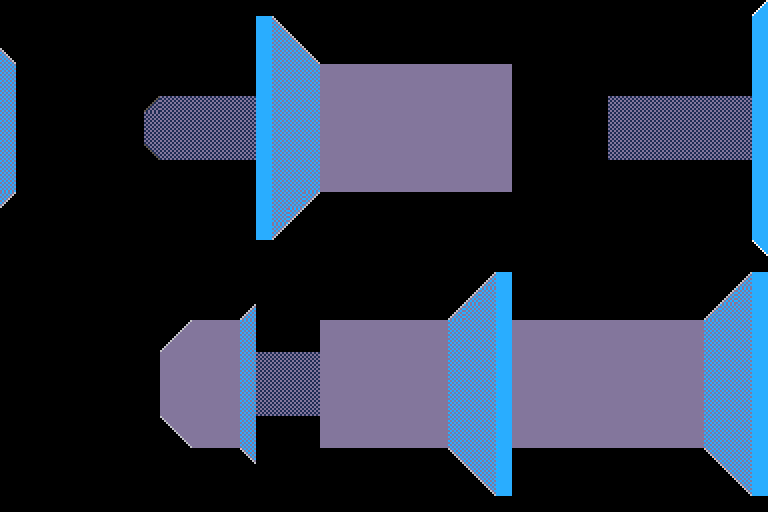
2 comments


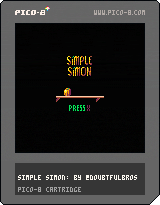
Simple Simon. An intense David vs. Goliath platformer featuring a small and vengeful pumpkin.
Warning: this game may make you think twice about Christmas feasts... Or at least delicious pumpkin-filled desserts.
6 comments





.png)

The more lua code I write in the pico-8, the more general purpose functions I wind up discovering. Here is my current utility library, I'll probably continue adding more as time progresses.
Quick sort
This one is pretty straight forward, you simply call it by providing a table and an optional comparator (for non-numeric lists), and it will in-place sort your table. It currently does not return anything, but it could me modified to return the table passed if you want to chain things.
-- Inplace quick sort
function qsort(tbl, cmp, first, last)
	first = first or 1
	last = last or #tbl
    cmp = cmp or function (x,y) return x - y end

	if (first >= last) then
		return
	end

	local pivot, pv, tail = first, tbl[pivot], last

	while pivot < tail do
		local tv = tbl[tail]

		-- Tail is smaller than the pivot
		-- Shuffle things around
		if ( cmp(pv, tv) > 0 ) then
			tbl[pivot], pivot = tv, pivot + 1
			tbl[tail] = tbl[pivot]
		end

		tail = tail - 1
	end

	tbl[pivot] = pv

	qsort(tbl, cmp, first, pivot - 1)
	qsort(tbl, cmp, pivot + 1, last)
end
|
0 comments

Quick update to remove the need to use cursor keys and z to draw. The circles only draw on the X axis I think cos/sin to do those pretty curves you see in graphs
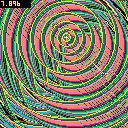
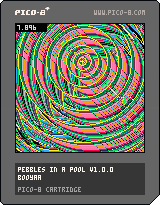
I was inspired by the last p8jam and wanted to simulate a pebble dropping in a calm pool of water.
You can imagine my surprise when I held down z and moved around :D
3 comments


The first PICO-8 Jam has ended, and peer ratings have been tabulated and verified. Thanks so much to all participants for making the jam a wonderful event and for producing an excellent collection of rain-themed cartridges. It was a close one, with only a difference of 0.04 PICO-8 stars (out of 8) between the two highest-rated entries. With an average of 6.92 stars, the winner is.. drumroll..
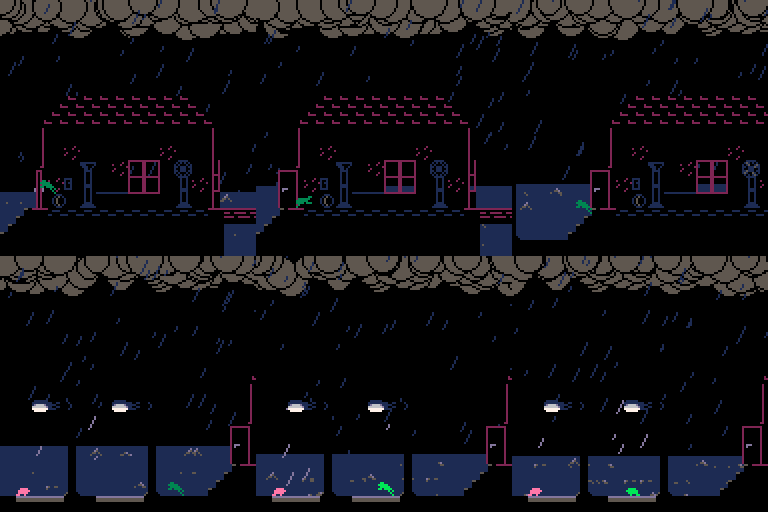
Frog Home! By JTE! white noise cheering sound
Congratulations JTE, and you'll be receiving a small prize in the mail from PICO-8 HQ -- a commemorative plastic coaster depicting your cartridge, along with a PICO-8 canvas bag.
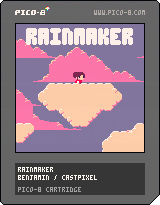
With an extremely close 6.88 stars, is Benjamin Soulé's Rainmaker:

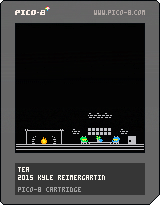
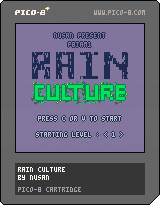
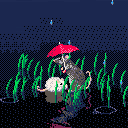
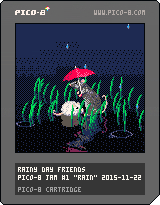
Also close behind were Rain Culture by NuSan, Tea by moonmagic, and the equally heart-melting Rainy Day Friends by electricgryphon.
Stay tuned for the next Jam, which will be in the first quarter of 2016. And if you're not burnt out from jamming or missed this one, join me for Ludum Dare this coming weekend!
You can view all of the P8JAM1 entries here, or directly play the carts mentioned in this post below.



 3 comments


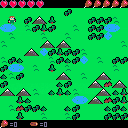
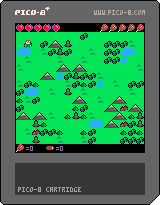
This is week 4 of my blog series where I'm making a pico8 game every week.
Controls:
Arrows to move/navigate menu
X to open menu and select actions
Z to cancel menu
Actions:
Hunt: Get meat, in spring you don't lose hunger due to finding berries.
Chop Wood: Gather wood for building fires in winter
Build Fire: Build a fire using 2 wood, in winter fires are required to keep from freezing to death. You also only regenerate health when full health, 0 cold and near a fire.
Eat: Eat 1 meat to restore 3 hunger points.
If your health reaches 0, or if you get as cold as your remaining health you lose.
This game is meant to be rather hard, but I didn't have time to balance it. So it may or may not be hard at all.
You can find my blog post here: quidditycode.com
2 comments


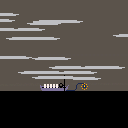
I was thinking about how one might make an interesting game involving ferrying passengers across a river. Then I got sidetracked by making imagery inspired by the ferry across the river Styx and the little fog lamp... This is kind of unusual for me, just posting a non-game cartridge, but I like how the clouds came out.
I might still make the ferry game, but I don't know if it will be about Styx or the underworld. I have quite a few ideas though, mostly involving crowded passengers and monster attacks.
TL;DR : It's an art cartridge, this is all it does, I might make a game out of it later.
3 comments




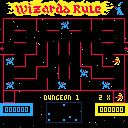
I made this "fan" game as an exercise to learn what I could do with pico-8. Pico-8 is such a great platform, and definitely challenging. My next effort will be something original. Enjoy!
37 comments







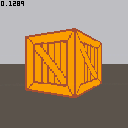
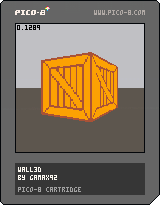
Got bored and wrote a textured wall renderer.
If you really wanted to you could simply replace sspr with line and have a colored wall renderer.
6 comments


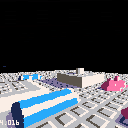
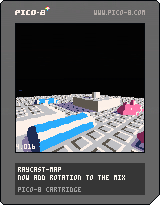
This is a first attempt to render textured height maps in something close to real time. I guess these would be considered voxels?
I am casting rays from the screen and checking intersect with the floor plane to get an x,z coordinate. Then I load a pixel from the map for the color and a pixel from the map at an offset location to get a height value.
A neat feature is that shadows could be baked into the texture.
Code is ugly, buggy, and poorly optimized...
Issues:
--In order to keep the frame rate up while moving, I had to double pixel size.
--Looking up a pixel on the map is very slow, but I want to be able to handle 512x512 height maps and this is the best way I can think of. (512x512 color map and 512x512 height map)
--tall vertical walls jump in and out of existence, especially when at a distance. Actually, this happens with all pixels. Rounding errors perhaps?
I'm going to look at Zep's Raycast demo and see if there is anything in there that I can borrow.
-ElectricGryphon
5 comments


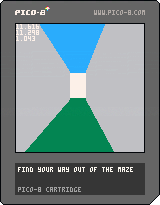
A silly game based on the 3D 'CAST' demo where you navigate a maze to try to find your way to a garden. Arrows to move. Hold Z to cheat.
5 comments



Still working on it, but it's gotten to the point where all major features have been implemented and it's winnable.
Instructions:
[hidden]You're solving a bomb with a certain number of digits (depending on how many you choose), by rewiring and replacing modules. How hard could that be?
Panel overview:
You'll view a grid of 4x5 panels, each corresponding to an element in the number, as you solve circuits, the panels will change to green and represent a part of the number. When you're confident in what the number is, press X and select the number. You can only do this when you've solved two circuits. Each panel must be guessed correctly to win the game, and if you guess incorrectly ... well ...
The circuit:
Pay attention to what flashes briefly, as it won't be said again until you complete a module. Go from 1st to 2nd to 3rd, cutting each side of the module, removing the old one, and soldering the new one on. When you're "cutting out" the modules, you replace the module you're working on with a wire (the grey rectangle), and if you're "replacing" them, you replace it with one of either same shape or same color. It won't be both, and you might have to try either to figure out what the circuit wants. Once you figure it out, every other module will follow the same rule.
No you can't just cut off a side of the circuit and then resolder it, that won't work.
7 comments



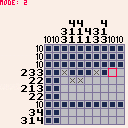
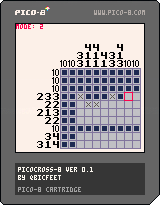
Controls:
- left/right/up/down to move cursor
- Z to mark a square
- X to flip between cursor mode (0 - nothing, 1 - cross, 2 - mark)
Just uploading this stupid thing I got sidetracked with and made today. I'll probably continue with it and flesh it out, just not sure when. At the moment it has 3 puzzles (2 of which were shamelessly stolen from Picross DS (pls dont tell anyone)) and which one you get when you boot up the game is random so keep rebooting the player until you get a different puzzle.
If you don't know how to solve Picross puzzles, this page might be a good start.
TODO:
- win state
- main menu & puzzle selection menu
- automatically mark numbers as rows/columns are filled in
- better controls
- tutorial (?)
- sounds, music and a plethora of juicy effects
- code optimizations to be able to fit in as many puzzles as possible
7 comments





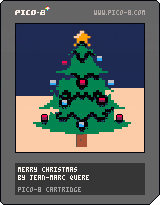
Hi,
Before there are hundred of similar cartridges...
I want to wish you a Merry Christmas!
Have a lot of fun with your familly.
I kiss you all ;-)
Thanks for the greater good that you give every day to the community <3
Many thanks to zep (for this strange and wonderful thing called pico-8)
Kind regards,
jihem
2 comments
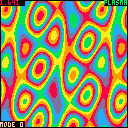
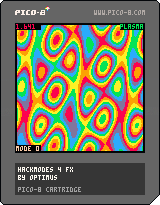
Hello, this is my first attempt to code anything in this great virtual console.
It's just four effects I coded in my first few evenings since I bought the Pico-8.
I try to use the special modes at 0x5f2c to mirror some of the effects so that I have to draw less pixel.
Although, one can use the keys to go through all the modes, and based on the mode more or less pixels are drawn and the text are aligned accordingly.
A: changes mode
B: changes part
10 comments





I keep thinking of old ST/Amiga era game styles that I'd like to experiment with in Pico-8 but a lot of them need mouse support.
Are there plans to add mouse support? Is there already mouse support and I've missed it? Is this a terrible idea and should I get my coat?
To me It seems a bit strange to use the mouse in the editors and then it be not available in game.
D
7 comments


I've been playing around with the map editor and I've even managed to stick Betsy at the bottom of the screen. I used some ball code from Squash code in pico-8 fanzine #1.
There's no collision detection, so raining on Betsy does nothing. She's also at a fixed y position so the platforms have no effect too.
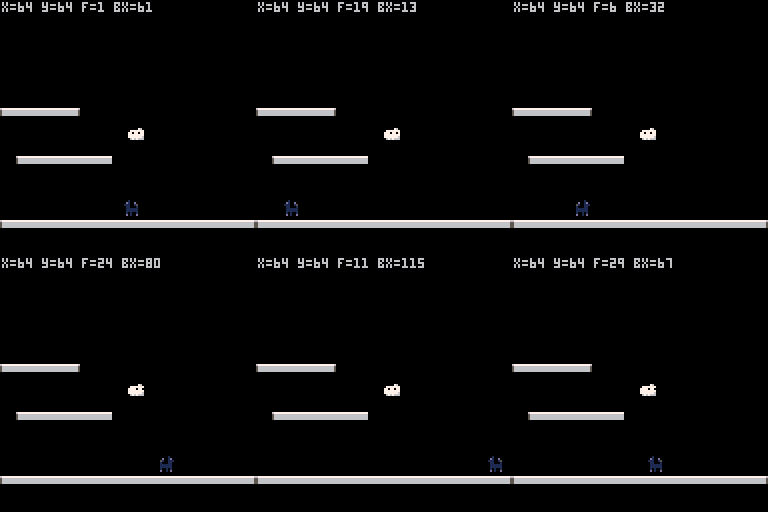
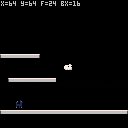
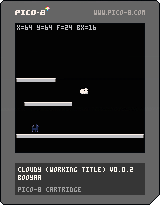
Update: I've managed to make a pig's ear of the cart title!
Update #2: Wahey posted to the wrong user blog!
1 comment
Hi, I am new to Pico-8 and I love it.
I yesterday tried to benchmark filling every pixel individually. At first I used pset. I tried something very simple like pset(x,y,c) where c = x + y + nframe, where nframe += 1 every update. I got 15fps, then I got 30 when I put it inside, like pset(x,y,x+y+nframe)
Then I tried to see if pset per pixel matters. I tried to poke at 0x6000, of course it's faster because I was poking two pixels at once. But if one needs to still control individual pixel, has to do bit manipulation with band and mul by 16, so it will be slow again. It would work for copying screen areas with memcpy, like a game I had seen that makes cool glitches.
Then I tried to make a buffer
vram = {}
for i=1,8192 do
vram[i] = fill with stuff..
end
but memcpy(0x6000,vram,8192) did nothing (black screen)
is there a symbol to get the pointer of vram? I also tried vram[0], vram[1] at the function.
Now if I copy some of the contents at 0x3400 and then do memcpy(0x6000,0x3400 it works, my array has stuff.
6 comments
