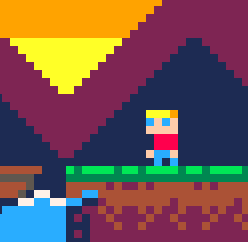


Hi everyone, I just made my first game and had a real blast.
Fitting with the space theme, the music is the Halo parady "we're low on rounds" song.
The kids you have to rescue are my own boys and some of their friends.


 1 comment


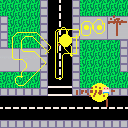
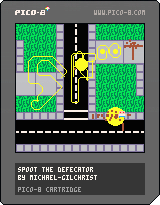

Having sorted my table, I'm now having difficulty with nil elements...
Is there a way to remove a table element, and not leave a nil value there?
2 comments


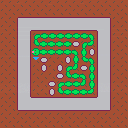
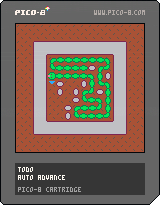
A quick little puzzle game. The goal is to fill up the entire grid with your snake.
Directions:
First, place the snake egg using the arrow keys. Then press 'z' to hatch it. Once hatched, use the arrow keys to move around. The level will reset if you get stuck, or you can press 'x' to reset instantly.
8 comments







It'd be nice if the BBS also showed the name of the last person to post, perhaps right under (or even instead of) the name of the person who started the thread. Every other forum I'm a part of does this, and it's really nice.
7 comments



Is it possible to sort a table in pico8?
I think that tables aren't (necessarily) ordered in Lua (not sure about pico8), but I need to do some rudimentary depth sorting...
Solutions or workarounds gratefully received!
21 comments





With current one, playing 2 player games is downright impossible unless you have also a gamepad. Well, if you don't want to play a game of Hand Twister at the same time as well, that is.
So I'm proposing following mappings for the 2nd player:
Left: Numpad4
Up: Numpad8
Down: Numpad5
Right: Numpad6
Btn1: Numpad7
Btn2: Numpad9
Then our friend can sit at the side and while we're using arrows+z/x, he'd use just one hand to control the game.
This is exactly how I've set up second player in Nestopia, aside of mapping stert/select to Num+/NumEnter and it works remarkably well.
2 comments

I've noticed that after few hours of using Pico, it starts to get more and more memory, but only when you start opening many different carts in a single, long (few hours, the shortest time I've seen it happening was in a session about 3h long) session. Obviously closing and reopening pico fixes it, but it should be looked into even if it's small (the biggest it got in memory was about 450MB when leaking).
//edit: Also the first sign the leak is happening is that sound starts to get choppy. That was what alerted me of the issue for the first time and I was investigating it for the past 3 days to get to what exactly causes it.
1 comment

Would save a ton in tokens since brackets are treated as separate tokens.
//edit: Or if you're calling version of function that takes no arguments, ex:
palt(12,true) -- <- brackets necessary --draw something palt -- <- brackets unnecessary since this version of palt has no parameters |
Of course after such bracketless call/definition, a new line would be required, but most sane programmers do so anyway.
14 comments


Could someone make cart that shows some basic transition effects (crossfade, swipe left/up/down, fade to black, etc) for those who want to have those but don't have skills to code it?
2 comments




Z to change colours
X to change shapes
LEFT and RIGHT to select presets slot
note: Saving doesn't work in the web version yet!
old version:

 6 comments


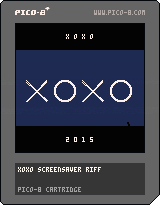
Just a little love note to the wonderful weekend I had at XOXO 2015. This is a riff on the great interstitial background animation by designer Craig Winslow, plus a little triumphant chiptune thing I wrote up.
2 comments

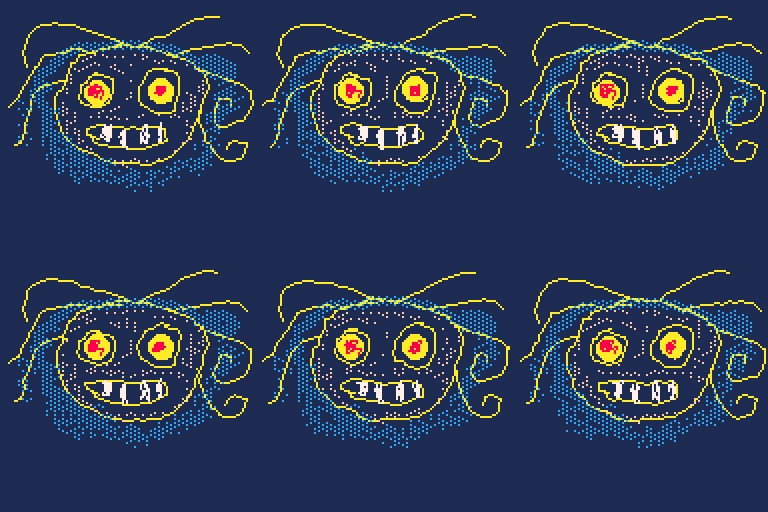


HOW TO:
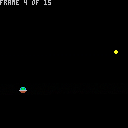
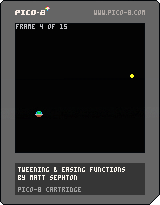
Press Z to make spaceship move to another position
Cart uses ease_in_out_cubic (but feel free to edit and change to another included easing function).
Animation is locked at 0.5 seconds per move (feel free to edit this, too)
ABOUT:
Here is my attempt at providing tweening/easing functions in PICO-8.
They are based on existing work done by many other people.
These functions help you animate sprites smoothly from one position to another, with different types of acceleration and/or deceleration.
I am using them to animate cards around the screen in my Hanafuda Koi-Koi game.
To read more about Easings, go here: http://easings.net
Working:
Linear
Quadratic
5 comments
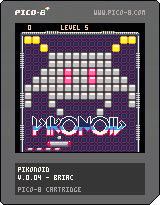
0.05
- Still bad collisions :)
- Secret code for unlimited lives
- some other stuff
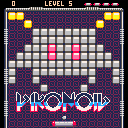
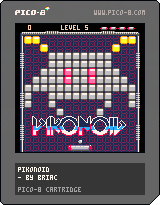
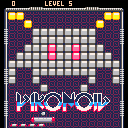
0.04
- Rewrote the code nearly from scratch, levels are map are
- redone collisions based on the Wall Collision Example cartridge
- Splash screen with Arkanoid intro sequence (still WIP)
- Double and Triple hit bricks
- bricks score
12 comments


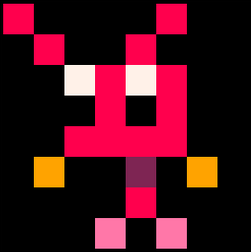
[[ Last post contains the new version ]]
Hi guys!
How are you doing? It's great to see the Forum so active and so many people making and sharing great games, emulators, music, etc... I think it's time to make more tools :) I am working on a sprite editor that will be compatible with Pico-8. I made a little GIF so you can see it in action.
I am open to any suggestions, so please let me know what you think and what you would like to see in future versions :) Cheers

Esteban
19 comments