





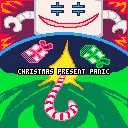
(v03 12-08-22)
TO LOAD THIS PICO-8 CART, in immediate mode, type:
load #xmasppVVHAT'S NEW ??
- 12-08-22 Thanks to @kimiyoribaka for "quick new game" suggestion. In the system menu.
- 12-08-22 Thanks to @extar for finding a bug in the name entry. Corrected.
- 12-08-22 Show high-scores after entering your name. Game continues from there.
@ScrubSandwich: Greeting humanoids, this is the first game release from the group of SORCERY. We hope that you enjoy our humble release filled with Christmas cheer and winter shenanigans.
12-07-22: Hello ! I thought I would update this joint project Sorcery and myself worked on years ago with new Pico-8 v0.2.5c abilities.


 18 comments







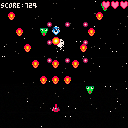
Controls
Arrow keys - Move space ship
(X) - Fire at everything
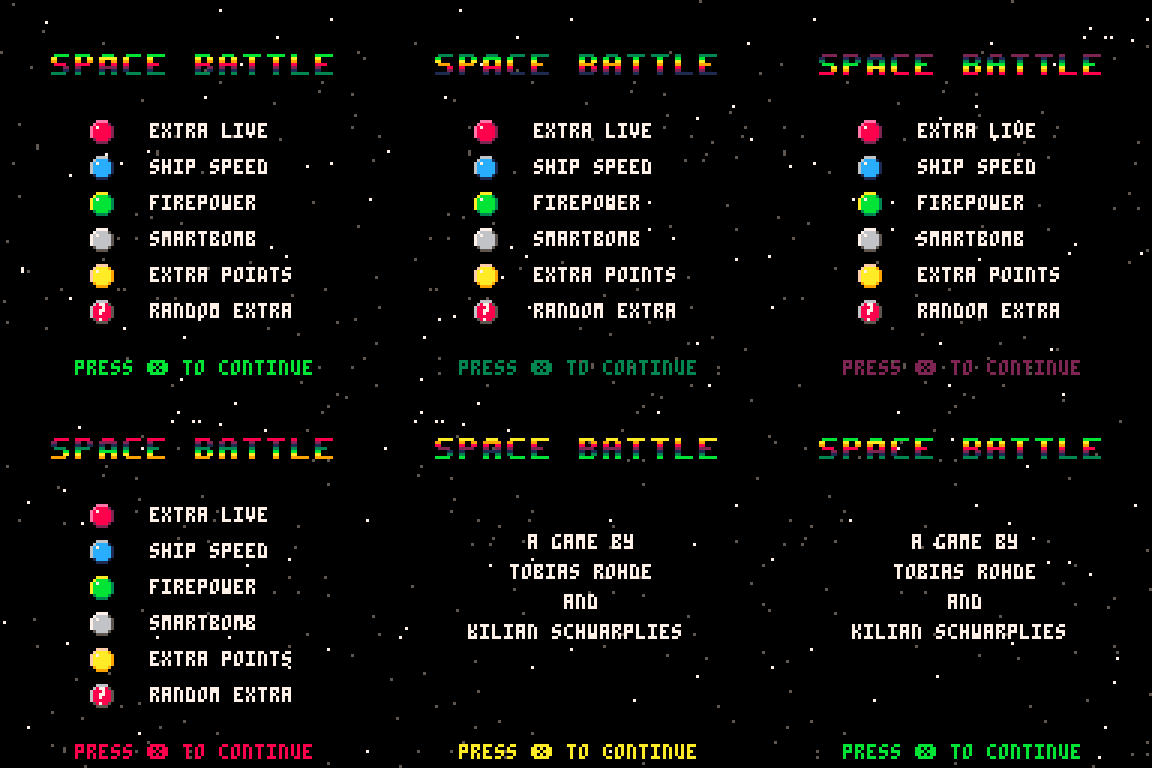
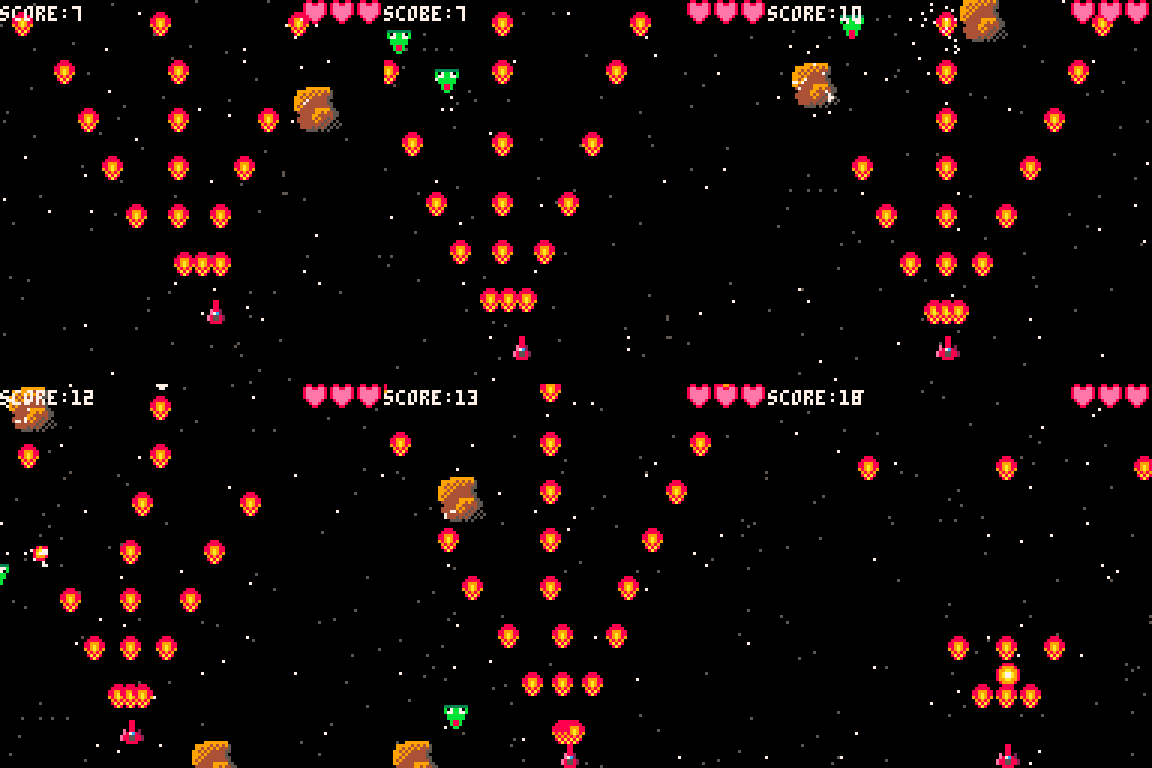
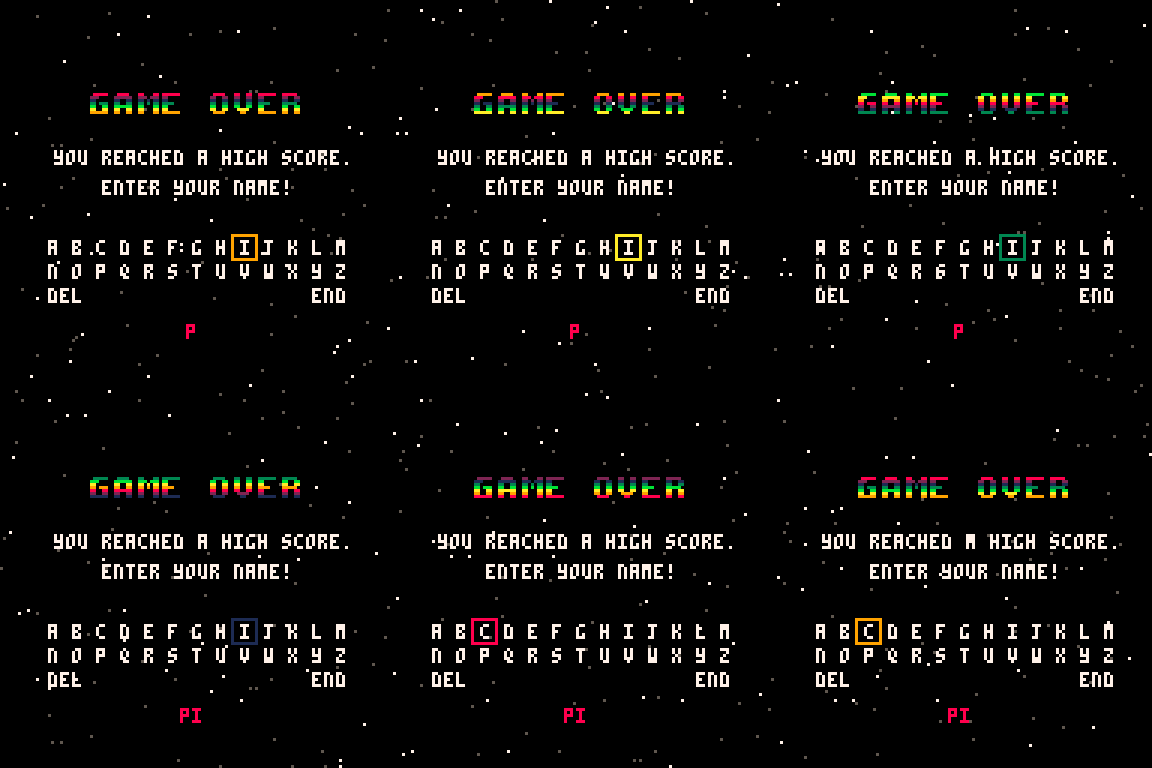
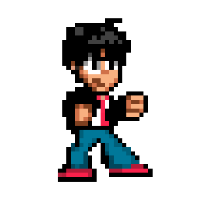
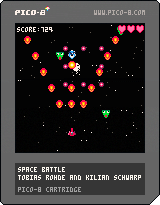
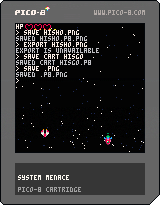
You won't believe it, but Space Battle is a shoot 'em up. Besides different enemies (and bosses), it offers various extras (explained in the opening credits), more firepower, a high score list and a cheesy background story.
Credits & Behind the Scenes
Triggered by @Krystman's SHMUP tutorial on his Lazy Dev YouTube channel, I thought it would be a good idea to program a game together with my ten-year-old son and teach him a little programming logic along the way. He was immediately hooked, but was more interested in the sprite editor and kept coming up with enemies, bullets and new ideas for a few extras. In any case, we both had a lot of fun.
1 comment


Description
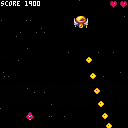
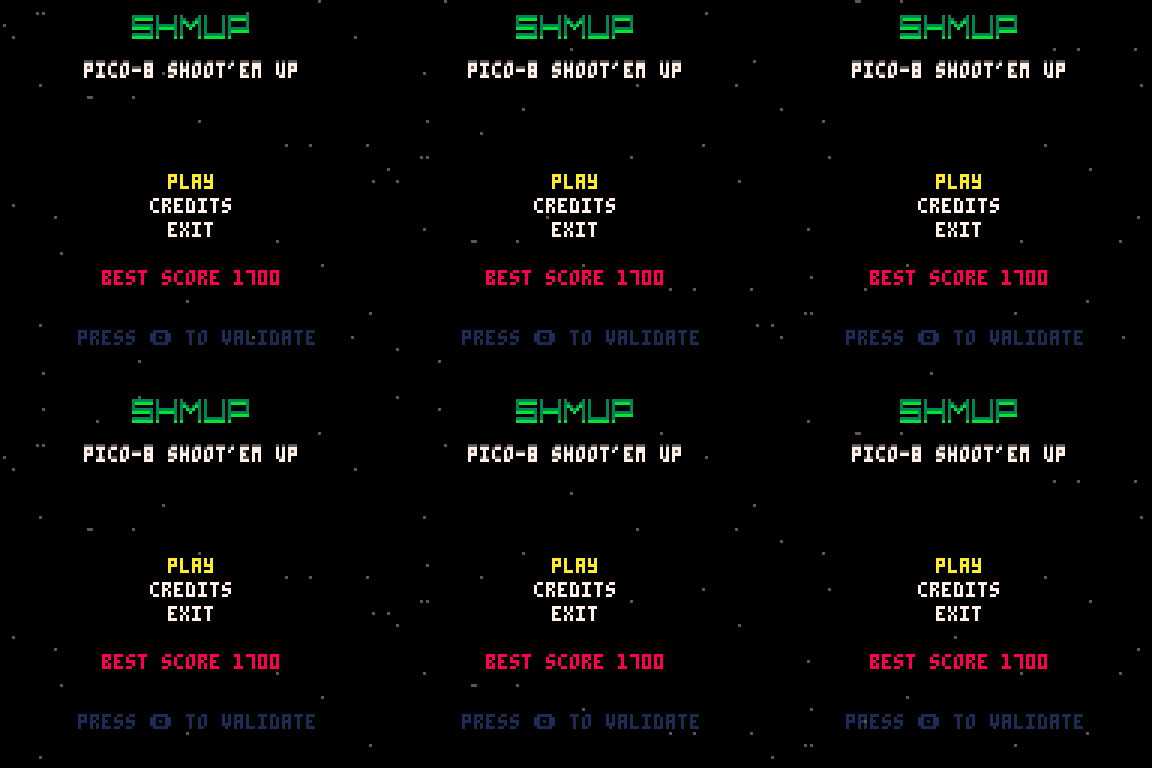
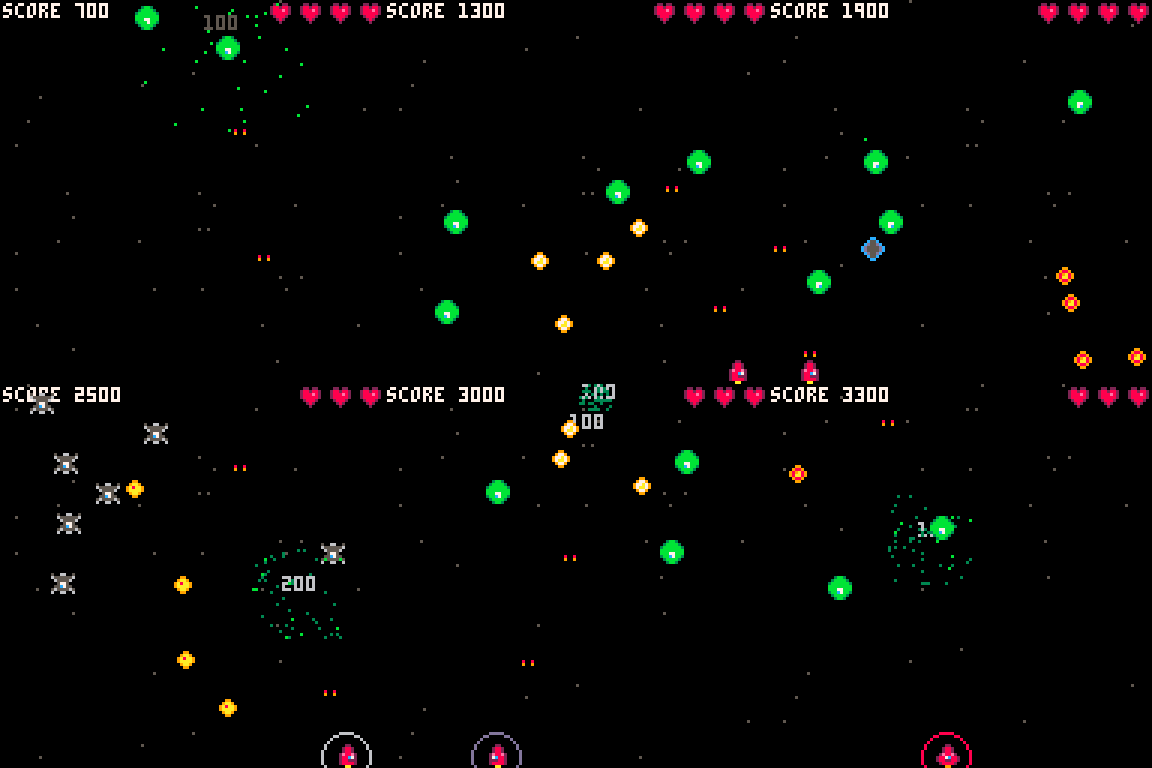
Shmup Pico-8 est un shoot'em up. Le but est de détruire les ennemis arrivant du haut de l'écran par vagues.
Une fois 9 vagues passées un boss de fin de niveau arrive et vous passez ensuite au niveau suivant.
-Les cœurs : vous permettent de récupérer de la vie.
-Les boucliers : vous protège pendant 30 secondes.
Controles
⬅️➡️ Gauche Droite
⬆️⬇️ Haut Bas
❎Shoot
Ce jeu est issue d'une formation complète sur Pico-8.
Développeur : PAREIN Jean-Philippe
0 comments


I'm working on a Minecraft (2d) clone. I have world generation pretty much complete, but I need to have a way to store said generation. I know that using printh() lets you write to files, but I want to read the contents from an external file like new_world.dat or something similar.
8 comments



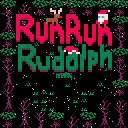
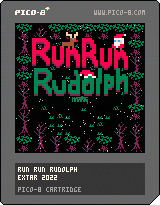
Satan has taken over Santa's house! Luckily, Rudolph (that's you) has escaped from the cage he found himself in. Rescue Santa! Rescue reindeer! Stop Satan! Collect Christmas things! Save Christmas!
I thought I'd try my hand at the proud, proud tradition of making a lazy asset swap Christmas game. Turns out this was vastly more work than I anticipated but also a lot more fun. Trying to make sense of my own code from two years ago was not fun though.
This started out life as Banana Chase, one of my first games. All the sprites needed Christmasing up, I heavily remixed the map and also jammed in some Christmas jingles. What was not fun was trying to make sense of the absolute nonsense that passed as the level sequence code, this is not a place of honour etc.
6 comments



i made a spooky scene to test if i could generate visual details procedurally — yes, i could
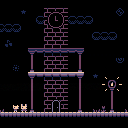
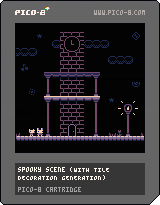
before i could create the full scene, i made a fake screenshot in a pixel art editor
so i could look at the picture and imagine which commands i would need to add the details
behind the scenes
warning: long text
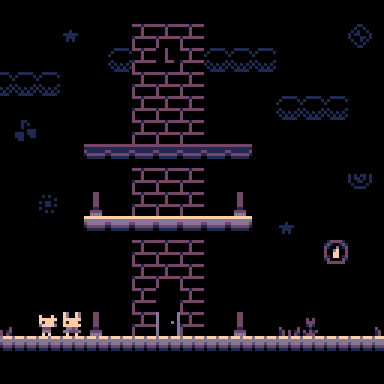
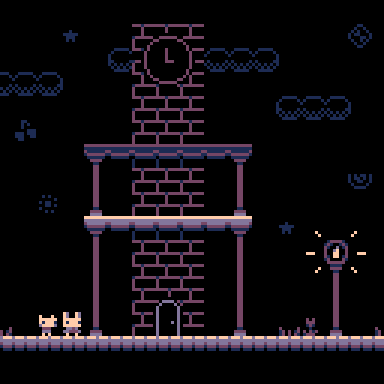 4 comments


Fruit Salad 64
Make a bowl of fruit salad by squashing matching fruits together. Can you finish all 3 levels? Fruit are worth more in the beginning, be fast to get a good hi-score!
C&C welcome
Controls
-
←→↑↓– Move the selection -
X/Z– Pick and place items Enter– Pause/Settings
Update notes
-
2022-12-07
- Updated cart image
- 2023-01-01
- Game session is now remembered across restarts (reset saved game from pause menu)
- Items can be picked up, even if there are no matching items on the board
- Items can be swapped if they don't match
- Added more levels
- Score can now reach hundreds of millions before overflowing
18 comments




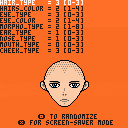
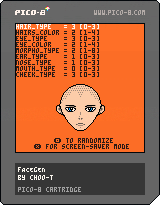
FaceGen
A small experiment on creating a simple faces generator made after stumbling on slynyrd's awesome pixel art tutorial.
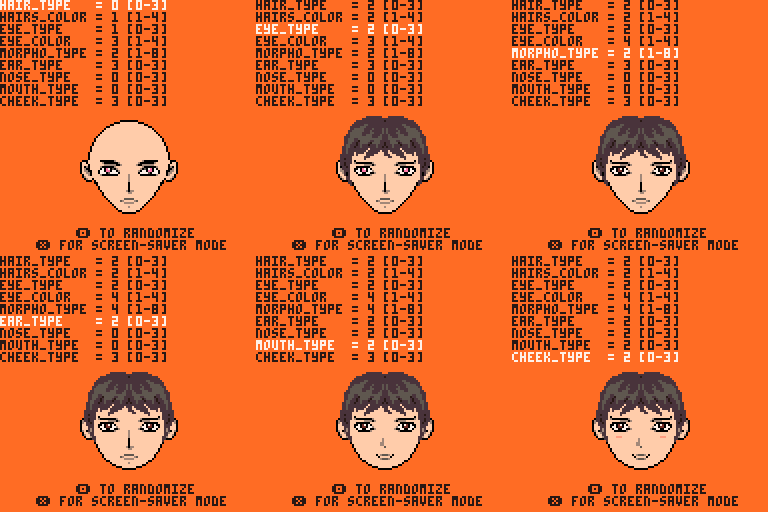
How to
⬆️⬇️ to chose a feature to change.
⬅️➡️ to change feature value.
🅾️ to randomize all values.
❎ to switch between screen-saver and edit mode.
Changelog:
2022-12-06:
- added skin color setting
3 comments


So obviously it’s difficult to find cheap Raspberry Pi’s anymore but Libre Computer’s Le Potato and La Frite seem to be really similar. I don’t have a ton of experience with Raspberry Pi or anything but I can follow guides just fine, would I be able to follow the Raspberry Pi handheld guides found on these forums and just replace the Pi with a Libre Computer?
Thanks
3 comments

Hi all! I have a problem. I made a game and I've lost the source code (my laptop was stolen and my code wasn't backed up 'cause I'm a dummy).
Regrettably I didn't post it to BBS either :/
I'd like to be able to recover the .p8 file from the exported html and js files. Is there any way to do this?
Many thanks <3
16 comments




Powered by Chronoco™

Rediscover Convenience
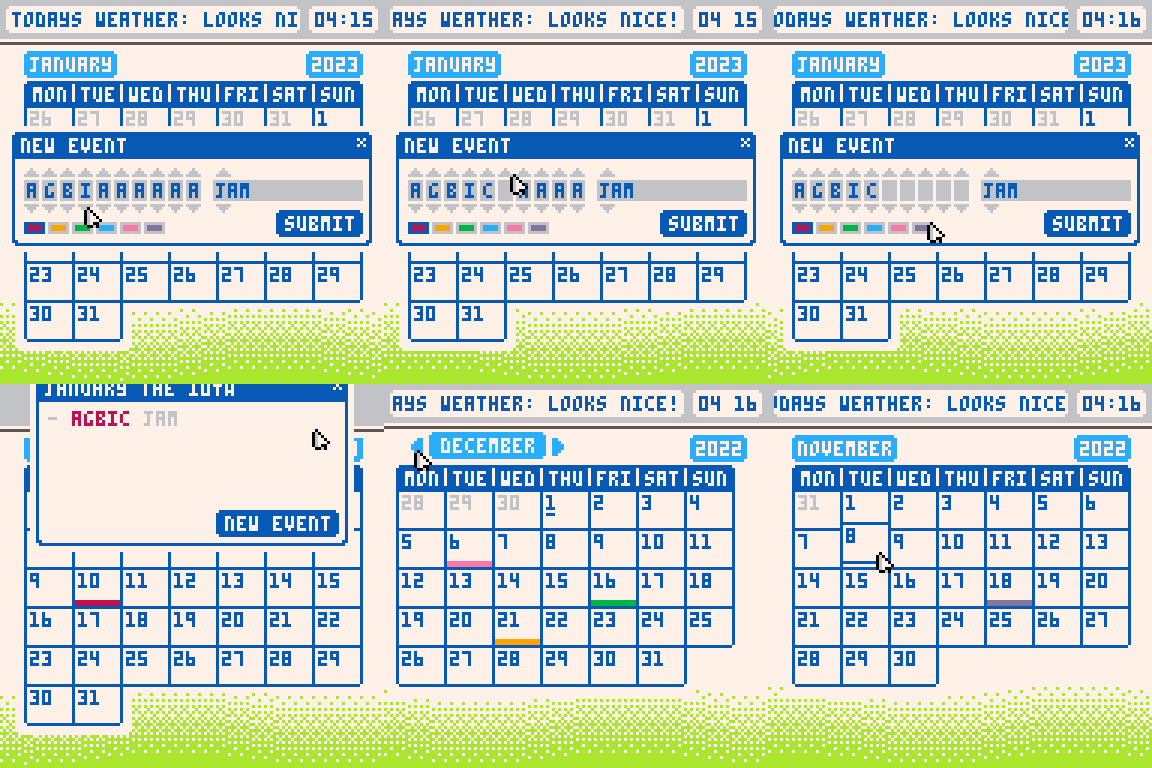
Date&Time is revolutionary calendar software designed to keep track of you- for you . Rediscover convenience with our state of the art event modification tools ; or tailor your experience to be as unique as you with (6) different colours to save reminders as .
FEATURES:
- 📆 Keep track of the date
- 📌 Create and save up to 10 events ! (feature still in construction)
- 🖍 6 unique colours to choose from !
- ⏱ Supports up to 3 timezones ! (feature still in construction)
- 📡 Automatically register all data to the Chronoco™️ data core
6 comments
I don't know how to run a line of code when one sprite collides with one another, could someone please help me out with this. (I am VERY new to pico-8 so keep it simple) Thanks :)
9 comments

(v01 12-05-22)
TO LOAD THIS PICO-8 CART, in immediate mode, type:
load #p8mtoo
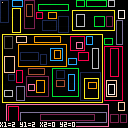
This cart is designed for offline use and will let you select any area from your spritesheet and draw it in any other code or even a different cart - without using the spritesheet.
Use the arrow keys to navigate.
Try selecting any of the color rectangles to test the system.
Hold down the CTRL key to jump in a grid of 8x8.
Hold down the SHIFT key to start selecting an area. The area is inclusive so the cursor must touch the area borders you want to select.
Hold down BOTH CTRL and SHIFT to select in fields of 8x8 where the box is 8*size-1
0 comments

BLOKI
This is my second Pico-8 game!
Instructions
This a 1 or 2 player game.
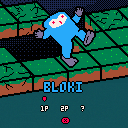
When a player makes a move the block underneath reduces one on its counter, and when it reaches 0 the block crumbles appart. The idea is to make the other player (human or computer) fall.
Controls
In 1 player mode, you can move with either the SEDF letters or with the arrow keys, in 2 player mode one player uses the SEDF letters and the other one uses the arrow keys.
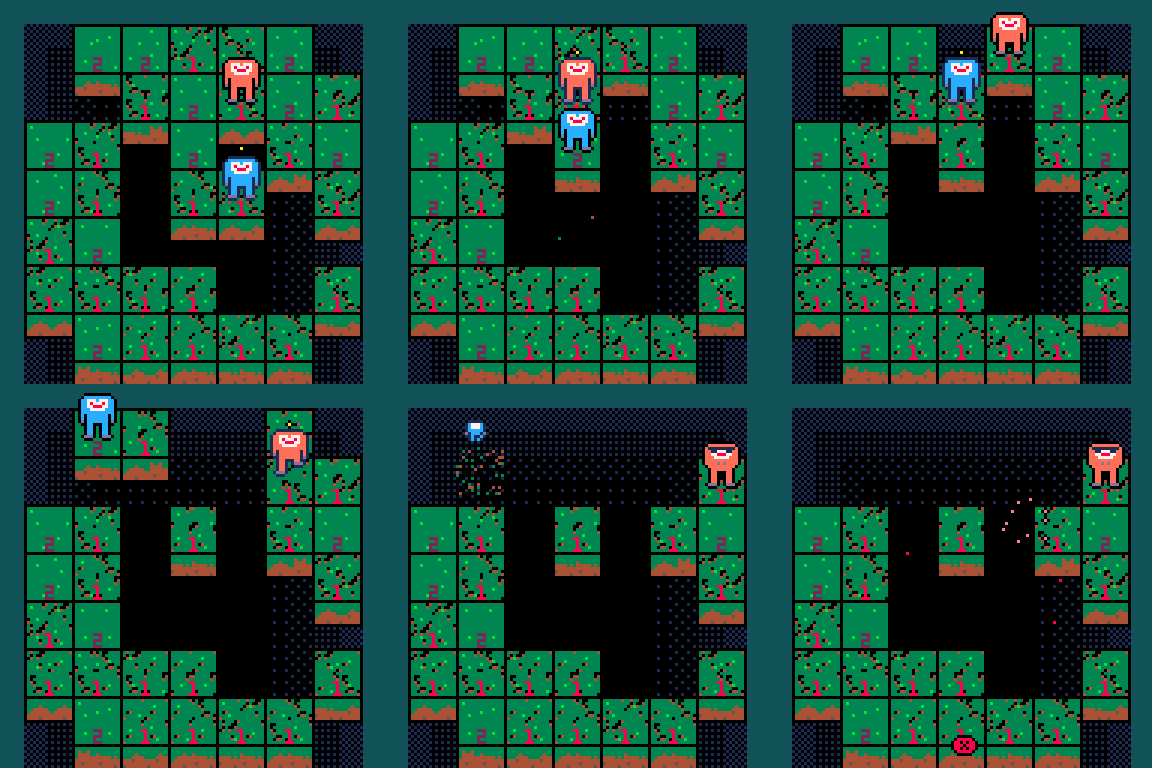
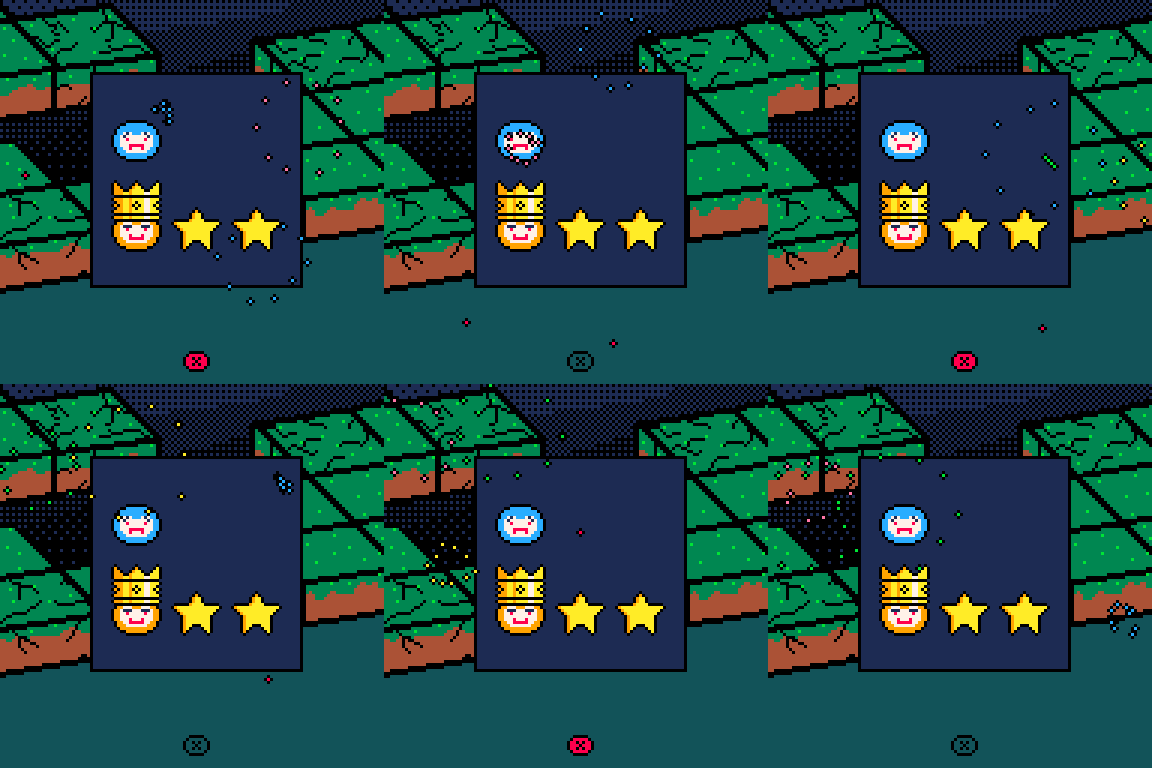
1 player mode has three different levels of difficulty, I used a minimax algorithm to implement the AI.
Other games
I also did a game called POF, a speedrunning boss shooting game: https://www.lexaloffle.com/bbs/?tid=46519
7 comments


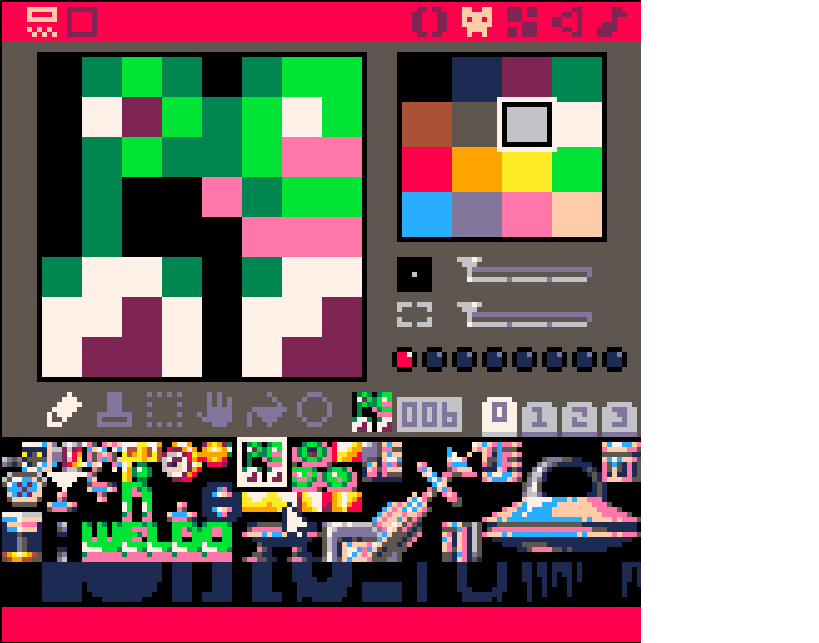 Was looking through UFO Swamp Odyssey and saw that they had multiple sprites or sprite pieces per sprite tile. Like how they have 2 pairs of eyes in one sprite tile. And I'm completely clueless as to how they accessed the bottom half of the sprite. I know in the arguments for SPR() you can choose to only use a fraction of a sprite, but it always starts at the top left corner. So how did they only use the bottom half? I looked at the code for a good couple minutes but couldn't find anything and I don't know what this technique is called so I don't know what to search for.
1 comment
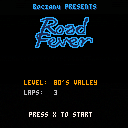
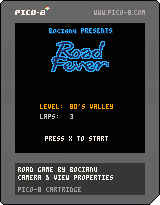
Hi, this is my simple racing game written 5 years ago.
The game is inspired by Lotus and other well-known titles form 8-16 bit era.
It won the game compo on WAPniak party in 2017. I hope you will enjoy it.
4 comments

TEZARTMTL2022
This token is a special gift for those who attended #TEZARTMTL in 2022. Huge thanks to the organizers for making this event possible, and to everyone who attended. I hope you enjoyed it as much as I did.
This piece is interactive and a bit playful, so please play with it! To experience the full interactive elements, it is best viewed on a PC or laptop using a USB gamepad or keyboard. If you are using a mobile device, touch control buttons will be visible. If they are cut off, please open the objkt directly via the IPFS link for a better view.
The controls are as follows:
-> up,down,left,right arrows: pan the texture along the torus, you'll see it makes sense
0 comments
So I recently had an idea for a pet game on PICO-8 akin to Tamagotchi, or nintendogs. where you take care of pets, and you would use a cursor and buttons. My ideas was to have 2 main areas, one area for just watching and feeding your pets, another for mini games and for training your pet. My idea was once you feed a certain pet enough it would lay an egg and give you more pets My idea for the mini games would be something simple like button mashing or something easy to do. I'll also have to figure out how to make the pets move around on their own (I already have the pet sprites). I'm still pretty new to PICO-8, and have only made short top-down adventure games, so sorry for my lack of knowledge. Comment how you would go about this idea. Thanks!
P.S if I use your code or ideas I'll give you full credit where it's due.
1 comment
