This is a cut down version of the variable inspector I wrote a while ago. It's a bit more limited, but a lot more light weight. And there's a way to use it even if you have no tokens to spare (described below).
You use it to view Lua table variables:
- Run your game
- Press Esc to break into it
- Type: dinsp(variable)
Then use the mouse to expand values and scroll wheel to scroll up/down.

Code snippet follows (for some reason I can't use the code formatting tags):
poke(0x5f2d,3)cursor()pal()clip()function dadd(n,v,i,p)add(lines,{n=n,v=v,x=type(v)=="table"and"+"or" ",i=i},p) end function dexp(l,p)if l.x=="+" then for n,v in pairs(l.v) do p+=1 dadd(n,v,l.i.." ",p)end l.x="-"end end
function dinp()local x,y,b,w=stat(32),stat(33),stat(34),stat(36)line(x,y,x,y+2,10)if btnp(❎) then local i=(y-10)\6+1 local p=s+i local l=lines


 1 comment










This is my biggest pico-8 project so far!
Switching between windows by clicking on them gets buggy when there are more than two windows. I recommend either using the icons at the bottom, or not having a lot of windows open.
It would be great to see if others could build on this and make it better. If you want to do that, here is the cart: 
13 comments



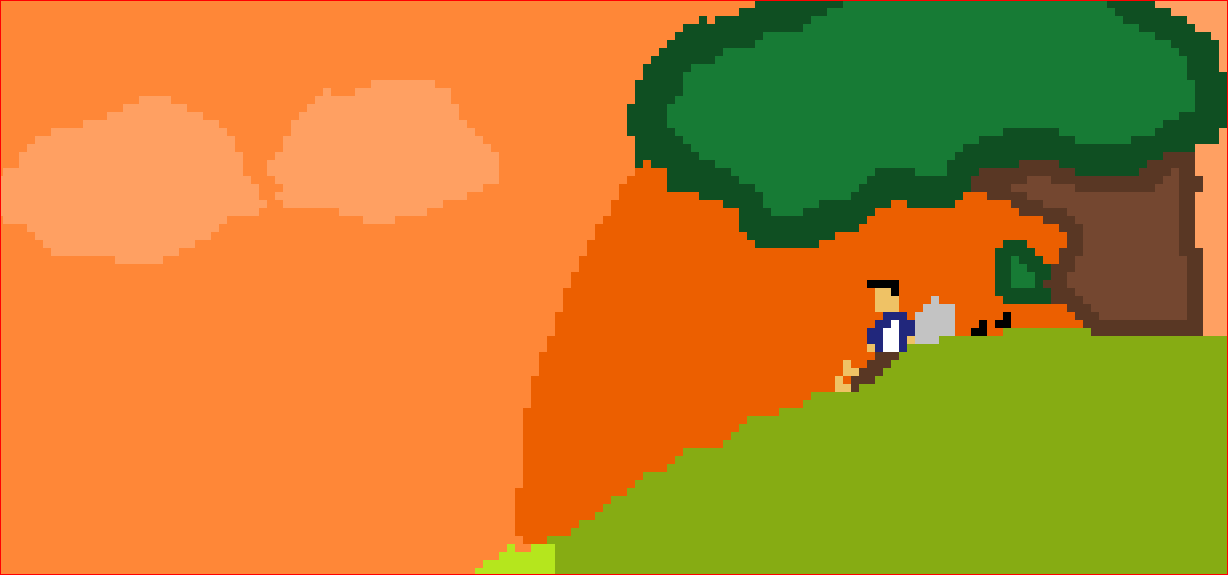

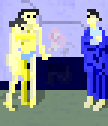
Say a player has a way to design a custom painting in a game. This painting should persist between playthroughs, and be stored on the spritesheet.
I know that this should be done via cstore(), but I simply do not understand how.
function painting() -- code for modifying sheet through sset() here -- cstore(A,A,L) end |
What I actually need is the values for A and L.
Cheers in advance.
3 comments


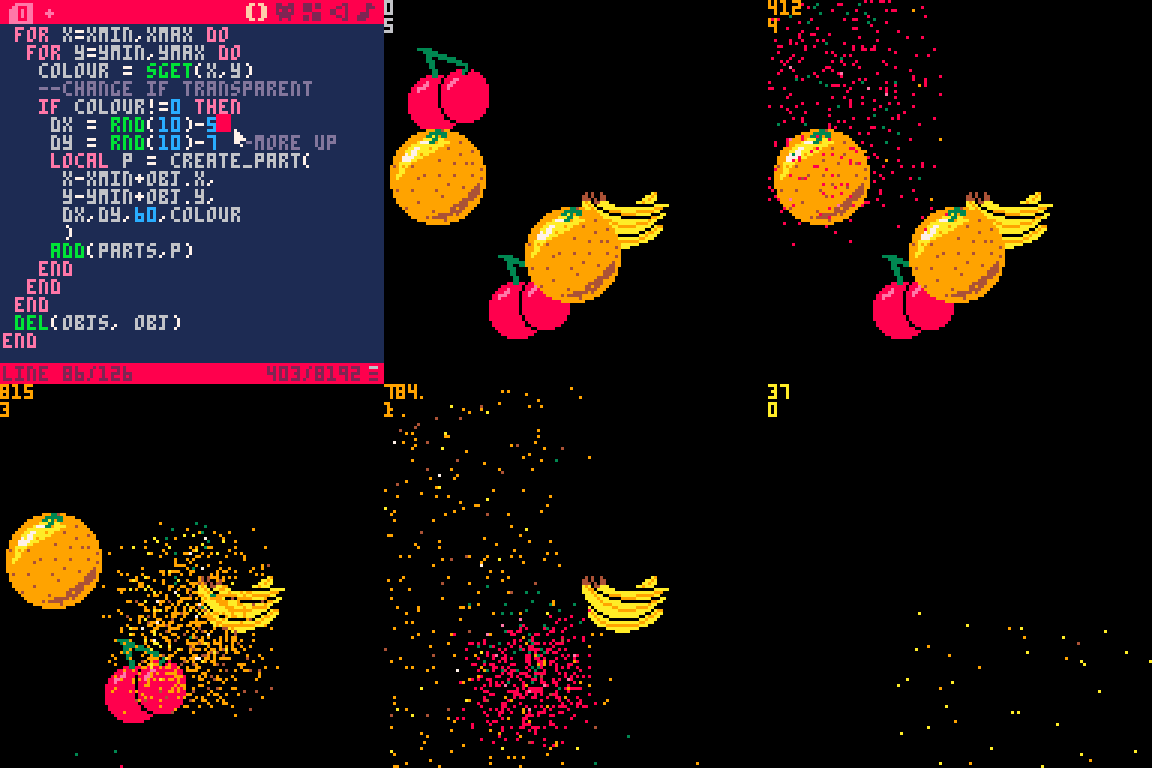
I was told that this may not be too helpful but I thought I'd upload anyway.
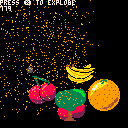
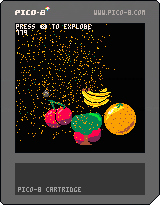
Its basically some code to turn an area of the sprite-sheet into an explosion. I haven't referenced other peoples work on this so if there is a better implementation I apologise.
Feel free to reuse any or all parts.
1 comment





BBS: can't edit posts anymore. There is just an endless waiting cursor after hitting "publish".
1 comment


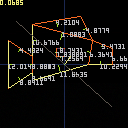
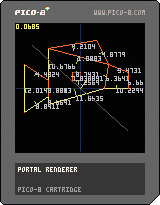
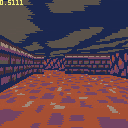
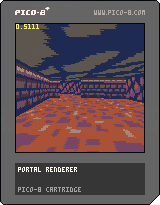
Intro
Recently I decided to dig into portal renderers and start to build my own, inspired by this excellent write-up of BUILD. This is currently work in progress, no guarantee it will turn into a full game but thought it was interesting enough to share.
I used a lot of stuff from other projects
5 comments



Quick mod tonight: Celeste 2 Long!
This mod removes the length limit for Lani's grappling hook. That's it.
I know this isn't much compared to my normal mods but I had this idea and it worked pretty well, enjoy!
All credit for the original game goes to Noel, Maddy, and Lena https://mattmakesgames.itch.io/celeste-classic-2
get it? Celeste 2 long? ...too long? Anyone?
8 comments



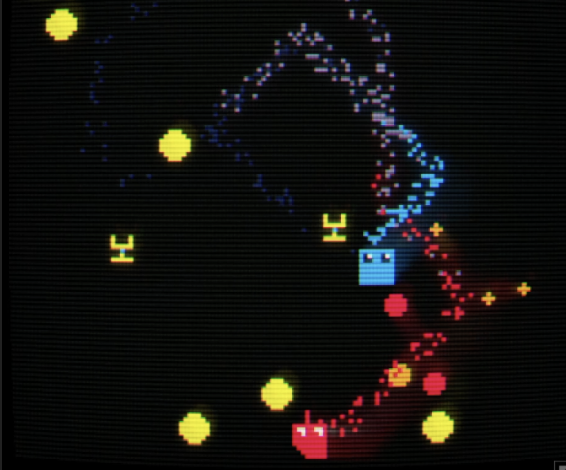
Hi i implemented an online leaderboard using this method: https://www.lexaloffle.com/bbs/?tid=42526. And I managed to get it to work. I can't embed it here because it requires setup on the browser side but if you are interested you can play it here: https://maxall41.itch.io/the-heist. Though the in-game leaderboard can be a little bit glitchy due to the difficulties of parsing json data in PICO-8.
 0 comments
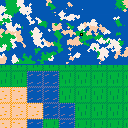
Decided to make a game about exploring a bunch of islands. Obviously needs a lot of work, but it's a start.
Hold S or (<) P2 to see the map.
Use P1 arrow keys to move.
Hold X or (X) P1 and press any of the P1 arrow keys to place/destroy a platform on water.
To do:
- Add Scenery (e.g. trees, plants, etc.)
- Add crafting + resource management
- Make music
- Make player look not trash
0 comments
I've run into the same thing on a couple of projects, so I'm wondering if I'm missing something in regards to map().
- sprites have flags marked 0-7
- the map command has the optional argument 'layer' that will display only sprites of a certain flag
- the default argument for layer is 0, which mean to show everything
- if I mark a sprite with flag 0, then using 0 as the argument will just show everything (which isn't what I want)
I think in the past I just didn't make use of flag 0 and it looks like that's what Zep did with Jelpi, but it seems odd that I can't (I think) use flag 0 as a layer argument.
Thanks
2 comments

Hey everyone, here's my first Celeste Classic 1 mod: Celeste Flip!
It's based on my Celeste Classic 2 mod Celeste 2 Flip Hard Mode: https://www.lexaloffle.com/bbs/?tid=43821
Use X or V to flip gravity! (Z or C to jump and arrow keys to move.)
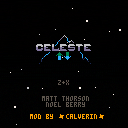
All credit for the original game goes to Noel, Maddy, and Lena https://mattmakesgames.itch.io/celeste-classic-2
4 comments



Descend into a volcano and hunt for an ancient treasure.
A Celeste Classic mod by Kris De Asis, gonengazit, taco360, and RubyRed, to celebrate the game's 6th anniversary.
Original game by Maddy Thorson and Noel Berry
38 comments






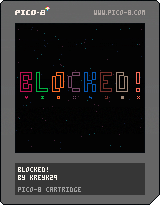
v.5:
IT WAS SO LONG LIKE 2 MONTHS I'M SO SORRY PAOKPXCOKZVOPKZXPVOZCKPVKCX
- Added music;
- You can return to the main menu through the menu (press enter);
- You can also return to the main menu through the game over screen by pressing Z;
- Changed the ball theme, its now not so bally (idk how to say that lol);
- Made some minor changes.
Special thanks to:
- MarkGamed: engine and some other help
- Merwok: help with inarea function
- SquidLight: help with fitinboard function
- Sim: code simplifying (damn he is a genius at this)
- ReeceGames: one of themes
Blocked! is the 2nd version of Bricked!
In this version there are a bit different rules and controls:
4 comments

.png)
I am asking this because the code I make is basically functions inside functions inside functions inside functions and I just think it makes the code really messy.
4 comments