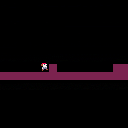
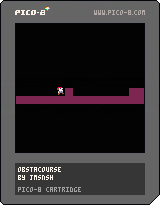


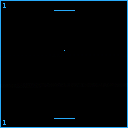
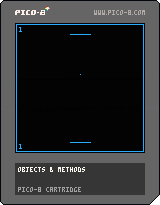
It's just 2 player pong.
Controls:
P1: arrow keys
P2: S-F moves left and right
I made this just to learn how PICO-8 works.


 0 comments

Hi,
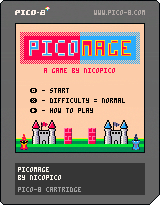
This is the release of PicoMage, my PICO-8 fantasy card game remake of ArcoMage / Ants.
Current Version 1.1:
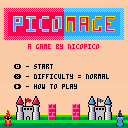
The basic rules are:
You play as the red mage and your goal is to defeat the blue mage.
You and the computer play one card each turn (and draw a new one at the beginning of the next turn).
For each card you have to pay bricks or weapons or crystals in order to play it.
Cards for building you castle usually cost bricks to play.
Attack cards cost weapons to play and crystal cards have varying effects.
If you have not enough resources, you can discard a card.
The number of builders determines how much bricks you get each round, the same applies to soldiers - weapons and magi - crystals.
5 comments


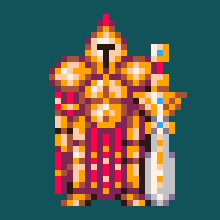
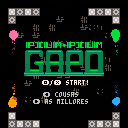
Use your mind to pop those bubbles!
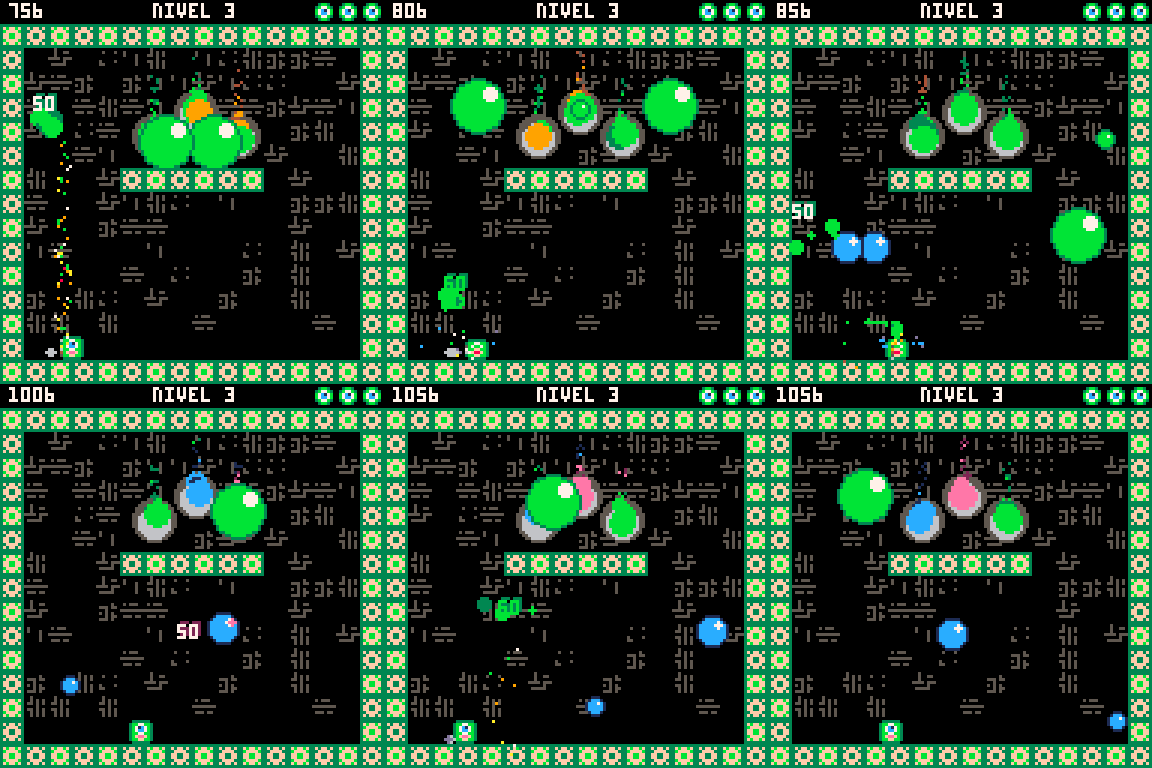
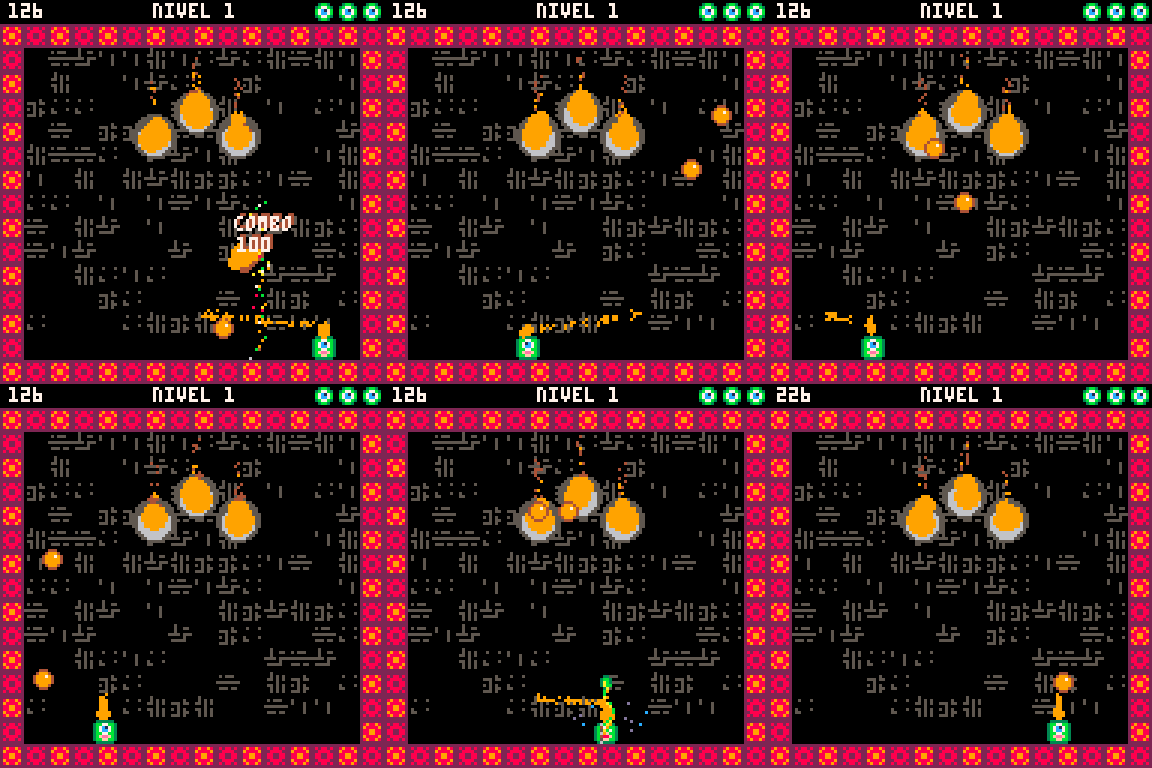
A dumb-down remake of the classic Super Pang.
-Move with left right arrow
-Shoot with Z/X
Complete all levels popping the bubbles, avoid them to keep you alive, and get your score to the top!
First time fiddling with PICO-8, and also first game released into the wild.
All feedback is welcome
^__^

|
[0x0] |
2 comments



Reading or modifying any value in the frame advance debugger will cause any glyph values to reset to their defaults.
Example cart (requires editor):

 0 comments



Introduction
In FIGHTY LONG LEGS, players take on the role of small blobs that wants to be the champion of stretching. To do that they need to knock each other out from the arena. The more damage you have taken, the easier is for you to be knocked out so be careful. Also attacking too much will send you into a fatigue state were you can't attack anymore so keep in track of your stamina is crucial to win. When no hearts are left one victor will emerge!
To make this more interesting powerups will spawn during the match. I won't spoil what happens when you pick them up though!
You can play this game both by yourself or with a friend/nemesis.
4 comments



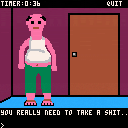
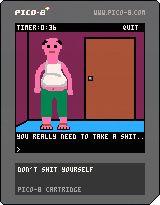
A port of the classic flash game Don't Shit Your Pants! by Decade Studios, now Cellar Door Games:
https://cellardoorgames.com/our-games/dont-shit-your-pants/
I was reminded of this old game the other day, and after seeing a few demakes recently, I decided to have a go at porting it.
I'm pretty happy with the result, I tried to get everything as accurate as I can to the original, including some weird behaviours. The colours are pretty far off, because even with the extended palette, PICO-8 just doesn't have hideous enough colours to match the original.
Also while I managed to get the intro and success music pretty accurate, I haven't managed to find a nice match for the fail jingle yet, so the current version is my first simpler attempt. If anyone wants to help I'd be grateful for the help.
5 comments



Here is a simple implementation of merge sort in 97 tokens. It uses less PICO-8 CPU than anything else I’ve tried (with a caveat, see below).
A small benchmark comparing CPU usage, sorting an array of 200 random numbers:
- this merge sort: 12% CPU
- ce_heap_sort (casual effect’s heap sort): 12% CPU (but 191 tokens)
- iqsort (dual-pivot quicksort by Felice): 74% CPU in degenerate cases (already sorted list), 10% CPU otherwise
- zsort (quicksort by musurca): 125% CPU in degenerate cases, 18% CPU otherwise
Note that non-randomised quicksort suffers from very bad performance on quasi sorted lists, so the above benchmark does not represent what you would get in real life. Always test in your own application.
function sort(t, a, b)
    local a, b = a or 1, b or #t
    if (a >= b) return
    local m = (a + b) \ 2
    local j, k = a, m + 1
    sort(t, a, m)
    sort(t, k, b)
    local v = { unpack(t) }
    for i = a, b do
        if (k > b or j <= m and v[j] <= v[k]) t[i] = v[j] j += 1 else t[i] = v[k] k += 1
    end
end
|
10 comments




Week - 4 - Taking Damage and UI
https://www.reddit.com/r/roguelikedev/comments/hmn5tb/week_4_parts_6_7_combat_damage_and_building_the/
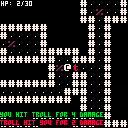
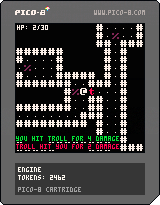
Check out that bottom orc!
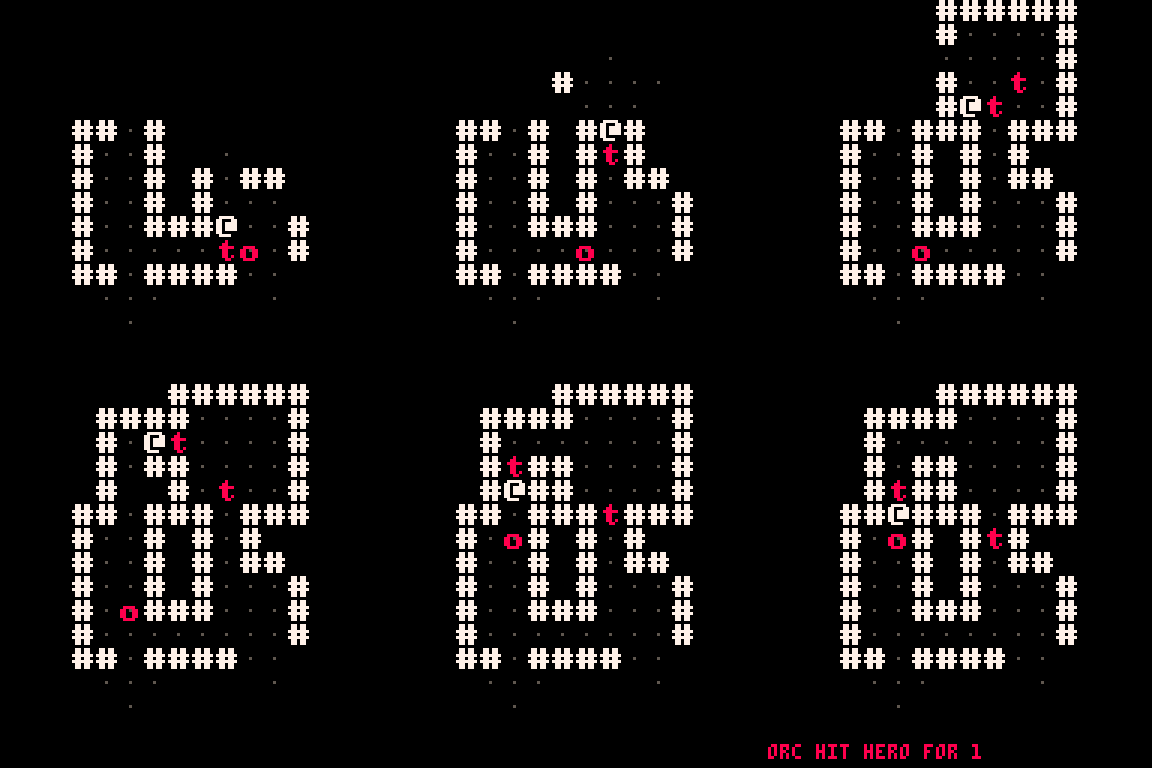
Implemented Pathfinding using a fill function instead of A star like the tutorial called for. (158 tokens for fill)
Might bite me later, felt like A star would be too many tokens, will try to find an imp I can borrow.
Edit:
- Finished part 6 & 7!
- Can now die / kill monsters
- fill pathfinding too slow for larger maps, capped the max cost of the fill alg to speed it up.
3 comments

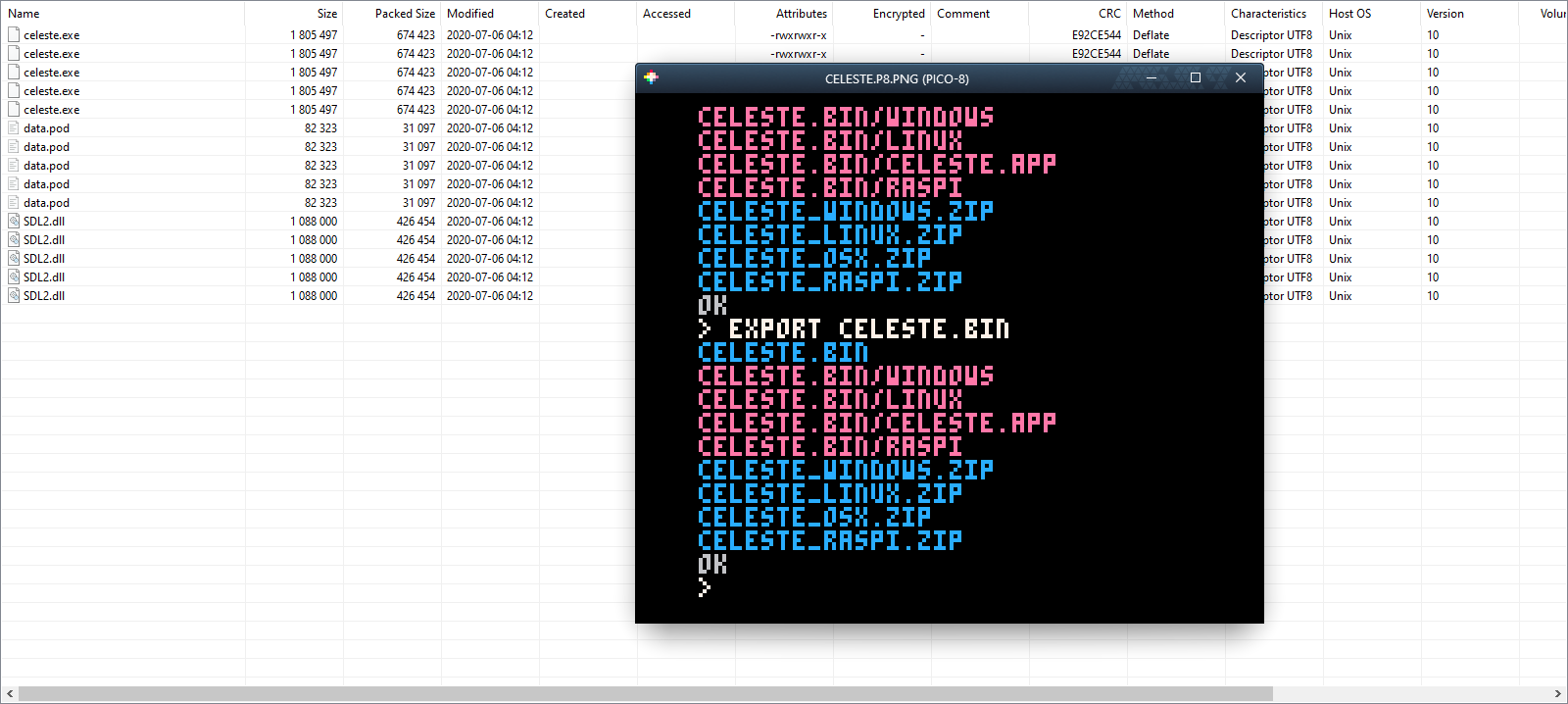
If you export a cartridge to binary multiple times without deleting the output, the files end up duplicated in the ZIP files with the same filenames.
 2 comments


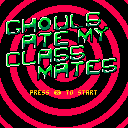
Hello!
just started with pico8, and played around with it.. this is (at the moment) just something to get used to the API. There's a function in there, that might be interesting for some of you, though. It prints a string with different colors per scanline.
function _draw()
 cls()
 cprint("colored text",nil,20, {7,11,3})
 cprint("pass nil for x to center",nil,30, {12,6,13})

 cprint("press ❎ to start",nil,80,{9,10,9})
end

function cprint(txt,x,y,cols)
 local len,org=#txt*4+4,clip()
 local a
 x=x and x or 64-len/2
 for a=1,3 do
  print(txt,x,y,cols[a])
  clip(x,y+a*2,len,2)
 end
 clip(org)
end

[ [size=16][color=#ffaabb] [ Continue Reading.. ] [/color][/size] ](/bbs/?pid=78976#p) |
0 comments

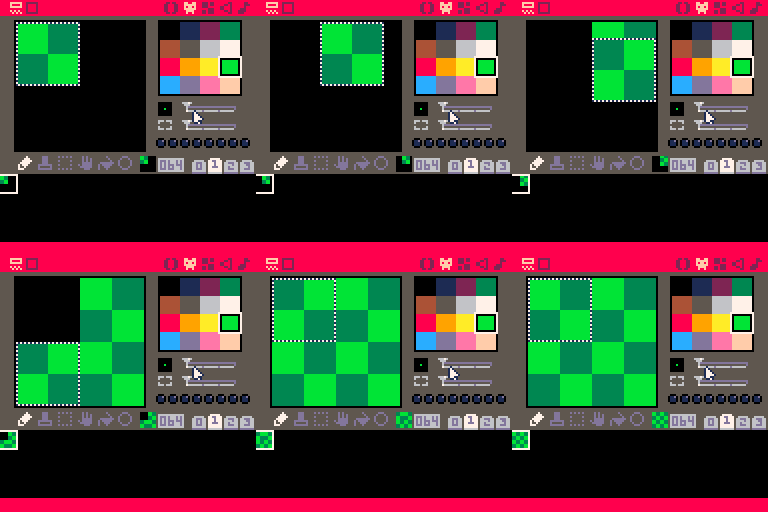
Holding Shift or S to select several sprites only seems to properly select them all when one starts on the top left sprite they are selecting.
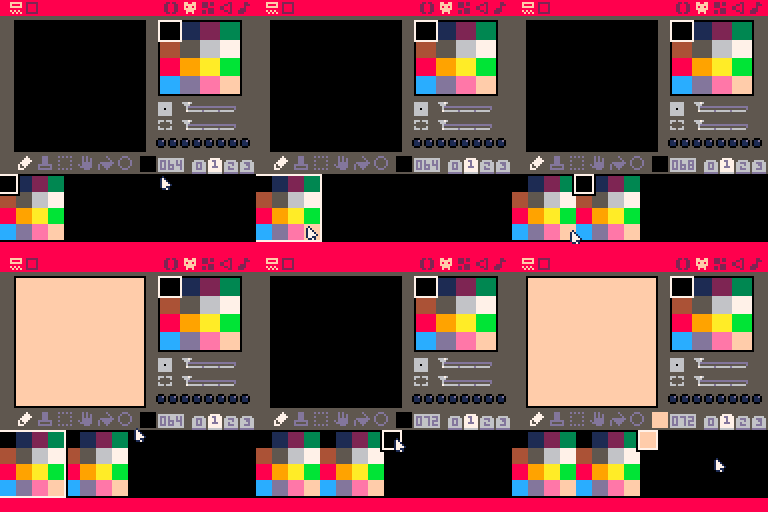
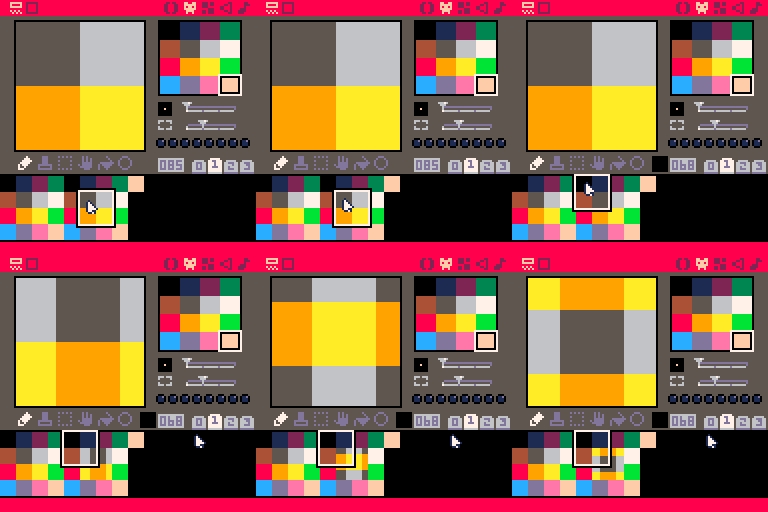
While actions such as copying, flipping, and moving work properly when selecting from the top left, it appears that when starting at a different corner it instead treats the selection as if only the initial tile was selected instead. This creates particularly odd effects when at levels of zoom besides 1x:
 0 comments
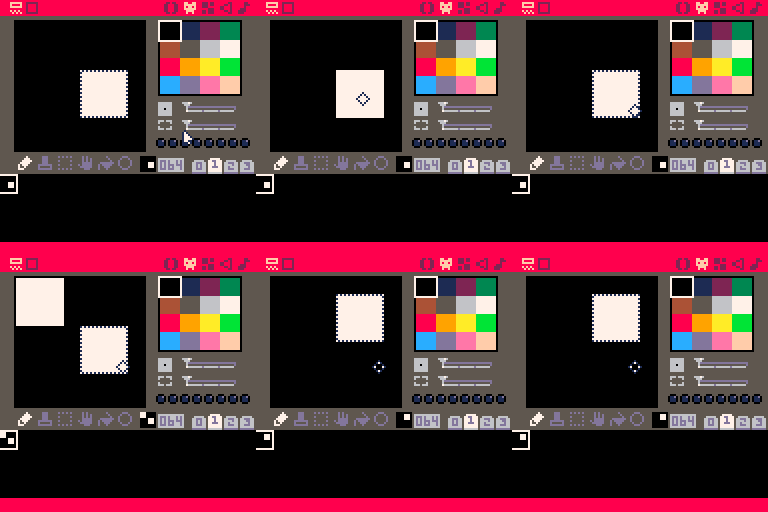
Noticed some presumably unintended odd behavior in the sprite editor:
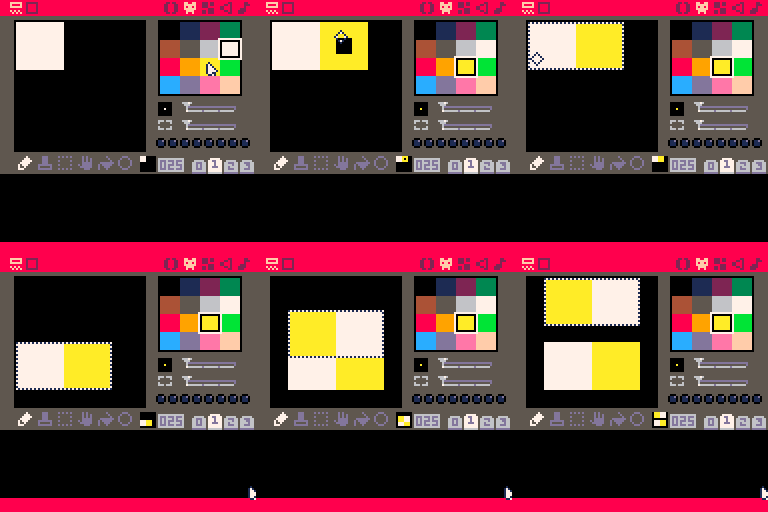
It seems that any time the selected region is flipped while not over its initial position, pixels are changed underneath it. Using version 0.2.1b on a Mac.
Edit: I will note that something like this seems like it could actually be somewhat useful behavior, as it lets one duplicate an already selected area within a sprite without having to copy and deselect it, but it's pretty odd right now. For example:
Noticed another oddity with moving selected regions while testing this: if one has copied a group of pixels, then selecting a region, pasting with CTRL-V, and moving the selected region will cause the pasted pixels to disappear.
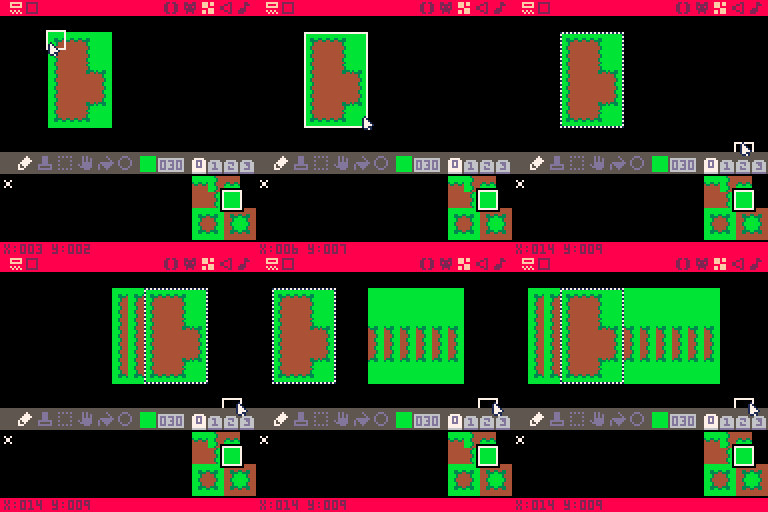
The map editor also appears to be having some similar issues:
 0 comments


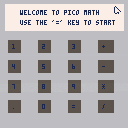
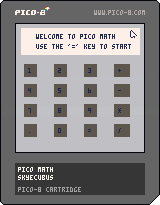
Hello there this is my first project in Pico-8. I always thought it would be fun to attempt to make a simple calculator for myself. the '=' button performs clear screen operations for now though maybe I can update it later with a proper dedicated button. anyway I hope you all like my little project!
3 comments





I was testing out various PICO-8 cartridges in the new version, including my own Rain Gif cart, and I discovered that when I chose the built-in "Save Gif" option, it would report that a GIF was saved to the desktop:
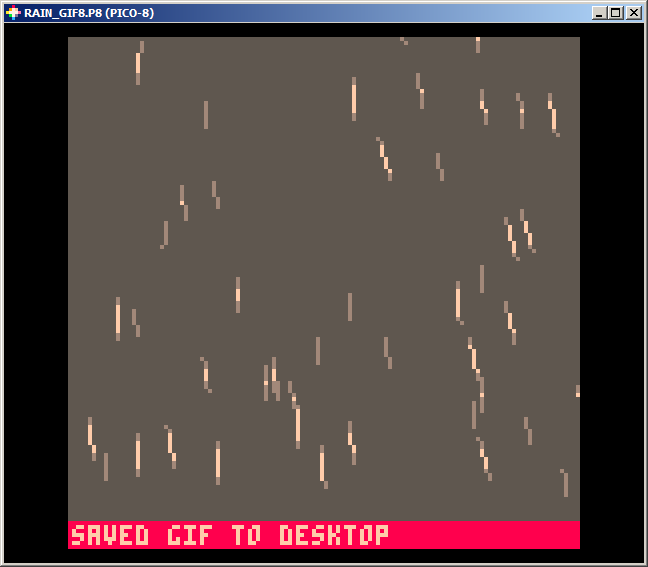
...but no file would appear.
On further testing, I discovered that on manually saving an image, it throws an error:
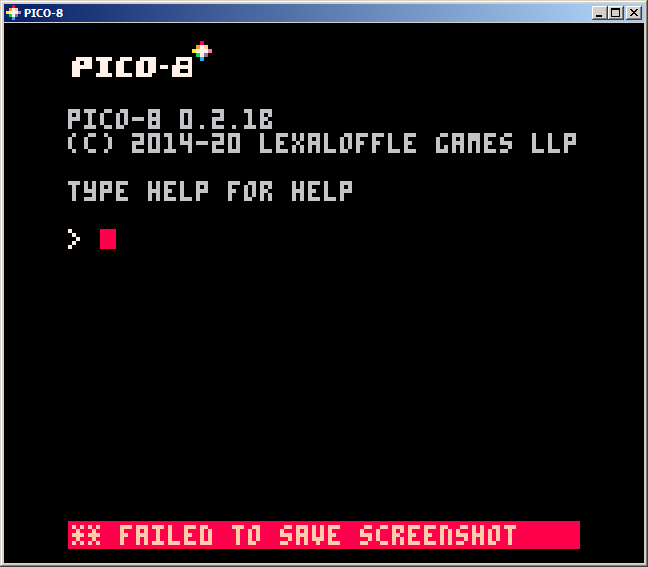
I'm not sure why this would happen - I've already checked whitelisting PICO-8 in my virus checker and that changes nothing. (And besides, I can save files and use the audio exporter just fine.) I'm running Windows 7 (yes, I know...) and installed PICO-8 yesterday using the installer download.
14 comments

I'm loving PICO-8 with one exception: I'm not crazy about Lua. I've read the Lua documentation for OOP, but the table thing is so different and I can't find examples for what I'm trying to do.
I'm almost finished something I'm working on, but the larger the program gets the more I miss being able to separate the logic into objects (the way I'm used to anyway).
Long story short, I wanted to do the following:
Entity Class:
- x, y, width, height, speed, etc
- function update()
- function draw()
Player Class(that inherits from the entity class):
- score, weapon, power, etc
- function update(overrides but calls super function from entity)
- function draw(same)
Enemy Class(that inherits from the entity class):
- extra variables
- overridden functions calling super functions Entity class
SpecialEnemy Class(that inherits from Enemy/and then from Entity obviously)
- extra variables
- overridden functions calling super functions from Enemy class
6 comments


In my qsort() thread:
https://www.lexaloffle.com/bbs/?tid=38679
If you click the "Code" button on the embedded cart and scroll down to qsort() or iqsort(), you'll see a line near the top of each function that says, if l then, but the line inside the cart is actually if l<r then, so if anyone grabs the code for the function, they get a corrupted version of it.
I'm guessing this, and possibly other, reserved HTML elements are not being escaped properly...?
1 comment
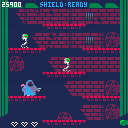
Alright so, the earlier "draft" of this game was pretty bland. I decided to go ahead and just do the game I had originally intended, before I chickened out. Now, you play as the necro-janitor, and it is your job to incinerate the excess undead created by the Necromancers' Guild.
It isn't done (I want to integrate two more enemy types, some items, and use vector shapes for the flames) but it's in a good place to show others now.
let me know what you think!
6 comments