




A game where you fly around in a spaceship as a chicken and explore planets.
THIS GAME IS A WORK IN PROGRESS
THIS GAME IS FULL OF SECRETS. DO NOT SHOW WHERE OR WHAT THEY ARE BUT YOU CAN SAY THAT YOU FOUND ONE.
There is not much but I am adding more.
all I have is space and the two planets.
Below are the different planet carts.



 0 comments

Hello,
I'm a newcomer in Pico 8, so this question will probably sound a little newbie-ish.
How can I have a full screen image, to use it as a splash screen before game loop starts?
Thanks in advance!
1 comment


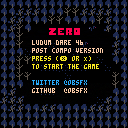
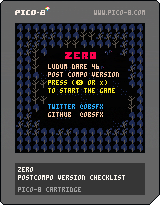
Post compo version of my ludum dare 46 submission with some extra features.
https://ldjam.com/events/ludum-dare/46/zero
0 comments

i am trying to make the screen follow my little dude but all it does is make him pop back at the left end of the screen i would like some help
3 comments



Note: @zep, please have patience reading this, as I think there's more than one thing going on here.
I had to fix @Reload's "Pico-Sprint" cart here.
For whatever reason, they were choosing to make empty-arg func() calls as func"", possibly in an obsolete attempt to save a token.
The problem is, the call to clip"" screwed up the clip rectangle, because apparently clip() is interpreting the single blank string argument instead of ignoring it. I'm not sure if that qualifies as a bug, since Lua and PICO-8 expect strings to be coerced into numbers in many instances, so it may just be expected behavior that wasn't previously working as expected. I checked to see if maybe the single-argument format was meant to work with a table, e.g. clip{0,0,128,128}, but that did not seem to work.
However, there's more... ← and here begins the second thing
In the process of debugging this, I tried getting the existing clip rectangle from clip()'s return value. I tried these:
1 comment

If the first thing you do after loading a cart is to to delete some source code, you can't undo the deletion.
I suspect this is as simple as needing an undo state/fence at load time.
0 comments

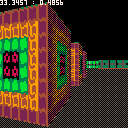
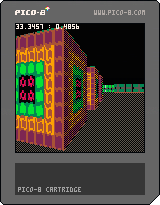


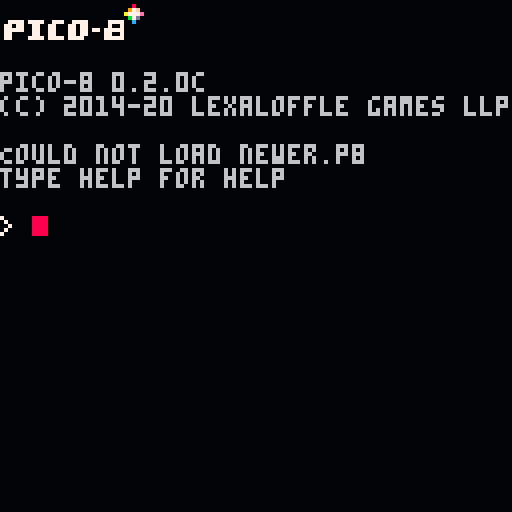
I was checking a suspicion of a regression in version 0.2.0c and discovered this minor inconvenience. When a newer version cart is loaded into an older version PICO-8, it errors out with "Could not load $filename". Technically, it's correct, but the same error is shown when, say, a given cart file is missing. I find this messaging confusing: it took me a while to realise that the file is fine and it's the version mismatch that causes it.
Suggestion. Make it forward-compatible: error out with something like "cart version unsupported".
(FWIW, I was trying all this via command-line)
Bonus small bug: non-lower-cased message word "Could" is rendered in the puny font, while the rest of PICO-8 UI does not use it.
Demo.
$ cat newer.p8 pico-8 cartridge // http://www.pico-8.com version 42 __lua__ $ pico8 -run newer.p8 |
 0 comments

.gif)


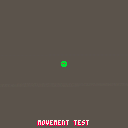
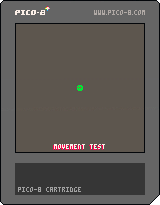
I have been experimenting with player movement for a top-down 2D game. At the moment, I have "fixed" diagonal movement to be 0.7x the speed of straight-line movement, and also added friction so the character sprite slows down gradually.
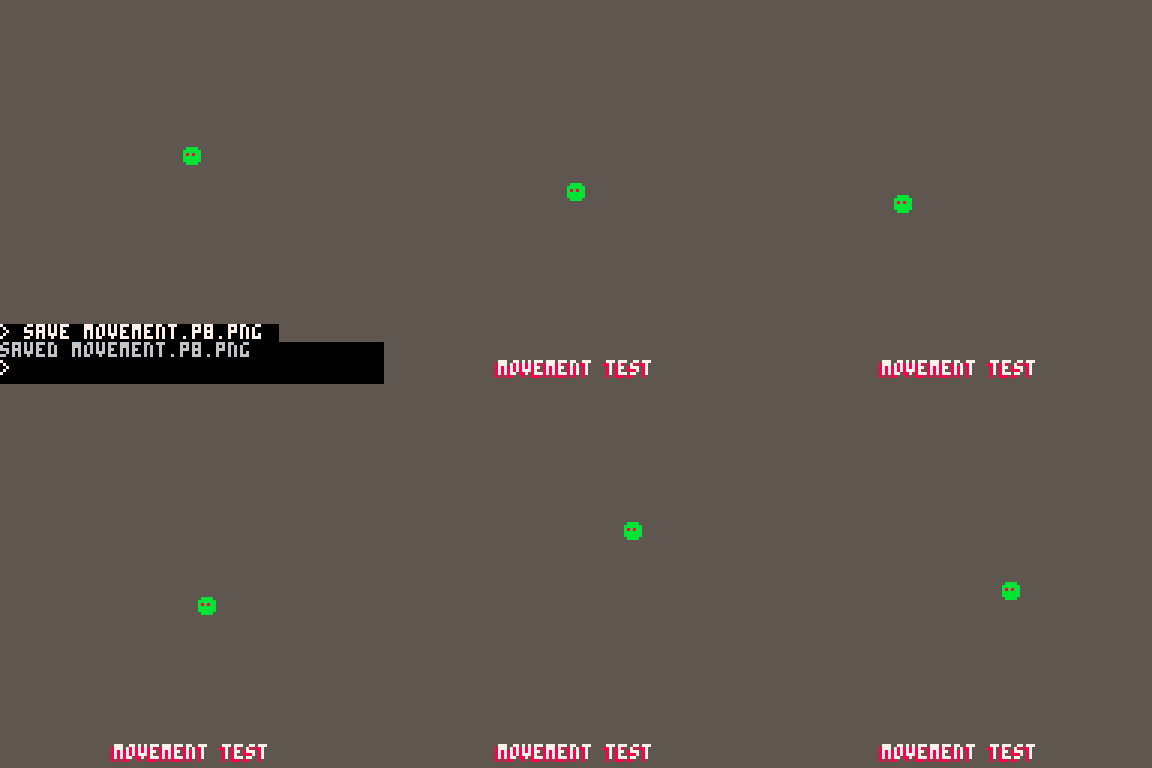
The next step however is acceleration.
I'm wondering how a slow ramp into movement (acceleration) might be achieved using the lerping algorithm as introduced here: https://demoman.net/?a=animation-code-part-1
Does anyone have tips or a tutorial on how I could achieve this acceleration/deceleration??
Code for movement:
if (btn(➡️) and btn(⬆️)) then p.dx=p.speed*.707 p.dy=0-(p.speed*.707) elseif (btn(➡️) and btn(⬇️)) then p.dx=p.speed*.707 p.dy=p.speed*.707 elseif (btn(⬅️) and btn(⬇️)) then p.dx=0-(p.speed*.707) p.dy=p.speed*.707 elseif (btn(⬅️) and btn(⬆️)) then p.dx=0-(p.speed*.707) p.dy=0-(p.speed*.707) elseif (btn(⬆️)) then p.dy=0-p.speed elseif (btn(➡️)) then p.dx=p.speed elseif (btn(⬇️)) then p.dy=p.speed elseif (btn(⬅️)) then p.dx=0-p.speed end if not btnp(⬆️) and not btnp(⬇️) then p.dy*=friction if p.dy<0.01 and p.dy>-0.01 then p.dy=0 end end if not btnp(➡️) and not btnp(⬅️) then p.dx*=friction if p.dx<0.01 and p.dx>-0.01 then p.dx=0 end end p.x+=p.dx p.y+=p.dy p.x=mid(0,p.x,124) p.y=mid(0,p.y,124) |
4 comments


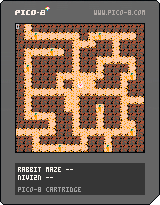
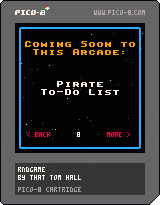
RNDGAME
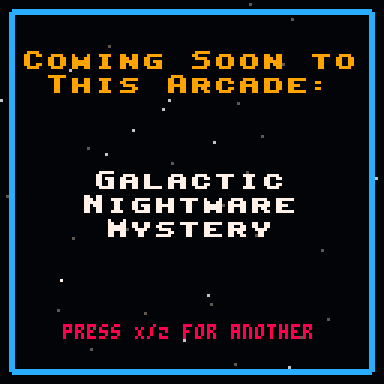
It's a random arcade game name generator -- press RIGHT ARROW to generate a new one! (LEFT ARROW goes back to previously created names.)
HISTORY
So in the game Anachronox, there was an arcade on the planet Hephaestus. I made a random arcade game name generator (for a sign in an arcade). It announced new games coming to the arcade, but just made up random silly ones. Every time you clicked on the sign, it made up a new one, just or silly fun.
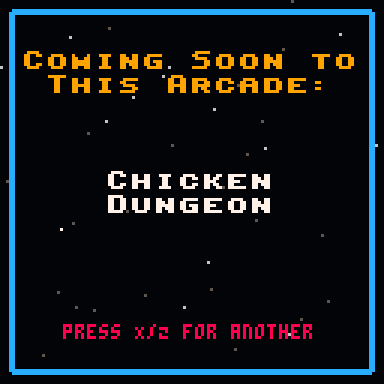
Hope you enjoy it! Let me know if there are any (family-friendly) words you want added!
Updated: May 13, 2020 with typo fix.
37 comments

.png)



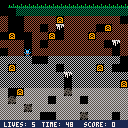
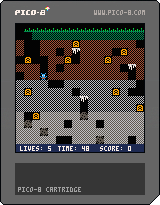
This is a little game I while learning the basics of pico-8.
It is inspired by Rock Hopper for the Amstrad CPC computer which was one of the first games I played when around 5 years old.
http://www.cpcwiki.eu/index.php/Rock_Hopper
It's quite basic but hopefully someone will get a few minutes fun from it :)
0 comments

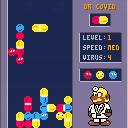
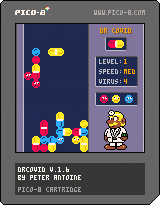
Here's DrCovid.
A Pico-8 version of Dr Mario
v1.6 (2024-10-20)
- added option: 5 virus/pill colors (red,yellow,blue,green,pink) game
- separate highscores: 3,4,5 virus colors
v1.5 (2021-06-29)
- added option: 4 virus/pill colors (red,yellow,blue,green) game
- separate highscores: 3 or 4 virus colors
v1.4 (2021-04-27)
- bugfix incorrect retrieve of saved pill count
v1.3 (2021-04-26)
- save "best time" and "minimal pills used" per level for each speed (low/med/hi) in cartdata and show it when level is complete
- highscore overview screen
v1.2 (2020-07-29)
- speeddrop button enabled by default
- bugfix: incorrect offset of green color indicator of doctor's watch when gs_level_achieved
- bugfix: continue with last visible next pill when gs_level_achieved, gs_game_over
v1.1
- bugfix: reset screen offset when screenshake was still busy and a new game was already started after gs_game_over
v1.0
- Initial version
6 comments


campfire (LD46)
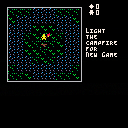
submitted here to Ludum Dare 46, theme: keep it alive
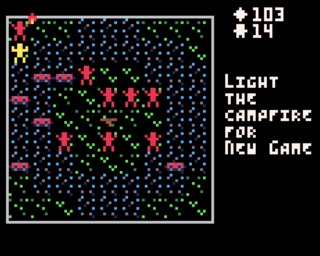
light the campfire and keep it burning for as long as you can!
- keep the fire going to add to your score; the more enemies there are on your screen the more points you will get
- when the campfire is not burning your score will decrease
- walk with the arrow keys
- extra jump with [z] + arrow keys
- skip turn with [x]
 0 comments
campfire (LD46)
submitted here to Ludum Dare 46, theme: keep it alive
light the campfire and keep it burning for as long as you can!
- keep the fire going to add to your score; the more enemies there are on your screen the more points you will get
- when the campfire is not burning your score will decrease
- walk with the arrow keys
- extra jump with [z] + arrow keys
- skip turn with [x]
2 comments


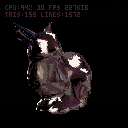
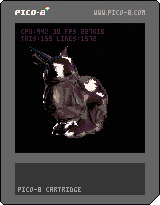
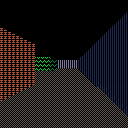
This is a demo using tline to perform 3d environment/material mapping in pico8.
Both the object and the texture are stored in sprite memory.
6 comments