

To Do List:
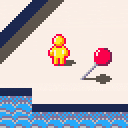
- Reverse Engineer collision system and rework into a detection system for character shadows and slower speeds on stairs.
- Overall world design.
- Objectives/Collectibles?
- Fine tuning of 'animated' water.
- Character shadows need to be separated and overlayed on top of the character sprite to prevent flipping.
-
Polishing of Character animation or control. Animation needed for facing upwards, unsure if character should run diagonally automatically.
Any other tips or opinions would be really helpful!


 5 comments






I've been studying Pico-8 only for about a week now and really having a good time. I enjoy thinking within it's constraints. In particular I like fiddling around with the graphics memory directly to do fun video effects.
With the following code snippet I can move every other video line offscreen to the left or right, giving an interesting "tearing apart" video effect. This works great and is very fast, and gets me to a blank screen where "blank" just means the screen is filled with a chosen "clear color."
if (y%2==0) then memcpy(dst,src,63) memset(src,clear,1) else memcpy(src,dst,63) memset(src+63,clear,1) end |
So, now that the screen is clear, I want to do the opposite. Bring in a full screen image (perhaps a map or scaled sprite) onto screen in the reverse. i.e. Odd-lumbered video lines scroll in from the left and even-lumbered lines scroll in from the right.
This would assume that some pre-composed block of memory is waiting from which i do a similar memcpy() from off-screen to on-screen... or at least that is conceptually what i think needs to happen. But i do not understand the possibilities of Pico-8 deeply enough to understand how/where to keep such an offscreen buffer, or if that is even possible.
Any pointers on how to tackle this?
6 comments

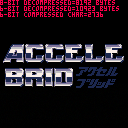
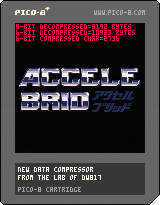
Okay, there is a thing called fate, and there is a thing called destiny. WOW ! Check this out. Minutes BEFORE I posted this, I found my old compressor revived and updated by Jasper.
https://www.lexaloffle.com/bbs/?tid=27892
Hmm ... I sure hope the work he did doesn't completely mirror what I've been slaving days over. :)
Okay, yes, new compressor. How does it work ? Very simple.
It takes a memory location and length and converts it from 8-bit binary data to 6-bit text data.
But it does more than that, it also compresses that 6-bit data and with a LEVEL in mind.
Likely you won't need anything more complex than 2, but it can go all the way up to 255 if you need it to.
Here's how to use it, for instance, to make a logo screen for your game.
From command mode use: IMPORT IMAGE.PNG
4 comments



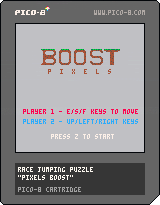


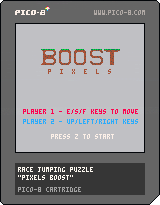

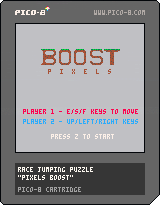

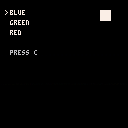
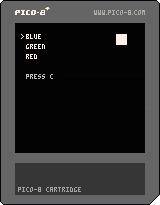

Hello! I love Pico-8, however I've been trying to find out how to do collision. I've done tons of stuff, however the closest I get does the job for some games. However it can't slide.
Let's say you could move the player in 8 directions top down, and there's a wall on your right. If I hold right, I will run into the wall, however due to the way my code works (and I've tried different ways) if you hold up and right, instead of just going up it just makes you stay there. Meaning it's hard to get into 1 tile gaps in walls.
I've also noticed platformers are hard to do as well, as my code checks each corner, I have no way to check what direction a wall is, meaning if you're jumping while running into a wall, when you get to the top and only one corner is touching the wall, it makes you stick.
So is there any good collision systems that is easy to understand, and allows sliding? Thanks. :)
2 comments


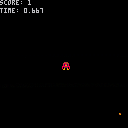
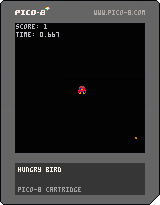
Directions:
Help Hungry Bird eat the Bird Seed!
arrow keys for movement
Z to restart
(You have only two seconds to eat each piece of birdseed.)
Hungry Bird is a game by my son and I. He created & coded the game, but I did the sprite work. It's our first Pico-8 game.
0 comments

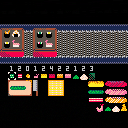
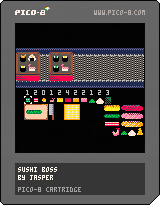
Hey All! I am new to Pico-8, just found it last week. I whipped up this game "Sushi Boss" while recovering from some surgery, I was pretty out of it so I'm very pleased with how far along it actually is.
It's totally WIP, missing music and its really hard and has no instructions, but I have beaten it once and friends have made it to level 2 so thats a good sign!
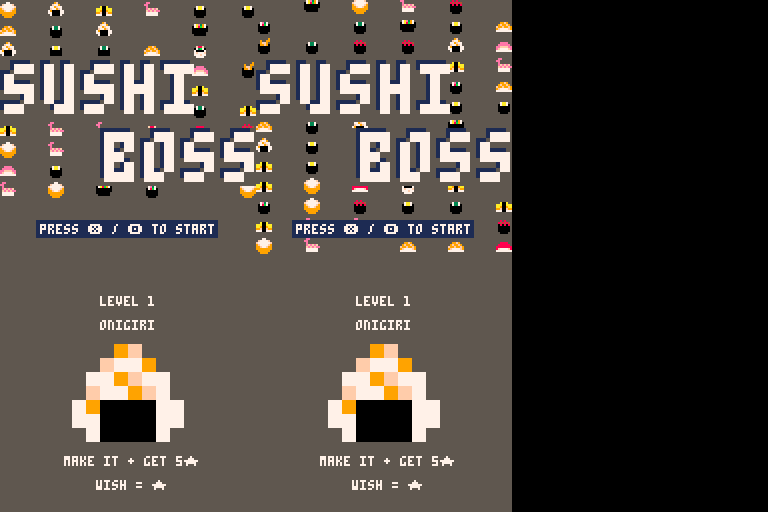
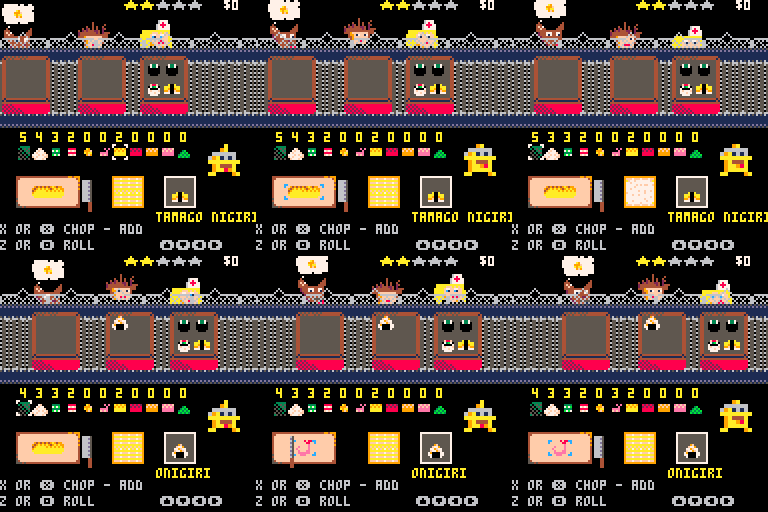
Use the arrow keys to either select something on the cutting board or to select prepped ingredients above.
Use X to either chop an ingredient or add it to the roll.
Use Z to make a roll!!
Fulfill customer wishes to get more stars and work your way up to Futo Maki!!! MAKE SUSHI BOSS PROUD!!!
 0 comments

I'm trying some animations, but i can't make the sprite rest. Any suggestions?
actor={}
actor.x=40
actor.y=30
actor.sprt=0
actor.spd=0.75

function move_d()
	actor.sprt+=0.125
	if actor.sprt>2.9 then
	 actor.sprt=1
	end
end

function move_u()
	actor.sprt+=0.125
	if actor.sprt>18.9
	or actor.sprt<17 then
	 actor.sprt=17
	end
end

function move_r()
	actor.sprt+=0.125
	if actor.sprt>4.9
	or actor.sprt<3 then
	 actor.sprt=3
	end
end

function move_l()
	actor.sprt+=0.125
	if actor.sprt>20.9
	or actor.sprt<19 then
	 actor.sprt=19
	end
end

function _update()
	if btn(3) then
		move_d()
		actor.y+=actor.spd
	elseif not btn() then
	 actor.sprt=0
	end

	if btn(2) then
		move_u()
		actor.y-=actor.spd
	elseif not btn() then
		actor.sprt=0
	end

	if btn(1) then
		move_r()
		actor.x+=actor.spd
	elseif not btn() then
		actor.sprt=0
	end

	if btn(0) then
		move_l()
		actor.x-=actor.spd
	elseif not btn() then
		actor.sprt=0
	end

end

function _draw()
	cls()
	spr(actor.sprt,actor.x,actor.y)
end
|
0 comments





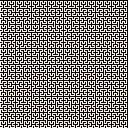
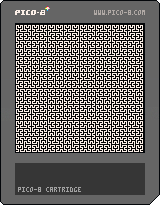
Still working on some features but this is a program that draws Hilbert Curves, a type of space filling fractal. This was mostly an exercise to learn how to use recursive functions but I've also wanted to make a program like this for a very long time.
1 comment
Try as I might, I just don't have the brainpower to figure out how to compress data from decompressed 8-bits to compressed 8-bits. Now I can neatly do 8-bits to 6-bits, compressed, and back again, but not straight 8 to 8.
The problem I am running into is I want to use one of the bytes # (0-255) to represent a compression mark. I am scanning the entire frame of memory desired to be compressed for the one number in the data this is used least (in many cases, it appears zero times).
The problem is, that particular byte # might also be just data if there is one or more of these bytes occurring.
Now you would think you could simply go through the data and store a zero at the end of that signature byte to tell the computer that this is data, and not a compression mark, but then if you search for multiple instances of patterns for compression later, it is still possible to get that elusive byte as part of your data when it needs to be just a marker - thereby corrupting your compression.
Suggestions ?
5 comments


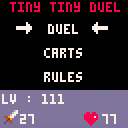
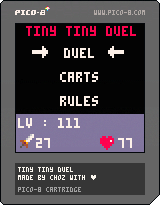
Before to start play it is recommended to read the rules menu for a better comprehension
Tiny Tiny Duel is a strategic game and created for the #LOWREZJAM2018. In this card game you should made duels versus the IA to improve your cards and upgrade your stats. The IA has 3 levels of difficulties. All rules are detailed in the rule menu.
This game is composed of 15 cards and stats player
5 x power cards
5 x healing cards
5 x monsters cards
Life player
Attack player
For browse in the game
Use arrows for browsing
X for Validate/Pick
C for going back
Choz.
1 comment

Hey all,
Hopefully it doesn't seem too spammy to start a new thread instead of updating the old one, but the old thread got pretty huge (including the original post), so instead of adding more to it, I figured it best to start a new thread.
For those who don't know, PlayPico is my personal curated list of only complete games (see the original thread if you're curious as to how games qualify for the list, why some might not be there, etc.)
WE BROKE 500 GAMES!!!
Finally, after almost 2 years of PlayPico history and 3 years of PICO-8 itself, we've hit 500! Great job to everyone who made these amazing games, and keep 'em coming!
We got a facelift!
This has been a long time coming, as PlayPico needed a facelift for a long time. The old version was pretty much just using Bootstrap 3 in its default state. This is because the site started off as something just for myself that I ran locally on my computer and wasn't public anyway, and also my concern was mostly with developing the server-side aspect, so I tossed together something that would look decent with as little effort as possible. Bootstrap has been [i]completely
15 comments







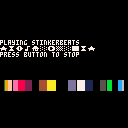
Update August 20th, 2018: Slight change to show 15 color rectangles instead of only 7. This is not a song-related change.
Credit to Zep for the code base.
3 comments

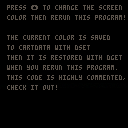
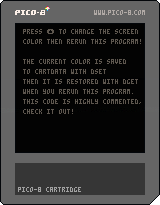
The cart is quite self explanatory, I think. If you want to have some saved data, you can se the source code to see how this was made!
This works in:
- The PICO-8 editor (tested on windows & PocketCHIP's Linux)
- The BBS webplayer
1 comment

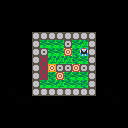
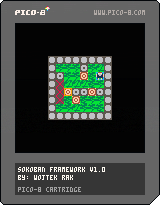
Hi all!
I put together a small Sokoban Framework which (hopefully) allows pico-8 devs of any skill level to quickly and easily make their own Sokoban games. If you're interested you can find it here! The cart in this post is a game I quickly put together as an example of how to use the framework.
If you end up making a game within it please let me know, I would love to see it!
Also, credit where credit is due. This framework was inspired by Stephen Lavelle's puzzlescript.net
0 comments
The Pico-8 is indeed a small resolution for a fantasy console at 128x128 pixels and 16-possible colors per pixel.
But the Microvision is even smaller.
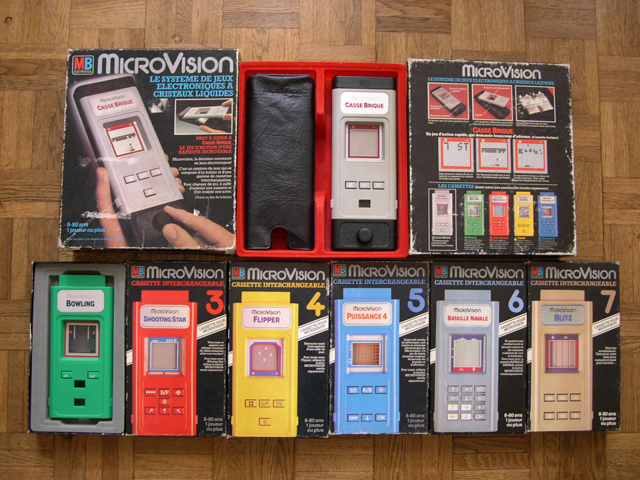
It was the first handheld game console that used interchangeable cartridges and released by the Milton Bradley Company in November 1979. Its resolution is 16x16 pixels with only 2-possible colors, black and white, per pixel, displayed in an LCD square screen. The audio is just tones, beeps, and blurps.
The Microvision was designed by Jay Smith, the engineer who would later design the Vectrex gaming console. The Microvision's combination of portability and a cartridge-based system led to moderate success, with Smith Engineering grossing $15 million in the first year of the system's release.
However, very few cartridges, a small screen, and a lack of support from established home video game companies led to its demise in 1981.
According to Satoru Okada, the former head of Nintendo's R&D1 Department, the Microvision gave birth to the Game & Watch after Nintendo designed around Microvision's limitations.
Challenge !
Do you think you can write a Microvision emulator that can take either the original .bin files or custom small clipboard tokenized data and work them into fully playable PICO-8 cartridges ?
Here is the source for everything you need:
https://en.wikipedia.org/wiki/Microvision
https://www.raphkoster.com/2017/05/07/microvision-emulator-release/
And yes, the Microvision emulator for Windows does indeed work. I was just trying out a few of the games as it includes the ".bin" to all of them. :)
Good luck !!
6 comments