

Howdy!
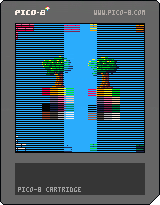
This is a fairly straight forward cart for a horizontal screen transition effect inspired by this particular effect from Pokemon Fire Red
https://youtu.be/LnAoD7hgDxw?t=4m23s
The effect itself isn't exactly spot on, the black bars move slightly faster than the 'pixel-pushing' effect created by moving the screen data around. I'm sure it's got something to do with the length of the bits of data I'm copying about but not 100% sure what the exact maths would be for a perfect implementation.
Hopefully this will come in useful for some of you :)
Oh, and here's a little challenge for you, how would you go about re-creating this effect but with vertically? How about diagonally?


 1 comment



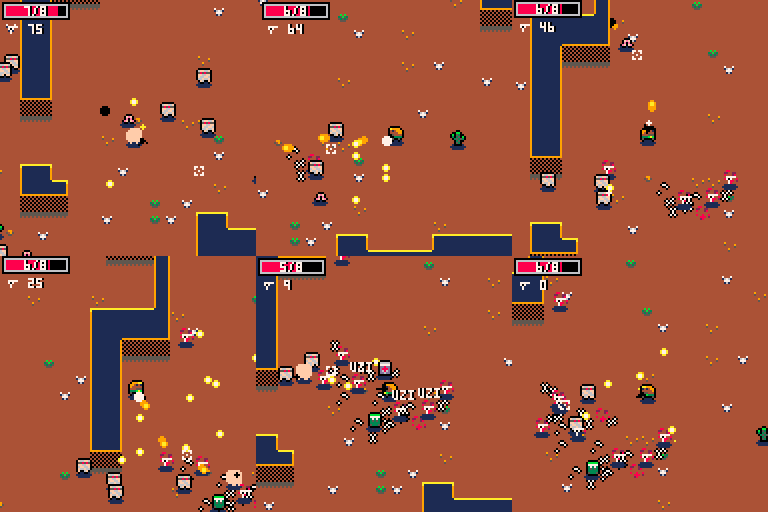
Suzie and Bob are trapped in a merciless world. Can you fight your way out?
Gameplay Elements
- Random maps
-
Multiple biomes


- Multiple enemies
- Multiple weapons (but one at a time!)
- Loop-based difficulty
- Supports keyboard/mouse
Controls
Keyboard:
36 comments









Hi guys,
So I'm developing my third game and actually reading the docs this time around and I'm now using the stat() function to see what's going on as I code.
I've got about 284 lines of code and a spritesheet of 785 bytes. No music or sound effects. Yet my mem usage is 43MB according to stat(0). Isn't...that a lot? Seems like a lot. What's going on here? Is it measuring the entire PICO-8 development environment usage or just my code?
Also, stat(1) for CPU usage from the docs states that a value of 1.0 is the program executing 100% of the time between frames, whereas anything over 1.0 is basically frame-skipping due to excessive load. I've of a value of 0.19. I'm guessing anything under 1.0 is "this is way easy, what else you got?" from the CPU, correct?
I've also been looking at the PICO-8 cheat-sheet and noticed the memory layout. And I know people use peek/poke/memcpy/memset to do....stuff. Why would I need to know the memory layout for PICO-8 and why is manually fiddling with the memory desirable? Procedurally generated graphics? Anything else?
Thanks!
5 comments


Ahoy there!!
This is mainly aimed @zep but other folks may want to chip in.
Essentially i have been playing with making a Pico-8 handheld, and in doing so made TinyPi
Now this works, however the Pi0 is actually a little bit slow, and things run just a shade slower than they should.
I have been shopping about and there are all kinds of single board computers knocking about these days, bananapi, orangepi, nanopi and such. Each of these offer a similar sized board to the Pi0, however most offer more in the way of power with dual or quad core processors, and as a bonus, are not limited to one per order!!!
I have tried a few boards, most have a generic Armbian build, however the Pi build is missing Broadcom libraries, and the generic linux version wont run on the ARM processors
So essentially, are there any plans/methods to get Pico-8 running on more hardware?
:)
4 comments

I saw Tic-80 the other day and it had less limitations than Pico-8. Both of them used lua, How different are the syntax in Pico-8 and Tic 80?
2 comments


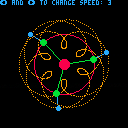
A fun little visualizer that I made. You can change the rotational speed to get different effects.
0 comments

Hi Community,
I'm brand new to PICO-8 (like, started using it today). I have an issue. A typo in my filename when i saved it, so I re-saved my game and now I have two :(
testgame.p8
testgame#.p8
I've tried DEL/DELETE [filename] but i get the message:
SYNTAX ERROR
SYNTAX ERROR NEAR 'TESTGAME'
I want to remove testgame#.p8
This may be trivial, but i like a clean environment.
Thanks,
roberto
4 comments

Version 1.2 :
- Player has some time to jump after falling off of a platform (coyote time)
- Medal hitbox enlarged
- Easy mode made easier
- New hard mode added (very difficult, made for advanced players)
Version 1.11 :
- Fixed getting stuck on walls while diving
- Fixed glitchy ending when dying at the same time as the boss
 50 comments




I've used a couple composing programs that have had a toggle to only let you key in notes that are within the musical scale you select. For instance, if you have the toggle enabled to CM, you could only key in CDEFGABC and all intermediate notes would do nothing. It's a helpful tool for composing melody and for people like myself who aren't great with theory and I think melds great with the pico8 design schema.
Would it be possible to get such a feature?
Thanks!
0 comments

Hi i try to make my squirrel move to the right it dosen't seem to work but work perfectly with the left any idea ?
player = {}
player.x = 16
player.y = 42
player.sprite = 4
player.speed = 3
function _update()
if btn(0) then
player.x -= player.speed
end
end
if btn(1) then
player.x += player.speed
end
function _draw()
cls()
map(0,0,0,0,16,16)
spr(player.sprite,player.x,player.y,2,2)
end
4 comments
Can you also make it possible to mark the user, not their posts, as spam?
We've got someone coming in and putting spam in their user info now:
https://www.lexaloffle.com/bbs/?uid=27493&mode=about
 quackquack quackquack#00027493 Quackquack is the best matchmaker site to chat, date and browse personals online. Register now and find perfect life partner from thousands of singles. <link deleted> |
I can't mark them as a spammer because the tool is only available when they have posts on their post page.
11 comments






Sorry for the vague subject line...I don't know how to best describe what I'm seeing. That probably means this issue is certainly something I'm doing wrong but just don't know what. I swear I've done it in the past without problems so it has me wondering if it's a new P8 version thing or if I'm just crazy...anyway...
I have something like this...
pool={
   {name="Jerry"},
   {name="Tom"}
}
list={}

function mybutt(myx)
   local obj=pool[1]

   obj.x=myx
   obj.y=20

   add(list, obj)
end

mybutt(10)
mybutt(64)
mybutt(82)
|
And the problem is that when I loop through 'list' every value of 'x' is the last value added via the function, so in this example, 82.
But when I do rewrite as below it works as I think it should above...
pool={
   {name="Jerry"},
   {name="Tom"}
}
list={}

function mybutt(myx)
   local tmp=pool[1] -- This is the part that feels wrong

   local obj={}
   obj.name=tmp.name
   obj.x=myx
   obj.y=20

   add(list, obj)
end

mybutt(10)
mybutt(64)
mybutt(82)
|
3 comments

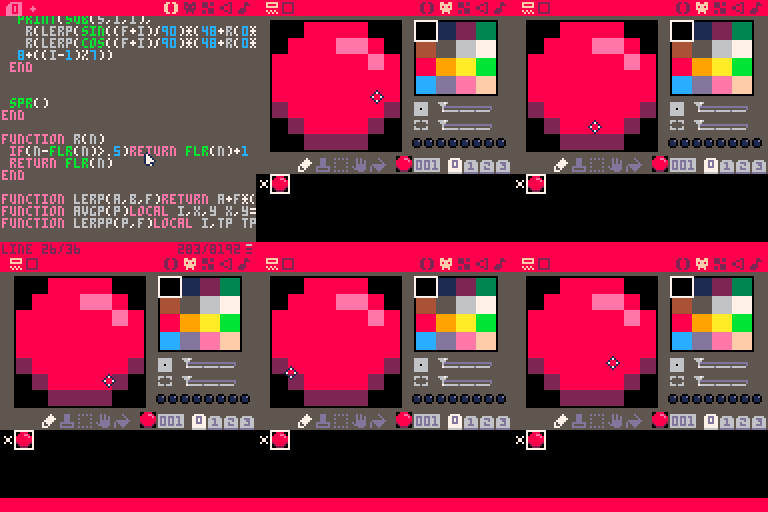
Also, in the actual editor, the status bar frequently lags behind my cursor's coordinates quite a bit, and it sticks around for a second when I switch to the console.
1 comment

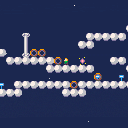
Description
A low-key puzzle platformer set in the clouds at night. There's just enough level right now to show off the mechanics, and give you an idea of what I'm planning to do with it.
This is a working title. Suggestions for titles that aren't terrible are welcome, as is other feedback.
Known Bugs
- It's possible to create situations that prevent you from finishing the level, even using a portal to backtrack. (Let me know if you do this while trying to follow the critical path, though.)
- Jumps occasionally don't completely jump, making stair-climbing not as smooth as it could be.
Changelog
v0.4:
- New map art. It's now much closer to the final visual style that I want.
- New map section.
v0.3:
- New map. This will probably change a bunch more times before it's final but this one is a better reflection of the kind of thing I want to do with this.
- Recalling to a portal now resets block positions to what they were the first time you passed through that portal. That should make them more useful for resetting puzzle state, and also make it harder to get stuck by pushing blocks over them.
- The camera no longer tracks the player pixel for pixel on the y axis, which is to say, it won't follow every jump, it'll just follow when you land (or fall for more than a couple of blocks).
- Lots of physics tweaks. It's not all the way there yet but I have finer-grained control over getting it there. (Specific feedback about this is super welcome.)
- v0.3.1: Mostly graphics updates -- twinklier portals, signier signs, parallaxical stars. But also, portals will update their knowledge of saved block state if you revisit them, and player speed is slowed down a little.
- v0.3.2: Added a little bit more puzzle, just because you're cool and deserve it.
v0.2:
- Simplified most of the controls,
- Spruced up some sprites, and
- Added a little bit more level.
- Still need to tweak the physics, and put portal recall on the unused button.
- v0.2.1: Recalling while carrying a box causes you to drop the box; this prevents both getting stuck because your carried box gets stuck in a wall, and getting stuck in a hole while lifting a box.
- v0.2.2: Minor control tweaks.
v0.1:
- I got a bunch of work done today on an idea I've had kicking around for a while. This demo just walks you through the controls and then gives you one little puzzle at the end. I know the player physics are kinda gummy right now, but I'm interested in how the controls feel and whether you have any trouble getting to the end.
1 comment



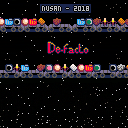
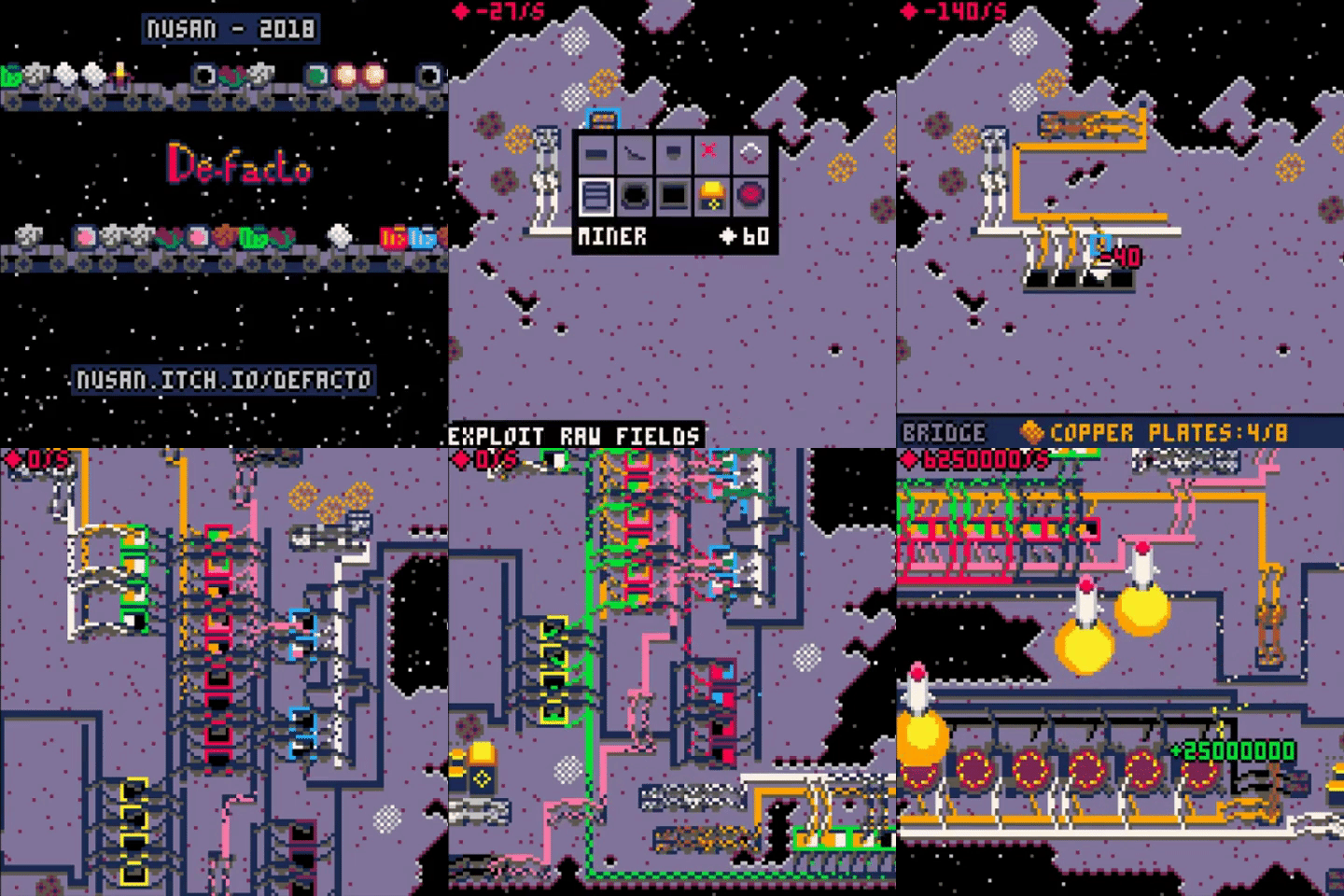
DeFacto is a game about building a large automated factory chain.
You must install miners to collect raw resources, transform them in furnaces, and combine them in factories.
The final goal is to send rockets full of robots and by doing so continue to explore the galaxy.
DeFacto is heavily inspired by the game Factorio.
You can also play and support the game on : nusan.itch.io/defacto
Controls :
The game can be played either with the mouse or keyboard
Keyboard :
C : Use selected tool/Interact with factories
V : Open tool selection panel/quit menu
enter : Open main menu (save, load, toggle music ...)
Mouse :
Left clic : Interact/Use selected tool
Right clic : Open tool selection panel/quit menu
To save your game, press enter and select save (button C)
To construct conveyor, inserter or bridge :
you have to keep pressing C/left clic and then enter the direction (arrow key or mouse motion) where the conveyor/inserter/bridge will put it's products
if you only press c/left clic without entering direction, it will place the conveyor, inserter or bridge along the last used orientation
Bridges can also be used to take and insert product, and are faster than inserters.
Starting tips :
- start by opening the tool panel (V/Right clic) and choosing the miner tool
- place the miner onto a raw resource field (C/Left clic), the miner will start filling
- open the tool panel and select the inserter tool
- place the inserter against the miner by pressing and holding C/left clic and then entering the direction where you want to put the products
- open the tool panel and select the selling station
- place the selling station at the end of the inserter
- if the inserter is oriented correctly, it will start moving resources collect by the miner to the selling station and you will start gaining money
- once you have a bit more money, start putting raw resources into furnaces, the resulting products will sell at higher prices
- the next step is to use factories, choose the recipe (C/Left clic on the factory) and insert the required input products to make more advanced ones
16 comments