


Dungeon Generation API
This is a highly commented, thorough dungeon generation API that uses BSP (Binary Space Partitioning)
The generation in the demo is slower than needed, as it tries very hard to create interesting dungeons. Because it is generic, it can be used to create dungeons made of pixels, tiles using pio8 map, or something else.
DEMO

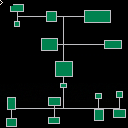
Usage:
genesis(width,height,max_depth,pathfn,renderfn,min_size) -> rooms, tree
Generates a dungeon using the BSP algorithm.
The width and height are arbitrary units that can be used for pixels, the pico8 map, or something of your own creation.
local rooms, tree = genesis( map_width, map_height, depth, on_path_render, on_room_render ) |
max_depth (int)
How deep the BSP tree gets. The greater the number, the more and smaller rooms are generated. For large maps, a higher number is useful, smaller maps, a lower number works better. The program will begin to decrease depth automatically if the process is taking too long. (decreases every second)
pathfn (function)
it is called with (x0,y0,x1,y1) where the coordinates make a line from two points, the line is always vertical, and horizontal. it always goes from center of a container to another center of another container. It is guaranteed to go from left to right, or top to bottom.
function on_path_render (x0,y0,x1,y1) line(x0,y0,x1,y1,6) end |
renderfn (function)
it is called with (x0,y0,x1,y1) where the coordinates make a rectangle called on your own by iterating over rooms and calling room.render() on each used to render tiles to the map, or to pixels.
function on_room_render (x0,y0,x1,y1) rectfill(x0,y0,x1,y1,3) rect(x0,y0,x1,y1,6) end |
min_size (int) (default: 8)
minimum room size before the room is not added to the rooms array, default is 8.
The program will decrease the minimum size automatically if it is taking too long to process, which is usually only the case when the minimum size is too high.
returns
A tuple of rooms and the tree. rooms contains data about each room in the map, and the tree contains traversable tree of containing cells primarily used for calling rendering functions.
Rendering
Assuming you have created something like the on_path_render and on_room_render functions above, you then iterate over the rooms and traverse the tree to render the map. In the demo, we use these functions:
function render_rooms() foreach(rooms, function(room) room:render() end) end function render_paths(node) if (nil == node.lchild or nil == node.rchild) return node.lchild.leaf:render_path(node.rchild.leaf) render_paths(node.lchild) render_paths(node.rchild) end |
Full Example
function _init() -- since we are rendering to pixels, -- we use the screen resolution local map_width=127 local map_height=127 -- define how deep our binary trie goes -- the higher, the smaller and more rooms you get -- for smaller maps, you should use a smaller number. local depth=6 -- declare how the paths are rendered function on_path_render (x0,y0,x1,y1) line(x0,y0,x1,y1,6) end -- declare how the rooms are rendered function on_room_render (x0,y0,x1,y1) rectfill(x0,y0,x1,y1,3) rect(x0,y0,x1,y1,6) end -- get our room and tree tables from -- the generator local rooms, tree = genesis( map_width, map_height, depth, on_path_render, on_room_render ) -- now we have our rooms and tree (technically trie) -- but they arent going to render themselves. -- to do this, we need to iterate over the rooms -- and the paths by themselves. -- create a function that will render all of the rooms -- by calling the render function on each of the rooms, -- the rooms themselves will then call the on_room_render function render_rooms() foreach(rooms, function(room) room:render() end) end -- create a function that will recursively walk down the tree -- and render paths between each container cell and -- rooms. which creates our hallways. it will end when -- it reaches the "bottom" of the tree, where a node does not -- have children. function render_paths(node) if (nil == node.lchild or nil == node.rchild) return node.lchild.leaf:render_path(node.rchild.leaf) render_paths(node.lchild) render_paths(node.rchild) end -- with our functions defined, we can now render the dungeon. cls() render_paths(tree) render_rooms() end |
Github
https://github.com/MattMcFarland/dungener
Installation
You can install this into your cartridge by copy and pasting all of the code from index.lua within the Github Repo.


 0 comments

When a cartridge exceeds the 65536 code size limit, PICO-8 0.1.10c crashes instantly when loading the .p8. It looks like an unchecked strcat() call that overflows past the allocate string size. Here is the Linux backtrace:
==4197== Invalid write of size 1 ==4197== at 0x4C2EA80: strcat ==4197== by 0x4A74D3: codo_load_pico8_cart_from_file (in /home/sam/pico-8/pico8) ==4197== by 0x4A753F: codo_load_pico8_cart (in /home/sam/pico-8/pico8) ==4197== by 0x40B9F1: load_cart (in /home/sam/pico-8/pico8) ==4197== by 0x4086B9: move_boot (in /home/sam/pico-8/pico8) ==4197== by 0x409E86: codo_main_update (in /home/sam/pico-8/pico8) ==4197== by 0x45EE76: codo_main (in /home/sam/pico-8/pico8) ==4197== by 0x57852B0: (below main) (libc-start.c:291) |
4 comments



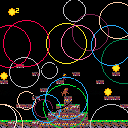
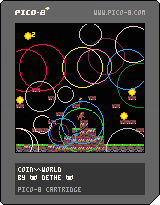
Try to catch as many coins as you can while avoiding the beast. Now with somewhat less flaky collisions!
0 comments

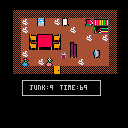
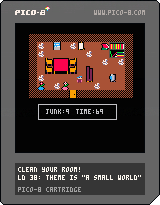


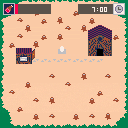
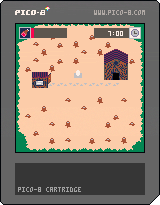
My Ludum Dare 38 game.
This is my first pico-8 game, and as such I had to cut about 3/4 of the intended features.
Please excuse the abhorrent collision detection and the rushed pixel-art.
If you do play and finish it, I hope you find that the slow walking speed wasn't too much of a waste of your time.
Protip: Try to avoid facing another object while dropping your current object.
Controls:
Arrow keys to move.
X/Y/Z to start pulling the item in front of you.
X/Y/Z to stop pulling.
0 comments



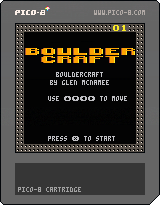



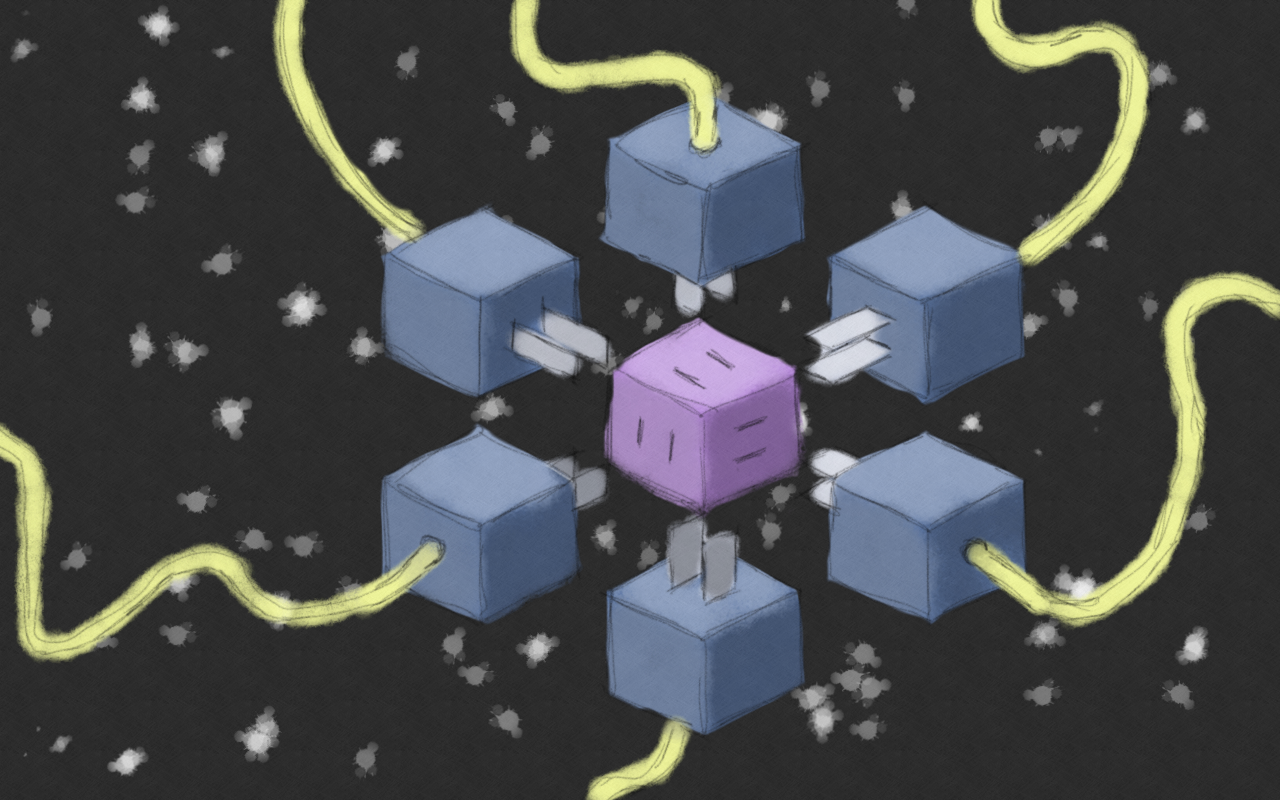
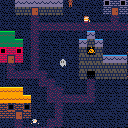
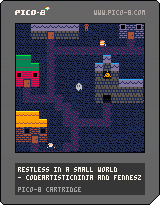
Made for the 38th Ludum Dare game jam! Theme: It's a small world..
by codeartistic.ninja and fennesz
6 comments




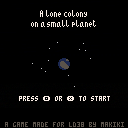
You have been given a mission. You need to purify a small planet, so we will be able to colonize it.
It is rich in resources, so it shouldn't pose a big problem for you.
We believe in your management skills. Good luck.
9 comments




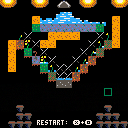
Bring your herbarium back to life...
Instructions
Water your flowers so that they bloom simultaneously. Don't use too much water, or your flowers will die and soil will disintegrate.
Controls:
arrow keys: move cursor
z: place earth at cursor
x: remove earth at cursor
Hold z + x to restart
2 comments




Hello!
Does anyone else experience laggy sound when hosting your pico8 games as html? This only occurs when using chrome for android. Firefox seems to handle it well. What it might be is that firefox preloads sound and chrome does not. Any ides?
cheers!
4 comments




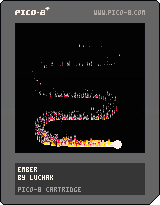
This is a little fire experiment I've started playing with. It uses basically the same lookup table setup as https://hackernoon.com/pico-8-lighting-part-1-thin-dark-line-8ea15d21fed7 , although that may not have turned out to be absolutely neccessary.
What I'm happy with:
- controls
- performance
- overall look
What could use work:
- sound could respond to player actions
- smoke could drift a little more interestingly
What might be fun to add:
- setting other things on fire
- scorch marks or some other permanent trace
Thoughts are more than welcome!
0 comments

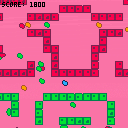
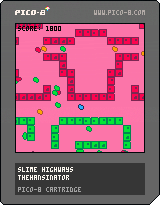
Hello, all! Here's my entry for Ludum Dare 38! I'm glad that PICO-8 makes it so easy to iterate on little game ideas like this.
This is a game about cells and cell masses. Ride the currents to eat other cells, or just enjoy life as a floating, amorphous blob. Enjoy this as a maze game or just as a screensaver.
Use arrows to shift weight in current, or to traverse walls when stuck to them.
Move away from walls or press Z to dislodge yourself into the current.
This game is also posted here on Itch.io.
0 comments


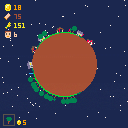
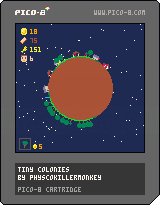
My game for Ludum Dare 38.
You can find the game page on the LD website here.
Controls:
Left and right: move the player (the little blue line)
Up and down: select things to build (show in the bottom left)
X: Place what you have selected
You have been tasked with colonising a barren planet. Arriving with limited resources you must build and reap the land to survive.
Your workers will go back to their homes to sleep and to a farm to eat when they require it.
Tips:
Build a house first with a farm next to it.
5 comments


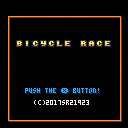
a bootleg for Pico-8 I recently bought on my flea market.*
Enjoy the work that the Chinese people did reskinning kometbomb's Pico Racer.**
-
- not actually on sale anywhere
** - not made by Chinese people
- not actually on sale anywhere
3 comments




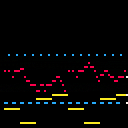
This is a reupload of one of my older musical compositions in pico-8. This time, I added a piano roll. Big thanks to kittenm4ster for the code.
Let me know what you think of it in the comment thread, Thanks for listening. :D
5 comments


Hey all,
I was doing Ludum Dare 38 this weekend but I hated the theme and my mechanics weren't coming together so I decided to submit a mapscale function I figured out instead in case it was useful to someone.
It's basically identical to the map() function, except it takes a scale parameter also, similar to sspr (although it doesn't scale width separately from height, though you could add that with only a few quick adjustments if you wanted it). It uses sspr under the hood which is probably not super performant, but it seems to work well enough and I doubt there's a much faster way to scale a full screen worth of sprites anyways if that's what you need to do. It can be zoomed down past 1x or as high up as you want.
To try the demo just hit Z to zoom out. It does 4x,3x,2x,1x in order and then loops back to the beginning again twice as slow each loop so you can inspect how the pixels are getting smooshed if you like. It could probably be improved as when it's slow the scaling is a bit ugly, but it looks fine if you do it quickly.
Below is the code, I tried to add comments to make it a little clearer and I took as much code as I could out of the inner loop for performance. You might be able to optimize the code further, I didn't spend much time on optimization, but I think this is pretty reasonable as is. If you're scaling a full screen of sprites you probably aren't jonesing for performance anyways. I left a parameter for specifying layers but I didn't implement it, shouldn't be hard though it already pulls up the sprite id.
function ceil(num)
  return -flr(-num)
end

function map_scaled(cell_x,cell_y,sx,sy,cell_w,cell_h,layer,scale)
  local sprite_id
  local drawx,drawy,draww,drawh
  local spritex,spritey,spritew,spriteh
  local lcell,rcell,bcell,tcell,wcell,hcell
  local cell_x_current,cell_y_current
  for offsetx=0,flr(cell_w)+1 do
    cell_x_current = cell_x+offsetx --x pointing to current iterated cell

    -- these are the most i could move out of the y for loop
    -- makes it a bit confusing but otherwise lots of wasted calculations
    --these take into account a cell getting cut off
    lcell=max(cell_x,flr(cell_x_current)) --left bound of current cell
    rcell=min(flr(cell_x_current)+1,cell_x+cell_w) --right bound of current cell
    wcell=rcell-lcell --width of current cell
    spritew=wcell*8 --width of sprite, taking cutoff into account
    draww = wcell*scale*8 --width of rectangle to draw sprite in
    drawx=flr(sx+offsetx*8*scale)-(cell_x_current-lcell)*8*scale --x to draw rectangle at

    for offsety=0,flr(cell_h)+1 do
      cell_y_current = cell_y+offsety --y pointing to current iterated cell

      sprite_id = mget(cell_x_current,cell_y_current) --sprite id corresponding to current iterated cell

      spritex=(sprite_id%16)*8+(lcell%1)*8 --x of sprite (if the sprite gets cut off, it's the left bound of the cutoff)

      --these take into account a cell getting cut off
      bcell=max(cell_y,flr(cell_y_current)) --bottom of the cell is technically top of the screen. ie, lowest y
      tcell=min(flr(cell_y_current)+1,cell_y+cell_h) --top bound of current cell, highest y
      hcell=tcell-bcell --cell height

      spritey=flr(sprite_id/16)*8+(bcell%1)*8 --y of sprite (if it gets cut off, it's the lower y bound of the cutoff)

      spriteh=hcell*8 --height of sprite, taking cutoff into account
      drawh = hcell*scale*8 --height of rectangle to draw for current sprite
      drawy=flr(sy+offsety*8*scale)-(cell_y_current-bcell)*8*scale --y to draw rectangle at

      if draww > 0 and drawh > 0 then --skip if there's nothing to draw
        sspr(spritex,spritey,spritew,spriteh,drawx,drawy,ceil(draww),ceil(drawh)) --round width/height up so there are no gaps
      end
    end
  end
end
|
2 comments