





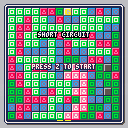
A puzzle game that I've been dreaming of making for a while.
I made this game partially to test the concept, partially to try out tile flags, and partially because I'm obsessed with RPGs and Puzzle Games at the moment.
General Goal: Swap blocks, make a chain of same-color blocks to the "G" block from the bottom of the screen. Defeat enemies and work fast to avoid attacks.
HOW TO PLAY:
Press Z to select a block, and then move your cursor to the desired destination and press Z again to swap. The bottom of the screen is powered, so make a chain of blocks of the same color from the bottom of the screen to the "G" block to unleash an attack on the enemy. The attack's power is dependent on the number powered blocks on the screen. When you run out of moves, the game ends.
BLOCKS:
Red, Blue and Green Blocks: Basic game tiles. Can be moved, and only react with their respective color.
Gray Blocks: Cannot be moved, but can be powered by any color.
Powered Blocks: Cannot be moved, but when matched with the right color, the power spreads.
Goal Block: Power this block to unleash an attack.
Cracked Block: Cannot be moved or powered.
Sad Blocks: Alternate versions of RGB blocks that cannot be powered, but can be moved.
ENEMIES:
Stompy: A brown creature with clumsy tendencies. Cracks an area of blocks.
Sad Red, Sad Green and Sad Blue: Colorful creatures that make blocks of the same color sad, and thus impossible to power.
Stone Eye: A strange creature of unknown origin. Steals a move.
TO DO:
-Puzzle/Story mode? (Preset levels)
-Balances and improvements to reduce impossible situations
-Implement more enemies
-Multi-Move enemies?
CHANGELOG:
v0.5: Initial release on BBS.


 0 comments

Hey Everyone,
I wanted to show with you my designs for a pico 8 console and the progress I have in making it a real thing! I made the case using tinkercad online.

Some things I wanted:
- Look and feel like an NES but with small updates
- Hold Raspberry Pi 3 board
- Quickly switch SD cards on the Raspberry Pi if I wanted to switch to Retro Pi
- Have some more modern edges. NES was great but a bit dated.

Two of the first problems I encountered with this:
-
SD card wasn't easy to get out. So I had to make a small hole that made it easier to get out. You can see how I fixed this below:

- I didn't want screws. So I had to make holes and pegs. You can see this below:

So now to start printing. I chose a strong plastic for this. I didn't want to use PLA because well.. you'll see below...
 1 comment


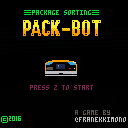
.*..__.**.****.__.__..___.
[)[]/`|_/_*[)|||**
|*||__.|***[)|||
**
--Amazeon warehouse bot achieves sentience.
EARLY ALPHA!
2 comments


Hello!
I am very much a beginner when it comes to programming, but i've always enjoyed tracking and the demoscene.
I figured i would give pico8 a shot and try to create some of the classic demoscene effects (sinescrollers, rasterbar, starfields etc.) if possible. I thought i'd try with something (that i thought) would be simple like putting some text on
the screen that would move like a sinewave. But that was obviously a lot harder than i thought. So i was wondering if anyone had any tips or perhaps some simple codesnippets i could look at to get a basic understanding of it.
I know some basic programming but not enough to be able to download a cartridge here, look it over and understand exactly what it is that is making things move.
Thanks a lot in advance!
3 comments


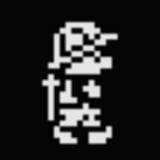

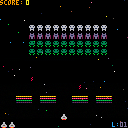
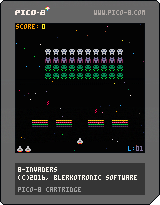
My first attempt at a PICO-8 game, so go easy on me. I think it worked out quite well for a learning exercise, though. Thanks for trying! :-)
4 comments




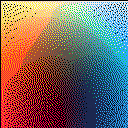
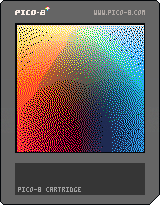
I've been playing around with Floyd–Steinberg dithering in order to achieve more continuous color gradients.
This is slow as molasses of course, and even with optimization I don't think it could be used in a game. But perhaps it could be used in a ray tracer or other, more temporally relaxed image generation applications.
1 comment


Just a heads up - the latest Symantec Endpoint Protection definitions - 17th Nov 2016 r21, is picking up pico8.exe as "untrustworthy". Probably a false positive from over excited heuristics, but thought you might want to know.
 4 comments



Is it possible to change the folder path where gifs are saved (eg. when you press F9)? My desktop is getting overrun!
Thanks!
2 comments


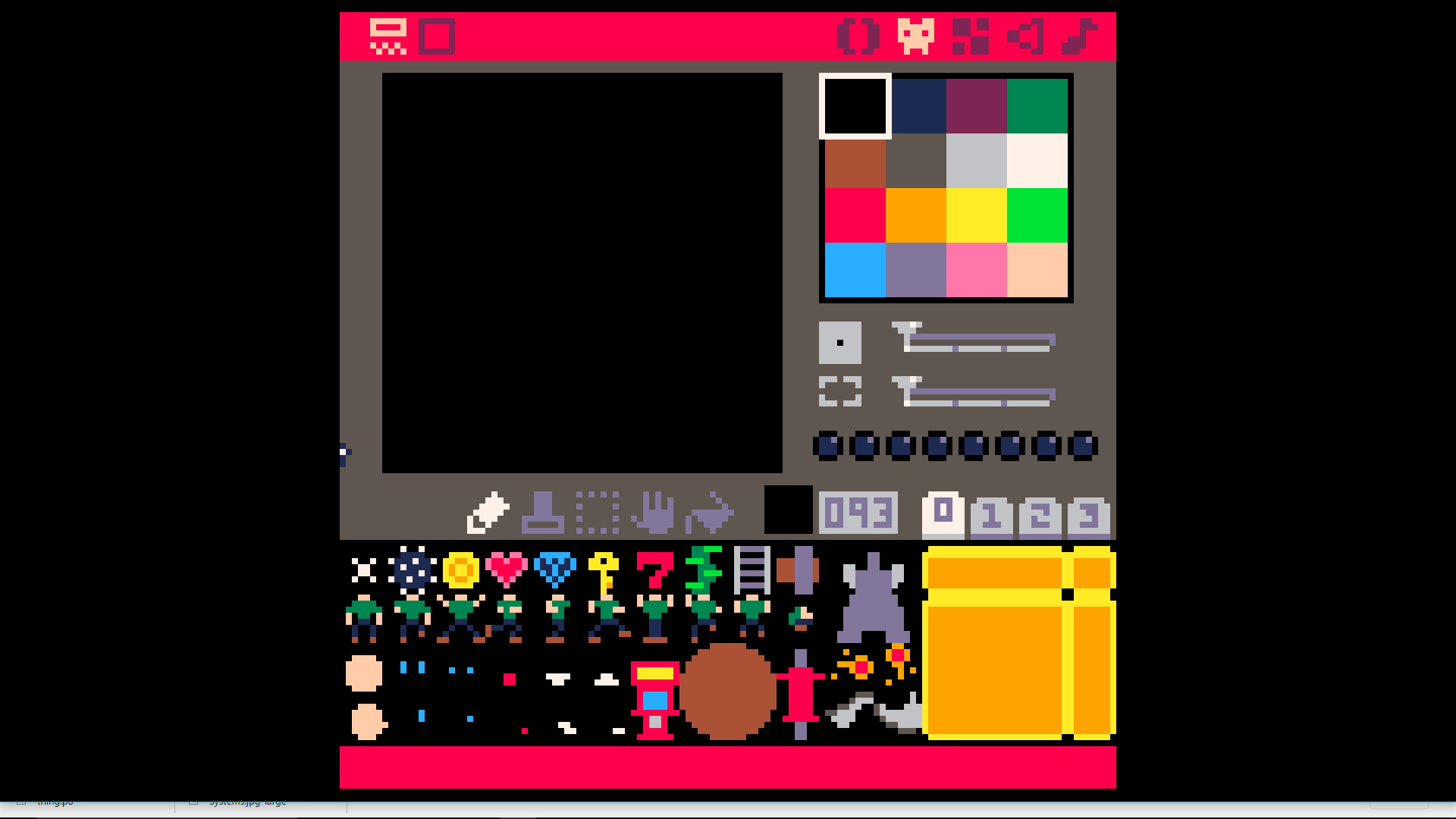
So... one of the things in my tinkering cart that I'm playing with is sprite complexity. The idea here is to associate the player position with the body, then draw the head relative to the player position, and finally, layer the expression on top of the head (unless it's facing up/away), and recolor as appropriate. It's not just the player that'll be using the build, but many enemies and NPCs as well, of course, so I'm trying to plan a "DRAWBODY(..)" function to draw the whole thing in one swoop.
So far, I'm thinking important factors are:
-x and y positions
-body frame
-colors of body
-relative head x/y
-head color/sprite
-eye expression/color
-facial expression/color
...but I get the feeling I might be forgetting something here?
1 comment
old version:
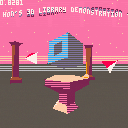
Here is a cleaned up version of the 3D library that I put together for the Pico Fox game.
The demo code is commented in more detail, but here is the basic gist.
Copy the code between Begin Cut and End Cut. (It's a big chunk.) In _init() function include: --init_3d() --Need to call init_3d() to set up player, camera and lights --use load_object(object_vertices,object_faces,x,y,z,ax,ay,az,obstacle,color_mode,color) to load 3D models into the world --use read_vector_string and read_face_string to generate vertex list and face list from string data In _update() function include: --handle_buttons() -- handle default buttons for player-- this can be overwritten obviously. --update_player() -- update the player with default movement, stopping at obstacles --update_camera() -- update the camera based on player location and direction --update_particles() --update 3D particles if used. (I didn't add any for this demo.) --... --update_3d() -- call update_3d() at the end of the _update() function to transform etc. in _draw() function include: --draw_3d() --render objects into triangles, sort the triangles and draw them onto the screen |
41 comments








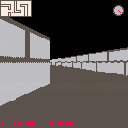
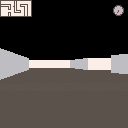
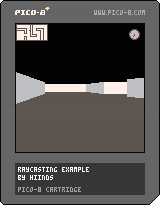
Here is my raycasting cartridge. I will do some tutorials to explain how it works.
You can use C to toggle textures and X to slide instead of walk.
6 comments




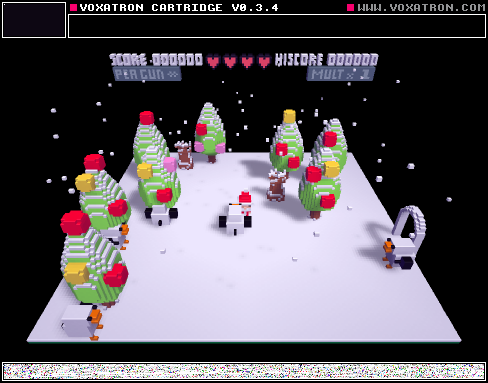


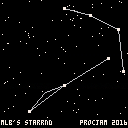
This is the procedural constellation generator from WIZRND, amped up a bit. It's a little fun to flip through some of them, so I've released this standalone as a bonus for #PROCJAM for people who aren't good at being a slippery wizard. ;)
More of a curiosity than a game.
You can play this here: https://topphysicist.itch.io/starrnd
You can play WIZRND here: https://topphysicist.itch.io/wizrnd
Source code is here: https://github.com/mattleblanc/STARRND
Cheers!
0 comments
(This may sound convoluted)
Is it possible to invoke an embedded ("export html") pico-8 program's functions from an external javascript file?
In this particular case, I wrote a .js app that fetches remote data asynchronously (via ajax). I then want to map that data to a sequence of pico-8 program function names, invoking each one in turn at regular intervals.
3 comments


Ok. So you can finally update pico8 on pocket chip without having to flash by typing the following in terminal:
sudo apt update && sudo apt install chip-pico-8
Also thought some of you may be interested in the following link regarding a 'console' version of pico8 that is being released for $29.
https://getchip.com/pages/chip
21 comments



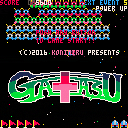
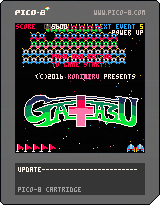







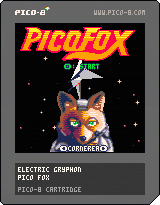
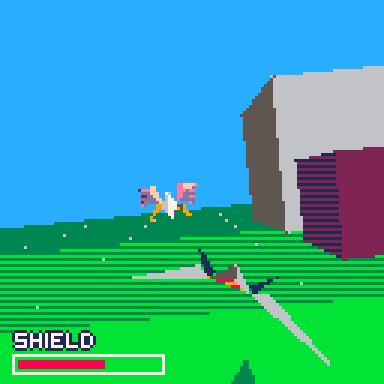
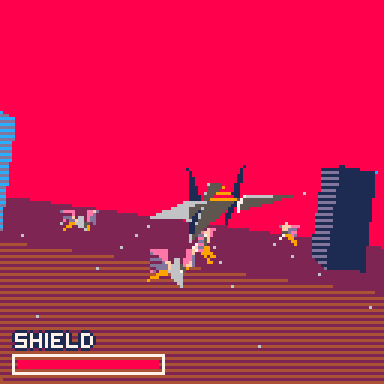
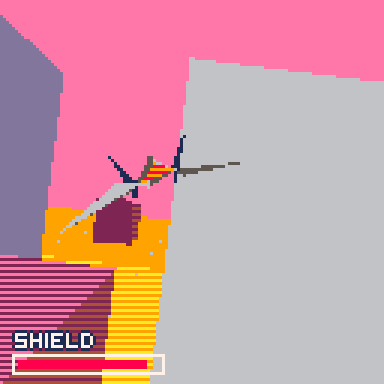
Fly your Arwing to victory in this demake of a certain, iconic SNES game.
Controls:
Arrow Keys: Move ship, Select level in title screen
z/o: Fire
Features:
Filled 3D polygon graphics-- reminiscent of SuperFX chip
3 levels -- select with left or right on the title screen
2 enemy types
Music
Special thanks:
Star Fox Cornerea music sequenced by PJBarnes.com (http://www.khinsider.com/midi/snes/starfox) and imported using kittenm4ster's midi to pico-8 tracker translator (https://github.com/andmatand/midi-to-pico8)
36 comments






Today i fixed a keyboard issue for PICO-8 running on a rpi3 B + raspbian(2016-05-27).
I use a German keyboard and the "<>" keys weren't displayed neither in console nor in code editor.
This occured with the static linked pico8 binary. ( pico8_dyn seems to work with the sdl version installed here, but runs to slow to be usable in my setup.)
As far as i understand it, it has to do with the keyboard handling of SDL. SDL seems to drop unknown keycodes.
I could observe an error message like:
INFO: The key you just pressed is not recognized by SDL. To help get this fixed, please report this to the SDL mailing list <[email protected]> EVDEV KeyCode 86 |
Creating a custom xmodmap file did not work. My custom keyboard mappings weren't recognised. So i tried to handle it a level closer to the keyboard and created a custom xkb mapping.
I copied the current used layout
cp /usr/share/X11/xkb/symbols/de /usr/share/X11/xkb/symbols/de_pi |
6 comments

I feel like it hasn't been said out loud that _init() seems like it breaks the normal rules of scope.
The below code works fine, printing out the string stored in a:
function _draw() cls() print(a,10,10) end function _init() a="yo" end |
edit: Technically, no rules are broken, as _init is called first, and since the variable assignment isn't local, it refers to the variable in the global scope, so it all works out.
But it still feels weird.
4 comments


