





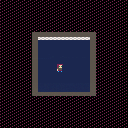
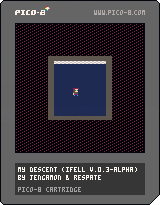
This new version comes with a reduction to two rooms, but makes a certain mechanic really important.
No, there isn't just 1 room, but two. -w- Progress.
There was a huge code cleanup and minification, so we have that going for this version. And the auto generated is back and improved!
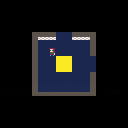
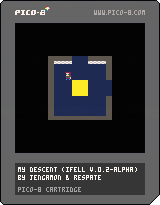
Me and my brother are coming up with a successor of "I Fell", featuring better mechanics, better movement, and hopefully better art and music. I had fun making "I Fell", so I thought, "why not?" This is the result.


 0 comments

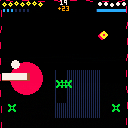
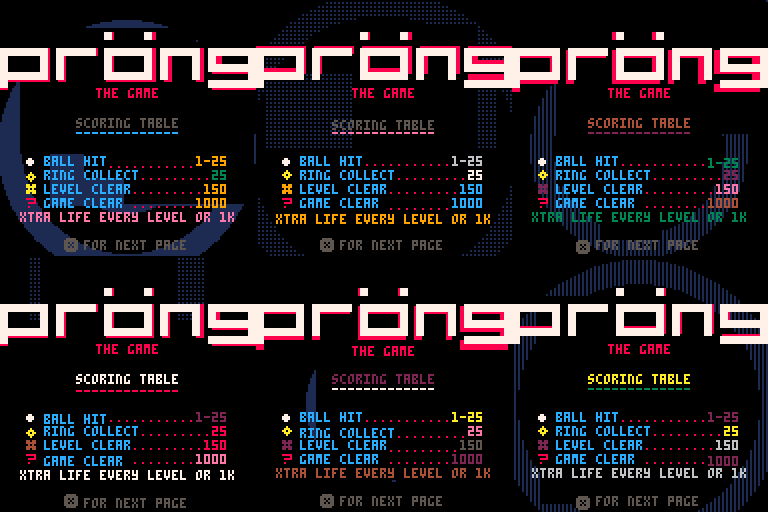
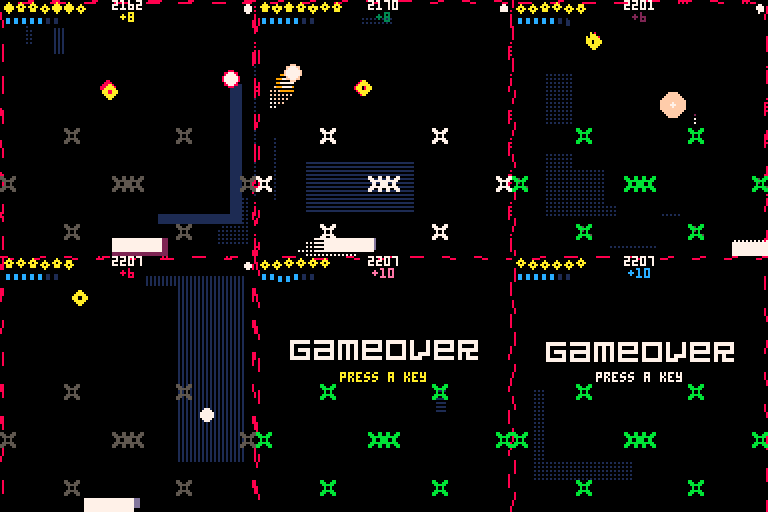
Pröng is a mutant game of pong. Also a techno-thriller dating sim.
This was a bit of an experiment combining many different game mechanics together. It was a lot of fun to make. It was also my first pico-8 project ever so I learned quite a bit.
I might do a write up in the future outlining the development process as I think it would be interesting to share.
Hope you enjoy.
3 comments




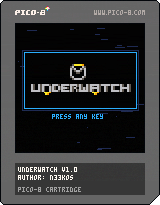
About
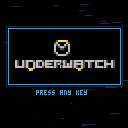
Underwatch is an objective based team shooter demake. The objective is to capture the control point (marked in orange) by ensuring that only your teammates are occupying the area.
You must eliminate your enemies and raise your team's capture meter to 100% before the other team does!
Controls
- z: Primary Ability
- x: Secondary Ability
- Up: Jump
- Left: Move Left
- Right: Move Right
Any resemblance to existing copyrighted material is coincidental and unintentional.
0 comments
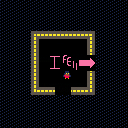
Forgot the instructions: Move around with the arrow keys.
Anyways, the cart is finished, at least I have declared it so. It is not perfect, but it was a nice stretch into what PICO-8 could do.
I enjoyed making this, and I hope you do, too.
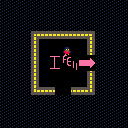
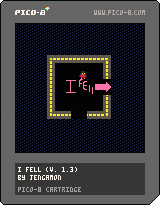
My first cartridge. I was trying to learn the basics of PICO-8 (I literally got it yesterday), and this is want I ended up with. It is nowhere near finished (ignore that 1 in the version). The heaviest inspirations seem to be FNAF and Yume Nikki.
4 comments


Hi,
here is example how to write lua code more as OOP using metatable and user defined callbacks for update and draw per actor.
Note: Plane sprite is created as sprite 2x1 on sprite id 1 and 2.
--   Actors+Actor CLASSes
-- andygfx - cubesteam - 2016

-- Define TActors container class ---------------------------------------------

TActors = {}

-- TActors CONSTRUCTOR

function TActors:New()

    o = {
            list={}
        }

    setmetatable(o, self)
    self.__index = self

    return o

end

-- TActors methods ------------------------------------------------------------

-- add actor to Actors list
function TActors:Add(actor)
	add(self.list,actor)
end

-- delete actor from Actors list
function TActors:Del(actor)
	del(self.list,actor)
end

-- return count of actors in list
function TActors:Count()
	return #self.list
end

-- call user defined update method on all actors in list
function TActors:Update()
	for a in all(self.list) do
		if a.enable then
			a:update()
		end
	end
end

-- call user defined draw method on all actors in list
function TActors:Draw()
	for a in all(self.list) do
		if a.enable then
			a:draw()
		end
	end
end

-- Define TActor class --------------------------------------------------------

TActor = {}

-- TActor CONSTRUCTOR ---------------------------------------------------------

function TActor:New()

    o = {
            name="actor",
			enable=true,
			visible=true,
			x = 0, y = 0,
			_x = 0, _y = 0,
			sprite = 0,
			sx = 1, sy = 1,
			dx = 0, dy = 0,
			update = function() end,
			draw = function() end
        }

    setmetatable(o, self)
    self.__index = self

    return o

end

-- METHODS

-- set actor fields
function TActor:Set(name,sprID,x,y,w,h,dx,dy)
	self.name=name
	self.sprite=sprID
	self.x=x
	self.y=y
	self._x=x
	self._y=y
	self.sx=w
	self.sy=h
	self.dx=dx
	self.dy=dy
end

-- set actor update and draw callback
function TActor:SetCallback(fncUpdate,fncDraw)
	self.update = fncUpdate
	self.draw = fncDraw
end

-- respawn acgtor to start position
function TActor:Respawn()
	self.x=self._x
	self.y=self._y
end

-- pico8 callbacks ------------------------------------------------------------

function _init()
end

function _update()
  Actors:Update()
end

function _draw()
  cls()
  Actors:Draw()
end

-- TEST ACTORS ----------------------------------------------------------------

-- create Actors container
Actors=TActors:New()

-- user defined UPDATE callback for actor
function UpdatePlane(self)
	self.x+=self.dx
	self.y+=self.dy

	if self.x>128 then self:Respawn() end

end

-- user defined DRAW callback fro actor
function DrawPlane(self)
	spr(self.sprite,self.x,self.y,self.sx,self.sy)
end

-- create actor#1
plane1 = TActor:New()
plane1:Set("plane1",1,10,20,2,1,1,0)
plane1:SetCallback(UpdatePlane,DrawPlane)

Actors:Add(plane1)

-- create actor#2
plane2 = TActor:New()
plane2:Set("plane2",1,10,35,2,1,2,0)
plane2:SetCallback(UpdatePlane,DrawPlane)

Actors:Add(plane2)

-- create actor#3
plane3 = TActor:New()
plane3:Set("plane3",1,10,50,2,1,3,0)
plane3:SetCallback(UpdatePlane,DrawPlane)

Actors:Add(plane3)
|
1 comment


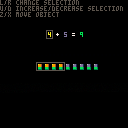


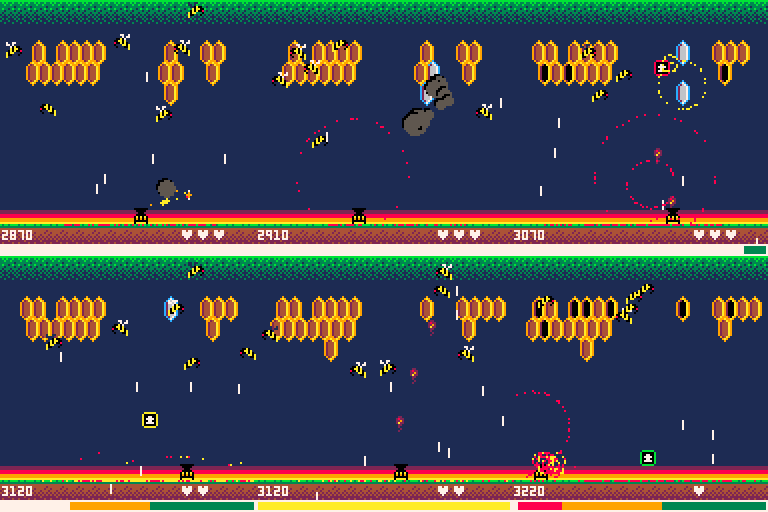
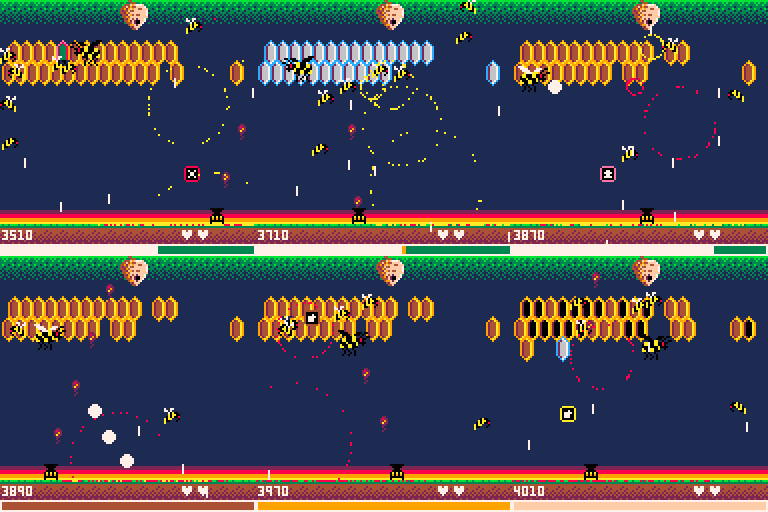
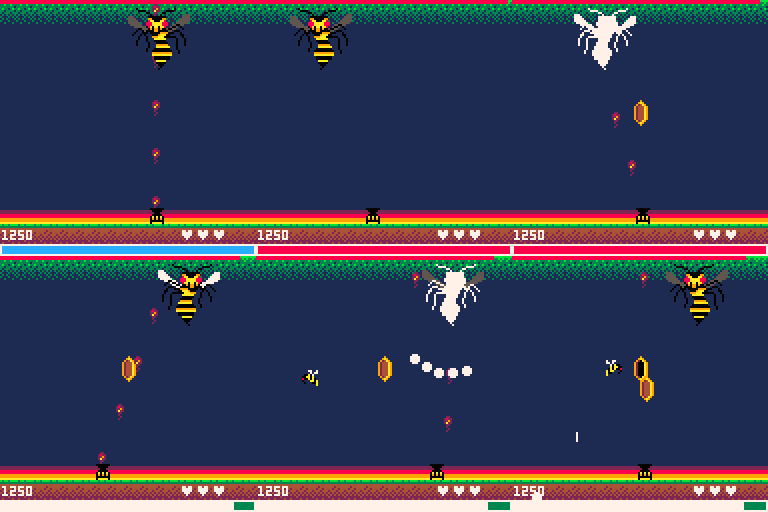
My next Pico-8 game, Buzzkill, is nearly complete. The only thing way outside my skill zone is music, so I'm looking for someone that might be interested in having their music showcased in my game. Your name will be on in-game credits and in code.
Figure it's worth a shot to ask...worst case is no one bites and I'm no worse off.
Would be most interested in 2 tracks. One for normal level play and one for the boss level. It's a arcade shooter so something up tempo and fun. Pieces can be short...doesn't have to be The Planets or anything.
Here are some screenshots of the game in-progress to help spark ideas.
Please post a reply if interesting and we'll get in touch. Thanks!
Title screen
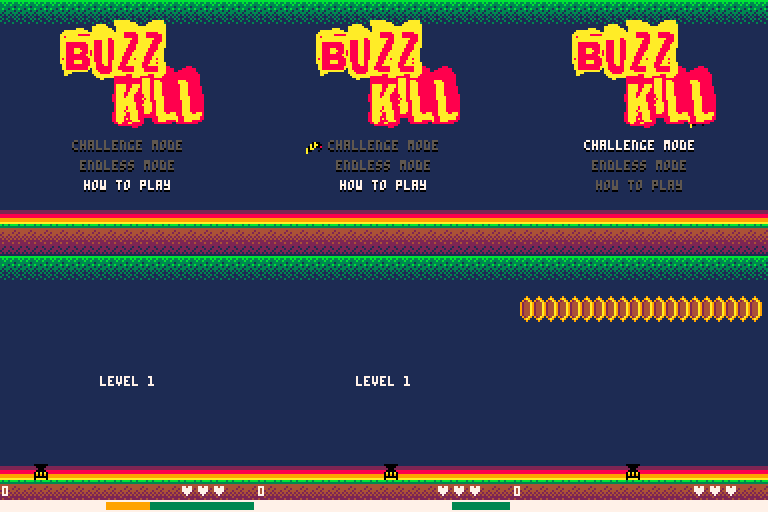
Game play
Boss level
 0 comments


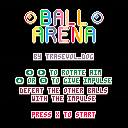
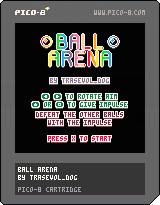
Defeat the other balls before they defeat you!!!
Have fun!
This is the presentation I made for Picoscope 2016 but rerecorded at home and in english! My mic is not that great and I don't think I'm very good at talking into it but I still wanted to do this for those of you who don't speak french!
If you have any questions, do feel free to ask!
If you liked that video and would like to see more of that kind of thing do tell because I have no idea if this is any good!
You can download the made-in-Pico8 presentation here!
1 comment


Hi, guys. So I'm trying to get some faster collision detection going, but I think what I got is way too slow still.
--p = object 1 (size is 8px) --af = object 2 (size is 8px) check = true if(p.x + p.width < af.x) then check = false end if(p.x > af.x + af.width) then check = false end if(p.y + p.height < af.y) then check = false end if(p.y > af.y + af.height) then check = false end if(check) then --if our player is inside a after image if( p.x >= af.x and p.y >= af.y and p.x <= af.x + af.width and p.y <= af.y + af.height or p.x + p.width >= af.x and p.y >= af.y and p.x + p.width <= af.x + af.width and p.y <= af.y + af.height or p.x >= af.x and p.y + p.height >= af.y and p.x <= af.x + af.width and p.y + p.height <= af.y + af.height or p.x + p.width >= af.x and p.y + p.height >= af.y and p.x + p.width <= af.x + af.width and p.y + p.height <= af.y + af.height ) then --hit end end |
1 comment
Hey everyone, I've modified gif_len in config.txt, but Pico-8 always records 4 second gifs no matter what. Help!
3 comments

Hey everyone, I've modified gif_len in config.txt, but Pico-8 always records 4 second gifs no matter what. Help!
0 comments

It could be inspiring!!
Also, I tripped across this video, and thought some of you may appreciate it; especially comparing it with P8's "restrictions."
3 comments


Current feature list:
-Page colours can be customized (background, button background/hover, text)
-Canvas scale can be customized, has no border, and defaults to 512x512
-Canvas is centered horizontally and vertically
-Canvas and buttons use image-rendering CSS for sharper fullscreen viewing
-First script tag includes "var require = null;" in order to address a node.js issue which prevents PICO-8 games from running in things like NW.js
-Buttons are "text-align:center" instead of "float:left"
-Buttons are slightly smaller to better fit default canvas size
-Button text can't be selected
-Buttons can be excluded
-Link button label/target can be customized
-Page can be autofocused for more accessible iframe embeds (without this, sometimes PICO-8 games won't receive input until you click on a button)
-HTML5 Gamepad API support can be included for singleplayer or multiplayer
18 comments




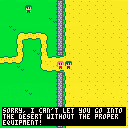
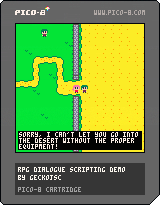
Hey folks! This is a demo cart to showcase use of coroutines to create animations and dialogue.
By having a single active 'script' coroutine we can do the following:
- reveal text frame by frame
- do nothing until player presses [x]
- give the player a choice of answers [up/down + x] to select
- do nothing until npc has finished walking
- do several of the above simultaneously, and only continue once all of them are finished.
all this without blocking the _update() function
For more info on coroutines, check out the forum post. Also keep an eye out for Fanzine #5, where Dan Sanderson will be exploring these topics!
6 comments




Just wondering how good PicoLove is
https://github.com/gamax92/picolove
I got my game, Light Fight (https://www.lexaloffle.com/bbs/?tid=3821), on it, but it seems to run at 1/3rd speed, and it's unplayable on my phone using love-android-sdl2 due to slowness.
https://bitbucket.org/MartinFelis/love-android-sdl2/
So, I'm wondering how fast other people's games run on PicoLove?
1 comment


2016年7月16日にPico Pico Cafeで開かれるワークショップ「プログラミングをはじめよう-PICO-8でゲームを作ろう-(懇親会付き)」の参加者のためのスレッドです。参加者のみなさんは、ワークショップで作ったゲームを(完成していても、してなくても)、ここにアップロードしましょう。
Pico Pico Cafe (Tokyo, Japan) will hold a workshop named “Let’s make a game with PICO-8” on July 16th 2016. This thread is a place for its participants to give it a try to upload their own made carts.
22 comments


The export in HTML5 is already very cool, and maybe sufficent for many to distribute games, but I was thinking it could be cool to be able to include pico-8 into some raspberry pi distributions (some with several retro gaming consoles emulators, like retropie, recalbox, happi game center), with the -splore option you get a great gaming machine!
Since pico-8 is not freely redistribuable, why not having a free pico-8 "player", which could play and splore games?
3 comments



Instead of just giving carts the ability to replace colors in the palette with other colors outright, I propose a totally dumb alternative:
A new screen rendering mode which does linear blending on the image by shrinking the 128x128 screen area to 64x64, turning this:

into that:

Games would have to be designed as 64x64 to make proper use of this of course (unlike my test case there...)
The basic idea is: To make a new color, all you need to do is color each pixel in a 2x2 area with different colors you want to blend together to make the new one. Then when the screen gets scaled down, all those pixels will get combined, making a huge number of new shades and hues available without just letting you change Pico-8's base palette colors outright.
Now excuse me while I study how composite video cables work so I can figure out CGA Composite Mode rendering to make 16 colors out of 4...
2 comments

Preview :
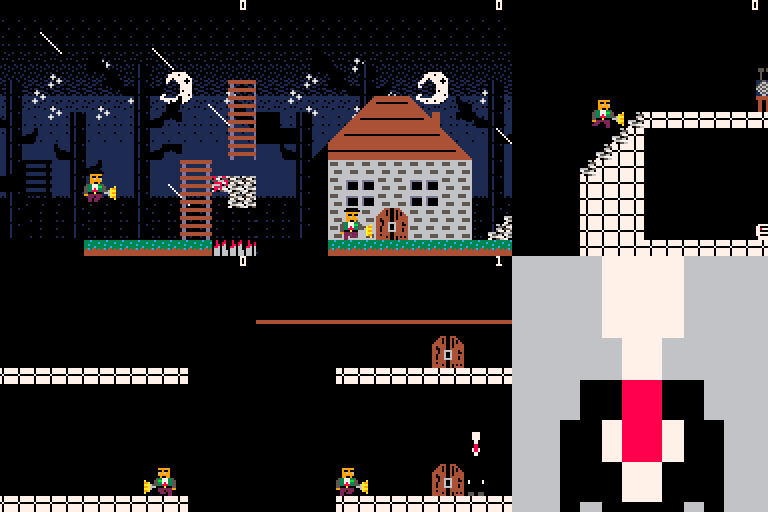
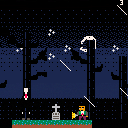
This is my first time programming a game on Pico-8. I made a platforming game with Slenderman who keep following you.
You must find all the eight pages. You die by hitting or facing for too long Slenderman. To make Slenderman disappear, the player must face opposite side of him for 1,5 seconds.
Controls :
Z - Jump
X - View last page taken
Arrows - Move
Up and Down arrows - Enter door
6 comments
