


Pico8 computer
This blog is an account of my attempt to build a retro stand alone pico8 computer.
below is a crude mock up the shape it will take.
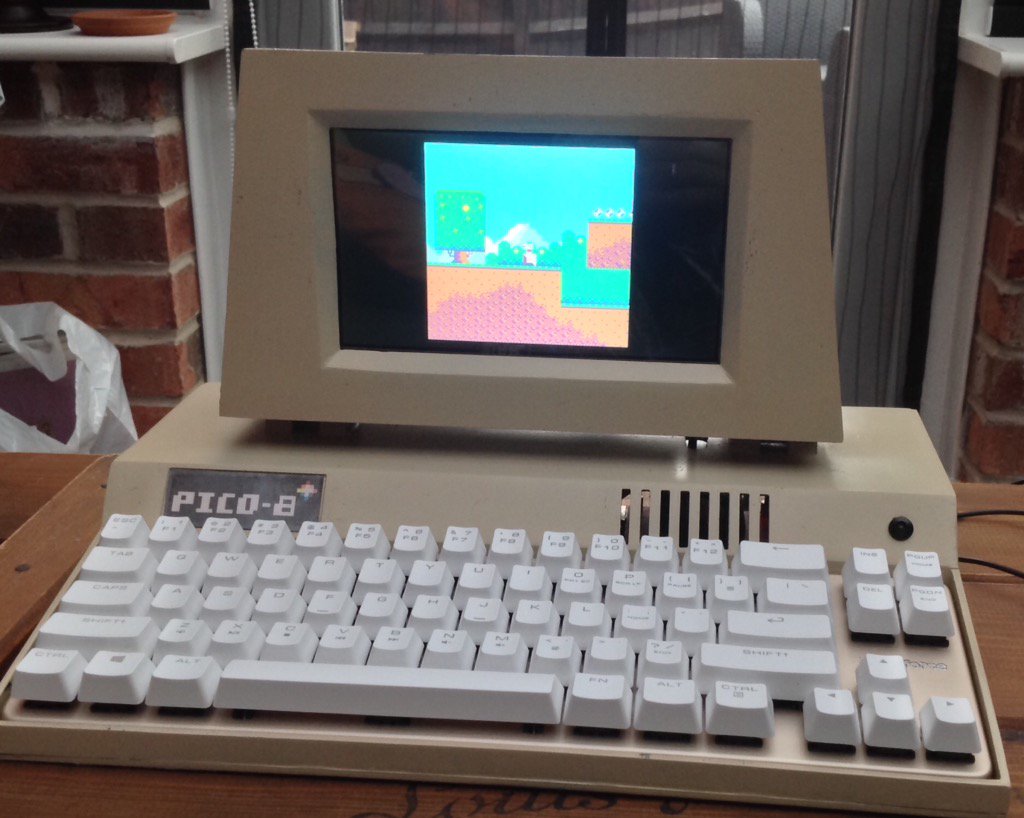
The computer is a Raspberry Pi 3 with a 1024*600 LCD screen.
It has a mechanical keyboard, integrated power, amplifier, speakers, a
few switch's and LED's. Ports at back will offer flexible power switching, and integrated voltmeter.
The case is partly 3d printed, and partly made from acrylic sheet, it will be sanded and
sprayed a suitable colour and adorned with a pico8 logo.
I may also have a hardware cartridge slot, for pico8 cartridges(with SD cards in them)
Progress so far:
Pi image complete, with working screen and auto boot into Pico8
Base acrylic sheet is all cut read to assemble,
all parts are ready to go.
I also intend to have a concave screen and have built a mould to form the plastic.
If anyone is interested I can provide more details as the project progresses.


 16 comments







Hello Everyone,
I'm thinking about the Theme of the next Zine.
I have put a Poll on Twitter , feel free to vote :)
[url=Twitter Poll]description[https://twitter.com/arnaud_debock/status/725952817869950976]
Let me know if you got any feedbacks.
47 comments






Short version: Whenever you leave the editor and run your thing, it should save it to a temporary file so you only lose to the last run if pico-8 crashes. Ideally, it should detect that it had crashed and offer to load this automatically so you don't overwrite it accidentally.
The story: So, I was doing the Squashy thing in PicoZine 1. Being familiar with programming concepts in general but not pico-8 specifically I was, of course, putting my own spin on parts of it, like the game over handling. Well, I made an amusing mistake that let me rack up points trivially after I died as I forgot to move the ball away from the paddle. This made me laugh, and while I was doing that pico8 crashed (possibly because I was playing a sound literally every frame? No way to know really, since it seems when I launched it again it overwrote the log file). I hadn't saved in quite some time.
No real harm done in this case, but it would be nice if there was a recovery option in the future!
8 comments


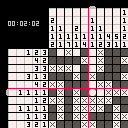
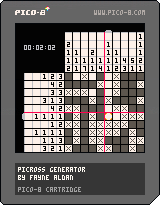
Currently a work in progress. Right now, puzzles are randomly generated, but in the future I'll likely add in pre-made levels.
View on itch.io
3 comments



Old versions:


Decided to write an encoder for 128x128, 2 color, 1 pixel scrolling, and one rectangle per frame
8 comments






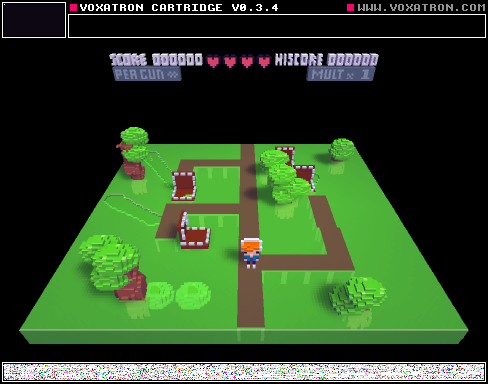
Swamp Chomps 1.0 Alpha
New Updates Soon, big thanks to Nicholas, a Maj Builder
Please do not Remix/Edit yet!
0 comments

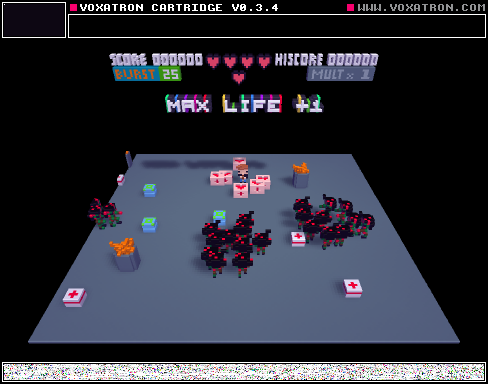
Wastelands Alpha 1.0
Evan has put time into this, so I hope you enjoy it! At the end kill the scorpion FYI. There will be updates soon, so please do NOT remix for the time in being. Ill be publishing more levels soon, #Maj!
The robot/thing is a preview to our next level.
0 comments

Hi. Going through the Smoke Particle section of zine #1 and found an error I couldn't solve. If you copy paste the following code..
function   make_smoke(x,y,init_size,col)
 local s = {}
 s.x=x
 s.y=y
 s.col=col
 s.width = init_size
 s.width_final = init_size + rnd(3)+1
 s.t=0
 s.max_t = 30+rnd(10)
 s.dx = (rnd(.8).4)
 s.dy = rnd(.05)
 s.ddy = .02
 add(smoke,s)
 return s
end
function   _init()
 smoke = {}
 cursorx = 50
 cursory = 50
 color = 7
end

function   move_smoke(sp)
if (sp.t > sp.max_t) then
 del(smoke,sp)
end
if (sp.t > sp.max_t15) then
 sp.width +=1
 sp.width = min(sp.width,sp.width_final)
end
sp.x = sp.x + sp.dx
sp.y = sp.y + sp.dy
sp.dy= sp.dy+ sp.ddy
sp.t = sp.t + 1
end
function  _update ()
foreach(smoke, move_smoke)
if btn(0,0) then cursorx=1 end
if btn(1,0) then cursorx+=1 end
if btn(2,0) then cursory-=1 end
if btn(3,0) then cursory+=1 end
if btn(4,0) then color = flr(rand(16)) end
make_smoke(cursorx,cursory,rnd(4),color)
end

function  draw_smoke(s)
circfill(s.x, s.y,s.width, s.col)
end
function _draw()
cls()
foreach(smoke, draw_smoke)
end
|
4 comments

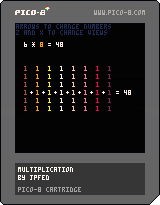
Another educational toy cart for my son. Not terribly interesting for the grownups here, but it shows the effect of changing the operands of a multiplication operation.
Controls:
Left/Right : Choose which operand to select
Up/Down : Increase/Decrease the selected number
Z/X : Choose a different visualization of the multiplication operation
1 comment

Picomino is a block stacking puzzle game made from boredom.
Select your mode, level and music and start stacking!
MARATHON
Stack your blocks into lines as long as it's possible. Don't top out or it's game over.
50-LINE
Stack your blocks to make 50 lines as fast as possible. Don't top out or it's game over.
CONTROLS
Left and Right - move block
Up - hard drop
Down - soft drop
Z/Button 1 - rotate
X/Button 2 - start/pause
SUPPORT ON ITCH.IO
https://adrian09-01.itch.io/picomino
5 comments


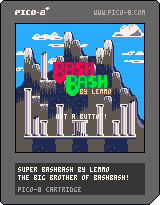
Version .3 update: Added attacking while jumping, double-jumping, and fixed the scores and glitches. Let me know if you find bugs!
This is still my "first game", it's a full screen, enhanced version of the Lowrezjam submission I made.
Two players versus only at the moment.
Controls are simple. left and right to move your player, up to stab upward, down to block. Buttons to jump and attack.
There's an AI in the works but it's laughably, three-stooges stupid at the moment. Graphics are still being tweaked (clouds are janky). Also, the scoring isn't displayed because I have to recode it for 4 or more characters, but you can still win by knocking the other person off the ledge 7 times.
Challenge a friend, see what you think. I'll finish the AI, recode the scoring, and maybe speed up the combat a little. Add a double-jump maybe.
Under the hood, feel free to peek. The platform collision is all done by one ground_check function. hit detection is done by the sword leaving 'hit bits' on the map. (this led to funny bugs of there being invisible 'mines' around the map when the bits didn't clear properly).
I'm being guarded and cautious. Whatever. Enjoy.
6 comments




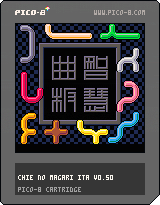
How to play
There are 10 different pieces.
You must place all of them into the frame without overlapping.
X: pick or release a piece
D-pad+Z: rotate or flip
(Please see the instruction at the bottom of window)
Release notes
0.50 (Apr 30, 2016)
- Play music.
- Tune visual of gallery.
0.30 (Apr 25, 2016)
- Initial Release.
(Older versions)
[hidden]
 8 comments


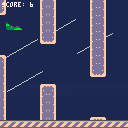
Bouncing Plane is a Flappy Bird like.
You are lost in a storm and you have to survive as long as you can.
-- CONTROLS
[UP] to jump
0 comments




Hi. I'm trying to learn about collisions using the DOM8VERSE section of zine 3 but I'm getting weird error messages whenever I try and use a foreach.
For example, when I try this:
function _update()
if btnp(5, 0) then
add(objects, bulletconstruct(player1.position.x,player1.position.y))
end
foreach(objects, function(obj)
obj.update(obj)
end
end
.. I get ')' expected ( to close '(' at line 0.0003891 near 'end'
I've tried adding and taking away brackets, as well as 'end' statements but I can't get it to work. Thought it was strange as I'm copy pasting zine 3 code.
Anyone know the solution?
2 comments

So I've set PICO-8 up to run from RetroPie, and it all works great, except for exiting. When I type SHUTDOWN to exit PICO-8 and return to retropie, PICO-8 just freezes. Does pico8 need to be run from within it's directory, or can it be run from anywhere? (not like move the executable, but be in a different folder when running it)
2 comments


As seen being indicated on the forum, I used GamepadTool to map a Dualshock 3 on my Mac, as I wanted to use the D-Pad instead of the left stick.
After an extensive search, it seems to be impossible to map all d-pad buttons to the stick, at least by using the current SDL mapping. leftx and lefty only accepts one input, as it is not possible to create a virtual axis.
Even if the SDL2 source code actually says that "Buttons can be used as a controller axis and vice versa", pushing a button only sets a positive value to the axis. This results to be able to turn right and down, but not left and up.
So, I was wondering if it was possible to add
[b]dpleft[/b] as an alternative to [b](negative) leftx[/b] [b]dpright[/b] as an alternative to [b](positive) leftx[/b] [b]dpup[/b] as an alternative to [b](negative) lefty[/b] [b]dpdown[/b] as an alternative to [b](positive) lefty[/b] |
in a future release of Pico-8?
9 comments





Hello!
Is there a good way to play cartridges in the browser with a gamepad/joystick? Is it even possible to use gamepad input with javascript?
I plan to do a local PICO-8 game jam and I would like show the outcome on a website for a larger audience to play. If this way would offer gamepad support it would be so much better.
I can use a third party software to map gamepad input to individual keyboard keys. But that is a lot of installation and config work and I would rather have the visitors "just play".
Any ideas? Thanks!
3 comments

