




Hey, just thought I'd post this code in case anyone else finds it useful.
If you need a few extra sfx slots in your pico8 cart and can spare the code, here's a little thing that will load a sound into RAM. It takes a table of 168 4-bit values in the .p8 sfx format, and writes out a 68-byte sfx block into one of the sfx slots in memory.
It's a complete test program, tweak, adjust and reuse to your liking.
-- unpack a hex string into a
-- table of numbers.
function unhex(s,n)
 n = n or 2
 local t = {}
 for i = 1, #s, n do
  add(t, ('0x' ..
   sub(s, i, i+n-1)) + 0)
 end
 return t
end

-- unpack a data string
-- including two sounds
-- taken out of a p8 file.
sfxdata = unhex(
   '010800003c6751f473234731347'
.. '3006253c615006253c6050c6150'
.. '00000c615000000000000000000'
.. '000000000000000000000000000'
.. '000000000000000000000000000'
.. '000000000000000000000000000'
.. '000000010300003c63515073182'
.. '701f271232711c2711827113271'
.. '0e2710021124300243002430024'
.. '300243002430024300243002430'
.. '024300243002430024300243002'
.. '430024300243002430024300243'
.. '002430024300', 1)

-- load a new sound into sfx
-- memory at runtime.
--
-- arguments:
-- d = dest sfx slot 0 .. 63
-- s = source sfx number in
--     sfxdata table, 0-based
--     index. each sound is 168
--     values of the table.
-- note: sfxdata must exist as
--       a global or upvalue.
function loadsfx(d, s)
 local t = sfxdata
 d = 0x3200 + 68 * d
 s *= 168
 for i = 0, 3 do
  poke(d + 64 + i, t[s + i * 2 + 1] * 16 + t[s + i * 2 + 2])
 end
 for i = 0, 31 do
  local a = d + i * 2
  local b = s + i * 5 + 9
  poke(a, (t[b] * 16 + t[b + 1]) % 64 + t[b + 2] * 64)
  poke(a + 1, band(t[b + 2], 4) / 4 + t[b + 3] % 8 * 2 + t[b + 4] * 16)
 end
end

-- load sound 0 from sfxdata
-- into the sfx ram at slot #2.
loadsfx(2, 0)
-- play sfx slot 2.
sfx(2)

-- loop forever so we get
-- to hear the sound play.
while true do flip() end
|


 1 comment




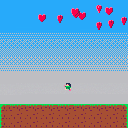
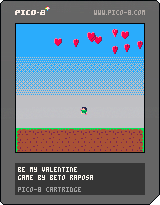
I just finished this micro game to send to my wife as an interactive Valentine's day card.
It is a little rough around the edges, but I don't have more time to work on it right now. There might be a update before today ends, or not.
2 comments



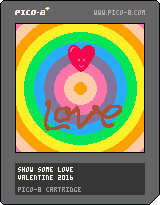


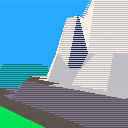
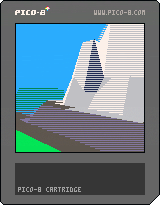
Here is the first pass at the Pico-8 Flight Simulator in filled and shaded 3D.
Explore an expansive, mountainous world and avoid crashing.
(Simulation might be a stretch, as nothing about the aircraft physics is actually modeled... but you have to start somewhere.)
Controls:
Left / Right Arrow: Turn
Up / Down Arrow: Increase / Decrease Pitch
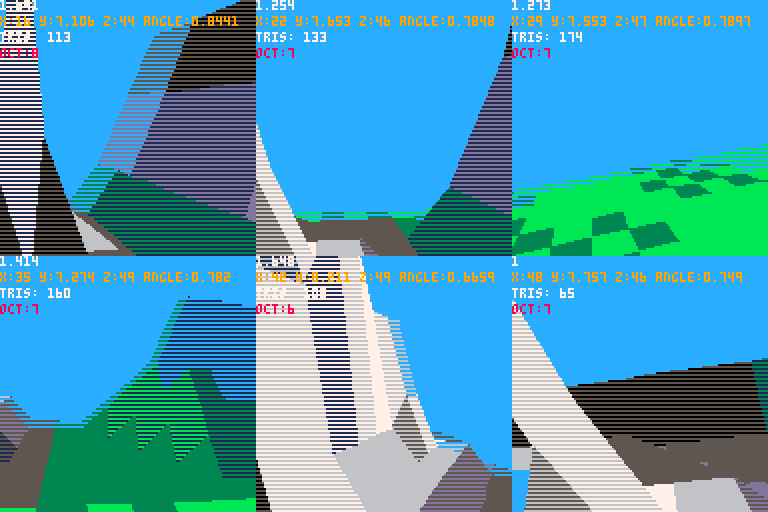
I was feeling down about the frame rate, but then I looked at videos of flight simulators from the late 80's and early 90's and that made me feel better :-D.
Changes:
--Fixed movement bug
Next tasks:
--Cockpit graphics
--More varied terrain
--Some sort of goal (perhaps travel from airport to airport and land... like a real flight sim...)
-Electric Gryphon
16 comments








I'm trying to make a string with a certain combination of characters which is causing compiler errors. I want to make a string with the following characters:
pstvx14.,?/="+ |
With the escape character for the quote mark, it should be:
str="pstvx14.,?/=\"+" |
If you copy just that line into PICO-8 and try and run it, you'll get the following error:
syntax error line 1 <eof> <name> expected near ',' |
If you delete the . then the , then the ? you'll get a different error each time (unexpected symbol, syntax error). If you then delete the / it's fine, so the following string is ok:
str="pstvx14=\"+" |
Different combinations of punctuation will give varying errors. It seems like this is a parser error?
There's also a highlighting error when you have a string containing just the backslash character:
str="\\" --this should be grey not blue --the blue stops here:" grey |
1 comment

I've made a series of fonts for the PICO-8. Each font uses as few sprites and as little code as possible. An 'LS' version of a font uses Less Sprites at the expense of longer code.
TinyText: a lowercase font meant for use alongside the uppercase system font. Each character is just 3x4 pixels and aligns to the bottom of the system font, meaning lines of text are still 5 pixels tall and 3-pixel monospaced. The whole font uses just 5 sprites. Can fit 21 lines of text on-screen (the same as the system font).
TinyTextLS: the same font as TinyText but with just 4 sprites!
MiniText: a prettier lowercase font also meant for use alongside the uppercase system font. Character size varies and can hang below the writing line, meaning lines of text are now 7 pixels tall (but are still 3-pixel monospaced). The code is a bit longer, but the font still only uses 5 sprites. Can fit 16 lines of text on-screen.
MiniTextLS: the same font as MiniText but with just 3 sprites! [deprecated, see LRP's Mini]
15 comments


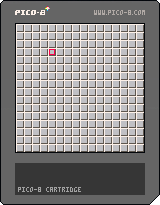
Lack of mouse controls should be no obstacle. Use arrow keys to navigate.
Plan:
- cursor range limits
- mine counter
- flag marker
- number tiles
- more mines
- game over
- code size optimization
1 comment


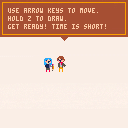
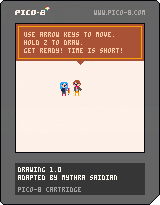
A game based on Shodo by oinariman (Ryosuke Mihara).
With help, support, and patience from Jonathan Muth.
M is an unhappy art student who thinks she doesn't have what it takes.
Her teacher thinks that's bullshit.
Use the arrow keys to move.
Hold z to draw.
What can you and M make before time runs out?!
Press f to skip the intro if you've already seen it!
Take a screenshot when you're finished and add it to the gallery:
Submit your stuff c:
or email it to [email protected]
or tweet it to @JonathanMuth
View all the work here:
UR an Artist Tumblr
3 comments



I've been meaning to ask around about interest in this for a while, but as far as I can tell, generated Pico-8 HTML/JS is free to be used as I please.
As someone who uses Cordova and Electron a lot in my job, my first thought was to wrap a project in Electron for a Pico-8-free 'native' app, perhaps with arcade style frames, additional controls, etc. This also extends to Cordova for iOS/Android (with a bit of faffing around to replicate keypresses).
My thought is that it opens up Pico-8 hobbyists to create games they can distribute (and sell? I don't know what the ramifications of this are) and expand the freedom that people have. There's also scope for additional experimentation, using smartphone sensors for controls, etc.
I suppose I wanted to bring up 2 discussion points:
1. Are there any limitations on what can and cannot be done with either the generated code or the .p8 file data itself?
and
[b]2. Are people interested in wrapping their Pico-8 games in a way that they can play Pico-8 games both outside of Pico-8 and outside of their web browser?
5 comments




Hey guys, I'm just starting with PICO-8. So far it's very fun. Although I'm a frontend web developer by profession, Lua was very easy to pick up due to its similarities to Javascript. The development experience is generally pretty awesome apart from poor debugging tools. But overall, the simplicity is welcomed since it lets you bang out proof-of-concepts really quickly.
Alas, the simplicity really does set me back in one category -- persisting data.
It seems like looking at the manual and some carts, the main method is to write binary data to a memory address with peek/poke/memcpy/memset. As a JS guy, I've worked with plenty network protocols and IO between filesystems, databases, and APIs, but when it comes to working directly with binary data and using memory addresses, I'm kind of lost. I've rarely encountered a situation that required me to use bitwise operators or manipulate binary values directly.
That being said, I have looked around the BBS and attempted to find something to guide me on this quest to save the game state. I've seen a couple of threads (like this one) and downloaded a few carts like Shodo and Picodachi to see how it's done. Despite my best attempts to grok the concept, it's very difficult to understand the following:
1 comment

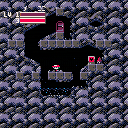
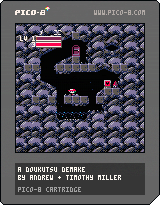
Another little project my brother and I have been working on. We are huge Cave Story fans, so building a demake was kind of a childhood dream come true. Never ceases to amaze me how much can be done within the (wonderful self-imposed) limitations of the Pico-8 engine.
It has no real ending as-of-now, we might add that in later. But for now, enjoy! If you want to see some of our process in creating this, we vlogged about it at DoubtfulGames
29 comments







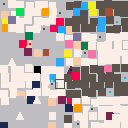
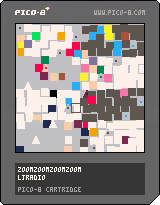
ZOOMZOOMZOOMZOOM| is in beta some of the commands and keys you can use are ARROW KEYS = move selection for zoom Z = zoom X = colors TAB = you can change color combinations D = edit palette |
| if you want to help me make this art thing you can help by assisting in -making the zoom animation actually work (ADDING YOUR OWN SPRITES) |
part of the art saga i suppose.
3 comments


Seems like my profile picture on the lexaloffle.com won't work no matter what I do. The description says it's 48x48 so I chose a 48x48 pixel image but it doesn't show up. What's up with that??
1 comment




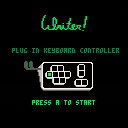
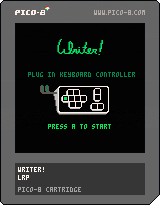
Introducing Writer!, the PICO-8 word processor that nobody asked for. Writer! would have been distributed with the PICO-8 (fantasy) keyboard peripheral, which plugs into both controller ports. Don't have a PICO-8 keyboard of your own? Your standard keyboard's WE, ASDF, XC and arrow keys should emulate the correct inputs.
5 comments



Is there documentation for exactly how many clock ticks instructions take to execute? In those unfortunate situations when fps drops from 30 to 15, it is challenging to find ways to be more efficient without that information.
Or perhaps a function to return clockticks since last display?
Thanks for any info,
RGB
3 comments


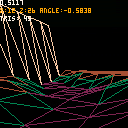
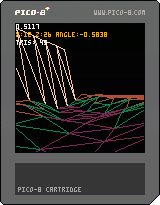
This is a stepping stone to an overly-ambitious project.
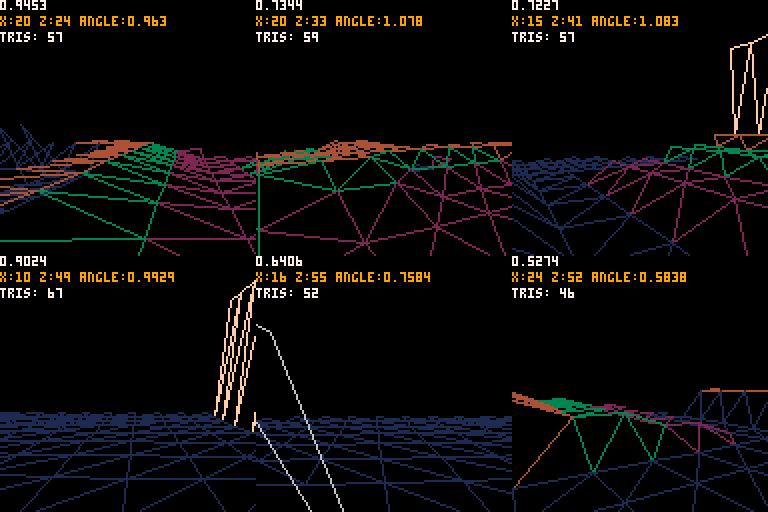
I'm looking for a better way to sort a table of triangles--currently sorting speed for around 150 triangles is preventing me from having solid filled triangles.
Does anyone have a good quicksort implementation that could sort a list of triangles, where each triangle contains 3 points and a centroid "z" value?
triangle_list={}
function	new_triangle(p1,p2,p3,z,color)
	t={}
	t.p1=p1
	t.p2=p2
	t.p3=p3
	t.z=z
	t.color=color
	add(triangle_list,t)
end

function sort_by_z()
 ...
end
|
That said, I actually like the way that the wire-frame looks, and backface culling almost makes hills appear opaque.
 7 comments



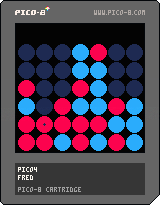
4 in a row
adaptation from 8P-Tech.net processing source code
minmax algorithm
You always start (yet) no difficulty setting (yet)
Keys Left/Right to chose your row
Key Down to drop your red token
Key Up to undo last turn
0 comments


