




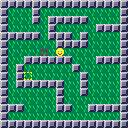
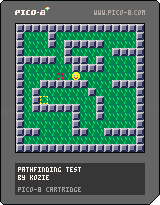
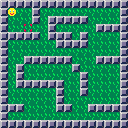
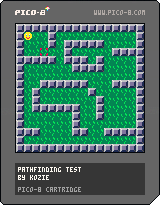

Sometime ago, Josh Millard made the PICO Junior.
A few days ago, sta64 found out about PICO-8's Screen Resolutions.
I had the idea to combine the ideas, so I present the PICO Junior (Jr. for short) Challenge.
Requirements:
- 4 colors in total (transparency doesn't count)
- Must be 64x64
- One Player
Everything else? Fair Game.
To make sure that the games are easy to find, I've got 2 ideas:
- Put them all in this post.
- Tag them with "picojr".
I've got an example cartridge, lemme know which method would be easier.


 19 comments






Hi, I was trying to cache an entire frame in ram to be able to blit it later on on screen.
However the user defined memory is not big enough to hold an entire frame (lacks 1kB)
Fair enough, as I was not using sfx at all, i tried to overlap on that memory but for some reasons some bytes in that area seem to be masked and cannot take value greater than 0x7F
So my question is: Is there a place in RAM where i can safely read/write the extra 1024 bytes i need to cache an entire screen frame ?
5 comments




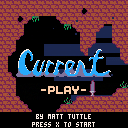
Press X to play. Currently the only thing to do is explore.
0.2 - Added music, jellyfish and starfish
6 comments




Hi all
I was just wondering about that. What can you do with those? I didn't know they existed until I noticed those weird sprites loosely resembled some maps. Is it just a thing that means you can use that space for either extra sprites or extra maps or does it have some use I'm not seeing?
5 comments




Hi everyone,
I am a bit new to Pico-8, so I'm not sure if this is a known thing or not, or if it is even an issue.
Bitwise operations seem to act funny, specifically XOR.
For example this is how XORing something with 1 should work
    0000
xor 0001
=   0001

    0001
xor 0001
=   0000
|
I've tried implementing this in code by doing:
switch=0x00 if btnp(4) then bxor(switch,0x01) cls() print(switch) end |
But switch just stays at 0. I'm not sure if I'm doing something wrong or if this is just the way it's intended to operate.
Thanks for your time!
7 comments



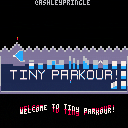
Design, coding: @AshleyPringle
Music: @Pizzamakesgames
Thanks to @XenoNS and @TRASEVOL_DOG for their invaluable help with playtesting!
[hidden]
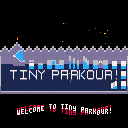
 37 comments





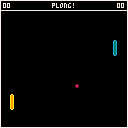
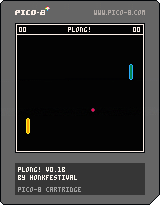
My first PICO-8 cart. Plong! is a 2-player pong clone that lets you change the angle of the ball if you hit it while moving.
E, D for the left paddle
Up, Down for the right paddle
Feedback welcome, especially bug reports!
<3
0 comments

I've installed 0.1.2. In the SFX editor, when I hit SPACE i don't hear the sound i'm working on but the first bar is selected. In the pattern editor, SPACE selects the first row of the first pattern. When a game is running (for example te demo api.p8) I can hear neither music or sound effects.
If I run 0.1.1 everything works fine.
I'm on MacOSX El Capitan.
3 comments


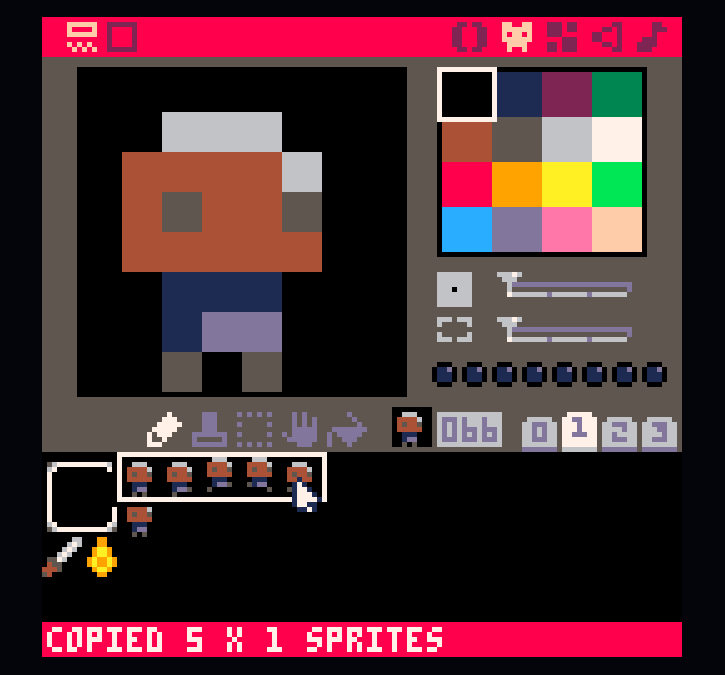
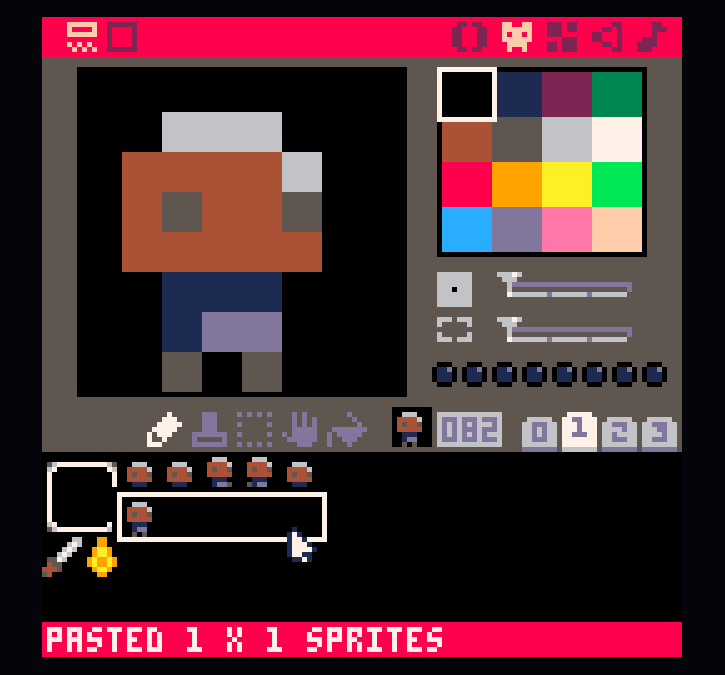
This worked in 0.1.1, doesn't seem to anymore. My assumption is that it's something to do with this fix:
Fixed: Search replace colour fills one pixel outside of selected region |
You could also scroll selections like this, and I found that super useful for moving sprites around. But that doesn't seem to work, either.
 1 comment
Hi all
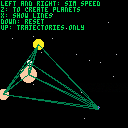
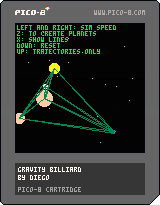
I made this just to get acquainted with Pico 8. It's a 2D gravitation simulation in a closed domain (the planets bounce off the walls). You can add planets, toggle lines and watch trajectories.
Fun fact: for 2 dimensions, the power law of gravity is actually 1/r. So you won't see closed orbits even with only two bodies.
1 comment
I know i can add entries to a table using the add function but it seems i can't add using keys.
For example:
local key = {1,2}
local t = {}
t[key] = true

print(#t)
|
this seems to return 0. Any clues?
7 comments


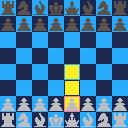
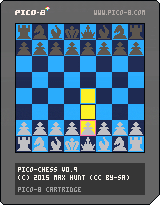
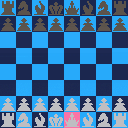
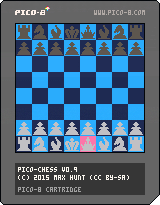
2 player chess. Arrows to move, button 1 to select a piece and confirm a move, button 2 to deselect.
En passant, castling, and pawn promotion don't work. Because they're complicated. I'm going to try and make an improved version soon which will have these rules working properly. This is why it's v0.95.
If you're going to look at the code, be warned: here be dragons. Its messy. Also white and black are swapped in the code from what they actually are in the game. Don't ask.
10 comments




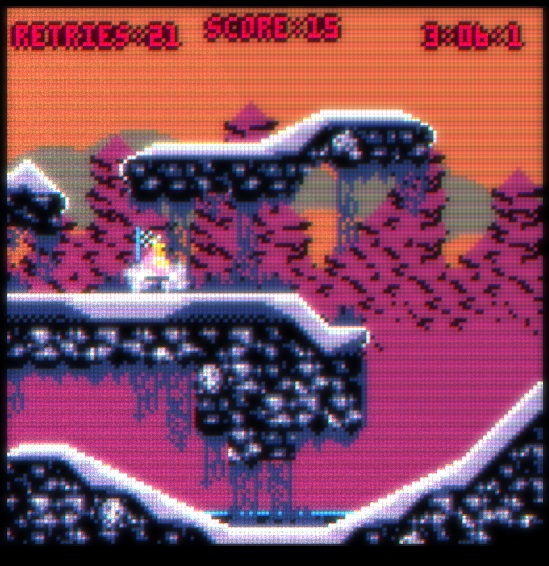
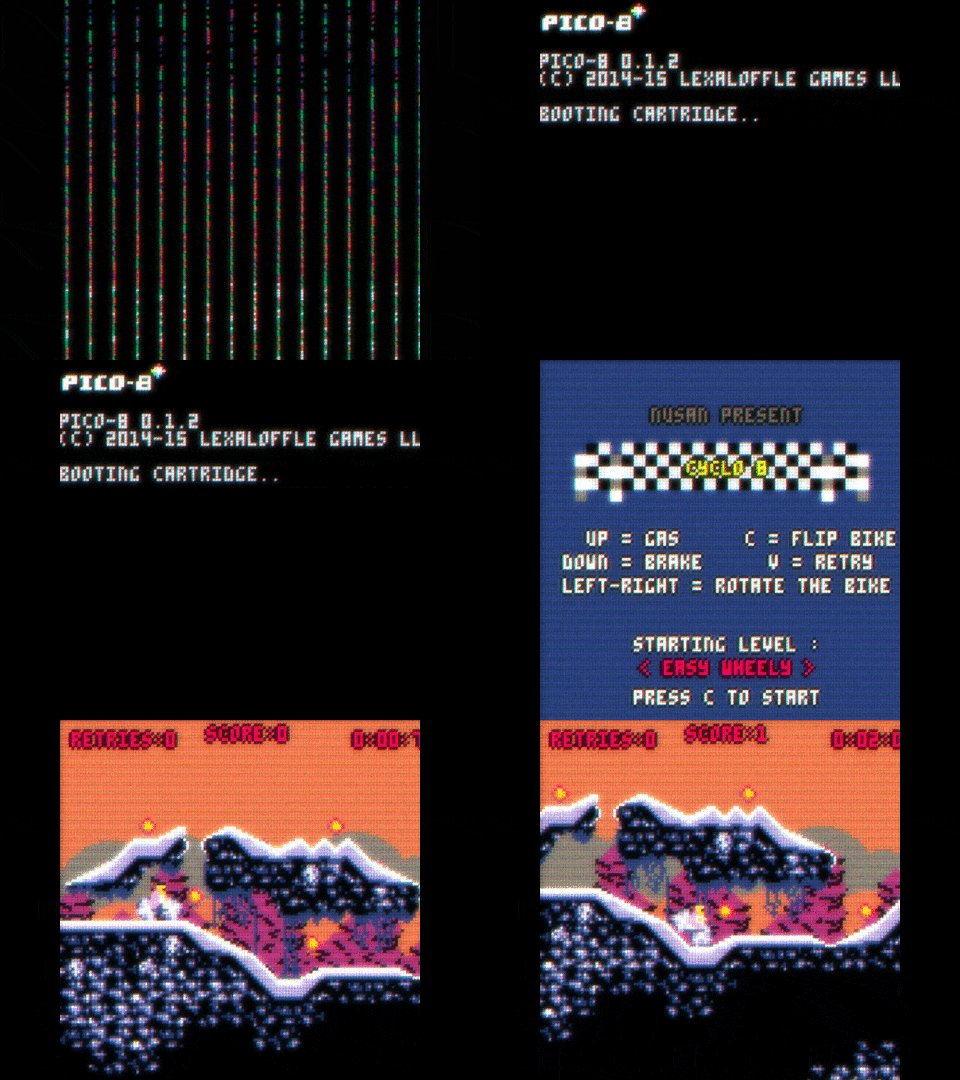
The new export option is amazing, so I started messing with three.js (a webgl library) to use it with Pico 8.
And it works, so I made a simple proof of concept by drawing the pico 8 output in a sort of cathodic display style. The next step will be to import a 3D model of a computer screen or maybe an arcade cabin. So we can finaly see this great fantasy console.
Feel free to use the source code and mess with it. You can change your game just by replacing the game .js by the one exported from Pico 8.
Here is the page
Here is the source code
6 comments



Whenever I start up a game using the new web player, it says "future-version: 5", then after some time passes, I get "timeout :(". I figure I need to update the web player by clearing my cache, no biggie.
The new player gets to "loading cartridge..." then the web page crashes! (In Google Chrome, this is "Aw, snap!")
Offline carts still work, thank god.
Zep, don't sweat. Every game/program's pre-release stage is rocky.
12 comments


I'm getting a "could not load" error message whenever I try to start PICO-8 with the new -run argument in v0.1.2.
I tried this in Windows:
"\Program Files (x86)\PICO-8\pico8.exe" -run \Users\dan\AppData\Roaming\pico-8\carts\test_printh.p8 |
And got this error:

I also tried this in Mac OS X and got a similar error:
~/PICO-8/PICO-8.app/Contents/MacOS/pico8 -run ~/Library/Application\ Support/pico-8/carts/downloads/bitpools.p8.png |
Thinking this might be due to unexpected chars in the path, I also tried copying the cart to /tmp/pico8carts, but this also failed (in Mac OS X):
~/PICO-8/PICO-8.app/Contents/MacOS/pico8 -run /tmp/pico8carts/bitpools.p8.png |
P.S. The error message doesn't render the uppercase chars in the path correctly. Obviously the PICO-8 font doesn't have two cases worth of chars (apparently missing uppercase in the implementation), so I'm not sure what the best thing to do here is. It could lowercase the path, or hack in drawing an underline for the uppercase chars. A different color might also work but would be less ideal. Uppercase chars don't come up in regular messages in PICO-8 (unless you force them in with a text editor), but they do here because it's a file path.
3 comments


This is a function that will generate cart's guid (used for cartdata function) based on things specific to the cartridge (mapdata, gfx, sfx and code).
function getcartguid() reload(0x4300,0x4300,7168) alphabet = "1234567890abcdefghijklmnopqrstuvwxyz_1234567890abcdefghijklmnopqrstuvwxyz_1234567890abcdefghijklmnopqrstuvwxyz_1234567890abcdefghijklmnopqrstuvwxyz_1234567890abcdefghijklmnopqrstuvwxyz_1234567890abcdefghijklmnopqrstuvwxyz_1234567890abcdefghijklmnopqrstuvwx" guid = "" for i=0,15 do num = peek (0x0+i) guid = guid .. sub(alphabet,num+1,num+1) end for i=0,15 do num = peek (0x2000+i) guid = guid .. sub(alphabet,num+1,num+1) end for i=0,15 do num = peek (0x3200+i) guid = guid .. sub(alphabet,num+1,num+1) end for i=0,15 do num = peek (0x43af+i) guid = guid .. sub(alphabet,num+1,num+1) end --print (#guid) --print (guid) return guid end |
0 comments