


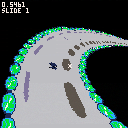
I’ve been curious why smooth, textured curves were never a thing in graphics. Usually just polygons, or curves made out of polygons. After I saw this video on bezier curves, https://www.youtube.com/watch?v=aVwxzDHniEw thought I had enough tools to figure out why for myself. The video mentions two major difficulties when working with them: It’s hard to solve cubic polynomials, and estimating distance along a bezier curve isn’t precise.
If your goal is texturing them, it turns out you don’t even need to estimate distance. For any 2 bezier curves, they all share a start t value of 0 and an end t value of 1. You just have to scale up whatever t value you’re on to the height of your texture and draw your tline(), and it looks great!
The inability to solve cubic polynomials was tricky. Stack overflow has methods for drawing curves. I can’t quite figure them out, but they appear too slow for pico 8 and take a bit of space. Originally, I would just guess a T value and see if it was one pixel away, and go to the next one. Then I saw this video on newton's method https://www.youtube.com/watch?v=hHeq-SB8uVg
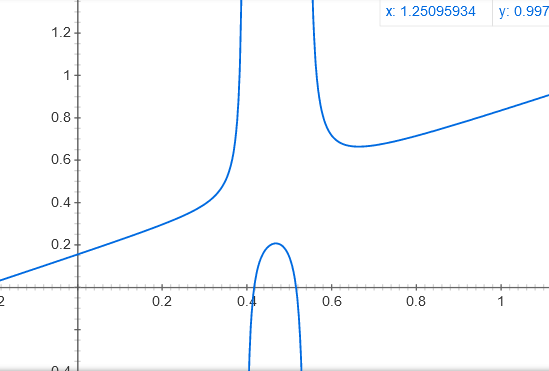
Which still uses guessing, but no checking and guessing again. And, if your first guess is close enough, you don’t even need to have a guess loop! I tried to put something together for that. Wowzers, you have to be really careful on how you approach +/- infinity. I had to precompute all the noteworthy points (the 2 local extrema, and the point in between) Newton's method acts up in areas of low velocity, so, I always approach the local extrema from t0, t1, or the time in between the extrema. (unless the point in between is starting to become a point of low velocity) When this cubic bezier function works, it’s such a nice smooth curve. I have it up on demo slide 2.
Picture generated in google using this equation: x-(393 x^3 +-552x^2+252x-39)/(3393x^2 + 2-552*x+252)


 9 comments



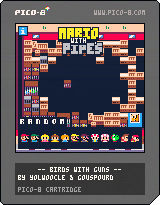
Mario with Pipes
This is a reskin of "Birds with Guns", with Mario-characters. Have fun!
9 comments




 5 comments



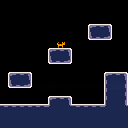
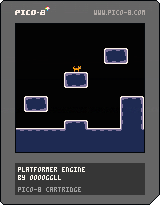
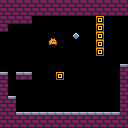
Just a simple platformer engine I made. I'll probably use it someday. I also made a tileset for some reason, that I may or may not use someday.
Use the arrow keys to move and up arrow or Z/C to jump.
You can crouch (loaf) by pressing the down arrow. Isn't it so cute?
Please give me feedback on the player speed, gravity, jump height, etc. I haven't made platformers on Pico-8 before but I think the physics is more or less good. Oh also if you find a glitch please tell me.
3 comments

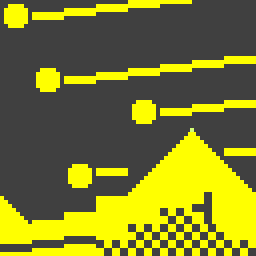
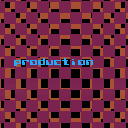
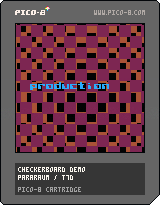
An example cartridge showing a simple checkerboard effect and some moving text. This cartridge uses coroutines and classes.
0 comments


Welcome <INTERN NAME> to the Department of Ideocartography!
On the display before you, we have preloaded the "Beginner Ideocartography" cartridge. This is a standard introduction to ideocartography, and is widely considered to be mostly safe to perceive.
Your task is to investigate, within a limited range of colors and textures, for the presence of active entities. As you use the arrow keys to explore your layer of <REDACTED>, please record short descriptions of the images you see, and please note any feelings you experience. Most of these entities should be rendered inert via compression into two dimensions (plus time). If not, press Z to capture a still photo, or X to capture a moving gif, and report immediately to <REDACTED>
0 comments






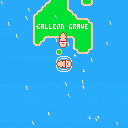
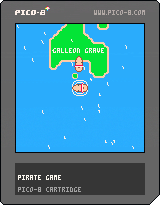
Sea of Pixels v0.4.0
This is my WIP pirate sailing game, formerly known as Pirate Game ,heavily inspired by Sea of Thieves
So far the game has the following features:
- Wind Simulation
- Sailing
- AI ships
- Ship Combat
- World Events
- Ship Teams
Please feel free to leave feedback
Changelog
v0.4.0
- New color palette: bringing in more tones and colors to the sea (which is still blue)
- New Storm effects: The storm now swallows any ship who's unfortunate enough to cross it's path
- New collectible: Loot; You can now find loot when you sink a ship
- Improved UI: The UI displays your current health, speed, resources and loot count
0 comments

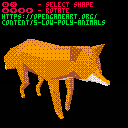
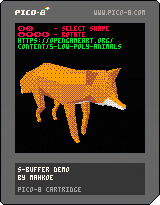
A long time ago I read a page that explained the "s-buffer" technique for hidden surface determination. I can't find it anymore, sadly.
The general idea is to keep an array of "segments" per each horizontal line in the display (making 128 arrays total). A segment is just a left x-coordinate, a right x-coordinate, left+right z-depths, and colour. Each array of segments is kept in order.
The polygon filling code is my own method, but it was largely adapted from the method outlined in the graphics programming black book: https://www.jagregory.com/abrash-black-book/#chapter-38-the-polygon-primeval
A few extra notes:
- You can get 30 FPS with about 75 visible polygons
10 comments



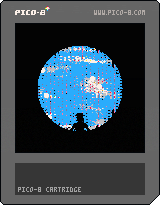
Another art piece based on my WIP graphics engine. This one was inspired by three prompts chosen via a twitter competition:
@notyetmeasured
- "the interior of the hole"
@ArtikGenerative - "lower astral glitch"
@sourencho - "text"
Press Z to open the debug menu, which allows you to change various settings in the visualization. You can also save a looping gif of your creation via the debug menu (under the timing settings).
0 comments

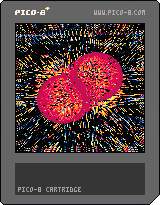
This is an art piece I made that I really enjoy. Press Z to open the debug menu, which allows you to change various settings in the visualization. You can also save a looping gif of your creation via the debug menu (under the timing settings).
0 comments
I've been having a blast lately with SPLORE, and I wanted to share some of the work I've done as well! Here is pico_punks_infinite.p8, the second version of my attempt at a pfp generator. I originally made this as a spoof of generative pfp projects that are being minted as individual NFTs. I think that placing limits on a generator like this ruins the magic of exploring a nearly infinite generative space and finding a pfp that suits you perfectly.
The code itself is a little gross, sorry about that. I was in a chaotic mood when I made it. I use the p8scii characters to draw everything on the screen, no shape or pixel primitives.
Controls:
- press Z or reset the cart get a new starting position
- each seed is displayed in the top left
- the digits after the decimal represent your position in the "multiverse", and can only be changed by resetting
- left/right moves one seed
- up/down moves ten seeds
- press X to save a screenshot without the seed and text on it, this is so you can use it as a pfp if you want
5 comments




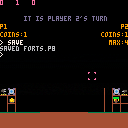
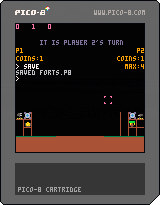
Here is a pico-8 version of the game Forts (I recommend playing the actual game, which is on steam). This version is fully playable (2 player local multiplayer), but the UI and controls aren't the greatest, and there are probably (definitely) some bugs. Please help me make this game better as this is the first game I have ever published. I will now do my best to explain how to play:
General Controls:
Move the selector with the arrow keys
Press X to open/close the inventory
Press X while hovering over an item/button in the inventory to select it
Once you have selected your item, press Z to place it on your side of the map
Turn Based Explanation:
Every turn you get 2 gold, +1 for each Money Tree
1 comment


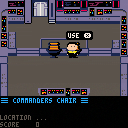
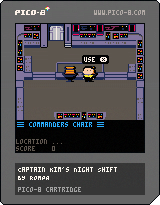
Captain Kim's Night Shift
This is a homage to Harry Kim, ensign on the fictional Intrepid-class starship USS Voyager.
You are on duty on the Voyagers bridge during the night shift. Can you get a score of 10?
Controls
"X" Key for actions
Cursor Keys to move
Credits
Code: Mani
Gfx: Romeo & Mani
Playtesting: Stella
4 comments


This is a little snake clone, where the user advances the snake manually.
I made it for my 4 year old as a one day build. So far, she's unable to deal with the snake advancing automatically.
Since then, I've spent some time improving the music and art.
1 comment



I finally managed to compress all 150 stages from the original Lode Runner onto a single cart!
I grew up playing Apple II version Lode Runner.
I know the PICO-8 already has a great Lode Runner game by pahammond,
but I still wanted to make it more like the Apple II version.
- total "FULL 150" levels
- full screen, no scroll needed
- smooth movement in pixels
I hope you have fun.
19 comments







About
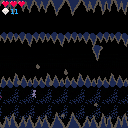
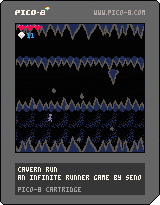
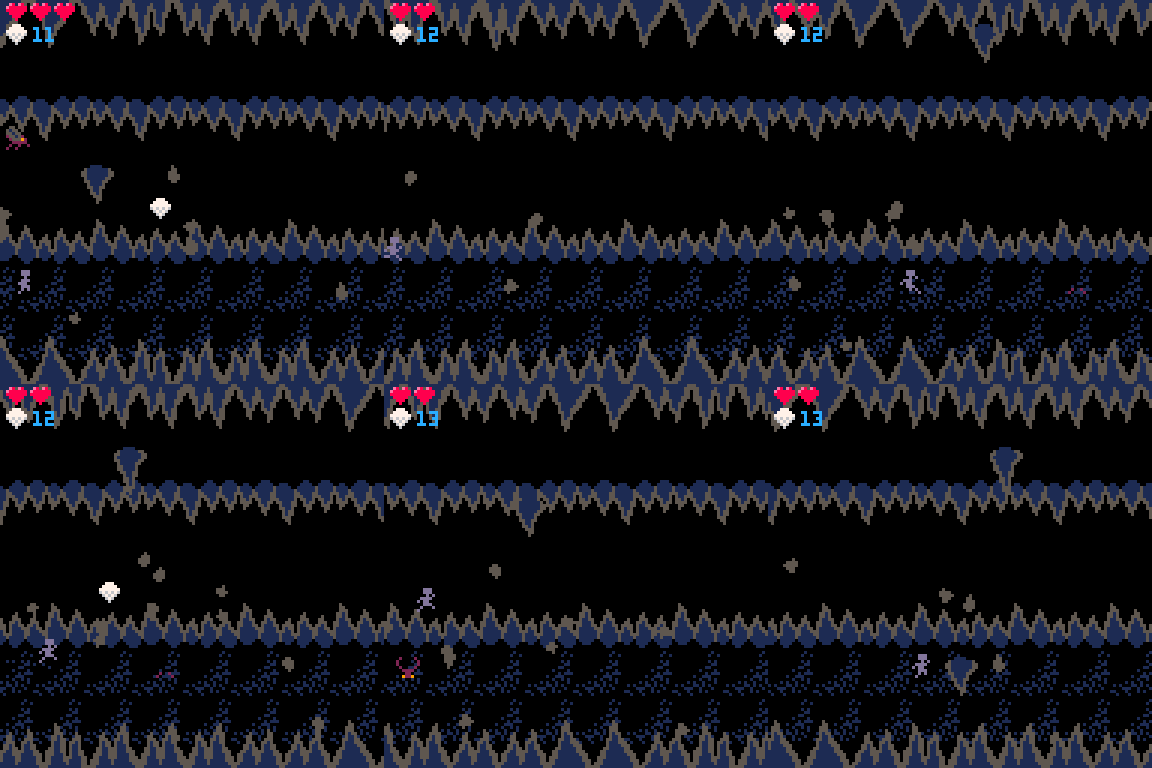
Cavern Run is an infinite running game where the player runs through a dark cavern to collect diamonds while avoiding the various dangers of the cavern.
Controls
Accelerate - Right arrow
Brake - Left arrow
Jump - Z on keyboard/A on controller
Jump Forward - Jump while holding the Right arrow
Jump Backward - Jump while holding the Left arrow
Thank you to:
@Krystman for the tutorials on coding and game design
@Gruber for the tutorials on composing music in Pico-8
2 comments




.png)
