








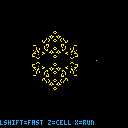
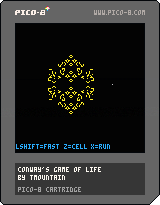
Here's a pretty minimal implementation of Conway's Game of Life for PICO-8. It has a basic performance optimization (it only updates the active area of the grid), and you can see the active area adjust by setting dbg=true at the top of the code.
That said, it gets pretty slow pretty quickly for larger simulations.
You set up the grid as follows:
Arrow keys -- move the cursor around.
Z key -- toggle a given cell to active/inactive.
X key -- start / stop the simulation.
If you're unfamiliar with the Game of Life, google it :-).
An easy starting point for a cool pattern is a ten cell contiguous row (10 connected horizontal cells).
There are better PICO-8 Game of Life carts, but I had a lot of fun making this.


 0 comments

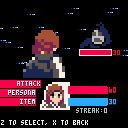
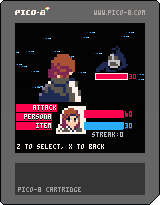
A little persona battle system concept I worked on as part of a school project, I may expand it later with different enemy types, more items, and maybe XP
Use the arrow keys to scroll the menu
Z to select
X to go back
You begin with 60HP, 30SP, and 3 medicines
Enemies have a chance of dropping a medicine after defeat
See what streak you can get!
0 comments


This is an implementation of the function described on this short paper:
https://arxiv.org/abs/2010.09714 (twitter thread)
It is amenable to tweeing/easing in games. I have programmed easing functions in the past and one of the problems about them is that you need to code "families of easing functions":
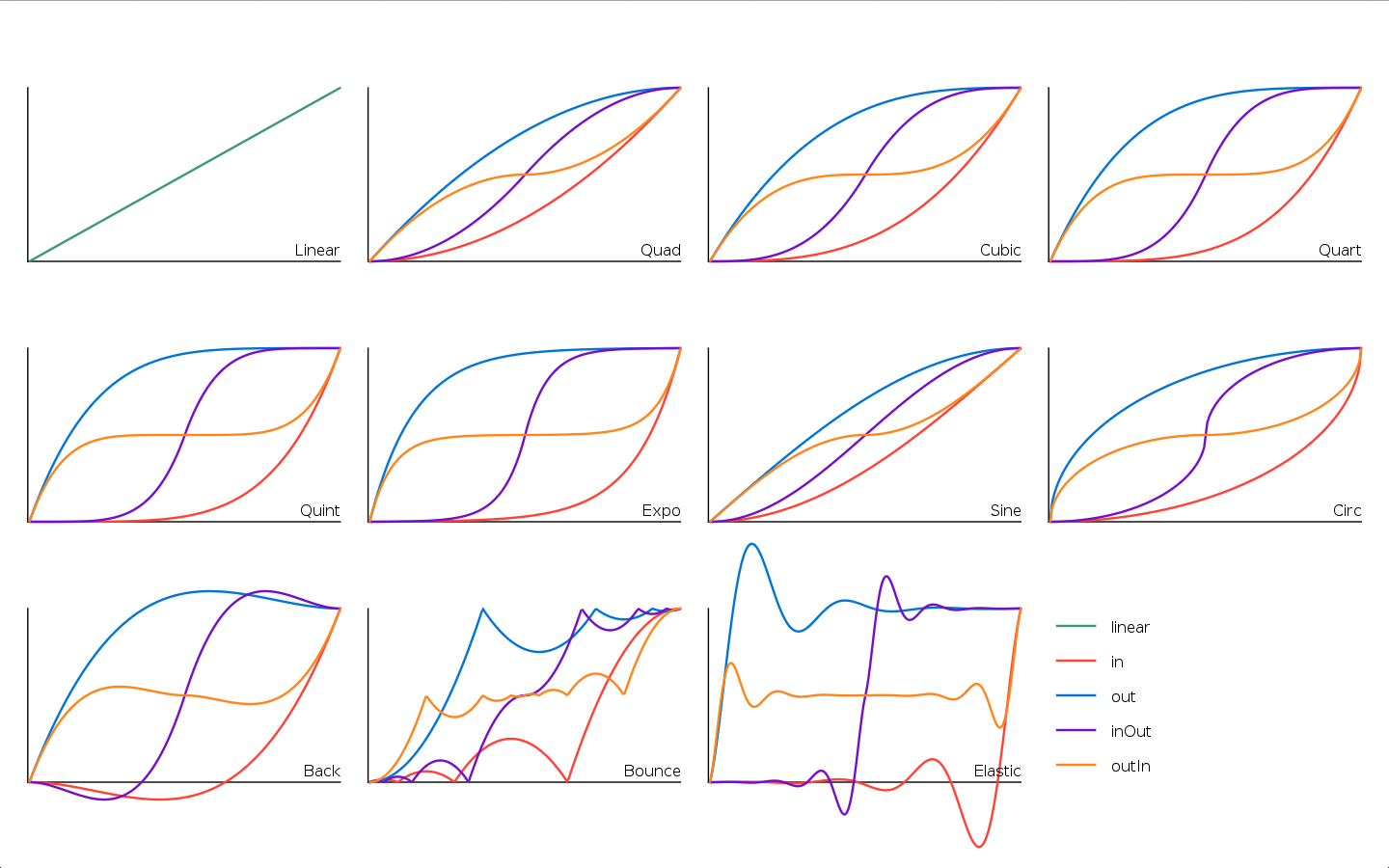
(That's from tween.lua, if you are curious).
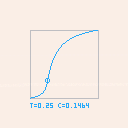
I like this function because it can aproximate all of the "smooth families of functions" on that graph (all except the "back", "bounce" and "elastic" families) with a single function, plus it adds an infinitude of variants. Not bad for ~66 tokens.
 0 comments

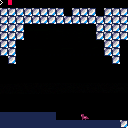
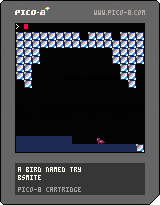
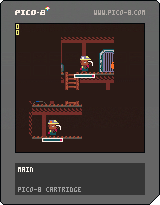
A bird named try
My first game using pico-8, a simple platformer where you play as a bird whose only option for vertical mobility is climbing
1 comment



I decided to make a Tweetcart today and it ended up being a simple little Jack-o-Lantern generator, but I found it entertaining enough to watch that I figured I'd release it here for y'all too!

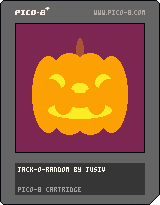
There's no controls whatsoever, it just periodically generates a new pumpkin. The quality of the expressions varies but overall I'd say they come out remarkably well.
2 comments




I'm working on a collision routine for pixel based movement (not grid movement). There's no jumping, it's a from-above perspective:
if btn(⬅️) then if intersect(pl.crect1,cage_crect) and pl.crect1.x>=cage_crect.x+1 then pl.x1+=1 end pl.x1-=1 end if btn(➡️) then if intersect(pl.crect1,cage_crect) and pl.crect1.x<=cage_crect.x then pl.x1-=1 end pl.x1+=1 end if btn(⬆️) then if intersect(pl.crect1,cage_crect) and pl.crect1.y>=cage_crect.y+1 then pl.y1+=1 end pl.y1-=1 end if btn(⬇️) then if intersect(pl.crect1,cage_crect) and pl.crect1.y<=cage_crect.y+cage_crect.h then pl.y1-=1 end pl.y1+=1 end |
This seems to work OK, but I am not sure how to adjust it so that the player can move along the object, e.g. bottom of player intersects top of object rect, and if player holds down+left the player should still move left. As it is, my code won't register anything other than the opposite direction after the initial direction that caused the collision. I had a quick search for collision examples but didn't find anything that met all my criteria (pixel based + uses collision rects, not tiles). Anyone have any pointers?
8 comments


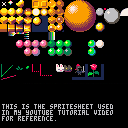
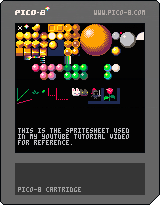
This is the sprite sheet used in my pixel art tutorial. You can use it as reference in your pixel art studies :)
Alternatively, here's the png version:
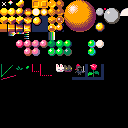
Video in question:
0 comments

Someone help me! I have always wanted to get pico-8 but I have a chromebook. I have seen other people manage to get it on there chromebook but I know nothing about terminal, crouton, etc. So if someone could give me a step-by-step guide on how to get it on chromebook it would be much appreciated.
2 comments

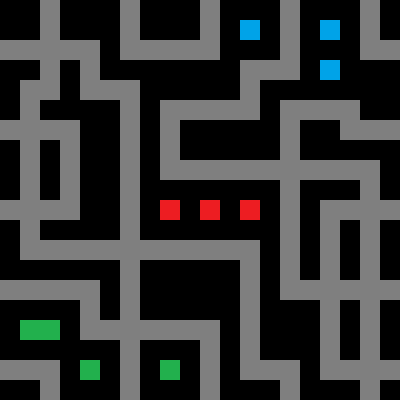

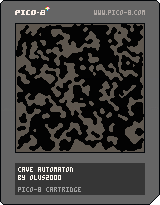
A small showcase of how to generate random 2D caves using a cellular automaton. Inside the code there are some parameters worth tweaking, maybe I'll add an interface for this in a later update.
The automaton is really simple: it changes based on the majority of it's neighbours and remains unchanged when tied.
Parameters:
- width and height - self explanatory, cave will be displayed in the upper-left corner
- live and text color - coloring of the cave and the "reset" message
- iterations - more iterations of the automaton mean less small noise and more smooth walls. Over 20 will not change much.
- density - chance of a cell being dead at the start. Very susceptible to change, more will create wider corridors.
3 comments
As per title. I've made a piece of music that uses all 64 patterns, but when using the export wav option, only the first 54 patterns are dumped to wav.
4 comments


I saw several bug reports about gamepads being mapped incorrectly, but I have another issue.
One of my gamepad (a Thrustmaster Score-A) works nicely in PICO-8 on macOS, but it doesn't get recognised in the rpi build. The sdl-jstest tool recognises it in both systems.
Another pad model gets recognised on both systems, so the rpi build of PICO-8 is somewhat working.
Note: I'm using PICO-8 v.0.2.1b on both systems.
4 comments


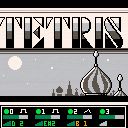
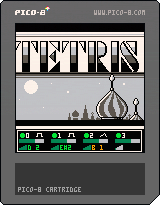
That's a project I though I lost long ago. I was working on it on my PocketCHIP, tell you how old this is and had an issue with it and needed to reinstall everything and lost all the cart I was working on, this one was one of them, and I'm delighted that I had a copy somewhere else.
So this one is date from the 19 May 2016 (at least last modification of the file) and was at a time I was playing around trying to replicate exisiting music in PICO-8 (as for the Megaman in another cart of mine already published here) Also had fun working on replicating the screen from the original game.
I really like how the two song render in PICO-8, I'm pretty sure I started to work on some other but lost all the work :(
2 comments
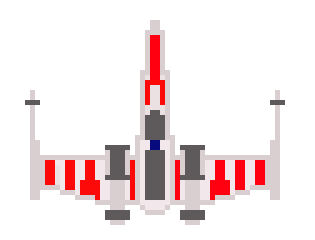
An old project of mine that I never finished, I was working on the bases loop from the song used in Tetrinet, never finished it, but just found the cart and wanted to share it :)
(The cart file last modification is tagged with the date 20/07/2016)
2 comments
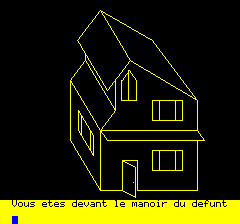

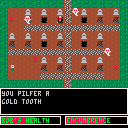
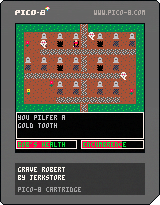
Grave Robert is about a guy trying to save his daughter and escape to a better life.
Features:
-Grave Robbing
-Mad Scientists
-Multipule endings
-Three difficulty levels
-Probably some spelling mistakes
Parental Guidance: PG-13 due to Adult Situations.
0 comments

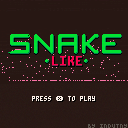
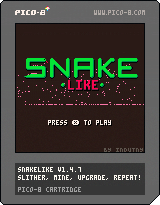
SnakeLike is a modern interpretation of classic retro game "Snake". Unlike its counterpart, SnakeLike's player controls a snake that can
- Mine different resources with increasing speed for a longer snake
- Strategically sell part or all of these resources
- Buy upgrades using previously sold resources
Let me know what you think and if anything can be improved!
Gameplay:


 14 comments






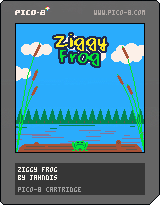
Ziggy Frog
Enjoy the simple life of Ziggy the frog as you help him catch flies on his log!
Controls:
- Use Z to charge the vertical power of your jump.
- Use Left and Right to charge the horizontal power of your jump.
- Use X to do one last jump and exit if you're all done playing :)
Eat flies at the peak of your jump! Each fly will give you more jumps!
There are different levels of difficulty for whatever you think seems most fun, along with a "Lazy" mode with an infinite number of jumps, if you're just looking to relax and catch some flies.
Based on a goofy mechanic my kid and I worked on together, I took some extra time to give it some polish and finish it up.
2 comments



Hello.
Suggestion.
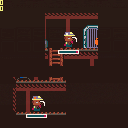
I would like the exported file to include the current config.txt (global_config.txt) as local_config.txt in the exported file.
This will allow us to play from the creator's ideal config in another user's environment.
"global_config.txt" refers to the config.txt that I've been using.
If both global_config.txt and local_config.txt exist, local_config.txt is assumed to take precedence.
Sequence of events
A question thread containing this
https://www.lexaloffle.com/bbs/?tid=39940
0 comments

Hi all!
I am trying to implement a very small and simple clone of space invaders.
I am thinking how to implement a nice shoot bullet function but I am struggling with picturing a way to shoot bullets in a nice stream that is always steady so that its pace can be increased picking up right power-ups.
I tried, for example, to count maximum number of bullets on screen and shoot only if < than 5 but when the player shoots, clearly, all the bullets are shot almost at the same time.
Then I thought about storing the bullet starting point and comparing it to the next bullet but since my ship goes also forward and back this way is also wrong...
Can you please suggest me some idea to remove this nasty wall? :)
Thanks for your kind help!
Ps
In case it can be helpful here's the code so far:
https://raw.githubusercontent.com/ltpitt/lua-pico-8-invaders/master/pico-8-invaders.p8
2 comments
