





Something I noticed today while experimenting with PICO-8 sound effects: in 0.2.0i, if a silent (volume=0) row immediately before a non-silent row with an SFX instrument has the same SFX instrument as its instrument (e.g. if the user shift-clicked the SFX instrument to set the entire SFX to that instrument), even though the UI shows no difference, the program sometimes plays the SFX differently. (It looks like the effect lasts as long as the nominal length of the SFX instrument - 32 times its SPD.)
I assume this is a bug in how SFX instruments are implemented; if it's not, it strikes me as a bug in how the information is displayed.


 1 comment




CONTROLS:
X - start the game, or jump
Z - swing the scepter if you have it
Arrows - walk left and right, or climb up and down ladders
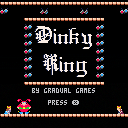
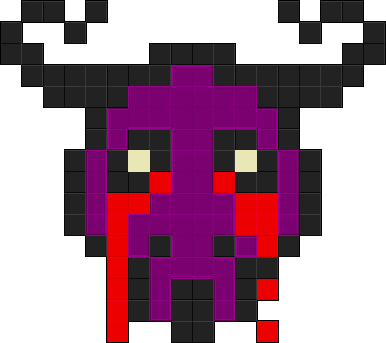
This is Dinky King, my homage to the original Donkey Kong arcade. You are the Dinky King! You must save the Queen from the Jealous Jester. Walk and climb with the arrow keys, and jump with X (x)! If you find the King's magic scepter, press O (z) to whack the Jester's balls right back at him! Or, just jump over the balls. The Queen dropped her stuff! Make sure to grab it for her on the way. Arrest that Jester! And if you can...topple him to his doom in the last level. Difficulty increases slightly each time you complete all four levels.
Nothin' fancy, just a cute little homage.
8 comments



.png)

If you copy any text from outside of PICO-8 and paste it into PICO-8, it will show up as uppercase (or non-puny font) regardless of capitalization. I can see that being both a positive and negative in some instances, and in my case it wasn't. I propose that if puny font mode is ON then pasting will respect capitalization (which would actually be reverse capitalization because printh("@clip") and .p8 files store the puny font as capitals).
EDIT: Okay actually this problem also exists when you copy puny font characters using printh() too. This is breaking a few things with my system of saving level data using characters (and parsing them with ord().)
@zep I kindly ask you do something about this.
7 comments



I’m writing a minifier and I still can’t really wrap my head around the parser.
Here are two similar snippets that differ only in whitespace and do not do the same thing:
> for i=1,2 do > if(i)print(i) end > print(3) 1 2 3 |
> for i=1,2 do > if(i)print(i) end print(3) 1 3 2 3 |
5 comments


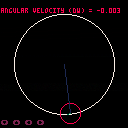
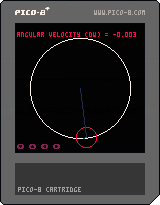
This is a simple angular physics program I used to get a grip on the trig functions in Pico8.
You can use the up and down arrow keys to increase/decrease the angular velocity of the red planet.
You can use the left and right arrow keys to change the physics variable being displayed.
If you have any questions feel free to ask, I'm not a physics expert but I'll help if I can.
0 comments


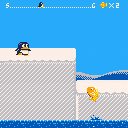
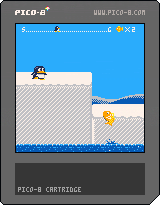
I'm making a force scrolling platformer as my first PICO-8 project.
TO DO:
- Enemies
- Attack with fish
- Some stages
- Title and stage start and finish screen
 1 comment

Hi all,
Firstly, i apologize for my weird english.
Secondly, i present myself, i am Lost In Code, i'm trying to learn game dev following online courses since March 2020.
I just wanted to share with you guys my latest tiny game, as i 've chosen to dev it on the awesome pico 8 !
This is my first post here, so please be kind if i did something wrong.
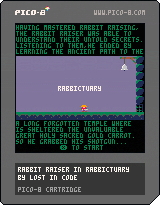
Rabbictuary ( short name for Rabbit Raiser in the Rabbictuary ) is a sequel to my last game : Rabbit Raiser.
You can learn more about me and my stuff on my itch.io account.
I did it as an exercise being a milestone in my learning, this one was about platformer.
It is a slightly difficult die and retry platformer, i've chosen to use half the screen to keep possibility to add up to 64 levels if desired ( there are 24 for now, feel free to add some, or maybe i will if the entire world claim for it ! ).
13 comments


Since Pico-8 will import a graphic and adapt it to the default palette, seems like if someone has done poke(0x5f2e,1), it could simply adapt to the current palette? An external tool could be made, but it seems like it would be replicating what Pico-8 could probably do with little effort?
Hidden Palette people would really appreciate it!
Also, pretty please with sugar on top.
3 comments




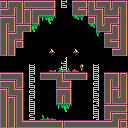
Driving down the highway, long past midnight in the uncanny timeless hours of the morning, a peculiar landmark catches your eye. You park up and walk closer, ignoring the old decrepit signs telling you to stay away. You climb through a wire fence and walk inside a mysterious structure, only for the door to close unexpectedly behind you.
If you are to survive, you must escape this structure, but first you must understand it.
Description
Curiosity is a game where you need to experiment and understand how the mechanics work as well as solve the puzzle at it's core. I personally love games like The Witness that teaches you how the game works through the mechanics of the game itself, so I wanted to put my own spin on that. Think of this game like a puzzle box or an escape room.
3 comments



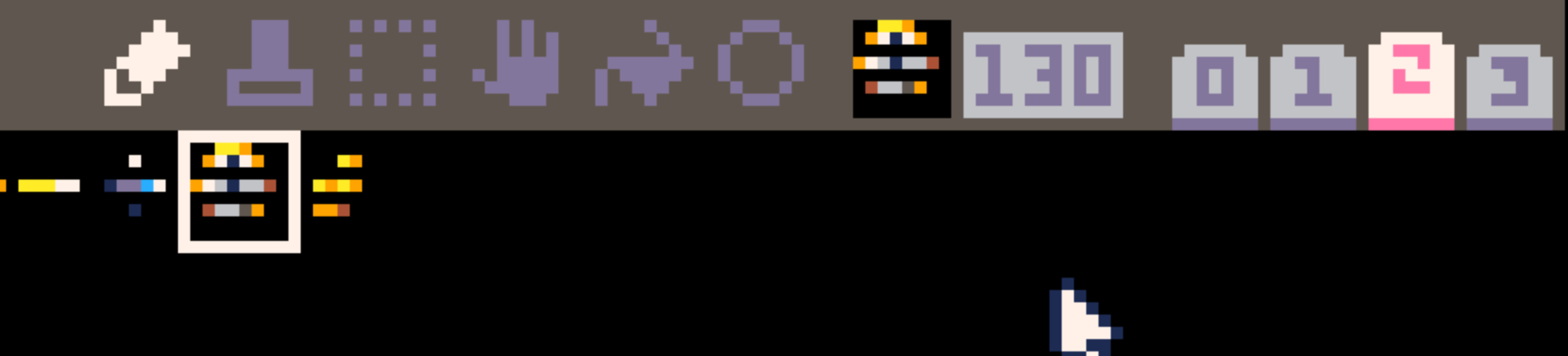
There is this strange problem while I was editing between the sprite editor and the map editor.
It seems like every time when I edit the map tiles with the y more than 30, it sorts of broke every sprites on the third sprite board (anything else stays the same).
This bug happens several times and it gets really annoying.
Its there any way to solve this?
Edit:
I made a gif to show what is going on.
 3 comments

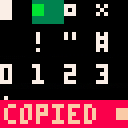
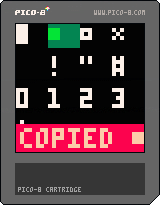
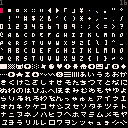
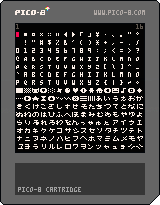
I've created a tool that lays out all of the characters in PICO-8 and allows you to copy them with the press of a button. The inclusion of CHR() and ORD() allows for many cool things, so I hope this can be of help to some.
Open in desktop program PICO-8 for best experience.
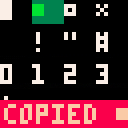
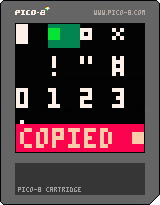
Left/Right to navigate the characters, Up/Down to change the speed
Z to copy the selected character to your clipboard
X to turn on the selection "backlight"
Pause for cool tip :)
Removed the selectability of characters 0-15 because of PICO-8 0.2.2
Old version(s):
 5 comments


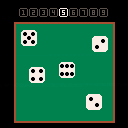
A very simple Pico-8 app to throw one to nine 6-sided dice, for all you wargamers etc. who need one (I did). Instructions are refreshingly simple: use arrows to highlight the number of dice you want, hit "X" or "Z" to throw. That's all folks!
0 comments

OK, this may be a bit bonkers, but I figured out how to play Ramps with a racing wheel, with proper analogue steering and acceleration/braking.
It's a little involved and only works on Windows.
Mouse input
First, you need a version of Ramps (or whatever game you plan to play) edited to accept mouse input. Like this version:
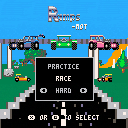
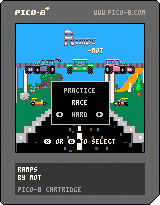
WARNING: Attempting to drive with an actual mouse may cause high blood pressure and throwing things.
Also I've only tried this in PICO-8 itself - not sure if it works when running in a browser.
Joystick -> mouse
Next, you need a utility to convert game controller input to mouse movement.
0 comments

Mr. Troll's Puzzle Update 1.2
By Evman2k
About the Game
Mr. Troll's Puzzle series is a game made up of mini-mazes, some of which include sneaky trolls. In order to solve the mazes, you will sometimes need to think outside the box.
Add your own custom puzzle
If you would like to make a custom puzzle, here is how the game logic is applied.
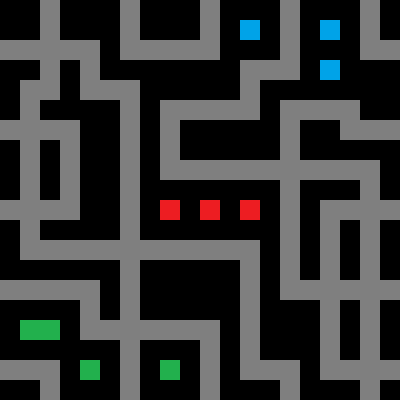
(Tip: Each maze is a sprite zoomed in.)
Here are what the colors mean:
0=A black floor, lame! Chose a floor color for your level!
1=An invisible lazer/wall
2=A visible exit that's purple.
3=A exit that looks like a collectible orb
4=invisable exit
5=A starting point. You can have multiple starting points.
6=A wall
7=An invisible orb.
8=A fake crystal
9=A orange lazer
10=A collectible orb. Collect all yellow squares to exit!
11=A exit that looks like a yellow orb. But if you don't collect all squares and you touch it, you die!
12=A invisible exit.
13=A fake purple exit that kills you!
4 comments

 (1).gif)
Fluid text,no coroutines
I when working on my game, I have never found an easy way that didn't imply using coroutines of doing fluid text, but with a little googling(well, al ot googling) I have found a way.
I don't know if I am the only one with problems on this matter but, I think that it is itnetresting.
So, I was doing the intro for my game and did it this way.
Tomorrow I post the cartridge.
It is possible that this code doesn't work, because I kind of just made it up on the run, but I think that it is prettysimilar to the one I did on my game, but if anyone can help on polishing it, it will be welcome.
function _init() intro=the days of hiding\nhave ended (for example) char=0 end function _updat() char+=(depending on the speed you want the text to appear, normal speed is around 0.2) end function _draw() cls() print(sub(char,#intro),x,y,colour) end |
7 comments


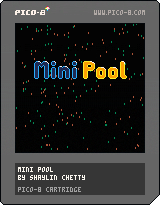
Mini Pool is a Pico 8 pool game for two players. It features six playable characters, each with their own strengths, weaknesses and unique abilities. It's based off a modified pool rule set to make for faster paced matches.
Controls:
-Arrow keys to move selection or aim
-X to confirm
-Z to cancel
-X+Z to activate character abilities while aiming
Credits:
-2D elastic ball physics code based on work by PC101
-Programming, graphics and music by Shaylin Chetty
2 comments
I'm a bit new here, so I don't know if adding network capability has previously been discussed (?)
But it feels to me some simple UDP send/receive instructions would add some cool functionality, without adding too much complexity.
Perhaps something like:
[write message to RAM] poke4([ip-locn],ip) poke2([port-locn],port) send(0x4300,length) |
Where [ip-locn],[port-locn] would be some special reserved locations for IP address and port.
UDP packets are usually small. I've seen <=512 bytes recommended in places, which easily fits into the user RAM address range.
And an IPV4 address would fit in a number variable, and would be adequate for LAN play.
Receive could be:
length=recv(0x4300,maxlength) [read message from RAM] |
Returning 0 if nothing is waiting.
It could also populate [ip-locn] with the return IP address so that replying would be straightforward.
Perhaps [port-locn] could be pre-populated with a default port number (0x1C08 ?).
1 comment
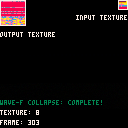
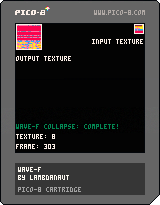
Left and Right arrow keys transition between input textures.
Press Z to restart texture generation.
Given any input texture, this uselessly nifty toy generates an output texture based on rules it gathers while reading the input.
You can download this cart and edit the textures with the PICO-8 spritesheet editor if you'd like to generate your own original textures.
The algorithm is based off of the Simple Tiled Wavefunction Collapse Algorithm. More information can be found here: https://github.com/mxgmn/WaveFunctionCollapse
0 comments
