


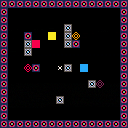
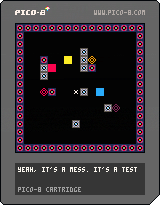
This is a demo of an earlier (messy and bloated) build of simple puzzle game I've been working on in my spare time. Your goal is to get the color blocks on the appropriately colored switch. Colors can be mix together to create other colors. Also, activated switches can be used to mixing as well. This is just a demo, so it's really short (5 levels).


 0 comments

hello,im making a game like pacman where you are a ghost and can hide in objects. the problem is that i cant get collision detection working. i just need it to detect sprites that cant be passed by the player, im making the game on pocket chip so i cant share the carts code now, thanks!!
4 comments



Hi all,
First time poster and overall Lua and Pico-8 noob. I have played several of the games and watched a few videos on making games and now I'm playing around with creating basic functionality. However, I'm getting stuck with a syntax error that doesn't make any sense to me. Here is my source code:
room={}
room.x1=0	--x1 coordinate (coord)
room.y1=0	--y1 coord
room.x2=127	--x2 coord
room.y2=127	--y2 coord
room.w=119	--room width
room.h=119	--room height

p={}		--person object
p.x=63		--start x coord
p.y=63	        --start y coord
p.sprite=0		--start sprite

function _init()

end

function _update()
	update_movement()
end

function update_movement()
	if btn(0) and not_border() then
	        move_left()
	end
	if btn(1) and not_border() then
		move_right()
	end
	if btn(2) and not_border() then
		move_up()
	end
	if btn(3) and not_border() then
		move_down()
	end
end

function not_border()
	(p.x>1 and p.x<119) or (p.y>1 and p.y<119)
end

function move_left()
	p.x-=1
end

function move_right()
	p.x+=1
end

function move_up()
	p.y-=1
end

function move_down()
	p.y+=1
end

function _draw()
	cls()
	-- draw room boarder
	rect(room.x1,
		room.y1,
		room.x2,
		room.y2,
		10)
	-- draw sprite
	spr(0,p.x,p.y)
end
|
6 comments


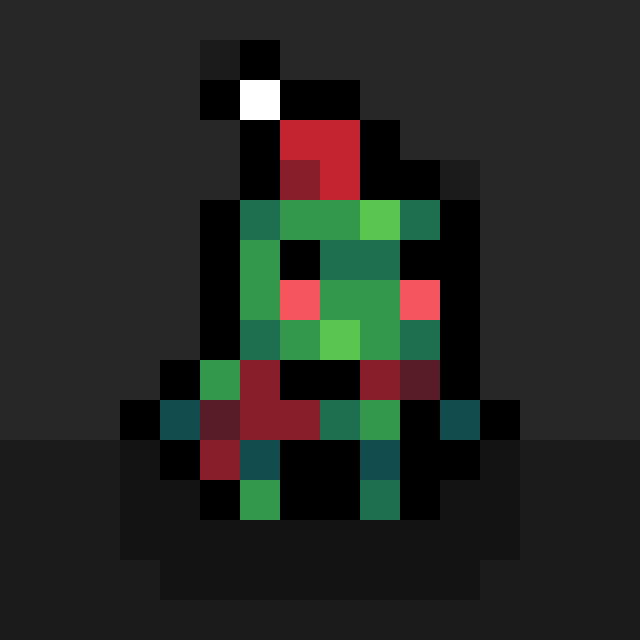




I'm making a game using the dev kit mouse and want a line to go from the character to the mouse location
But I can't figure out what place that the line needs to end in order for the line to end before it gets to the player
http://imgur.com/a/vscVn
on the top is what I have, and on the bottom is what I want
How do I find/get the variable to stop the line short of the player?
Sorry for all the questions I've been asking recently
7 comments







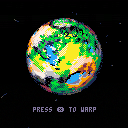
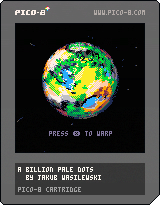
2019 edit: Since the Patreon page is no longer up, there was no way to get the readable source code - so I decided to update the cart here to the fully readable, commented version.
This Sunday, I finally did the Patreon $100 stream - and the topic was procedurally-generated pixelart planets. The results were very fun, so I decided to flesh it out a bit more and make a small demo out of it.
The controls are pretty simple, since this is a highly advanced spacecraft simulation: press X to warp to the next planet.
The full source code, as usual, is available on my [b]Patreon
14 comments








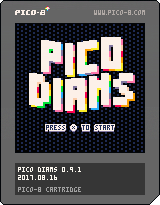
Hi all,
Pico Diams is my first PICO-8 game.
It's just a remake of (what I could remember of) Boulder Dash, a game I used to play in the '90s.
This version has 20 levels. It's a WIP, it has no sound or music yet.
All comments are welcome ;)
0 comments
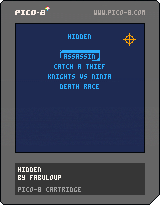
Jeu inspiré de Hidden in Plain Sight.
Cache toi parmis les IA et soit le meilleurs.
Jeu pour 2 joueurs (pas de solo)
Ninja :
X -> Tuer
O -> Bombe de fumée
Sniper :
X -> Tirer
[0.3 : Seulement le 3 premier mode de jeu sont disponible pour le moment]
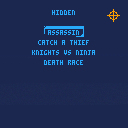
Jeu inspiré de Hidden in Plain Sight.
Cache toi parmis les IA et soit le meilleurs.
Jeu pour 2 joueurs (pas de solo)
Ninja :
X -> Tuer
O -> Bombe de fumée
Sniper :
X -> Tirer
0 comments


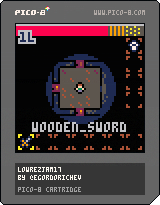
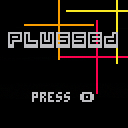
My submission for #LOWREZJAM 2017. An action puzzle game where you try to match colors on each side of the board.
Up, Down, Left, Right: Move character
O: Match
X: Move
Hit O to remove matching tiles above, below, and to each side of the player. 1 point each for a pair, 2 each for a triple, and 3 each for a quad. Move next to a tile and hold X to move a tile with the player.
 0 comments
I'm porting this neural networks lib to pico8. But how I can see, int limit doesn't allow me to do that properly. The same code doesn't work on pico8:
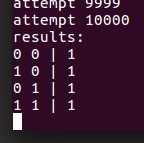
but works with lua 5.2:

Is there a way to fix this?
Here is the full source code.
28 comments



Hey,
Has anyone tried pico8 (or any retro gaming stuff) via a pico projector? I was thinking about those low res (720p-) you can get for cheap ; maybe led powered? I have no idea, never owned a projector.
6 comments

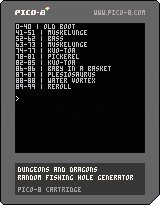
.png)
TL;DR
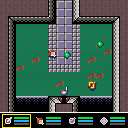
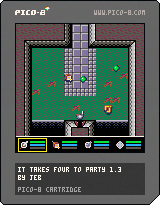
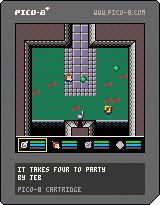
Dungeon crawler with 28+4 different abilities (let me know which ones you like the most)
26 comments







I'm making a swimming game and need help making a jump/move
The current code isn't quite giving me the right feel because I don't know how to use calculus here
(i presume that's what I need to do)
can I get a fix for my issue, please?
cls(12) x=60 y=60 function _update() y=y+.7 if btnp(2) then y=y-10 end --slapsh up if btnp(0) then x=x-3 end --splah back if btnp(1) then x=x+3 end --splash forward end function _draw() cls(12) circfill(x,y,4,7) end |
edited for online use
4 comments

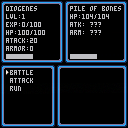
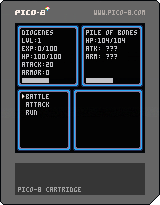
It isn't really much of anything yet, to be quite honest, I am just learning the basics of programming, and as such am trying to keep it simple.
I have a few ideas for how I would like to expand it, but, before it becomes too messy, I am looking for feedback on how I could make this code more space efficient, more expandable, etc to maximize the amount I am able to add to it. For example, the bottom lower corner is being reserved for a graphical map, story elements, etc. This is just a basic start, from someone beginning in programming, looking for some feedback, good or bad.
An example of a minor annoyance, which I have yet to solve, is that I need to make the top item of each menu an unclickable word, else the keypress that leads to a menu immediately clicks the first item, even using btnp(4)
Also, the beginning stats are by no means balanced, at this point this is pretty much just a silly 'proof of concept.'
0 comments

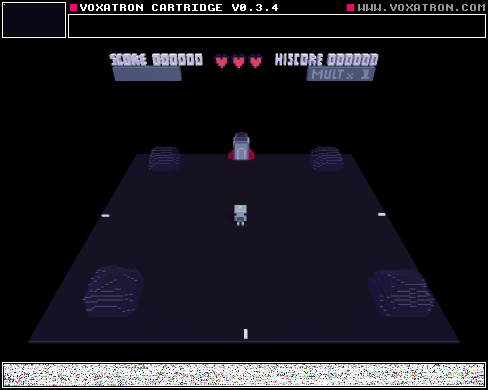
Your rocket has run out of fuel, and you have landed on this planet in hopes of finding some. This is the first game I have uploaded to the BBS. In this update I re-positioned an object so that an unintended death could not occur.
4 comments