





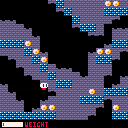
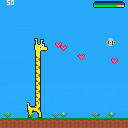
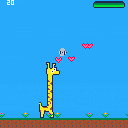
Controls: Left/Right arrow keys to walk, Up arrow key to jump. C key discards coins.
You can only carry six coins at a time, and as you collect more coins you become heavier and can't jump as high.
When your pockets are full, you can't jump at all!
Update 2.12.16a :
- Fixed the screen warping to look less awkward.
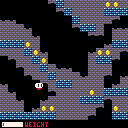
Update 2.12.16 :
- Added some background tiles!
- Added 4-way wrapping functionality: The player can pass through the top and bottom of the screen!
- Disabled jumping when the player has maximum weight.
I'm not sure if I'll keep the screen wrapping mechanic as I want to maintain the risk of falling due to not being able to jump while over encumbered, but it was fun to implement either way! I'll toy with this some more and see how I feel about it.
In the next update I'm hoping to add another new little feature to this "game"...carrying a lot can be a disadvantage for upward movement, but what about [i]downward


 3 comments



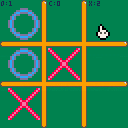


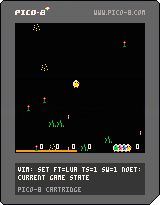
A game for the very young [at heart]. Inspired by something I saw while my kids were watching Peppa Pig and the first version was bashed out before the programme ended.
1 comment


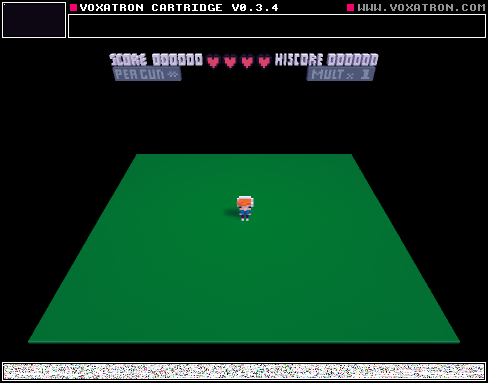

| For my shmup project (bullet hell/danmaku), my first step was to work on the bullet/pattern system because it's related to the core of the gameplay (dodging bullets); and also because it's accountable to the beauty of the game. |
First, I need limits. I decide to handle 128 bullets at a time. New bullets will replace the old one. From my perspective, is not a big deal. Players probably won't notice it. But if it happens, maybe it's because that bullet stays visible too long on the screen, turning arround following a circular path or simply moving too slowly. So, fuck that bullet.
I decide to create a table of bullet objects during the _init() proccess and reuse them instead of creating/deleting every time. It is called object pool
The process: every time I need to shoot a bullet, I select the next bullet object in the pool, If I reach the last one, I loop to the first. Simple.
To do that, I need:
- a list of bullet objects,
- an index for the next bullet index to use
- and a number of max bullet:
bullets={}
bullets.next=1
bullets.len=128
|
1 comment
 12.34.02 p. m..png)

Hi! First off - I'm not in any ways a programmer, I'm hacking together bits and pieces of code, and adding/subtracting stuff from Jelpi. It's basically a reskin, with the enemies taken out, the map and sprites redrawn (eventually) and music rewritten (I'm a musician). I know there's a lot of redundant Jelpi code in there but I think I've deleted about as much as I can without breaking everything.
What I want to do is have a text box open at the bottom of the screen when the player presses X beside the horse. A line of text appears in a black box at the bottom of the screen, disappears and then another appears, etc, until the message is completed. The game is part of a Christmas present for my girlfriend who's in her final year of vet, and it's mad stressful for her.
I was thinking to use a sprite flag but I honestly have no idea how.. any help would be hugely appreciated!
3 comments


I was trying to achieve an effect that you could see a lot in oldschool demos. Usually it looked like a waving
flag made up of many tiny squares(sprites?). Other times it could be a big text scroller made up of tiny sprites.
I saw a similar effect in the Ad Astra demo recently, but that code was way beyond me.
i'm still very much a beginner so i'm unsure of how to go about creating an effect like that.
If anyone could push me in the right direction i would be super grateful. Any help would be appreciated!
6 comments


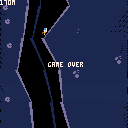
FINAL GAME IS HERE: https://www.lexaloffle.com/bbs/?tid=28132
In the game above, the character is gliding in zero-g. They can move left and right using little air jets on the side of the space suit (left and right arrow keys).
I am struggling to make a good sound for this that isn't too grating (you will hear the sound A LOT). I was hoping for a high-pitch hiss; like air escaping a ballon, but having nailed it yet (see above).
"TSSSsss.. TSSSssss..."
Any audio designers know how to achieve this sound?
7 comments



Hi,
I am trying to come up with a simple algorithm for filling an area of the screen a particular color.
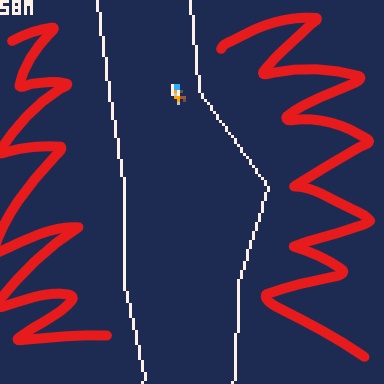
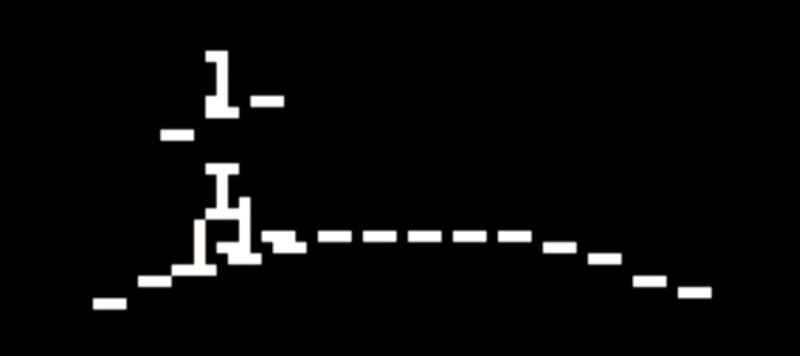
I have a "path" in my game defined by the thin white lines shown above. Lines are represented with the following data structures:
function mkvec(x,y)
	local v=
	{
		x=x,
		y=y,

		getlength=function(self)
			return sqrt(self.x^2+self.y^2)
		end,

		getnorm=function(self)
			local l = self:getlength()
			return mkvec(self.x / l, self.y / l);
		end,
	}
	return v
end

----------------------------

function mkline(x1,y1,x2,y2)
	local l=
	{
		a=mkvec(x1,y1),
		b=mkvec(x2,y2),

		draw=function(l,col)
			line(l.a.x,l.a.y,l.b.x,l.b.y,col)
		end,

		drawnear=function(l,o,col)
			local lp=closestpointalongline(
				l.a,l.b,mkvec(o.x,o.y))
			circ(lp.x,lp.y,2,col)
		end,

		closest=function(l,o)
			return closestpointalongline(
				l.a,l.b,mkvec(o.x,o.y))
		end,
	}

	return l
end
|
7 comments


whenever i make a function, such as the one below, and try to run it, pico-8 almost always returns a syntax error, saying something along the lines of "<EOF> EXPECTED AT LINE 23", where line 23 is the last line of the last function in the code.
below shows the framework of the functions i usually code, "blah" obviously being substituted with code.
FUNCTION DOSTUFF() IF BLAH THEN BLAH BLAH BLAH BLAH BLAH BLAH --this line is where an "<eof>" is usually expected END END |
5 comments



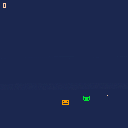
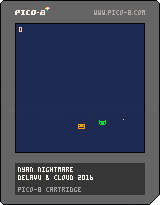
My first time making a game or writing any code at all.
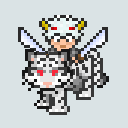
Avoid the sparkling cat and take the points to your house.
Use the arrow keys to control the not impressed man.
Maybe I'll come back to it and improve a little. Only time will tell.
Thx to Marcelo (Cloud) Gomes.
0 comments



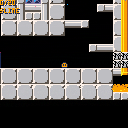
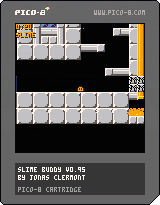
The game isn't really the main reason for this post, it's the graphical thing I did with it.
(Although, in case you're wondering, the game is Slime, and it may have a few glitch fixes)
It pretty much speaks for itself. I really only chose Slime because I thought it best suited this game more than any of my other work-in-progress games. Feel free to extract the GART function and use it in your stuff! The function is at the very bottom of the code, and only uses the BAR and BARSIZE variables. It doesn't actually need that line where it references "SLIMES", so just delete that and you can probably just paste it right into any of your projects. (Just remember to put GART() after you render!)
13 comments





This is a thing for my noise project. It draws random lines and plays random notes while slowly corrupting memory.
Not much to look at, but still fun.
It's my first cart, and it's entirely a toy. Maybe next I'll do something interactive.
2 comments





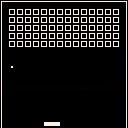
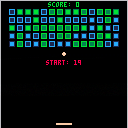
Made for Epitech 2016 Maths lesson,
Controls:
Left / Right to move the paddle
Feel free to edit this cartridge as you like
1 comment

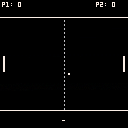
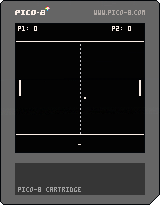
Made for Epitech 2016 Maths lesson,
Controls:
Up / Down for P1
E / D for P2
Feel free to edit this cartridge as you like
0 comments
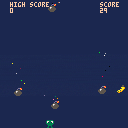
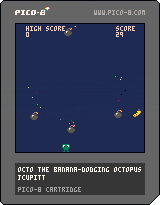
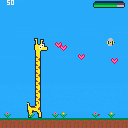
Can you score 100? Possible, but very hard. Press x (or c?) for a cloud of ink, it makes you invulnerable for 0.5s.
Please fix the sound effects for me :(
music copy-pasted from
thank you very much!
2 comments


