






UPDATED: 10/01/18
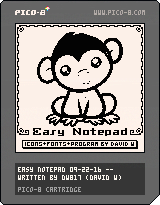
Updated the font. Removed hard edges, softened them, expanded all images to be at least 7-pixels across, added some descenders, and completed the remaining drawing elements for the butterfly vector palette. Also installed standard PICO-8 licensing emblem and notification.
Details: https://www.lexaloffle.com/bbs/?tid=31927
Updated to save all SRAM now. CSTORE() RELOAD()
This UPDATED cart (09-28-18) now takes advantage of the ability to save 4096-bytes externally, thus you have 17-pages to work in. Were you using only 256-bytes, you could only have a single 16x14 (224-bytes) text page to edit.


 13 comments






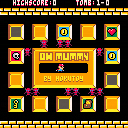
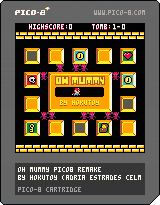
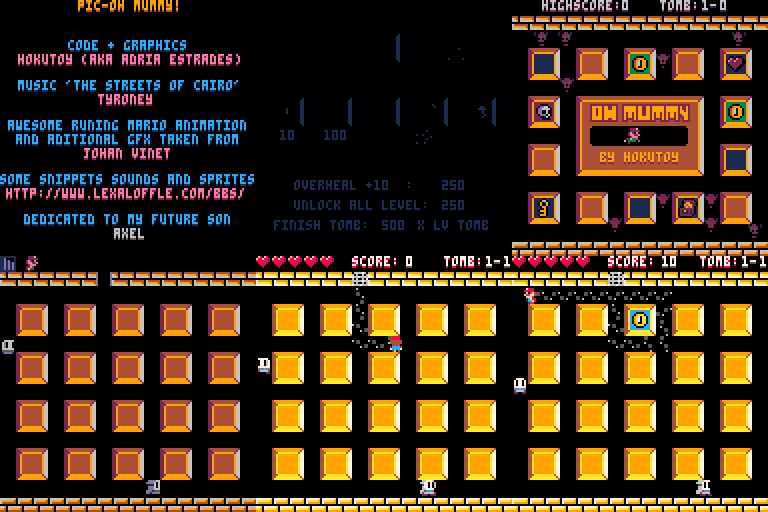
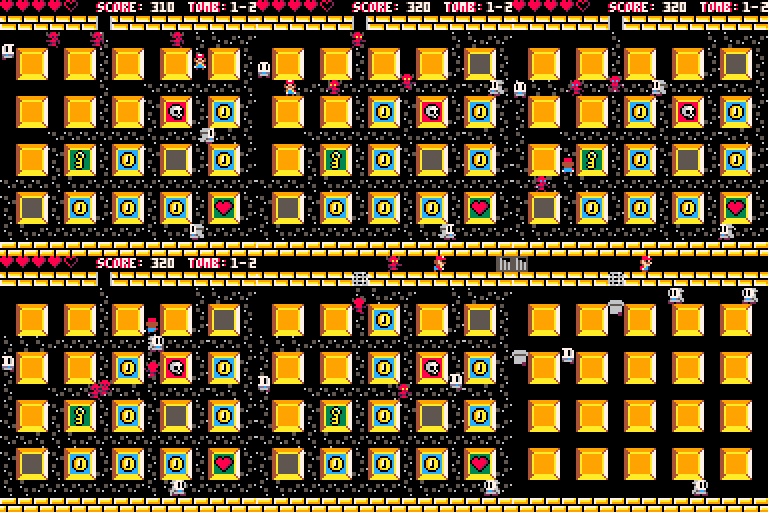
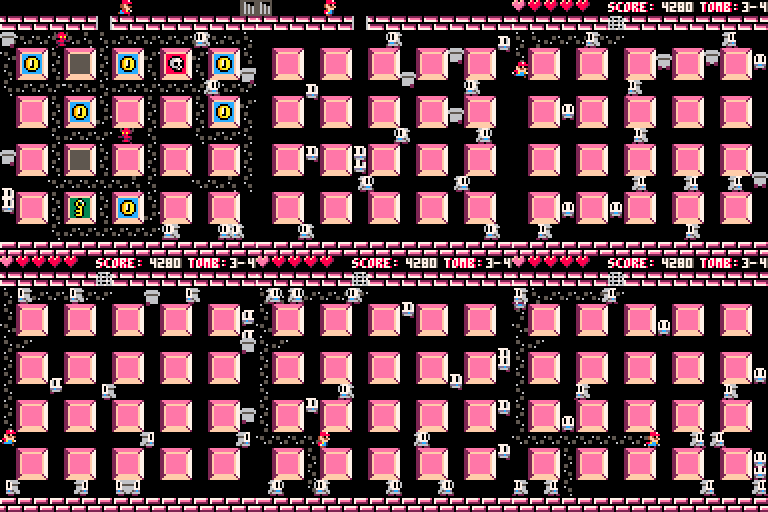
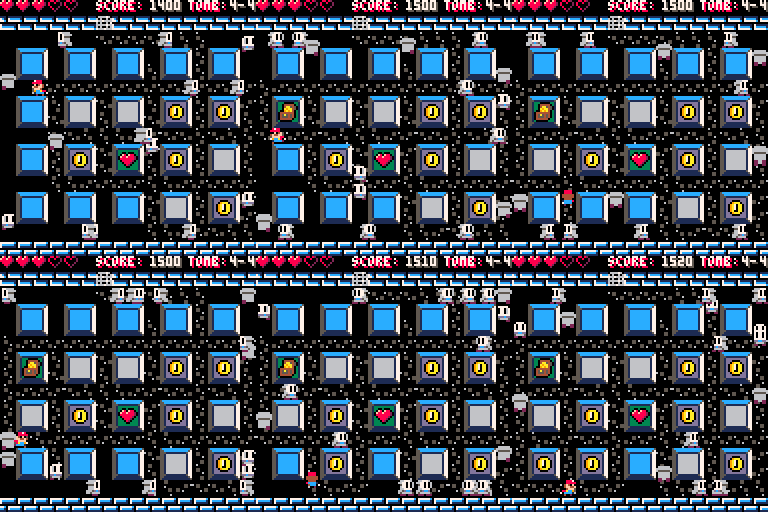
I present my first pico8 game, PIC-Oh Mummy, a remake of a old game i played on Amstrad CPC when was a child.
Hope you enjoy it! Post your score or how deep you did!
PD:
Great thanks to Tyroney for the music... it was crucial for the project!
Thanks to all de people of the BBS for his works and codes. I took one thing from here and one from there... ;)
PD2:
Do not look the source code ... seriously.
I'm not a programmer and i have no previous experience in coding in LUA, java, C or anything else (I've only made some games in FENIX/ BENNU GD) so the code in full of mistakes and things done wrong that i learned the hard way.
Sorry for my bad english ;)
Enjoy!
21 comments


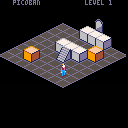

Would love some help optimizing the code! :)
edit: Version 2! down to 504 tokens!
edit: Version 3! down to 484 tokens!
edit: 480 tokens :O
- graphic section E
- map section Q
- sprite logo 7
- sfx banks NONE
- music banks NONE
- cart data section NONE
- 3618 chars
7 comments

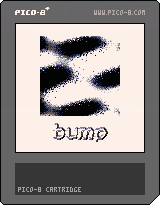
This is a first attempt at creating a bump map lighting effect. The funky gray plasma thing is just there for pizzazz. The world can always use more pizzazz.
-Electric Gryphon
1 comment

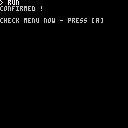
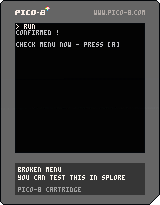
Guys, do any of you know how to make the onboard menu plugin command work properly in this code ?
I want the text, "confirmed" to only appear WHEN you select the menu item. From here, don't press [A] as that will only exit the program.
Instead press [ENTER] and select, "test." You will see that it does not run the function associated with it.
-- broken menu
-- you can test this in splore
-- or online

function main()

menuitem(1,"test",doit())
getkey("check menu now")

end

function doit()
  print"confirmed !"
end

-- simple get and wait key [a]
function getkey(t)
  if t!=null then
    print""
    print(t.." - press [a]")
  end
  repeat
    flip()
  until btn(4)==false
  repeat
    flip()
  until btn(4)
end--getkey

main() -- nifty put at top
|
8 comments



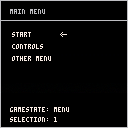
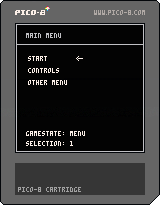
Another very basic demo of a menu and managing various gamestates.
There are better ways to do it (like an int instead of strings) but this is the most verbose and easy to read.
Even if you know how to do this basic little thing, its handy having copy-paste code material on hand...
18 comments


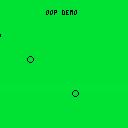
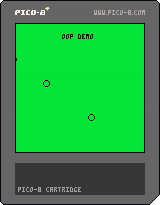
This is a very basic example of how to use 'Object-Oriented Programming'.
I thought lua objects were a bit odd when I started using PICO-8 and I know that PICO-8 is used in education sometimes, so maybe this could be useful for someone just starting to code.
Or not _|7o
Who knows
I want to post the code as a snippet too but I'm sure how, without retyping the whole thing. There must be a way to extract the code from the cartridge here, like there is when you're in the actual PICO-8 software....
0 comments


The sign of victory ! It's been a good day !
Here is the code I wrote for it:
--[[

------ f i l e - 8 k ------

program to test saving off
more than 256-bytes of
persistent data despite any
version changes.

big props to tyroney and
rytrasmi for having the
patience to teach me this. :)

--]]

function main() -- begin

pic={} -- empty array

-- generate serious nonsense
for i=0,8191 do
  pic[i]=flr((i+i*1.77))%256
end
-- how much ram do i have left?
-- :)

-- show a bit of it
cls()
for i=0,8191,255 do
  print(pic[i])
end

getkey("ready to convert")

for i=0,8191 do
  poke(24576+i,pic[i])
  -- save it out
end
getkey()

cstore(0,24576,8192,"_data.p8")
-- save screen at memory loc 0

cls()
getkey("saved")

getkey("ready to load")

reload(24576,0,8192,"_data.p8")
-- load 8k at screen start

getkey()

pic=nil -- erase array !
pic={}

for i=0,8191 do
  pic[i]=peek(24576+i)
  -- get it all back
end

cls()

for i=0,8191,255 do
  print(pic[i])
-- proof is in the pudding !
end

getkey("complete !")

end
-- end of main

-- simple get and wait key [a]
function getkey(t)
  if t!=null then
    print""
    print(t.." - press [a]")
  end
  repeat
    flip()
  until btn(4)==false
  repeat
    flip()
  until btn(4)
end--getkey

main() -- nifty put at top
|
10 comments




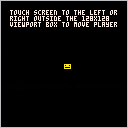

Due to popular demand, I present the Collab16 Cart 2!
This is a "game jam" of sorts, to make a pico8 cart with sixteen (16) games in it by multiple developers!
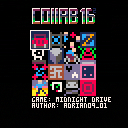

After getting feedback from the previous Collab16, this one will be a bit different, so please read the rest of this post!
We have a channel on the Pico8 discord for anyone who is looking for help or coordinate. Check out the #pico8-collab16 channel. Here is an invite: https://discord.gg/Dut34b3
In order to get the cartridge to contain 16 games, we have some overhead:
- A menu system and housekeeping (234 tokens)
- PicoCam (339 tokens) [i]I have added this library with the hope that folks will make some 3D games! If this library sees little usage, I will remove/replace it with a different one.
110 comments




.jpg)

NOTE: This is a guide to my menu system that I have used in the example cartridge however contains mostly general tips that you can adapt to your own needs.
This is a simple guide for my Menu System that also shows off how to do simple 2-colour palette swapping. Anyone is free to build upon and implement this system into their own games they make.
If there are any questions or queries, feel free to leave a comment and I'll try to reply as soon as possible. Here are some guides suitable for beginners to help explain how to use it.
Guides
How To Add More Options:
[b]How To Select Options:
23 comments

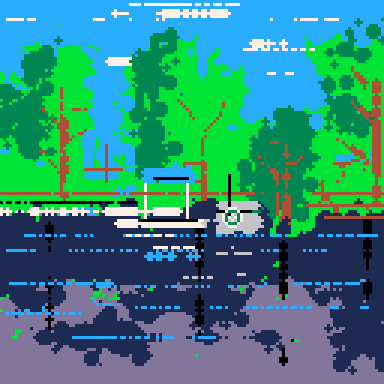
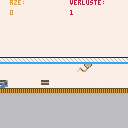
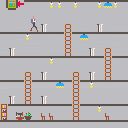
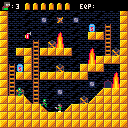
Finished for a game jam, although currently there is not a satisfying end-game after completing the 3 levels!
This is a zombie arcade game. I will finish it up and polish it a bit more later.
4 comments


Hi,
Perhaps this has been asked before, but I don't recall seeing anything about it specifically. Apologies if so.
I've just gone over the png compression limit on a cart, but have about 1128 tokens & 20,000 odd characters left to go. I'll probably use all of them.. I know I can reduce the length of my variable names, or minify the source to make it fit, but -
I was wondering if there was a technical reason why the cart file size couldn't be, say, doubled, or even left unrestricted? As long as you're within the token and character limit that is.
For the record, I think the idea of storing data directly in the image is pretty damn cool & I'm not suggesting that be changed, but if it's only restricted by image size, perhaps the 'overflow' data could be stored in a private png chunk? In theory it shouldn't interfere with how it appears or downloads in browsers or image viewers etc.
If it's a hard limit on file size or Javascript or something though, I guess I can't really argue against that one.
I guess it's no big deal, but I'd love to be able to keep the original source in the cart is all.
Cheers
edit: clarification - cart [b]file
5 comments
Well... trying to make some dynamic level generation script - it's a thing I've been digging into, lately... and kind of fuzzy on implementing it.
So, the idea is that the main playmap area is 3 screens tall, 5 screens across; and ultimately, represented as a table like:
LVL1={/leveltype,scr1,scr2,scr3,scr4...scr15} (where scr1 for instance, is a perlin noise variable that indicates where it joins with other screens... so if it were "4," it would open to the right (up=1, left=2, right=4, down=8). LVL1-LVL15 each do this.
I have a table called DOORWAYS={1,6,11,5,10,15} ...these are the screen IDs that can contain doorways. And then one that's DOORSHUF={RND(1,6),RND(1,5),RND(1,5)...} - the idea is that the starting door from level 1 is the first variable, and it references "DOORWAYS" to place the appropriate door - then every door thereafter is made by adding the next "n" of DOORSHUF to the previous one, and if need be, subtracting 6 from it until the table finishes, and returning those values to a DOORLIST table that should end up looking like either (16 values of 1 through 6, to reference DOORWAYS) or (16 values of DOORWAYS that always alternate).
From there, I'm aiming at taking THAT table, and having each of 15 levels take that sequence, and concoct a "fast road" that's high risk, rewarding, but very direct toward the next door; and a "slow road" that's safer but winding (at least 7 "screens" in sequence)... the two paths can cross, too. The path generation basically adds the appropriate openings to scr1, scr2, etc. (and doesn't really matter which way it generates, since that's just the openings on the screens); and calculates via +/-1s and +/-5s (trying to devise a way to prevent calculative wrapping... so "5 to 6" has to do a "+5" and 4 "-1s" rather than a +1... so that too)...
Anybody else here mess with this kind of thing and get it to work right, by chance?
In progress:
DOORWAYS={1,6,11,5,10,15}

FUNCTION MAKELEVEL(BIOME,SCR1=0,SCR2=0,SCR3=0,SCR4=0,SCR5=0,SCR6=0,SCR7=0,SCR8=0,SCR9=0,SCR10=0,SCR11=0,SCR12=0,SCR13=0,SCR14=0,SCR15=0)
--CREATE SEQUENCE OF 16 DOORS
DOORSHUF={RND(1,6),RND(1,5),RND(1,5)...}
D=0
N=1
FOR N=1 TO 15 DO
D+=DOORSHUF(N)
ADD DOORLIST (RETURN DOORWAYS,D)
N+=1
NEXT
|
12 comments
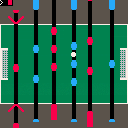
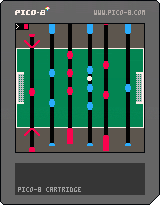
This is just a little thing that I made whilst going about my day and I'm not sure I'll get around to finishing so feel free to grab it from the PICO-8 WIP section and do some work on it!
6 comments


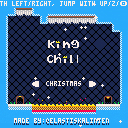
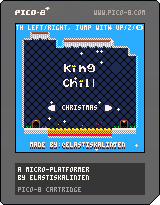
This is a challenging platform game with the focus on just the platforming.
You play as a king that on unknown circumstances is stuck in a deep cave. On your journey you will dodging lava, spikes and maybe some bugs ;)
The goal is to get out as fast as possible! The clock is always ticking so play smart and chill!
Hope you enyoy it and post your best scores in the comments!
UPDATE 1.3
- Added character animations
- Added scene transitions
- Added ways to play the game with different skill levels
- Fine tuned all levels to make them more fair and fun + foliage
- Remade start screen
- Remade the enire last run
16 comments




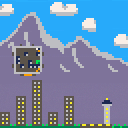
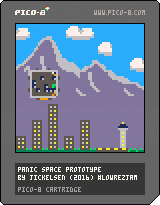
You lost the keys to your spaceship, your carnivorous pet has gotten loose, and that fugu you last night has left you in a state of paralysis! Not to mention that your ship is currently crashing towards the ground.
Use the cursor keys to fire your ships steering rockets to get out of this mess, and use z to switch view and see how close your are to certain doom. The ship'll only let you fire the steering rockets while all loose objects (including you) are at rest. You'll need the key to the main engine to have any hope of landing safely!
Made during the last weekend of the #LOWREZJAM 2016. Only one level so far but more may come in the future!
1 comment
