My PICO-8 tribute to one of the best games I've ever played... THE LAST OF US
(The original game music was done by Gustavo Santaolalla)


 4 comments




Welcome to MATCHY MATCHY, the puzzle game of animal love.
CONTROLS:
O - confirm selection (in menus), make a match (in game), quit game (in pause menu)
X - back (in menus), pause game (in game), resume game (in pause menu)
CURSORS - select options (in menus), move cursor (in game)
HOW TO PLAY:
Connect pairs ( or more ) of matching animals to solve puzzles, get points, and make love not war.
To make a match, move the cursor so that at least 2 matching animals are directly above, below or to the side of the cursor, then press O (Z on keyboard). Matching more than 2 animals yields more points:
Pair ( 2 of a kind ) = 10 pts
Love triangle ( 3 of a kind ) = 20 pts
Double date ( 2 pairs ) = 30 pts
Love rectangle ( 4 of a kind ) = 40 pts
GAME MODES:
There are two modes, the relaxed PUZZLE mode and the hectic TIME ATTACK mode.
PUZZLE mode - The aim is to try to clear all the pieces form the board so that no animal is left behind. You don't have to clear the entire board to unlock the next level, though. There are 35 levels in total. Can you clear them all? This mode encourages forward thinking and careful planning. Beware of making Love Triangles as this might leave an odd number of animals behind.
TIME ATTACK mode - The aim is to play as long as possible and get the highest score. As you play, new pieces are added to the board, faster and faster. If you run out of valid moves, several pieces will get added to the board at once! Also any wrong move will be punished by an extra piece.
When you clear enough of the board with no moves left, you will level up. Levelling will generate a new board and slow down the timer a bit. The game is over when you run out of space on the board. This mode encourages quick thinking and changing strategy on the fly.
[i]DISCLAIMER:
The author deeply regrets that due to gameplay considerations MATCHY MATCHY is not representative of inter-species love. The author acknowledges that love knows no limits and no man, animal, machine, deity or other entity should attempt to impose such limits.
20 comments










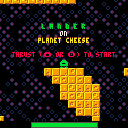
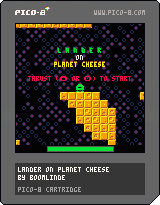
You are stuck on planet cheese. You could slice your way out if only you had a slicer. Luckily you have a slicer detector...
Use the slicer detector (X) to pinpoint the location of the slicer. Thrust with either up or O (whichever you use first) and fire the horizontal course correction engines with the left and right buttons.
You need to refuel every now and then. The cheese of Planet Cheese can be processed and turned into rocket fuel. Land safely on both foot pads at a low velocity to process cheese.
UPDATE (V2):
- Camera locked on player; no easing. This makes precise navigation easier. This also makes the camera lock mode useless, so it has been removed.
- Collision detection has been improved, and the vertical velocity threshold for safe landing has been increased to 1.5 pixels per frame. The safe landing threshold is now also consistent and you can't randomly land safely at greater velocities.
- For a safe landing, both foot pads no longer need to be completely on the ground. As long as they both touch, it's fine, making landing easier on smaller surfaces.
- The player can now thrust with either up or O, depending on which is used first, making it more joypad/digital stick friendly.
12 comments





I've tried to dissect several tweet jam carts but have failed to figure how to move something along a wave pattern.
I want to move a circle between two x/y points in a wave. I know I have to use sin() and cos() but just don't know how to apply them, or to what.
I've done some Googling and even bought myself a "Trig for Dummies" book, so I'm slowly (very slowly) trying to learn math I've never been exposed to. I'm 20+ years removed from my last math class so it's frustrating but I'm motivated.
My specific purpose is bullet patterns but I know once the match clicks, I can use it in all sorts of place and make cool stuff like the rest of y'all.
If there's a simple snippet someone can share that I can look at and dissect it, I would appreciate it. Or any other links/resources they know of.
3 comments







I'm adapting the physics from the Sonic Physics Guide on Sonic Retro into PICO-8 and it's going pretty alright but my character keeps sinking into platforms?

Here's the code:
--platformer stuff --physics model taken from --sonicretro.org/sonic_physics_guide --todo! --wall collisions function sign(x) if(x<0) return -1 if(x==0) return 0 if(x>0) return 1 end function floor() local v=mget(flr((x+4)/8),flr((y+8)/8)) return fget(v,0) end function _init() --basic stuff x=58 --player x y=58 --player y d=false --direction:f=r,t=l --physics stuff xsp=0 --horizontal speed ysp=0 --vertical speed jsp=5 --jump speed acc=0.1 --accelerate dec=1 --decelerate frc=0.2 --friction top=2.5 --top speed grv=0.5 --gravity cj=true --can jump? (flag) j=false --jumping? (flag) --camera stuff cx=58 --camera x offset cy=78 --camera y offset dx=58 --default x offset dy=78 --default y offset csf=2 --camera speed while fall csl=4 --camera speed on landing end function _update() if floor() then --back on land ysp=0 --pans the camera back up cy+=csl if(cy>dy) cy=dy cj=true else --in the air! ysp+=grv --pans the camera downward cy-=csf if(cy<20) cy=20 cj=false end --if can jump,allow jump!!!! if cj then if btn(4) then ysp=-jsp end end --left and right movement if btn(0) then --left button if xsp>0 then xsp-=dec elseif xsp>-top then xsp-=acc end d=true elseif btn(1) then --right button if xsp<0 then xsp+=dec elseif xsp<top then xsp+=acc end d=false else xsp=xsp-min(abs(xsp),frc)*sign(xsp) end --adds restart button in pause --menu menuitem(1,"restart",function() _init() end) x%=128 x+=xsp y+=ysp end function _draw() cls() map(0,0) --camera(x-cx,y-cy) spr(0,x,y,1,1,d) end |
5 comments




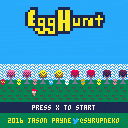
My first effort with the Pico-8. I hope you enjoy it.
update:
v1.1. I added Morning Toast's recommendation. So instead of saying "items found" or "secrets found" it says how many out of how many you've found. I also made a slight change to make ending "A" a little more obvious (but not by much) and optimized a little bit bit of the code.
I'm glad everyone seems to be enjoying it. Thanks everyone! "Quack!"
14 comments






I'm a linux user who is running this in windowed mode. My system resolution is 1600x1200 so it opens a pretty small window in the middle of the screen. I can change the window size in the config, but that only changes the size of the window itself instead of enlarging the contents they simply stay the same size inside the bigger window.
I can grab a corner and drag it to a good size (about twice as big) but then when I restart it's back to the original size.
Is there a way to enlarge the entire window and contents by about X2?
Thanks
Jeff
1 comment

Pico 8 is an amazing "fantasy console" it really is the timple things that can do the most!
0 comments

I was wondering how I would go about making some flashing text for a game-over screen that reads "press z to try again". I tried using modulo however when I attempted this it would display the text for one frame and then show (about) 30 empty frames.
Any help on a simple and effective method would be greatly appreciated.
6 comments





This is a cover of the spyhunter theme for NES. This project was made for Shadowbyte's spy hunter port. Let me know what you think in the comment thread.
I've got as much done as I'm gonna handle with this one. The solo part might not be that great, but I've been spending to much time on that one trying to get it right so I just left it as is. Shadowbyte, good luck on your pico 8 port of spyhunter and using my cover for it n watnot. (psst I left a message for you in the code ;)
3 comments
Space Rocks
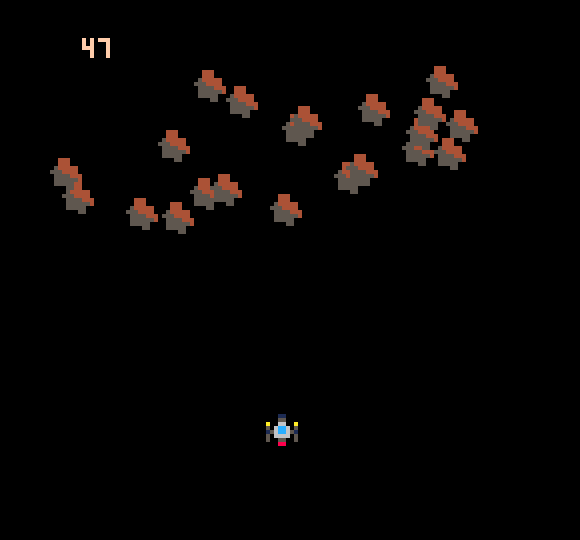
Adding asteroids to the mix seems like a good idea. They don't have bullets (hopefully) so they should be relatively easy to have float down the screen. Then again maybe they'll come into the the scene from any angle... haven't really decided on that part yet.
I think using the same type of object with an update method and an "array" of objects as we used with the bullets/lasers should work for asteroids too.
Creating Asteroids
Whip up a astroidconstruct function super similar to the bulletconstruct function:
asteroidconstruct = function()
  local obj = {}

  -- only come in from random top area.
  x = flr(rnd(127))

  -- set the direction randomly left, right, or center
  xs = {0, 1, 2}
  rnd_x = xs[flr(rnd(3)) + 1]
  if(rnd_x == 2)then rnd_x = -1 end
  text = rnd_x
  obj.dir = rnd_x

  obj.position = {x=x, y=0}
  -- obj.position = {x=52, y=52}
  obj.sprite = 17
  obj.update = function(this)
    this.position.y += 1
    this.position.x += obj.dir

    -- remove it when it goes off screen
    if(this.position.y>127)then del(asteroids, this)end
  end
  return obj
end
|
0 comments
I'm quite new to Pico-8 and video game programming and so started out by making a simple ping pong like game. I can't seem to figure out how to make my ball collide with the side of the paddle however which leads to the ball getting stuck inside the paddle, bouncing up and down, or just passing through the paddle.
Ideally I'd like the ball's x and y velocity to reverse when it hits the sides of the paddle.
Thanks in advance for any help!
'p' is my paddle object
'b' is my ball object
p.w is the paddle width
p.h is the paddle height
--ball wall collision if b.x>=128 then b.dx*=-1 end if b.x<=0 then b.dx*=-1 end --ball paddle collision top if b.x>=p.x and b.x<=p.x+p.w and flr(b.y)==p.y-b.size then b.dy*=-1 end |
3 comments



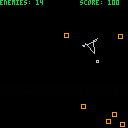
(Accidentally ruined the first submission here, but oh well. May try to get that one deleted.)
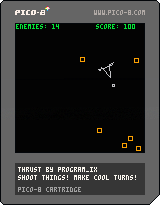
I made a game with not only vector drawing, but vector movement! It's not quite where I would like it to be yet, but it needed to get out the door so I could continue refining.
Z to thrust
X to fire
Left/Right to turn a discrete amount in either direction (this is the only decent way I could find of doing it so far, arbitrary rotation ruins the shapes for some reason).
Try to shoot down as many enemies as you can before one hits you.
0 comments
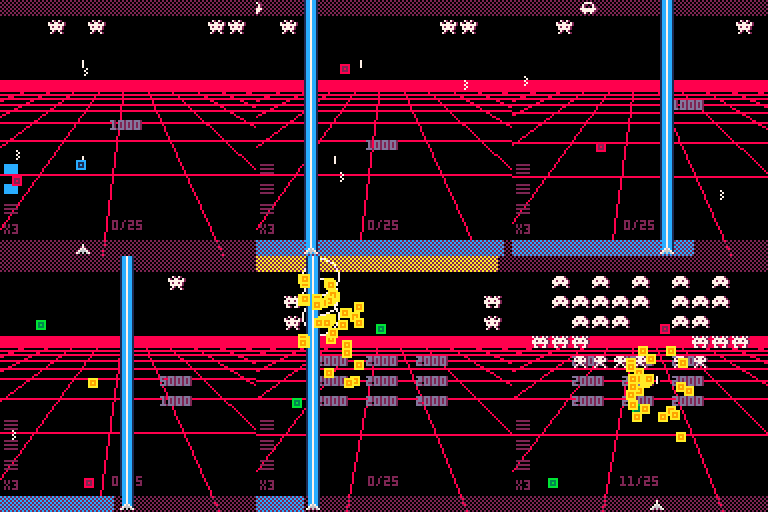
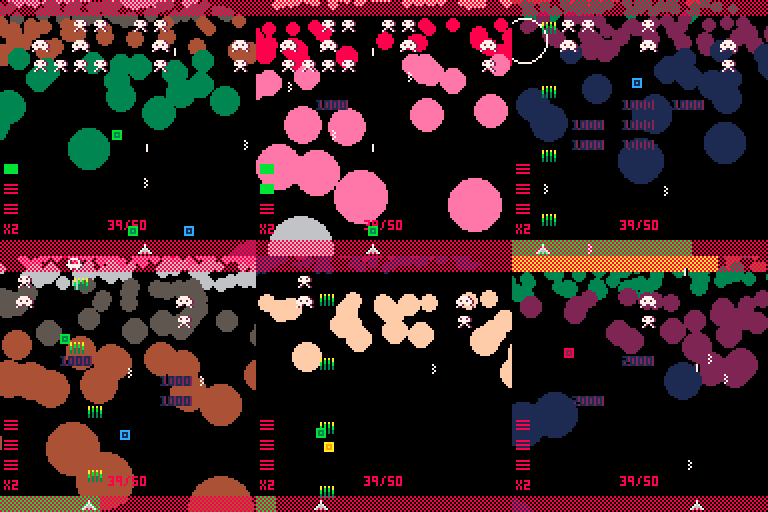
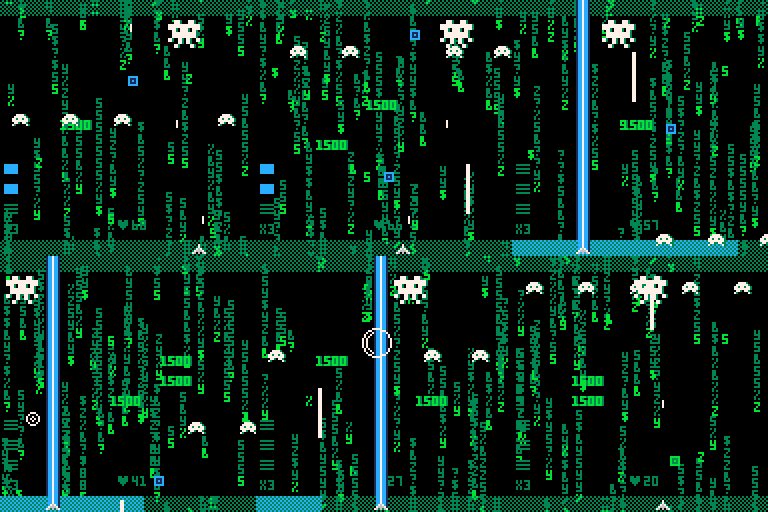
How to Play
Collect 3 of the same the color power-ups to gain a powerful new weapon.
Shoot the UFO and collect the yellow power-ups to kick off fever mode!
Collect enough fever mode coins to enter a boss battle
This game is endless. Survive as long as you can while chasing a high score.
Controls
Left/Right move
Z shoots your gun (hold for auto-fire)
54 comments