


I created a custom launcher for my Gnome desktops (running Fedora 23/24 and Ubuntu Gnome 14.04), but I can't get it to launch in the SPLORE mode.
The .desktop file I added to ~/.local/share/applications looks like:
[Desktop Entry] Encoding=UTF-8 Value=1.0 Type=Application Name=PICO-8 GenericName=PICO-8 Comment=PICO-8 Icon=/home/username/Games/pico-8/lexaloffle-pico8.png Exec="/home/username/Games/pico-8/pico8" Categories=Game; Path=/home/username/Games/pico-8/ |
If I change the Exec line to include the -splore option, like this:
Exec="/home/username/Games/pico-8/pico8 -splore" |
it doesn't work at all.
Any ideas?


 2 comments




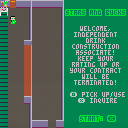
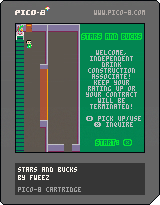
Stars and Bucks: A fairly stressful little game of memory. Make coffee drinks from the ingredients the baristabot sends down the conveyor belt, and hope your customers rate you high enough to keep your job! "Enjoy" playing.
This is my first PICO-8 game, so, the code is pretty rough. The gameplay is somewhat intentionally stressful and un-fun -- it's simulating a job, after all.
5 comments


There's no "PICO-8: Support" entry in the forum drop-down menu in the 'New Thread' editor.
3 comments


Is it possible to link multiple .p8 file together so that I can create a single level in one file and then save a few variables, then load the next .p8 file to create a second level?
6 comments


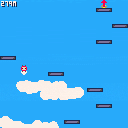
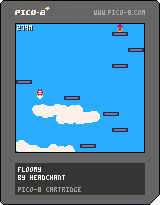
This is my little autojumper "Floomy" bouncing its way to the top.
It features endless random platforms, pickups, deadly obstacles and highscores. My highest score is around 5200 at the moment. Can you beat it?
10 comments






I was looking at some of the tweet jam carts and noticed some of them use srand() in the loop, so srand() is called A LOT to generate whatever...
I took one of those carts and am firing rnd() when the user presses a button, hoping to get a new random number each button press...but that doesn't seem to be happening.
Without a lot of debugging otherwise, it seems like rnd() spits out the same number each time (ie, not so random)
I figure this is happening because srand() is running almost constantly in the tweet code. Just for shits, I took out the srand() and that solved the rnd() problem but then totally messes up the tweet jam cart.
So I guess I need to find a way to generate a random number that doesn't involved rnd()...? Or find something that avoid having to use srand() so then rnd() will work as expected...?
Just seems like rnd() and srand() is flakey...not sure what to do and/or try.
Any thoughts or insight is appreciated.
10 comments




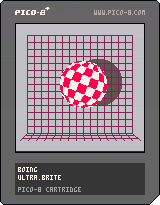
I started this as a tweetjam contribution weeks ago, failed miserably, decided to make a full cart instead, didn't achieve the proper effect anyway, and let it dry on my hd...
then fms_cat posted POKE-8
and I felt compelled to give it another go, so here it is !
one cart off my backlog ;)
10 comments


Now that O/X button glyphs were added in 0.1.7 I just had a crazy idea: what if the glyphs could be customized to be displayed differently on your PICO-8 so that they could look like the buttons on whatever controller you are using? (or whatever keyboard keys you are using)
I realize that the O and X on the current glyphs are only 3x3 and that's not a lot of room to work with...anyway, thought I'd throw the idea out there just in case :)
have a great day!
-kittenm4ster
3 comments


This maybe not new for some users, but I did search the forums and I didn't found any post about this, so...
ANSI escape codes do work on Pico-8!
when using printh()
Let me explain. ANSI escape codes are sets of commands to use in terminals to "control the formatting, color, and other output options on video text terminals".
Yes. And what? (you say)
It means a lot! Look at this piece of code. It clears the screen on _init(). And it sets text to green, then resets it to the default color afterwards. (PSST... It may be useful for debugging purposes!)
function _init()
   init_console()
   printh("what is this? color??")
end

function init_console()
  -- note: ansi escape codes
  -- are case-sensitive.
  -- note: printh still adds a
  -- new line each time you
  -- call it, even if it only
  -- contains escape codes.

  -- clear the screen
  -- ("\27" is esc char)
  -- ("\74" is capital j)
  a_clear = "\27[2\74"

  -- reset the cursor top left
  -- ("\72" is capital h)
  a_cur_tl = "\27[1;1\72"

  -- set to green
  a_col_gr = "\27[32m"

  -- reset color to default
  a_col_df = "\27[39;49m"

  -- let's print some text
  printh(
    a_clear ..
    a_cur_tl ..
    a_col_gr ..
    "==> console initialized..." ..
    a_col_df
  )
end
|
1 comment

Hi,
I've been dabbling in Pico-8 since yesterday and am loving it so far! However, I have come up against a really frustrating problem and have spent hours trying to figure out why my code doesnt work. I keep getting a
"then" expected near "=" error up, for the line highlighted in the code below. Any ideas of why this isn't working would be very much appreciated!!!
All the best,
Paul.
player = {}
player.x = 5
player.y = 5
player.sprite = 0
player.speed = 2
crab = {}
crab.x = 50
crab.y = 50
crab.sprite = 9
crab.ran = 1
function mover()
player.moving = true
player.sprite += 1
if player.sprite > 4 then
player.sprite = 0
end
end
function movel()
player.moving = true
player.sprite -= 1
if player.sprite <4 then
player.sprite = 8
end
end
function crabmov()
crab.ran = flr(rnd(2))
if crab.ran = 0 then <------------------
crab.x -= 1
end
if crab.ran = 1 then
crab.x += 1
2 comments


hello,
"I Have Created 50 Games in 2014". Well, certainly not me :)
But this clever guy (abagames):
http://www.asahi-net.or.jp/~cs8k-cyu/blog/2014/12/12/games-in-2014/
I think several good concept could be ported to new pico-8 games (sources are provided for the game mecanisms)
0 comments
You can make carts easily in the Pico, but there doesn't seem to be a way to delete carts at the moment.
3 comments

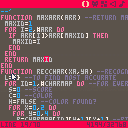
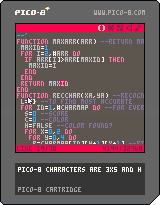
It's not finished. It has problems with punctuation, quotation marks and some other symbols.
At least it does with numbers and alphabet well.
Move with arrow keys into a character.
If you know how to improve it, please do it.
The algorithm may be inspired from my mosaic image algorithm.
0 comments


- Added achievements
- Bugfixes
CLIMB HIGHER AND HIGHER!!! WHAT COULD BE UP THERE? NOBODY KNOWS... DO YOU THINK YOU CAN CLIMB HIGHER THAN THE OTHERS?
Left and right arrows (or left and right directions on D-pad) let you move left and right.
'Z' (or the o button) lets you jump, double jump, wall jump, dive and if you're close enough to a ball, platformize that ball.
This game is a sort of draft for the fuller HIGHER CLIMB which will be out in Winter 2016! Stay tuned for that by following me on Twitter!
18 comments










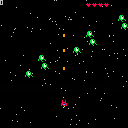
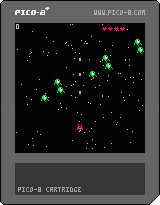
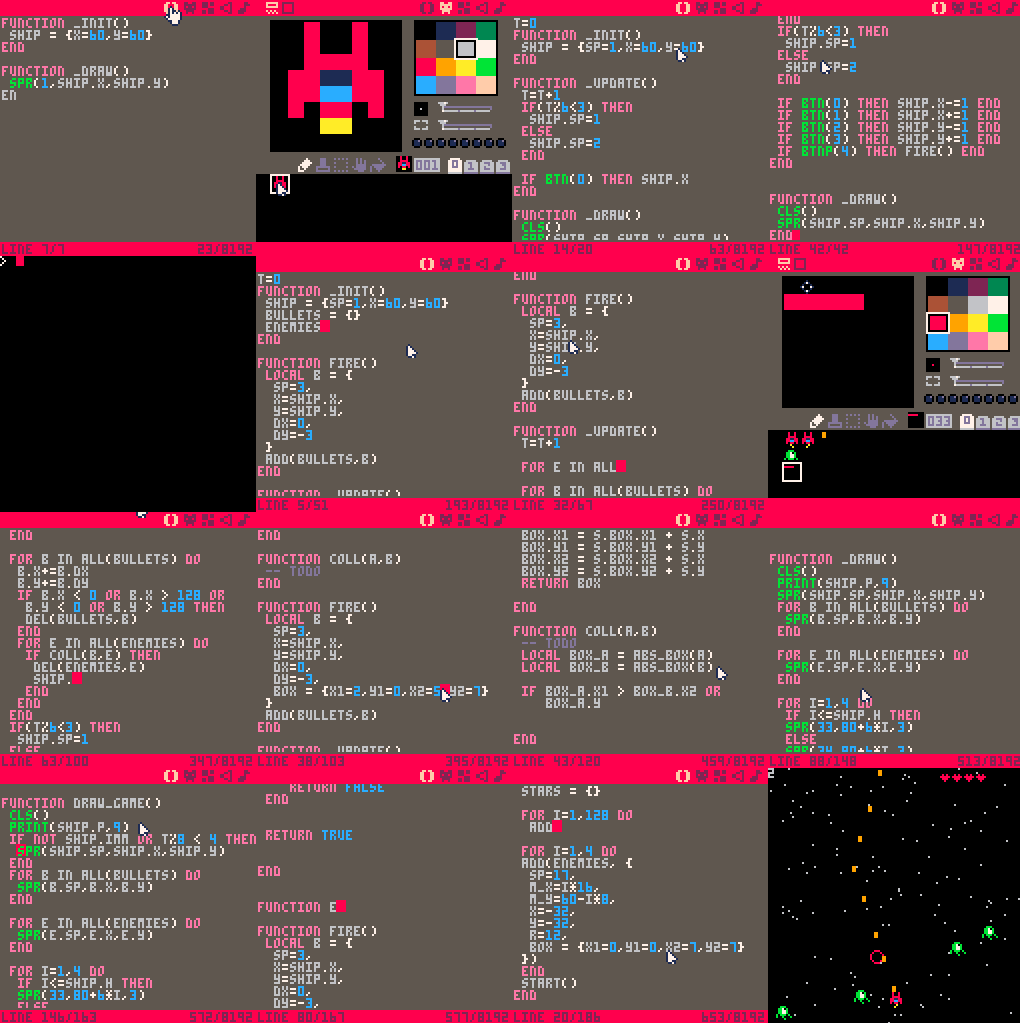
I did a spaceshooter and documented the process in 16 gifs.
See an overview of all 16 gifs at once. And start each gif as a step by step tutorial.
 32 comments