


Hello!
I've been playing with Pico-8 for a few days now and love it! Here's my first effort.
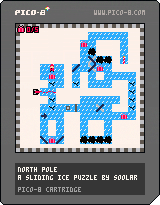
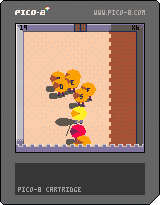
The aim of the game is to get the two knights to the big trapdoor (with the key) to escape the level. You control both knights at the same time. The right knight follows your keypresses as you would expect, but the blue knight does the opposite.
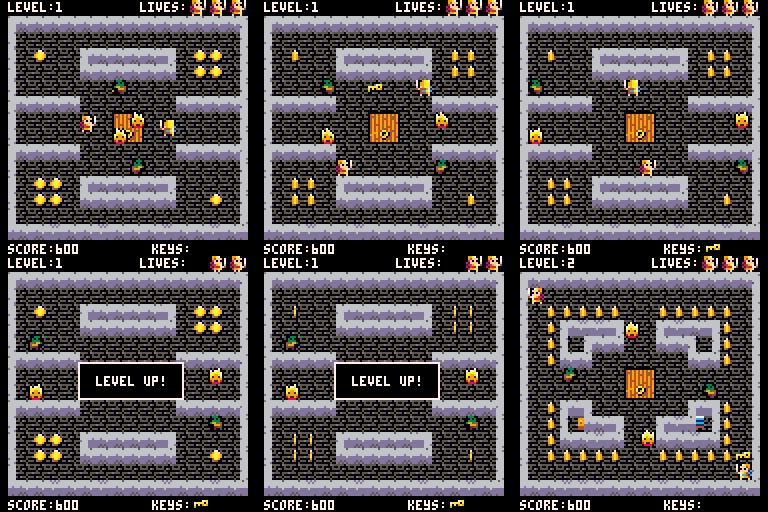
I've learnt a lot about Pico-8 while writing this game... mostly what not to do next time. For sure the code could easily be refactored and a lot of duplication removed but thats for another day.
Anyway I hope it gives you a few minutes fun.
Cheers,
RKK.


 4 comments





Re-familiarizing myself with PICO-8 :)
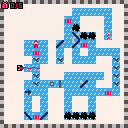
Rewrite of the old version for PICO-8, written with some better practices that allow me to do things like have a title screen and a win screen. Except the win screen doesn't seem to work for some reason :(
I also added an actual tutorial instead of just throwing you in to the final level. Still need to add some more levels before I'd consider it finished though.
 3 comments



Just bought a copy of Voxatron (and PICO-8 with it!) after musing over it as I wait on my PocketC.H.I.P. to arrive (fingers crossed for August)
Anyway, I am a Pixel artist and animator at heart (my heavily My Little Pony based DeviantArt page HERE ) that had been using Stencyl for sometime and decided I needed a breath of fresh air ;)
Hope to be talking a lot with you guys as I learn the ropes of this new environment :)
Oh, and any help or guidance of any sort would be greatly appreciated!
1 comment


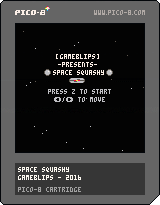
I'm officially putting up this "hack" of the original Squashy code from PicoZine 1. We all have to start somewhere, right? I've replaced the basic ball and paddle with full sprites and added a map to show stars instead of just the flat green background. The reason I am versioning this not quite at 1.0 is that I really want to get the Game Over screen proper instead of just looping back to the splash screen. Other than that, it's completely playable!
Z to start
Left and Right arrows to move
1pt for getting a wall bounce
10pts for not losing a ball
0 comments


@zep:
Any chance we could get additional host interaction when we're in devkit mode? I like the idea of having a devkit mode, honestly, although right now it only enables the mouse.
With real devkits, you always have a lot more options for debugging and so on than you do with a retail console, so it's almost like it's less immersion-breaking to have it work the same way. :)
What got me thinking was a desire for clipboard support from Lua. It would be nice if we could programmatically fill or read the real OS clipboard. That way we could generate code or string tables, for instance, without needing to write external tools. External tools are a whole can of worms, needing to read/write .p8 files properly, not being easily portable+shared with other devs, etc.
Simple clipboard support would provide a nice way to keep working inside the machine itself, AND in a portable, shareable way. We could probably get by with very little, e.g. only textual clippings, and a very limited API:
    s=getclipboard() -- nil if nothing there
    setclipboard(s)  -- pass nil to clear it
|
10 comments





I haven't played too much with lua, did some love2d a few years back, but I forgot all of it pretty much.
Right now I'm simulating classes like this;
function make_obj()
	e = {x = 10, y=10, sprite=1

		draw=function()
			--draw
		end,

		update=function()

		end
	}
end
|
I was wondering if some form of inherritance is possible, something like this;
function make_animated_obj()
	e = make_obj(); --base class values
	e.animspeed = 10
	e.sprites = {1,2,3,4}

	e.draw=function()
		--override completely with new rendering for animaions
	end,

		update=function()
			base.update() --csll original e's update function first
			--do additional stuff
		end
	}
end
|
Or perhaps there is an entirely different way from how I'm simulating classes in the first place, I'd also like to see that.
Thanks!
5 comments


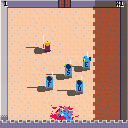
A game about fencing and castle, with trolls.
Press the letter keys to attack the trolls, and the arrows to dodge. Post your scores :)
7 comments




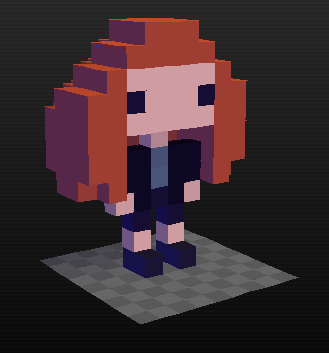
I don't know if this is possible or if I categorized it correctly.
Basically, I need to make a person move, but not be controlled by the player and not be an enemy. Is there a way to make a character move by itself in-game? I think I saw this once, but I could be wrong.
Also, is there an easier way to do text/speech than positioning each letter perfectly?
5 comments



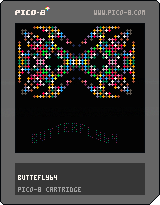
Found out about PICO-8 just the other day. Did allot of assembly programming on the C64 in the old good days. Thought I would give this "Fantasy console" a try. Since i never written a line in LUA before I was thrilled over how easy it is to understand the basic idea about programming for this machine. Yesterday I spent abou 5 hours (1 hour on read thru the forums and the manual) and then the rest of the time to write a simple demo for PICO-8. It's a a convertion of a BASIC demo i wrote in 2010 for the C64.
0 comments

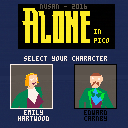
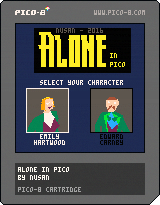
"A suspicious suicide. A chilling curse. A malevolent power. And a wicked dark secret. This is Derceto ...
Choose between Emily Hartwood and Edward Carnby to explore this virtual adventure game inspired by the work of H.P.Lovecraft."
Controls : Arrow keys to move, 'c' or 'v' to interact
Music can be turned off in the menu ('enter' key)
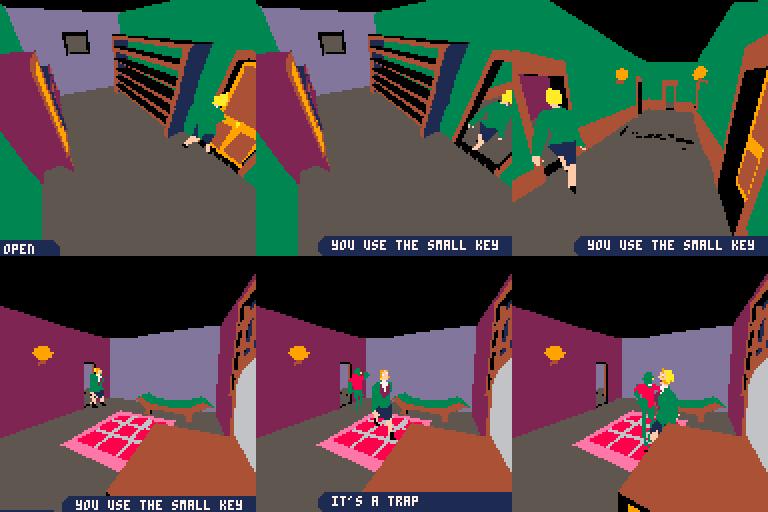
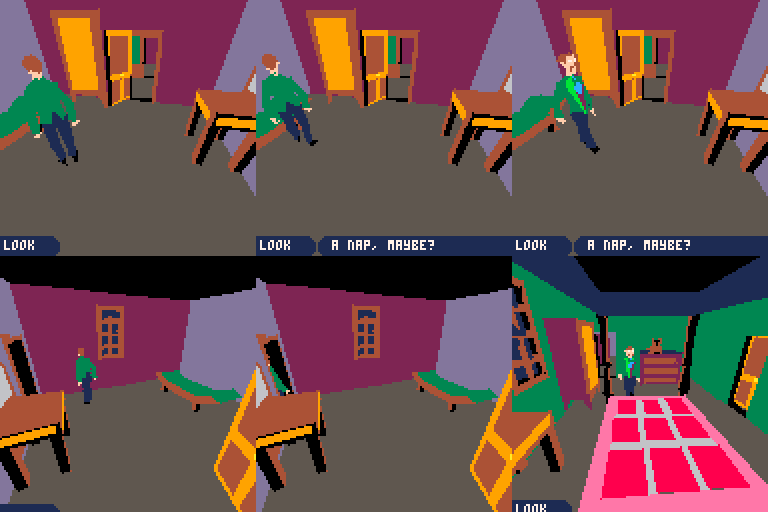
I wrote a (long) post-mortem of this project : here
This is a small "demake" of Alone in the Dark. You can explore and find your way out of the top two floor of the mansion. I tried to keep it close to the original, but there is no fight (if you see an enemy you will die) and the interaction system is simpler. The 3D meshes of the characters are ripped from the original game.
41 comments






cursor keys : move
[Z] key : attack (fire a burster)
[X] key : create a link
1 Choose your faction (color) first.
2 Visit portals scattered in the field.
3 Then you will get bursters and keys (yellow symbols on portals).
4 Attack enemy color portals and make them your color.
5 Create links to portals whose keys you have.
6 Create triangles by links.
7 Area of triangles is called MU.
8 Make your MU larger than enemy's
9 After 7 days, if your MU is larger than 100MU+enemy's MU,
you will win the game.
Good luck.
Prizes
liberator : how many portals you changed their colors
connector : how many links you created
mind controller : how many triangles you created
Illuminator :how much MU you've aquired
explorer : how many portals you visited first
pioneer : how many portals you changed their colors first
hacker : how many times you got items from portals
5 comments



Apologies if this is a stupid question, but since Voxatron is envisioned as being a fantasy console, are there any plans for its carts to have size limitations in the same way Pico-8 has, or will anything pretty much be fair game?
1 comment

If the code editor is active and you press alt-right to switch to the sprite editor, the code editor will also move the cursor one character to the right.
If the code editor is active and you press alt-tab to switch away from or back to PICO-8, the code editor will interpret the keypress as a lone tab and insert a tab character every time it's pressed. In extreme cases, I've accidentally replaced all of my code with tab characters (though I'm not sure how I managed to do a select-all).
Pretty sure this wasn't the case with 0.1.6. On Linux, if it matters.
2 comments


Brand new to pico8, but looking forward to getting started with it.
I was working on a hello world example, but I'd like to create a new cartridge.
Is there a "New" shortcut or command, so I can start from scratch?
6 comments



Hi,
Does anyone know of a unit testing framework for PICO-8? If not I'll see if I can get a simple system up and running.
--Graham
1 comment


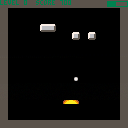
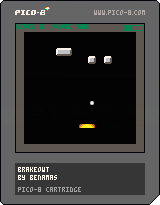
a playable but (currently) boring breakout clone
- press z to launch a ball, and left and right to move the paddle in an effort to keep the ball in play as it breaks bricks
- break 10 bricks without losing to CHARGE UP the METER
- press Z with a full meter to launch a SECOND, THIRD, ETC... ball
- there are only 4 levels and they repeat
still very much in progress... work on this is slow cuz my day job sucks all my energy out and i only really code on the weekends
old versions: cart 24831, 25020, 25448
2 comments


Mother Turt has laid her clutch and left them to find their way to the sea! Avoid crabs and seabirds to escape.
Left/Right set turt's direction
Up/Down switch between selected turt
A/B Menu confirm
I drew the main turtle in photoshop. Thought I'd add the script I wrote to import it. Provide your png, cart, and sprite index and it does the rest:
https://github.com/Jigglebizz/pico8scripts
I'm not planning on working on this any more. I got what I wanted out of this project. If you'd like to work on it, the source is available on my github:
https://github.com/Jigglebizz/turt
8 comments


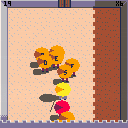
I have a routine where I'm checking a pixel color at a certain x/y to determine whether or not to place a new sprite there. If it's black, it's open; if it's white, it's unavailable. I'm doing this in the _update() loop but I'm often getting cases where it'll place a sprite twice in the same place rather than just once.
After going through my code again and again, it struck me that having the pixel check in the update() might not be the best place. Wondering if doing pixel checks in the draw() are more reliable because there's cases where update() could be slower/faster than draw()...?
I chose to do pixel checking to avoid having to loop through an array checking x/y coordinates every time but it sounds like that may be more reliable?
Any thoughts/insight is appreciated.
4 comments


In my opinion, pico-8's musical notes don't go nearly low enough.
In addition, its UI assigns numerical values to notes' octaves which are off by 2. (A middle C in reality lies at the bottom of octave 4. In pico-8, its octave is labeled as 2)
Personally, I would love pico-8 to at least cover the range of a traditional 4-string bass guitar, down to e1. (in the 1.8 UI that note would be labeled as octave -1) Even better would be getting all the way to octave 0.
(also, I'm aware I can put a track in "slow" mode.)
3 comments


