


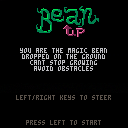
My entry for LD34.
I didn't really participated in this Ludum Dare (again)... I just started to do something on whim 3 hours before the deadline. So "Bean up" is what I managed to finish in that time. :)
Ohh, a link to the games LD page, in case somebody arrives from anywhere else than the LD site, and wants to vote (hehe) http://ludumdare.com/compo/ludum-dare-34/?action=preview&uid=36967
POST-COMPO VERSION:
If you came here to vote on Ludumdare, please play the original version!
If you are just here to play, then definitely play this post compo version. :) I worked on it a couple of more hours. Not that it means that I worked on it more time than any LD participiant :) I'm still nowhere near 48 hours - maybe around 5-6 I guess.


 0 comments


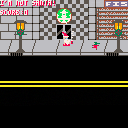
Small game made for the Idle Thumbs Community Winter Wizard Jam. Created by Jonathan Decker and Ben Stryker. You play as a shitty wizard who just wants to drink his coffee in peace, but children keep mistaking him for Santa! Use the arrow keys to move and press 'Z' to temporarily turn small children into snowmen. Visit the game jam submission page
1 comment





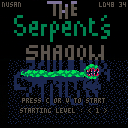
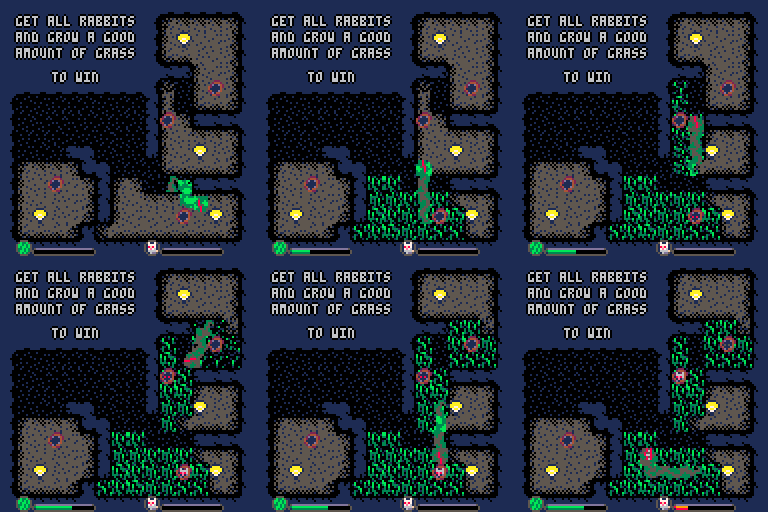
Get all rabbits and grow a good amount of grass to go to the next level.
Parts of lit areas can be turned to grass once isolated from light using your snake body.
Controls :
Arrow keys : move snake
There are rabbit holes, so lure rabbits outside by growing grass around them.
Yhen eat them, it will make the snake grow
Moles are your enemies, mainly because they have lasers. Don't let them see you so you can eat them
This game has been made in 48 hours during Ludum Dare 34
You can find a Timelapse made during the LudumDare, followed by a bit of gameplay :
7 comments






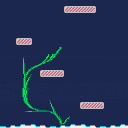
You're an unfortunate flower stuck hundreds of meters below the ground and you want nothing but to see the sun again again. You might never get out, but your children may!
Shoot your seed and have it land safely to spawn a child who carries on your legacy. Shooting your seed kills you and leaves your withered body behind and if the seed is destroyed, your bloodline ends here and now.
This game uses only two controls; the left and right arrow keys.
- When idle, hit both left+right simultaneously to take aim.
- When aiming, use the left and right arrow keys to decrease/increase your shot strength, and hit left+right simultaneously to shoot.
- If on the game over screen, hit left to restart the entire game or right to restart the current level.
The game only has two levels, but I'm liking this concept so I might continue working on it after the jam.
Legacy of Flower was made entirely in PICO-8. Special thanks to @zep for making such an incredibly fun fantasy console!
Thanks for playing!
3 comments


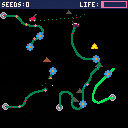
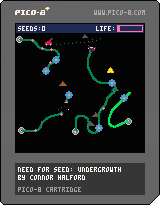
Direct the growth of vines to avoid lawnmowers. If you run out of seeds, fly the bee to lots of flowers to pollinate them for more. Try to survive as long as possible!
I originally made this game in 48 hours for Ludum Dare 34 with the dual themes of 'Growing' and 'Two Button Controls'. There's a timelapse of that here. This is an updated version of the game with lots of improvements based on feedback from the LD community.
===Changelog 1.1
[hidden]- The next spawn point for vines is now indicated by a seed sprite. The direction the seed is pointing is the direction the vine will grow (away from nearest screen edge, like always).
- The spawn point for bees is now indicated by a beehive sprite. Along with the seed sprites, this means you can plan ahead much more.
- If the lawnmower hits a seed or beehive it's position is re-randomized.
- A big particle ring now emanates from the vine/bee spawn position to draw your attention and help you quickly work out where you are.
- There's a warning flash on the side of the screen before a lawnmower appears.
- The bee leaves a trail of pollen behind it once it has visited it's first flower. Players were getting confused about how to acquire seeds; the first flower visited gives you nothing but every subsequent flower gives a seed, because you pollinated it.
- Rebalanced the game in various ways. In general, games should last longer now.
- Added some berries and flowers to the titles to make them prettier.
- Much clearer instructions on the title screen.
- Many, many more title screen puns (from 14 to 27).
5 comments


Use this version for LD34 ratings
Updated Version is here (do not rate this one)
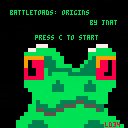
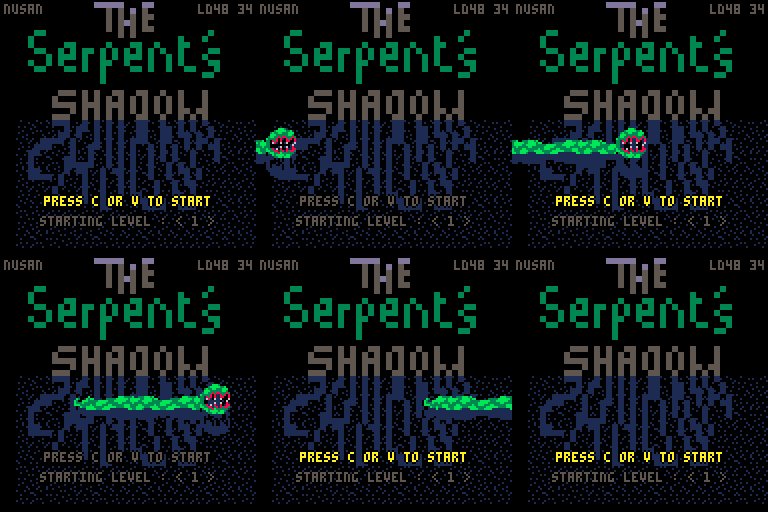
This game was made for the LD34 on theme "2 buttons control" (and growing)
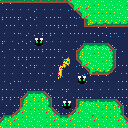
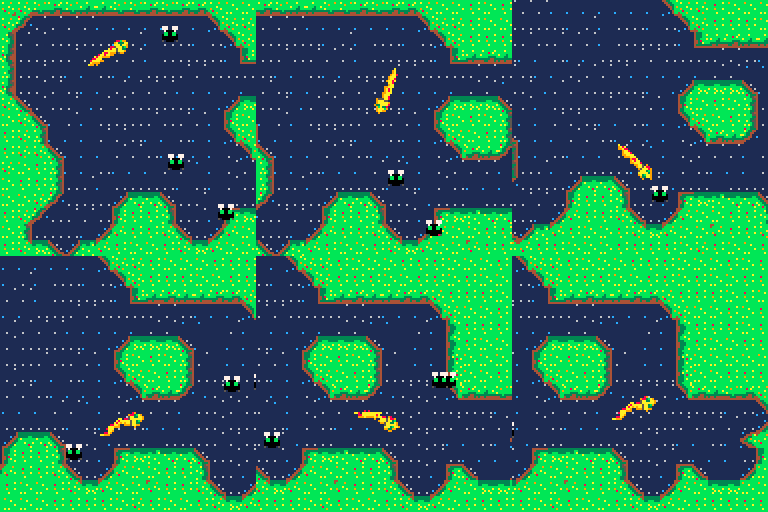
As an exotic tadpole you must eat flies to achieve your transformation (not yet ingame!)
Wiggle your tail around the pond using C and V
Enjoy !
Big thanks to NuSan and Samh for advices and patience !
0 comments
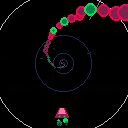
Hello there, here's the second game i'm working on !
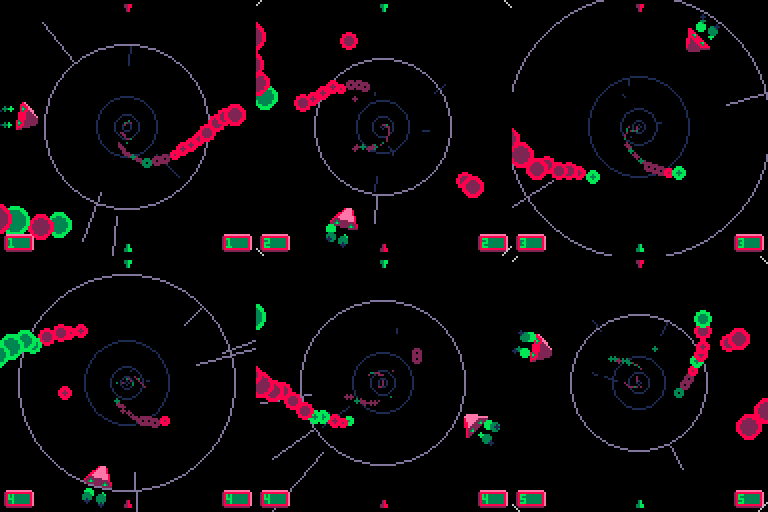
SpaceSpeed, a game about going fast and dodging things.
A classic game concept, my goal was mainly to achieve a depth and speed sensation.
(And also handle some mathematic concepts such as circles.)
[left right] to move
[up] to show UI (left is actual score, right is highscore)
My personnal best is 10. (i'm not very good at it)
To do :
- Music
- Opening screen
 1 comment


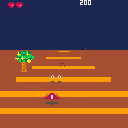
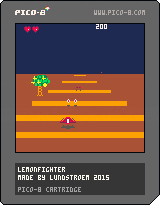
Here is my entry for Ludum Dare 34.
There is a lot of things I would have wanted to add and tweak, but due to an unfortunate event my attention is needed elsewhere at the moment.
It's my first attempt at making a kind of pseudo 3D railshooter and it was fun, though the code could probably be improved a lot!
Controls: press left and right to steer the fighter to protect the lemon trees from the bugs.
Avoid crashing into trees and bugs. Because of the theme "Two button controls" autofire is used
instead of a shoot button.
2 comments

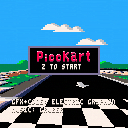
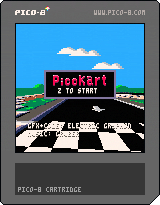
Old versions:
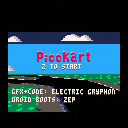
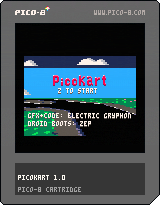
Compete in a 3D, high-speed go-cart race against computer-controlled mouse opponents in three challenging tracks.
20 comments




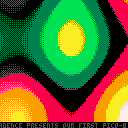
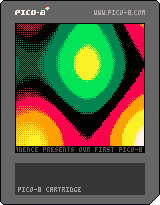
Me and Britelite made a small demo, both to pass the time on a lazy Saturday and to finally try out Pico-8 for real. Four oldschool effects, dumb soundtrack. Hope y'all enjoy!
7 comments


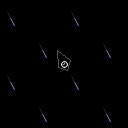
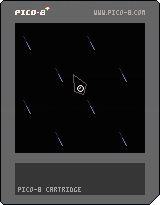
I'm just getting started on a simplified-physics racing game in my spare time, building up the forces one at a time. This slidey-spaceship feel was interesting, so I thought I'd share.
Arrow keys to move, nothing else yet.
Enjoy!
3 comments

Here's a small suggestion: An option page!
1. To Activate
For the Web Player, I suggest we add a button. "Where can we add the button?", you may ask. There are two different methods for pausing: clicking on the screen, and pressing the button. I'd suggest we remove the button, and add a settings button!

The offline version, however, could use a command, such as "options", "settings", or "fix".
2. Suggested Settings
- Controls
- Fullscreen
- Audio Buffer (web only[If you can change that])
- Separate Pause Button (So players each have a pause button, but it does the same thing nonetheless.)
Thanks for your time!
1 comment
Hello everyone !
This is my first game with Pico 8, (and my first game so far... not that i ever tried).
Please give me some feedback ! And excuse my english as I'm french.
About the game :
MINE KEEPER
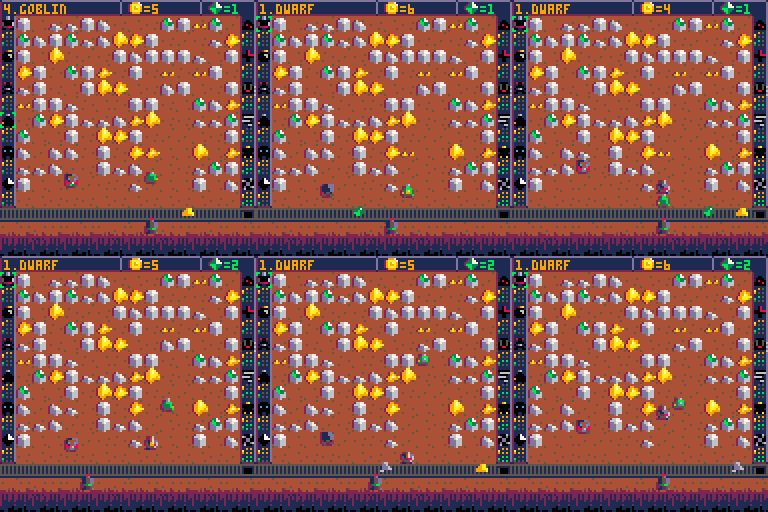
There's an in-game help but let me explain some basics :
You're the mine keeper, so you have to make some gold for your evil boss lord.
To do so, you have access to a variety of workers and spells.
And also a whip to keep everyone motivated !
Controls :
[c] - place worker / buy spell
[x] - whip worker
[arrows] - select / move
The game is quite unfair
Some games will be harder, some easier. Because life in the mine is unfair.
 3 comments



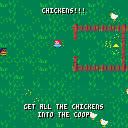
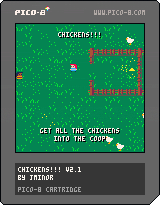
I hope you enjoy this simple game about herding uncooperative chickens.
EDIT: Updated to v2
Now 2 player co-op and 60 fps. Enjoy!
EDIT: Updated to v2.1
Now with amazing music and sfx by Bibiki :)
After you win, the game will reset so you can play again.
More encouragement when you've almost won.
11 comments





Howdy folks!
I was recently at the Austin TX Juegos Rangheros game dev meetup, and the main topic was Pico8!
This reminded me that I wrote an article and I promptly forgot to post it here on the forums!
I would love to hear everyone's thoughts and freedback, especially since I heard Joseph of Lexaloffle is interested in a "Pico8 Console"!
http://missingsentinelsoftware.com/blog/ouya-pico-8s-fantasy-console
1 comment


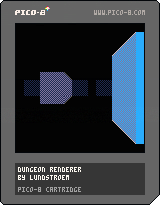
Classic dungeoncrawling renderer which draws 8x8 pixel tiles to represent the view. Player movement is restricted to the grid and 4 directions.
Things that could be experimented with or added:
- Floors and ceilings.
- Sprites like trees or enemies.
- Different textures depending on grid value.
- Transitions when turning left right, or even forward backward.
- Dynamic lighting. Use different lightsources and write to a gridbased lightmap which is then used when rendering.
- Height levels.
- The perspective is a bit weird sometimes and I guess could be made better
Controls: Use arrow keys to move and x to place/remove block. Cannot move outside level bounds.
[hidden]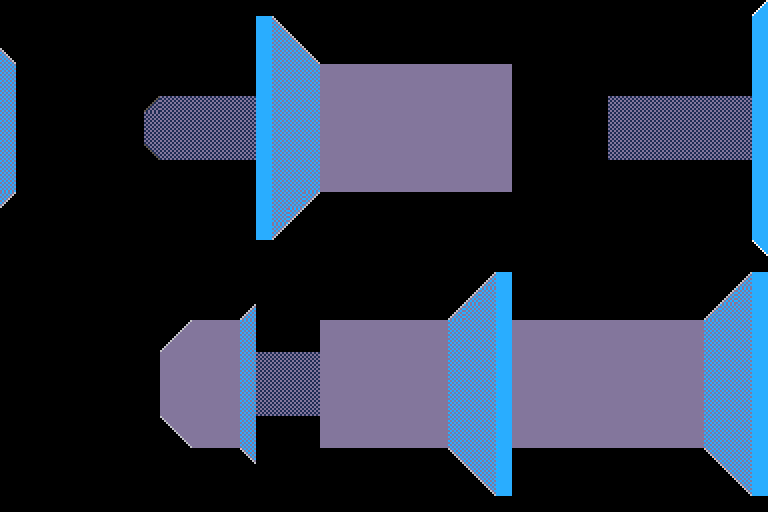
2 comments


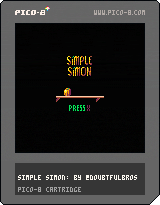
Simple Simon. An intense David vs. Goliath platformer featuring a small and vengeful pumpkin.
Warning: this game may make you think twice about Christmas feasts... Or at least delicious pumpkin-filled desserts.
6 comments





.png)

The more lua code I write in the pico-8, the more general purpose functions I wind up discovering. Here is my current utility library, I'll probably continue adding more as time progresses.
Quick sort
This one is pretty straight forward, you simply call it by providing a table and an optional comparator (for non-numeric lists), and it will in-place sort your table. It currently does not return anything, but it could me modified to return the table passed if you want to chain things.
-- Inplace quick sort
function qsort(tbl, cmp, first, last)
	first = first or 1
	last = last or #tbl
    cmp = cmp or function (x,y) return x - y end

	if (first >= last) then
		return
	end

	local pivot, pv, tail = first, tbl[pivot], last

	while pivot < tail do
		local tv = tbl[tail]

		-- Tail is smaller than the pivot
		-- Shuffle things around
		if ( cmp(pv, tv) > 0 ) then
			tbl[pivot], pivot = tv, pivot + 1
			tbl[tail] = tbl[pivot]
		end

		tail = tail - 1
	end

	tbl[pivot] = pv

	qsort(tbl, cmp, first, pivot - 1)
	qsort(tbl, cmp, pivot + 1, last)
end
|
0 comments

Quick update to remove the need to use cursor keys and z to draw. The circles only draw on the X axis I think cos/sin to do those pretty curves you see in graphs
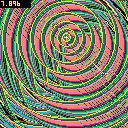
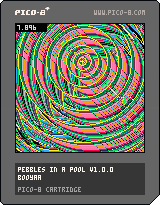
I was inspired by the last p8jam and wanted to simulate a pebble dropping in a calm pool of water.
You can imagine my surprise when I held down z and moved around :D
3 comments
