


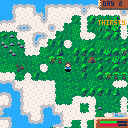
Update:
Finally fixed the map issue from changes in Pico8 and fixed the 10 minute game freeze bug.
Some dialog stuff and fixed a bunch of bugs, cabins now work and there are caves you can rest in.
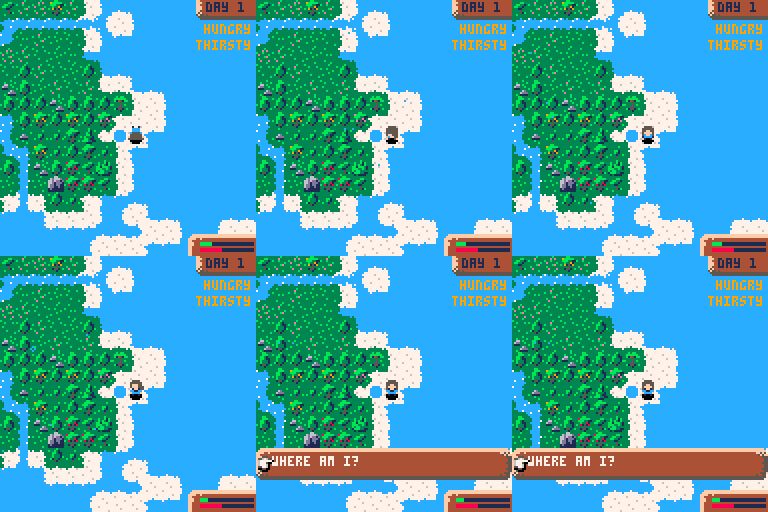
How to survive your first day:
- When you wash up you're nearly dead, hungry, tired, and exhausted.
- Your health will drop if any statuses (hungry,tired,exhausted,cold) are in the red.
- Resting while your statuses are ok will restore health
- Quickly drink some water from your flask. (x -> items -> flask -> drink)
- Find some fruit/berries and pick them then eat them.
- Salvage wood from your boat, and chop down another tree and get the logs
- Build a shelter, eat, drink and rest, stay warm
- After this, focus on finding freshwater (it has white sparkles) so you can drink and fill your flask
- Then try and find some stone and build a cabin which will replenish your stamina fully
- Build bridges to new areas
Features:
- Day night cycle
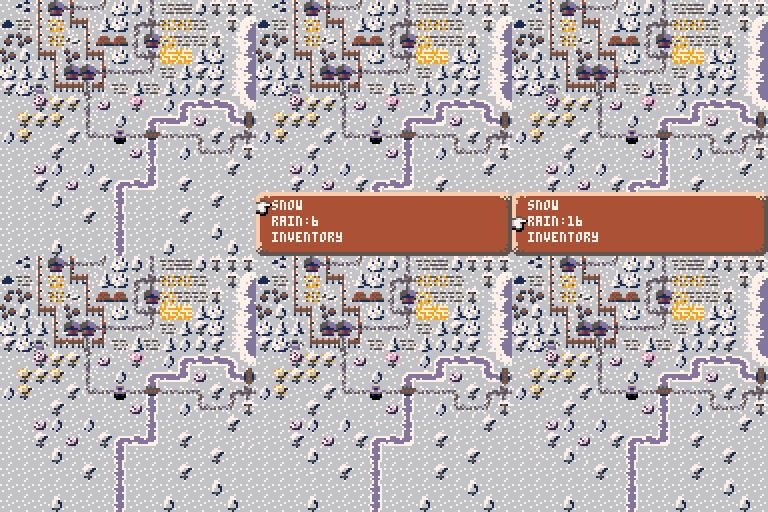
- Weather
- Temperature (it's colder at night and when it's raining, stay warm in your shelter/cottage)
- Simple menu system
- Procedurally generated world
- Bridge building
- Building wells that fill with water when it rains
- Plants grows overnight while you're resting
- In progress
- Farms and farming
Plans
- Fishing minigame
- Wild animals and fences to keep safe
- Disallow some stuff at night to incentivise you to work during the day
I suspect code size optimisation will be quite critical =\


 78 comments








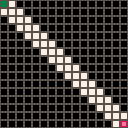
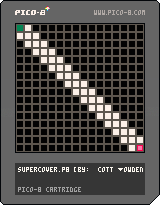
This is a really basic test of a supercover algorithm (for determining which grids in a square a line from square 1 to square 2 crosses). Potentially useful for collision detection or line of sight.
Algorithm is cribbed from online (with minor tweaks), and this is otherwise quite simple. Mostly a proof of concept, and to see how well it performed within PICO 8.
Up / Down / Left / Right: move the end point.
Z: change which end point you're moving
0 comments
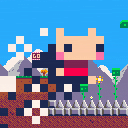
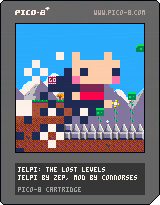
SOME WOULD SAY IT'S TOO SOON. TO WHICH I SAY... Yeah, yeah it probably is. The original JELPI isn't even technically finished. But hey, I got the deadly spikes to work and made a whole cutscene...
plz tell me if you get to see the ending plz
19 comments








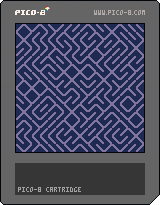
so based on a conversation from another thread, I decided to do an implementation of the one line program :
10 PRINT CHR$(205.5+RND(1)); : GOTO 10
now i'm a hobbyist programer at best, so I pose the challenge to the community, what's the smallest program you can write to recreate this effect?
this is my effort - using sprites and in 50 tokens
11 comments


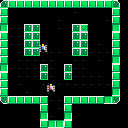
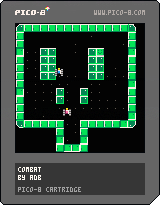
I have started working on a version of " Combat" during the Outofthebit game jam.
blogpost
The game is far from finished, but I really think a 4 or 6 player version could be amazing.
to do :
- rotation of the sprites of the tank
- bullet creation
- bullet collision
- score
- explosion
- spawn the tanks randomly
- victory screen
- rematch
I
1 comment
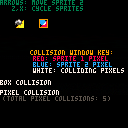
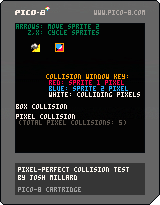
Per this thread, I wanted to figure out a method for pixel-perfect collision for a project I'm working on, and snaggled the in-project attempt so badly that I decided to start from scratch in a separate cart. This is the result, a little demo that shows pixel (and basic box) collision feedback in real-time on a couple of sprites.
As far as I can tell, the collision test is accurate under the assumptions this cart makes: each sprite is an 8x8 sprite referenced directly off the sprite sheet by sprite number, and any non-0 pixel is considered solid. But beyond that I am making no assumptions about it: I'm sure there are cleaner/faster/neater implementations of the same idea, and I'd encourage anyone who feels like taking a shot at cleaning it up to go for it.
This should also in principle be generalizable to arbitrary rectangles of sprite sheet info for e.g. larger multi-tile player sprites, and in fact I made some progress last night trying to generalize it, but that hasn't totally come together. Anyone who feels like tackling that, go for it.
2 comments


Hey there, I just wanted to have a very quick play with PICO-8 and this seemed like a fun quick test. Single "large" sprite blitted across the screen while being flipped at random, no interaction. Pretty simple and painless, based on an old screen-saver.
Now onto something a bit more involved (but I expect not much).
8 comments


This is again just a test for the web player, both on the music playing and the gfx rendering. I couldn't get the renderer to render a 1x1 thing, but I haven't tried too hard and I have absolutely no idea of what I'm doing when it comes to high perf pixel pushing. My hope is that this will be my first proper music release for the Pico-8, hopefully in August.
1 comment


Hi! I'm enjoying getting started with Pico-8!
Does anyone here use IRC or is there already a pico8 channel somewhere?
Happy to start one if not.
6 comments


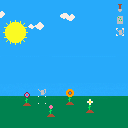
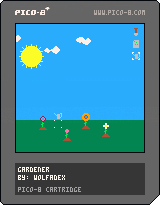
Added:
- flowers
- a couple sfx.
Todo:
- more sfx
- music
- splash screen
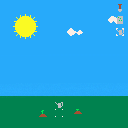
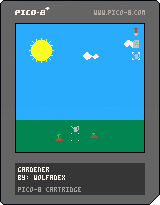
Controls:
- move with arrow keys
- change tool with x
- use tool with z
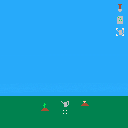
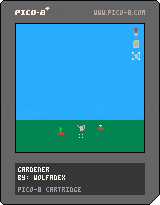
Added:
- sun/moon
- clouds
- rain
 1 comment


Seeing screenshots of 3d[-ish] games here and there, a question arises - how does one draw filled triangles, and does so efficiently? I have tried porting one-before-last-step algorithm from here:
http://forum.devmaster.net/t/advanced-rasterization/6145
which resulted in this little monstrous function:
https://gist.github.com/YellowAfterlife/34de710baa4422b22c3e
but, alas, the math is just too much - it can barely draw half of screen worth of triangles before CPU use reaches 1.0. And that's before there's even any game!
I'd appreciate some pointers towards algorithms more suitable for pico-8. Or any help, really.
2 comments

I've only ever done really minimal/logical collision stuff in games, so more general collision strategies are still sort of mystery meat to me. I'm working on a little test idea with a ship flying near uneven terrain that the player will need to avoid colliding with, and I'm trying to work out a good approach to doing that per-update collision test between the ship and nearby terrain.
If I've got a ship sprite, and a given nearby sprite of map where only a portion of the sprite is solid ground (say, a diagonal chunk of hill), how might I approach writing a collision detection routine for the two? Something using pget for the ship and terrain sprites and appropriate x/y offsets to check for any case where both pixels are non-transparent?
9 comments


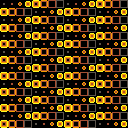


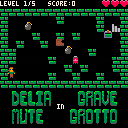
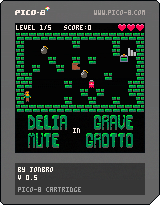
small grid roguelike.
Press z to use items that you pick up, each inventory slot can only be used in the direction it is picked up in. Complete quests for bonus points!
8 ITEMS! 3 ENEMIES! 3 QUESTS!
changelog
0.5
fixed long standing "out of memory" bug
tweaked quest bonus
added highscore saving
0.4
quest where you have to bring at least 3 potions to the exit
enemy that waits until it sees you, at which point it paths towards where it last saw you
0.3
fogs now effect the enemies that they are throw at
better memory management (maybe)
in game sound effects
8 comments

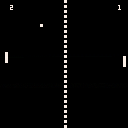
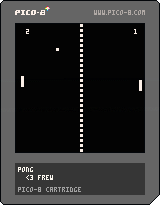
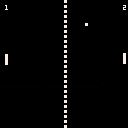
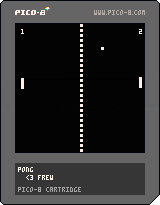
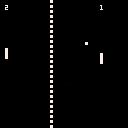
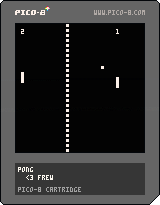
This is my first (nearly!) working game in PICO-8. It's a simple Pong clone. Currently lacks sound but I'll update it once I figure out how the SFX editor works.
7 comments
I can't for the life of me figure out how sound effects or music editing works! Does anyone have any information anywhere? I suspect that if I already knew how any other tracker worked I would be able to understand this, but I do not.
I read what the manual said but it is too abstract. Can anyone give just a little more information?
Thanks
11 comments


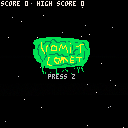
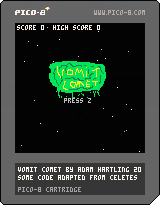
Vomit Comet
By XenosNS
When you are a simple comet, minding your own business while flying through the cosmos, the last thing you want is to fly into a large vomit nebula. Unfortunately, this is exactly what has happened to you.
Use arrow keys to avoid the vomit.
Each time you hit vomit, your tail reduces. If your tail disappears, the game is over.
Grab a barf bag to restore a piece of your tail.
Created for the Halifax Game Collective pageant with the themes of "continuous motion" and "two words that rhyme"
updated version. Removed the ability of the barf bag to clear vomit due to memory error
2 comments

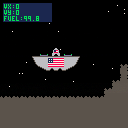
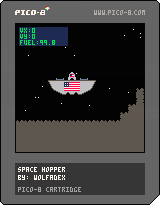
Edt:
Moved start place.
Started on death explosion.
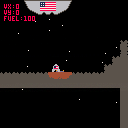
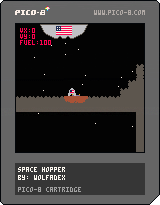
My first attempt at Pico-8
Edit:
Updated to fix collision and added simple start screen.
1 comment


