





For my Pebble Dash game im using the sprite editor to actually make levels (I then use peek() to get the data and construct the map).
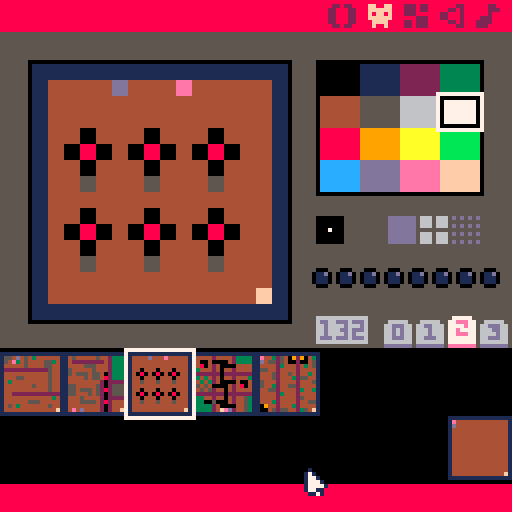
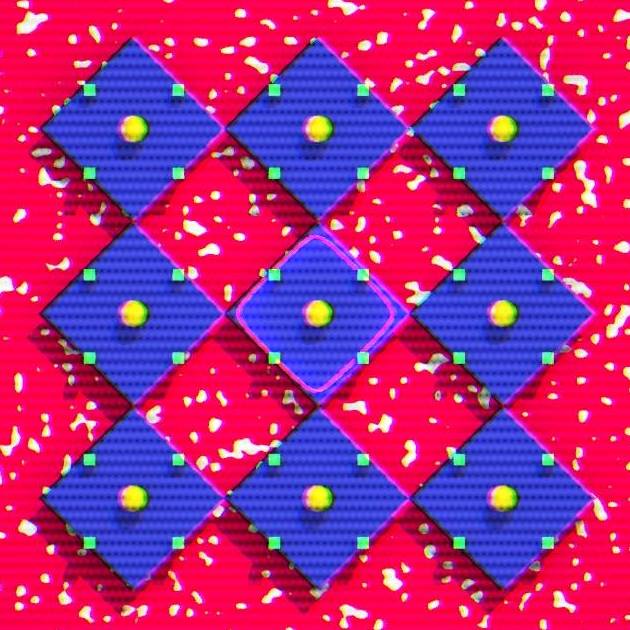
I thought about using those sprites as map previews in the game.
I had the map displayed properly using spr(), but thought it was to small and wanted to scale them up a little bit using sspr(). So I'm rescaling the proper 16x16 area from the sprite sheet to 32x32 on the screen.
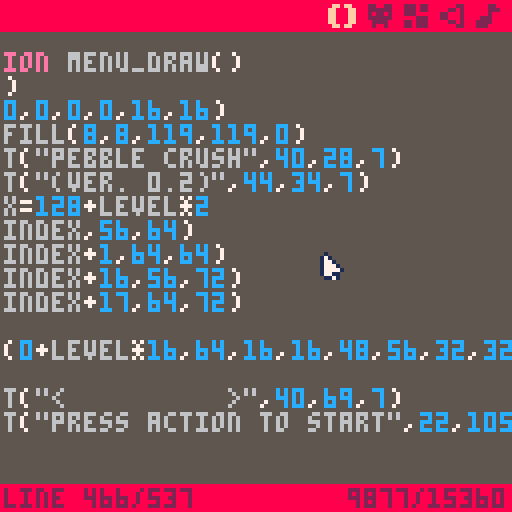
But some "artifacts" appeared.
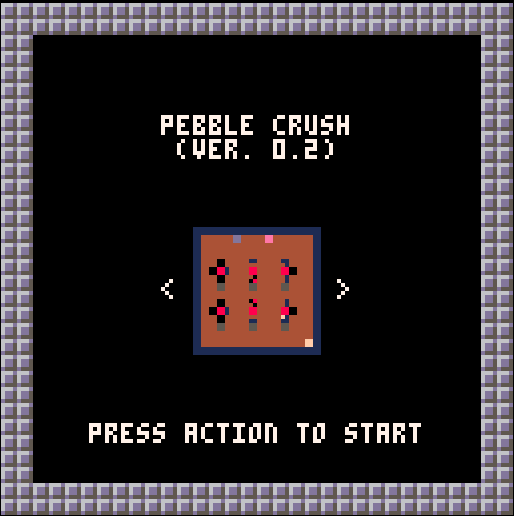
I thought the "engine" would use nearest neighbour? And nothing should change much since it's a simple 2x upscale? If that's not the case, is there any way around it?


 3 comments




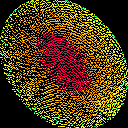
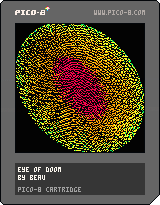
First time playing with Pico-8.
Was messing with drawing pixels (best feature) and next thing you know I opened a doom rift
3 comments




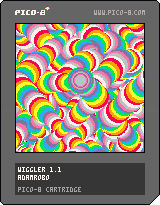
~~~~~~~~~~~~~~~~~~~~~~~~~~~~~~~~~~~~~~~~~~~~~~~~~~~~~~~~~~~~~~~~~~~~~~~~~~~~~~~~~~ ~~~~~~~~~~~~~~~~~~~~~~~~~~~~~~~~~~~~~~~~~~~~~~~~~~~~~~~~~~~~~~~~~~~~~~~~~~~~~~~~~~ ~~~~~~~~~~~~~~~~~~[b]update: now you can squiggle while you wiggle[/b]~~~~~~~~~~~~~~~~~~~ ~~~~~~~~~~~~~~~~~~~~~~~~~~~~~~~~~~~~~~~~~~~~~~~~~~~~~~~~~~~~~~~~~~~~~~~~~~~~~~~~~~ ~~~~~~~~~~~~~~~~~~~~~~~~~~~~~~~~~~~~~~~~~~~~~~~~~~~~~~~~~~~~~~~~~~~~~~~~~~~~~~~~~~ ~~~~~~~~~~~~~~~~~~~~~ arrow keys // move ~~~~~~~~~~~~~~~~~~~~~~ ~~~~~~~~~~~~~~~~~~~~~ x // start squigglin' ~~~~~~~~~~~~~~~~~~~~~~ ~~~~~~~~~~~~~~~~~~~~~ z // stop + enjoy the wiggle ~~~~~~~~~~~~~~~~~~~~~~ ~~~~~~~~~~~~~~~~~~~~~~~~~~~~~~~~~~~~~~~~~~~~~~~~~~~~~~~~~~~~~~~~~~~~~~~~~~~~~~~~~~ ~~~~~~~~~~~~~~~~~~~~~~~~~~~~~~~~~~~~~~~~~~~~~~~~~~~~~~~~~~~~~~~~~~~~~~~~~~~~~~~~~~ ~~~~~~~~~~~~~~~~~~~~~~~~~~~~~~~~[i]keep on wigglin'[/i]~~~~~~~~~~~~~~~~~~~~~~~~~~~~~~~~~~ ~~~~~~~~~~~~~~~~~~~~~~~~~~~~~~~~~~~~~~~~~~~~~~~~~~~~~~~~~~~~~~~~~~~~~~~~~~~~~~~~~~ ~~~~~~~~~~~~~~~~~~~~~~~~~~~~~~~~~~~~~~~~~~~~~~~~~~~~~~~~~~~~~~~~~~~~~~~~~~~~~~~~~~ |
1 comment

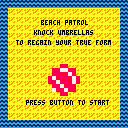
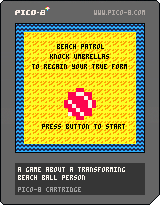
This is my first PICO-8 game, the one I have been working on in a sideways sort of way ever since trying out the thing for the first time a week and a bit ago. You play as a transforming beach ball person, who must rid their beach of pesky sunbathers to properly enjoy the glorious island day. Cursors move, Z/X will start the game or restart after the end.
It's super silly and I won't be at all upset if you mute the music.
4 comments





Is there a square root function somewhere in pico-8?
The lua sqrt doesn't seem to work, and there is no mention of such function in the docs either.
Or is there an easy way to calculate a unit vector?
8 comments



In no particular order:
- "local", "return", "repeat", "until", "goto", "break", are not highlighted as keywords.
– Lua' block comments (--[[ text --]]) are supported but not highlighted accordingly.
– Underscore "_" is in the "symbol group" (white) while it shouldn't be. - Dot "." is not in the "symbol group" while it should be.
- Consider highlighting strings in the same colour as numbers (currently highlighted as "identifiers").
- Consider highlighting built-in function and constant names in a distinct colour (e.g. peach).
– If it is not overly technically challenging, consider disabling the cursor flashing when the pico-8 window is not in focus.
~ Not about the code editor itself, but in the context of the quite so limited window width and existing shortcuts, it could be worth to look into adding a "func" alias to the "function" keyword. (update: no longer needed for size concerns, only for use with editor)
– Quickly tapping Up,End or Down,End causes the editor to shift the cursor position by two lines instead of placing it at the end of the previous/next line.
– Consider permitting insertion of semicolons via the editor. Lua manual suggests the use of semicolons for some constructions to avoid the parser from accidentally "gluing" multiple unrelated statements together.
4 comments




I noticed that using
pal(x, 0) |
draws x as black instead of transparent.
Is there a way to remap a color to transparent?
is the above supposed to and just broken?
5 comments



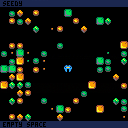
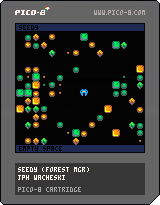
full sized map 128x64, with step-time movement,.
not much to do yet, Z randomizes the forest, . X triggers a sound for testing.
if you move over a seed (smallest objects) the GUI text shows what you are effecting,.
context sensitive controls to be added,. . Take Seed, Drop Seed, Eat Seed,. etc.
should lead to some map manipulation style gameplay eventually.., forest management?
more to come,.
0 comments
I'm trying to port Write Fight for playing on a cocktail cabinet (players at opposite ends of a face-up screen). So one of the things I want to do is write text & HUD elements oriented to the player who collected it. Is there a function, such as camera(), where I could flip/rotate all draw calls until reset?
I'm doing work-arounds in the meantime, but I thought I'd throw out the question.
Thanks.
0 comments
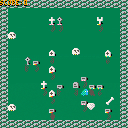
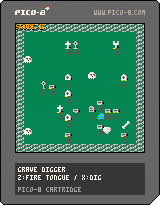
A little game about a chameleon that digs up graves.
Controls: movement : up/down/left/right fire tongue : z dig : x |
 2 comments


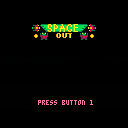
Little test space game, might flesh it out a bit more, loving pico-8!
Update : 29 April 2015
Added a bit of game flow like title screen and stuff.
Enemies move towards you.
You can die.
Score!
Konami Morning Music
TODO
Add a star field
scrolling
generate levels on seeds
enemy motherships spawn enemies?
momentum based ship movement?
Who knows! Just kinda going with ideas when i get a little tinker time.
3 comments


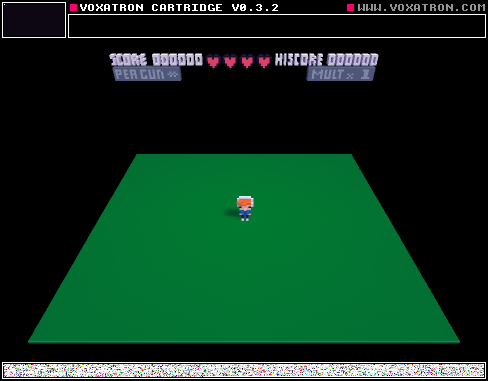
I was playing some of the cartridges last night on my TV, running Chrome on Android 4.4 on the Tronsmart Orion R28 hardware (RK3288 chip),. I had a XBOX 360 USB wired gamepad plugged in. The controllers Left Analog stick AND the D-pad functioned well,. however the only button that worked was the Back button would go back a web page ending the game. It would be great if the action buttons could be mapped as well,. since the browser supports fullscreen and the games play well.
I just tried the 360 controler on my win7 PC and running on Chrome I get no gamepad support,. however running the actual Pico-8 I get movement with the Left Analog Stick and the Action Buttons are mapped and work,. however the D-pad does not work,.
10 comments




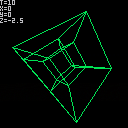


So, this may not work in future versions of Pico-8, but right now, I've noticed that if you do a load() within your game game code, you still have your base ram untouched until you run run(). With that info, you can use objelisks technique (https://www.lexaloffle.com/bbs/?tid=1860) and use cstore(x,y,z) and some empty space in the spritesheet to transfer info from one cartrige to another. Then use run() to switch to the new cartrige and peek to read back the transfered info. A single sprite equals 32 bytes with is good enough for a metroidvania.
As I said, there's no guarantee that load() will work like that in the future and it probably wouldn't work like that on a "real" Pico-8 console, so in a way it could be considered cheating. But right now it works.
6 comments




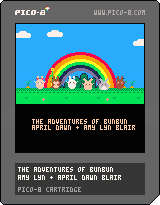
thanks guys! :D We've added an updated version that now uses a rather scary looking "MASTERBUN/GLITCHBUN" to draw all of the sprites (except the chubby one), using pal() to recolour the different areas as needed to save space.
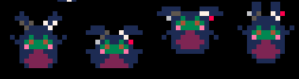
We went from 6 sets of 2x2 sprites at 4 frames each (96 sprite-blocks) to only 2 sets (32 sprite blocks, + potential for more buns). This is especially important since we have not decided if we want to use the shared memory space for sprites or for the map.
The only problem is that pal(x, 0) remaps x to actual black instead of transparent, as I expected. Unless I find a work around I will have to create additional master-sprites for bunnies with bows on one and both ears (bringing the total back up to 64 blocks), which is really too bad.
This is my first time programming a game myself (and the first time working with my sister!) and I'm really please with how things are going. If anyone knows the solution to the transparency/black problem, I'd love to hear it!
old version:
5 comments


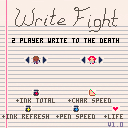
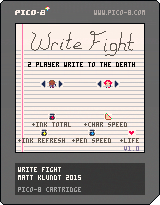
Two-player deathmatch game. Players draw lines which will damage the other player if touched. Pick up ink bottle power-ups to increase your draw speed, ink reserve, and refresh speed. Includes 9 characters and 14 randomized maps.
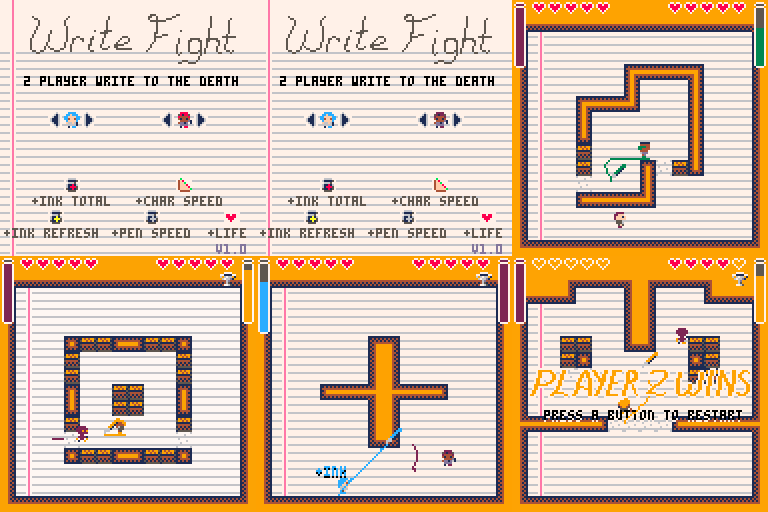
Player 1 keys: Cursors + Z / N
Player 2 keys: SDFE + tab / shift
X/Q change the player color on the home screen.
This is a complete version of my entry into Ludum Dare 32: An Unconventional Weapon. http://ludumdare.com/compo/ludum-dare-32/?uid=15743
5 comments

