

I've been noticing a significant decrease of the RAM Pico-8 shows in stat(0) after rebooting it. I just updated from 0.2.5e to 0.2.5g and didn't notice this bug in 0.2.5e. But since I don't reboot often, I might have missed it in 0.2.5e.
Anyway, this bug might be new. Here are some pictures to show you the RAM usage as shown by stat(0) before and after rebooting Pico-8.
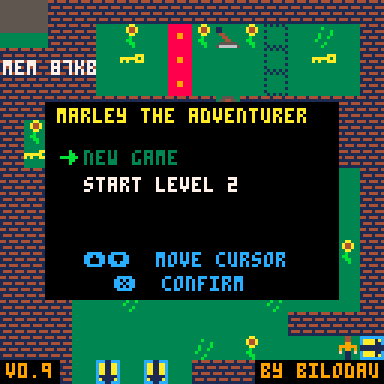
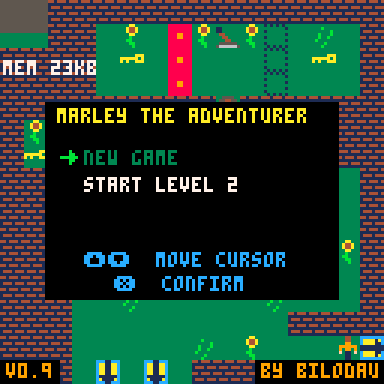
87KB before reboot, and 23KB after reboot.
The games still seem to play fine.
EDIT: The bug also affects version 0.2.5e


 3 comments



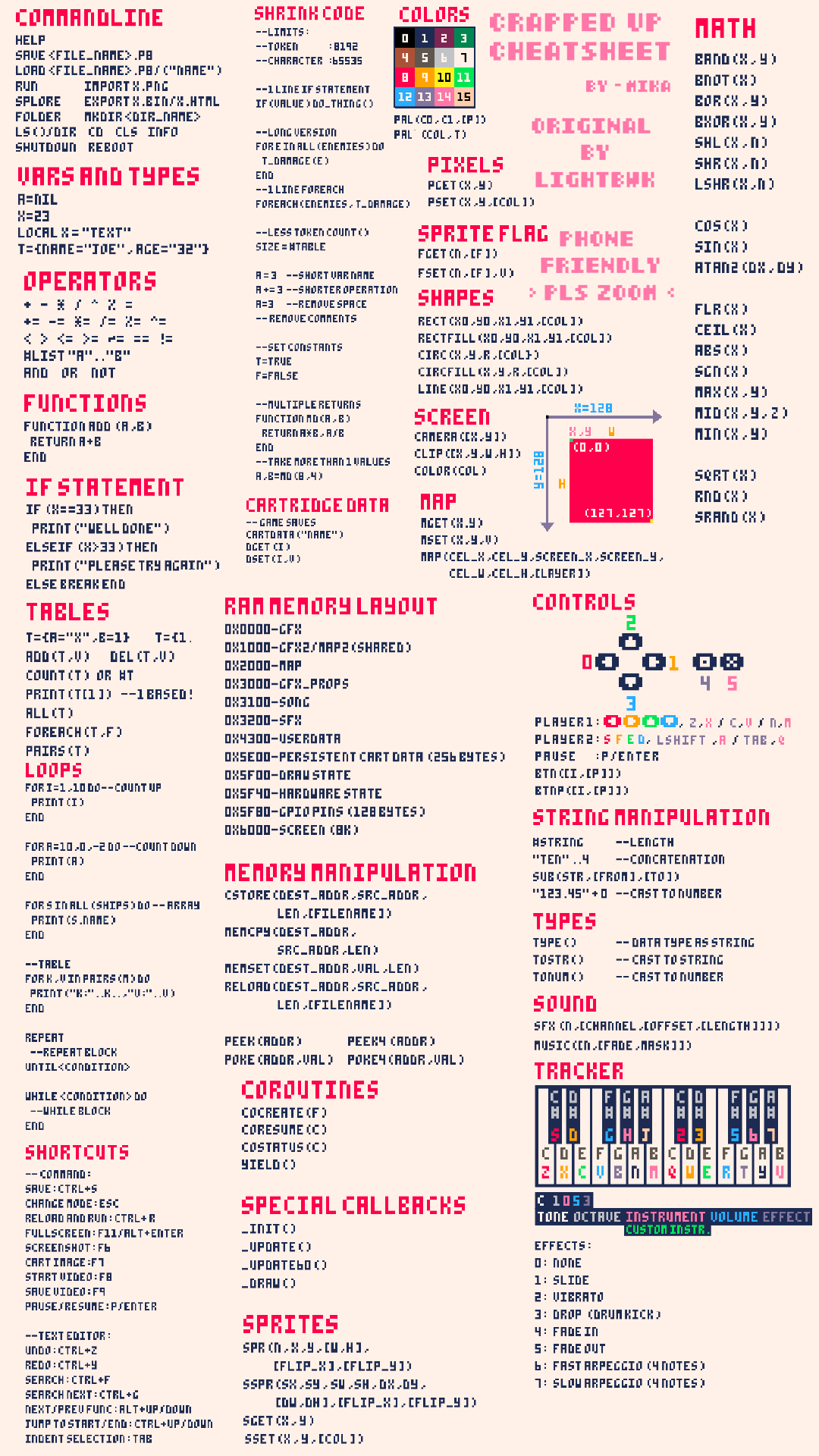
Pico-8 Cheatsheet, Original by: LightBWK
Zoom in or out, i tried to keep texts as big as possible for those phones that smoothens the picture when zoomed in.
I hope it is helpfull ~
 0 comments


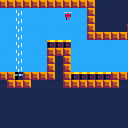





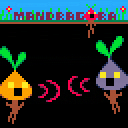
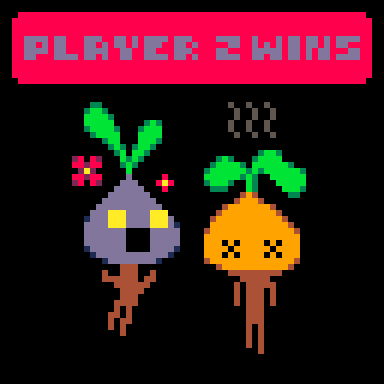
A fast-paced platform fighter, where you shout your way to victory, made in Pico-8.
Up to 4 players (requires controllers).
Controls:
Menu (player 1 only):
D-Pad: Move selection
❎: Select
⭕: Back
In-Game:
⬅️➡️: Move
⬆️: Jump
⬇️: Drop from platforms, fast fall
❎: Horizontal attack
⭕: Downward attack (make opponent fall from platforms)
 0 comments



!! IMPORTANT NOTICE !!
The game has now a dialog system (in French only at the moment)
It allows me to start implementing some story-telling stuff and tutorial.
For non-French speakers, just ignore it, controls are still the same!
I'm so happy to share my first PICO-8 game: Staff Boy!
I spend a loooooot of time finding how to implement sophisticated platformer gameplay on PICO-8.
Our hero is Yupan, who is lost in an Inca temple with a magical staff, so he's able to fire AN AGING BEAM ON THINGS (and beings...)!
Have fun, don't hesitate to share some feedback.
Be sure that update are coming, but first the cart has to be optimized ^_^"
5 comments






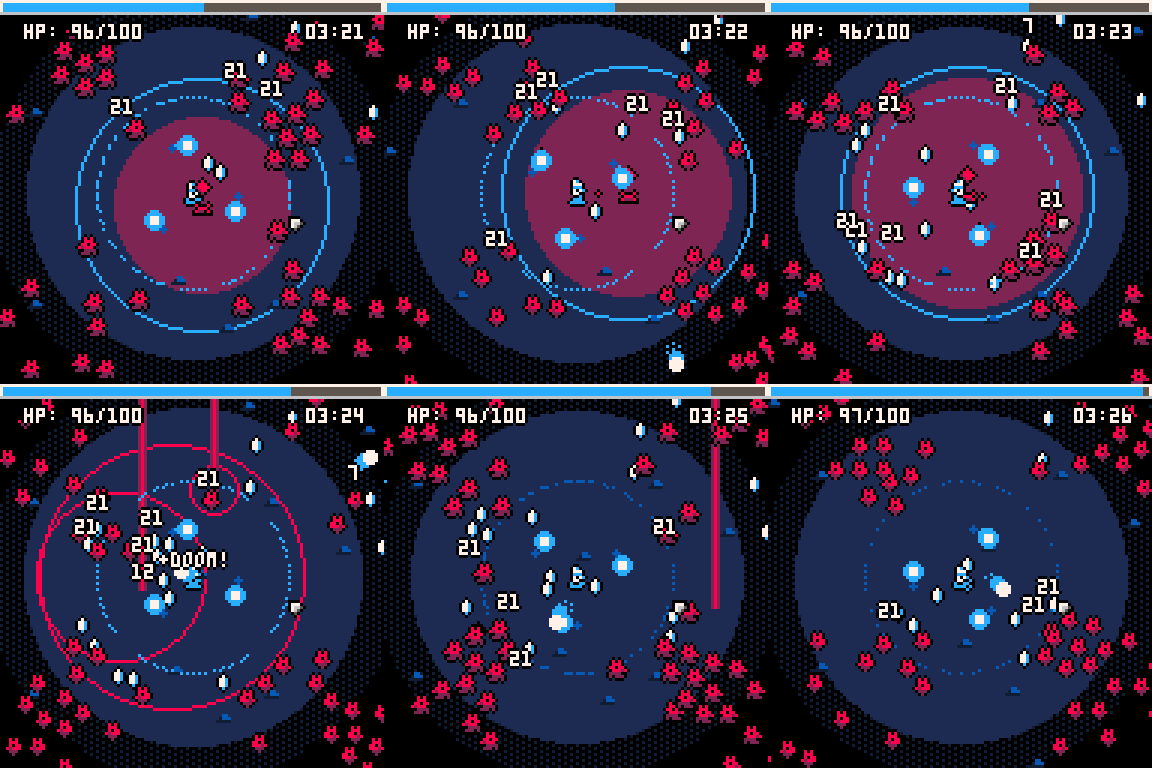
Beckon the Hellspawn - by LokiStriker
Survive against hordes of relentless creatures by using your arcane powers to defeat them. Gather their essence and use it to increase your magical prowess! Use the beacons lure them and defeat them, but be warned, the more time passes, the stronger they get. Your mission? Survive until "It" arrives. When "it" arrives, destroy it.
Controls
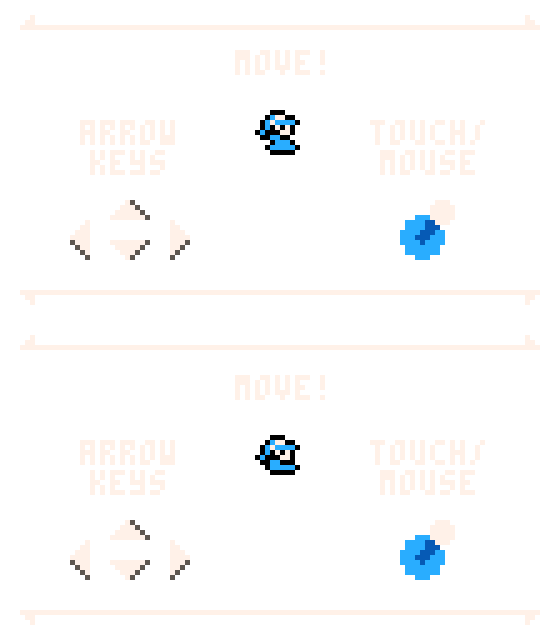
This game supports touchscreen and mouse (as press/click and drag) as well as directional input. (This includes WASD) Confirmation requires you to press "Tap on the Screen", "Left Click" or pressing of the "X" key or button. Additionally, one may access options within the "Pause Menu" by pressing the "Enter" key or by pressing the "Menu" button (On android this button is a small rectangle). In there you'll find a option to turn off the music, or just have drums available when playing the game.
63 comments






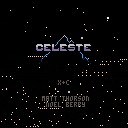

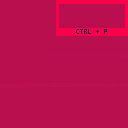
Press CTRL+P to see the "bird".
The bird is the rightmost pixel in the memory usage.
🅾️ to jump
6 comments





Rather than a bug it is a help post.
In my keyboad I have to press [alt gr]+ [7]or [0(zero)] to type surly brackets {}
But, in pico 8 edu edition [alt gr] + [7] and [0] captures image or toggles keyboard cursor..
Is there any alternatives to type {} rather than copying and pasting ??
NOTE: I am usin a "Q Turkhish keyboard"
I don't want to do complicated things :(
1 comment


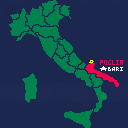
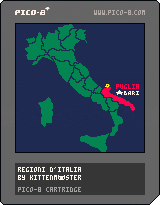
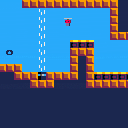
solo un piccolo cart per aiutarmi a imparare
aprire il menu per attivare la modalità "quiz"
bird sprite adapted from @SirTimofFrost's picobirds :>
6 comments






Roguelike Pro is a roguelike for the PICO-8 fantasy console.
Do runs in proceduraly generated levels, earn coins, gear up, do more runs until you are strong enough to defeat the boss.
Hit the (x) button to exit the level and return to the main menu.
Hit the (y) button to stay and let the enemies move.
Please bear with me, it was the first time that i did create pixel art.
v1.2 (thx to @dw817)
-added "hold" button to let enemies move while player stays still
v1.1 (thx to @Verb)
-fix armor bonus so it wont become lifedrain
-fix hp costs
v1.0
-first release party
v0.1.4
-added savegames
v0.1.3
-changed menu colors to brighter ones
-added a minimum space when spawning enemys, so they won't agro on spawn (thx to @dw817 )
v0.1.2
-changed price for HP upgrade to 15
v0.1.1.1
-changed coins received from 1-3 to 1
v0.1.1
-add boss fight so there's a real goal to achieve.
-block exiting level when infight
14 comments




I made this mod in middle school to troll my friend by making a mod he couldn't beat, and made it more difficult every time he completed it.
40 comments

.png)





Description
My first pico-8 game. A short puzzle game about moving squares on a grid.
Changelog
[1.1.1] 2025-08-06
[1.1.0] 2025-07-29
12 comments

.jpg)




.png)

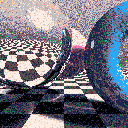
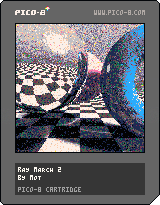
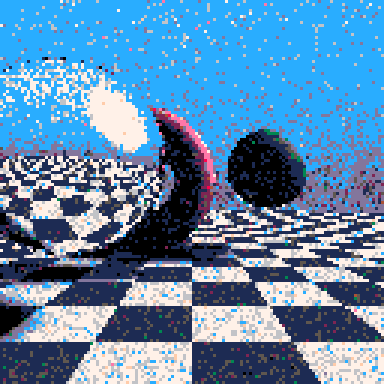
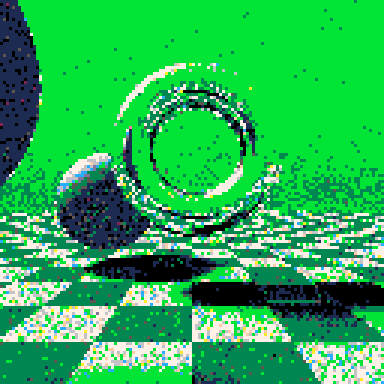
I updated my ray marcher to use RGB colours internally and random dither back to 16 colours.
This should allow me to add things like partially transparent surfaces, or atmospheric fog at some point.


11 comments





SEIZURE WARNING - FLICKERING IMAGES!
Developer Explanation
First of all love is love! Support the human rights of human beings!
This is a flicker palette expansion demo that uses 49 colors of an available 136 "colors" to animate a randomized, circular rainbow "video wipe" style effect. This is achieved by drawing two different colors on the same pixel in quick succession to dazzle your senses into tricking your brain into thinking it's seeing more colors than Pico-8 can actually draw. It looks okay at 30 fps but really benefits from 60 fps.
Apparently there is historical evidence of arcane "Super CGA" video cards using this method to expand the color palette of old 16-color monitors from a bygone era. Cool stuff. Most of the CGA cards like the CGA board that went into the IBM PC XT back then were only displaying four colors at time so there wouldn't have been much incentive to write a piece of software that actually used this technique.
This GIF image example is 30 fps since capturing a GIF at 60 fps only shows one half of the frames so the effect is lost in the conversion. This 30 fps example is also slow enough to give an idea of how the effect is achieved: each band of colors is actually three bands wide. The code runs at 60 fps which looks 100% better than the example GIF.
 5 comments