


oh woe is me, my letters are large and my text is readable...
but what if...
introducing the
THREE PX FONT!
that's right! you too could have a handy dandy function for drawing
compact text that fits perfectly on the screen, unlike pico-8's 3*5 font,
which is 32 by 12.33333333...
gross! get that recurring fraction out of here! all i need is 32 chars
by 32 chars!
for the low low cost of however many sprites you are willing to sacrifice,
and however many tokens this thing is, you too can have a pleasant print
the fits (screen wise) anywhere!
just take the following stuff (its customisable, so the character set can be
whittled or widened for whatever you're up to.
free of charge, there is another function (made by yours truly) that
allows you away to use spr() on any sprite scale, but if you don't need it
it can be probably squished into there? i don't know.
anyway, i'm done. its the worlds problem now!


 4 comments



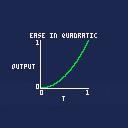
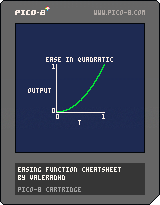
load #easingcheatsheet |
in the Pico-8 command line to load it straight into your Pico-8 application!
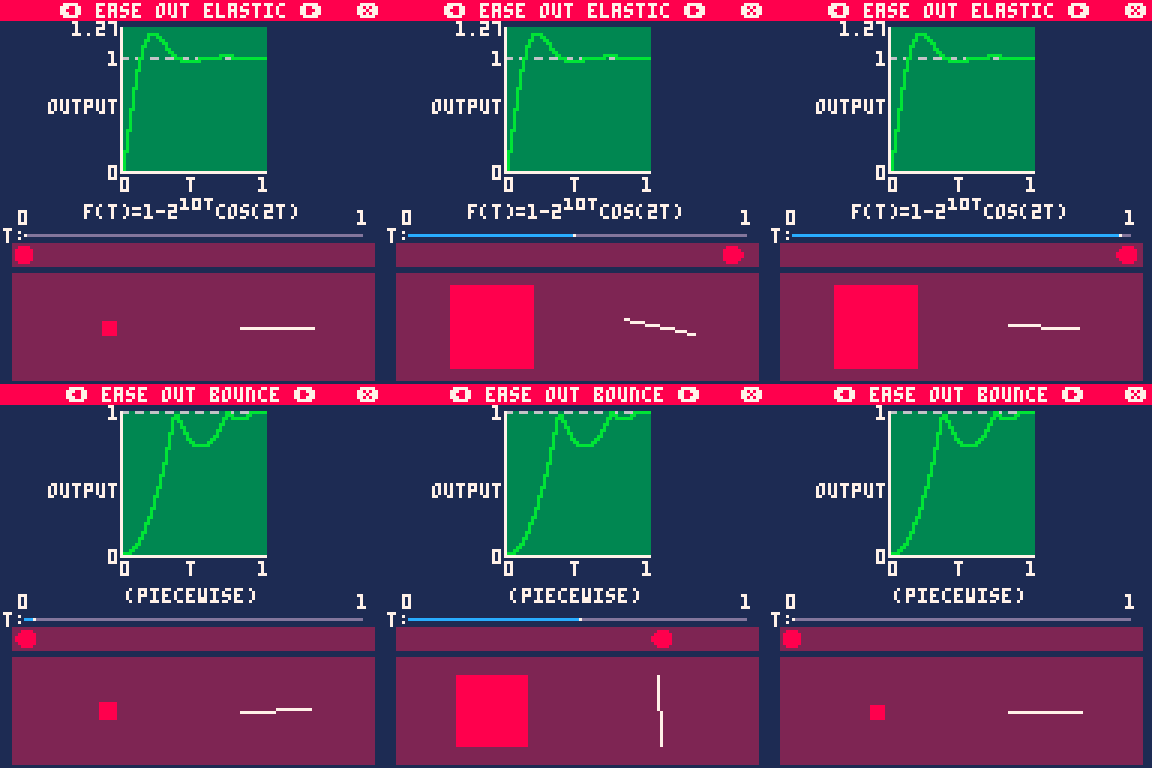
Easing functions are ways of modifying the rate of change for a linear interpolation function. You may have used these in animation programs (unity, blender, etc.) by manually editing animation curves. This editing isn't all that possible without a large engine backend, but you can easily create short math equations to imitate some of the commonly used curves. This is what I've done here, implementing a set of functions for these curves, and creating a little demo so you can see how each of them changes your interpolation!
15 comments









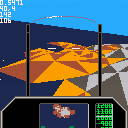
A little arcady "flight sim" I started writing.
Buzz past randomly generated islands in a wrap-around ocean.
I will probably add stuff to blow up eventually :)
There is no throttle! Just steer with arrows.
5 comments








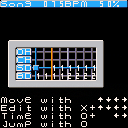
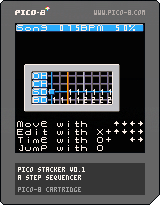
This version might need a bit more explaining than the first one:
You start out in song mode. Holding down X and pressing the arrow keys, you can choose a pattern to enter for any given part, for any given bar. Then press O (OK, Z) to jump into that pattern. You can edit all drum parts together for that pattern, then after jumping back out into song mode, you're free to mix and match patterns for different parts. (I'm hoping it'll be easier to build them up this way.)
Alas, as this can only update a few dozen times per second, the tempo is hardwired to 75 BPM, and a bit wonky. But you can choose between three swing (shuffle) amounts: 50% (none); 58% (half); and 66% (full). That's about it, I hope you like it!
2 comments

Hey friends. I was looking into how to do a fully custom cartridge label image. The only posts about it I found on the BBS involved creating the image painstakingly from 256 separate sprites, or using a script to muck around with the final .p8.png file. I wanted to have a quick and clean way to export from Aseprite into the format that Pico-8 saves into when using Ctrl-7. That way I can iterate on my label and my game independently of one another, with no extra steps.
Fortunately, Aseprite allows custom scripts to export things. In lua, no less! Here's what you need to do:
Make a 128x128 indexed image.
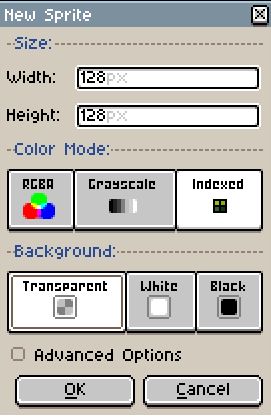
Select the Pico-8 palette.
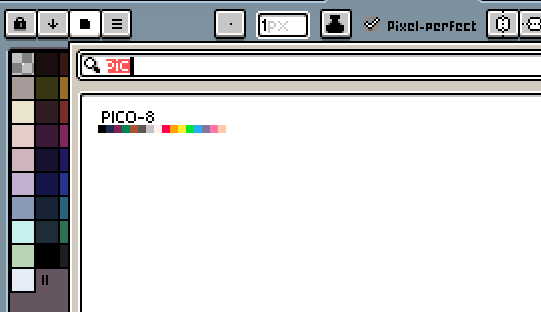
Middle click on a color you don't intend to use in your image. That will set that color as the "transparent color" that will be erased to.
Draw your cartridge label to your heart's content. Save it as a .png file.
In File->Scripts, click on Open Scripts Folder.
0 comments


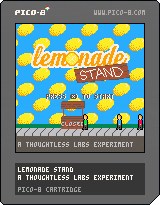
Do you have what it takes to run a lemonade empire?
Try your luck with Lemonade Stand. Buy your ingredients, perfect your recipe, and set your price. Just don't forget to watch the weather forecast!
Special Thanks
The music for this game was created by @Gruber_Music. I cannot thank you enough for bringing life to this game.
This game is dedicated to my son, Caleb.
Future Work
- Better transitions between stages
- High Score list
- Ability to save game
If you find any bugs, please let me know!
21 comments





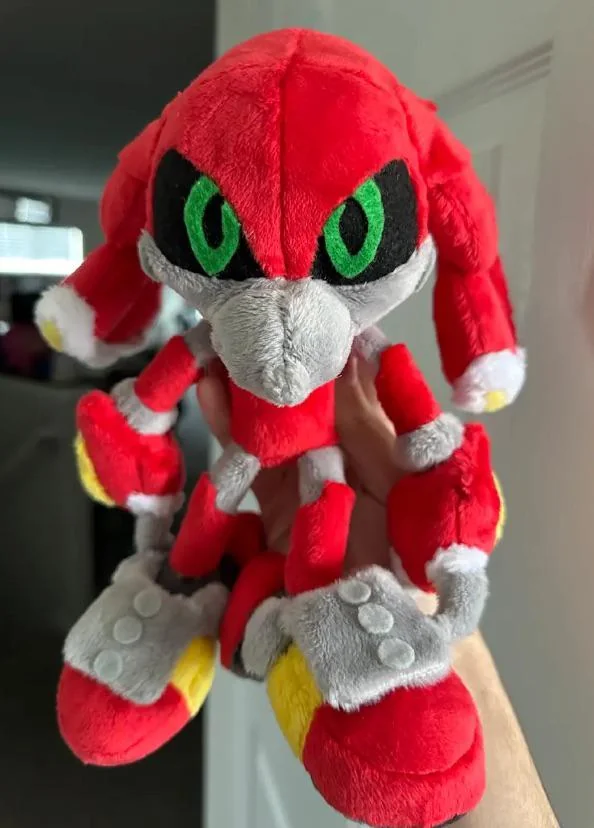



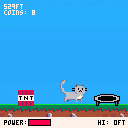
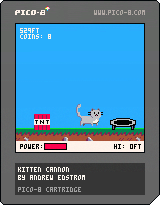
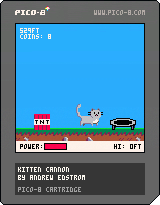
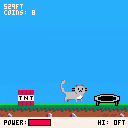
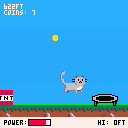
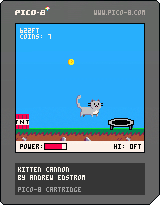
A non-violent remake of the classic flash game Kitten Cannon.
Aim the cannon with the up and down arrows, and fire with x/z to try to get your little stunt kitten to go as far as possible!
Links
- If you want to see the code broken up into multiple files, check out the Github repo: https://github.com/andrewedstrom/kitten-cannon-pico-8
Old Versions
 4 comments

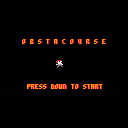
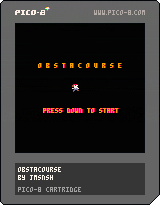
Heya! I decided to look at my old (well a few months) game and update it to work with 60fps. One problem I've been having is the jump. It's super simple code which means when you jump in the game you jump up super fast. I'd like its acceleration to be slightly slower, and if possible, have a variable jump height. Does anyone have any code examples that could fit within my game code as it stands and make it work better/any variables that could help?
1 comment

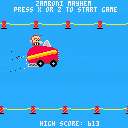
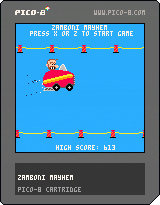
Been working on this off and on for quite a while and it's the most complicated one I've ever written. Needed to learn camera, palettes, and modulo math. I'm probably the most proud of the dynamic music queuing when the Zamboni shows up, and during the game over screen. Thanks Gruber for all your publicly published music tutorials.
2 comments


I seem to have found a weird bug. Normally sfx(-1, -2) will stop sfx on all channels, but if it is triggered by a menuitem callback, it doesn't work; in that case only explicitly stopping sfx on each channel works
to reproduce, enter some notes on sfx 8 (so you can hear when playback stops), then use this code and compare the behavior of the two menu items:
function stop_all_sfx_short()
  sfx(-1, -2)
end

function stop_all_sfx_long()
  for i = 0, 3 do
    sfx(-1, i)
  end
end

function _init()
  menuitem(1, 'stop sfx (-2)', stop_all_sfx_short)
  menuitem(2, 'stop sfx (long)', stop_all_sfx_long)

  sfx(8)
end

function _update()
end

function _draw()
end
|
0 comments
I'm struggling with a function that randomly picks up an element from a table with ponderated probability. For now this is my current code:
items = {
 {value="a",probability=.35},
 {value="b",probability=.35},
 {value="c",probability=.145},
 {value="d",probability=.145},
 {value="e",probability=.008},
 {value="f",probability=.002}
} -- total probability = 1

function rnd_item()
 local rnd_number = rnd() -- between [0,0.99999)
 local i = 1
 local sum = items[i].probability
 while sum < rnd_number do
  i += 1
  sum += items[i].probability
 end
 return items[i]
end |
What is the problem with the implementation? Right, In some cases it crashes because 'i' goes out of bounds. It seems that the problem occurs when rnd_number is near 1 (i.e. 0.99997) but I can't figure out how I fix it.
Is there a better implementation to solve the problem?
12 comments




Hi mates,
I'm having some issues with an unexpected (for me) behaviour of rnd() and tostr() functions.
Why this fragment of code prints value 1 if it's supposed that calling rnd() with no arguments produces values from 0 to 0.99999? Does tostr() perform some kind of ceil()?
local rnd_number = rnd()
printh("rnd_number:"..tostr(rnd_number),"maplog.txt") |
Output:
rnd_number:0.3293
rnd_number:0.7758
rnd_number:0.5745
rnd_number:0.3691
rnd_number:1
rnd_number:0.0995
rnd_number:0.1682
I need to avoid that '1' value.
5 comments


Hi there everybody,
I'd like to create a game and I found this lovely and powerful platoform.
- Once the game is finished could I run it on my website or it will be published just here?
- Is there any way to develop a game in portrait format? (1080x1920 pixels)
Anyone who can help I'd appreciate it! <3
Thanks and have a lovely day,
caliop.
1 comment