





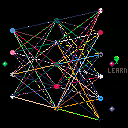
Charlie needs help. He doesn't understand music. To learn about it, he has built a machine that can make sounds. He will have to teach his neural network (music brain) how to make musical sounds.
When he starts the machine for the first time, it will make a random sound. To hear this sound again he can press the green PLAY button. To reward the machine for playing something sort of musical, he can press the red LEARN button. This will modify the brain and a new sound will play, usually similar to the first but not always. If the new sound is still "musical," he can press LEARN again to get more creative. To save this brain to the cartdata, he can press the gray SAVE button.
If the brain is not making musical sounds, he can modify any node directly by moving on top of it, pushing the value up or down with the buttons. The weights of the nodes and edges are represented by color patterns. The first column of nodes are input nodes. Modify them and press play to get a new sound from the machine using the current brain, without changing any connections. The middle column are learning nodes. Modify them and press learn for chaotic, unpredictable behavior. Pressing play will reset them. The right column are output nodes associated with instruments, pitches, envelopes, volumes, speed, and loop length, respectively. Modify these to be what you believe they should be and press learn to train the brain to produce those outputs when given the current inputs. (left column)
Good luck have fun!


 5 comments

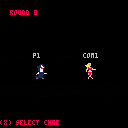


2019-02-05 UPDATE: Minor code clean-up and dialling back glitch effects at game-over screen
2018-03-26 UPDATE: Change of name (from Dataseed) due to name being in-use.
2018-03-25 UPDATE: Added rudimentary hi-score system (resets when cart resets)
First game I've ever made, on pico-8 or otherwise.
Learned a ton of stuff while making it, including how not to structure my code next time :)
0 comments


Hey friends,
For your interest, in case you haven’t seen it on Twitter, Trasevol_Dog and I just finished a major collaboration on JS Bach’s Two-Part Inventions.
I arranged all 15 of these compositions in Pico-8 (Each required 2-3 carts worth of SFX). And Trasevol_Dog created animated portraits for each.

Write-ups on the how he did the portraits can be found on Trasevol_Dog’s Patreon Page
And all of the music and portraits can be seen/heard in this YouTube playlist
Hope you enjoy!
3 comments


I'm using a Microsoft Surface Pro. I noticed that Pico-8 doesn't respond correctly to touch events. This affects the use of the touchscreen as well as the use of a stylus. I'm using the Surface Pen.
Although you can control the cursor with touch inputs, triggering clicks is difficult. Tap events aren't registered as click. They move the mouse cursor but don't click. Tap and drag is correctly recognized as click and drag. So in order to click you need to basically draw tiny circles with the pen.
I would love to use the pen as a convenient way to do some Pico-8 pixelart on the go.
7 comments





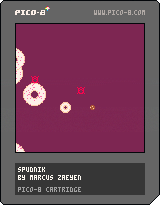
Prototype for Bennett Foddy's Pixel Prototype Studio, NYU Game Center
Prompt: Food
Float through donut space, kill the baddies with sugary treats
Arrow keys to move, ESDF to shoot new donuts
I want to keep working on this, maybe rewrite it in Phaser or Unity
Music by Elizabeth Castaño and me
2 comments



Well I am new to lua and pico-8
In javascript, it is possible to force run inner function after some seconds with setTimeout();
setTimeout(function(){},5000);
and I am looking for something similar method or function in lua or pico-8
this is my code
function define_level() local level = 'level'..levels; show_level(level); end function show_level(level) print(level,54,64,8); end |
levels is number.
I want to hide or remove text which is printed with print(level, 54,64,8);
after some seconds.
Any tips?
5 comments


Hey P8 fam,
Got a weird thing happening with my game and am having trouble finding anything on this, What is happening is on my map editor I am seeing sprite formations that I did not put there and when I try to remove some of them I see a glitching effect on some of the sprites I did place intentionally when I run the game.
Does that make sense?
Does this have to do with the 128 sprite limit? Didn't think I hit it.
Happy to answer any questions, thanks.
5 comments






Hello I started lua programming just yesterday.
Because my project should be started right now, I hadn't so much time to read through lua tutorials.
I am an web developer and I have never seen such errors when I worked with Javascript and Java and I don't understand meaning of the error.
This is my code
The error is occured in function drawLife.draw()
function _draw() cls(); rectfill(0,0,128,128,12); rectfill(0,72,128,128,7); clouds.draw(); mapdraw(16,16); mapdraw(0,0); enemies.draw(); bullets.draw(); p.draw(); mapdraw(16,0); fires.draw(); score.draw(); drawLife.draw(); print(bullets.type,4,4,7); end function drawLife.draw() rectfill(80,80,60,60,#FF004D); rectfill(80,80,60,60,#FF004D); rectfill(80,80,60,60,#FF004D); rectfill(80,80,60,60,#FF004D); rectfill(80,80,60,60,#FF004D); end |
I added .draw() after drawLife because I got lua code from my friend's brother who is game developer... and there were many .draw() and :draw() after the function name.. I need to learn about that
5 comments

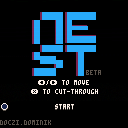
This is my first PICO-8 project. It's a small arcade game, I think it can be pretty fun for 2-3 minutes.
The game lacks some basic features, which include:
-Particles when enemies die
-High score table
-Sound and music
Also, this is my first time coding anything other than print("Hello world" in python. I know my code isn't practical and it's pretty token heavy for such a small game.
Constructive criticism on game/code welcome! :)
5 comments

Hi all,
I wrote a second Medium article, mainly as an introduction to Lua but all examples are about the PICO-8.
If you are interested, you can find the article here: https://medium.com/@hans.bruins/hello-lua-92ad1c692dae
You can find the previous one here: https://itnext.io/eeny-meeny-pico-b7b31600e65a
Have fun reading and keep tinkering!
1 comment

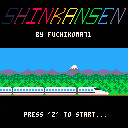
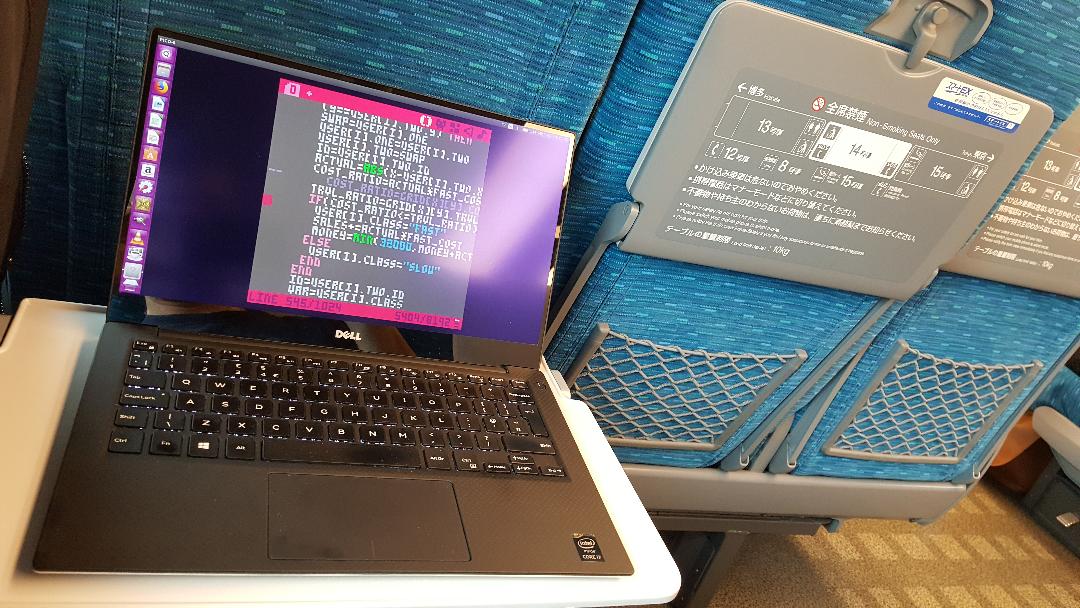
Version 1.2
- All known bugs have been fixed.
- The pricing scheme has been overhauled to make it simpler and more useful. The ticket price is now charged when leaving the point of origin and the value is linearly proportional to the distance to the destination, independently of the route taken (multiplied by the "class of travel" factor, whether the whole journey is by Shinkansen or not). For instance, if the distance is 6 "blocks", 4 of which are on fast trains and 2 on slow trains, the total fare is still 30,000 (if the price is left to the default 5,000). If using only slow trains, it would have been 6,000 in total.
- The decision function to take the Shinkansen (or not) is now nonlinear. Travelers will choose the fast train option if the increase in price is lower than or equal to the square of the reduction in journey duration. For instance, if the duration is reduced by a factor 3 and the price is increased by a factor 5 (default), the traveler will still choose the fast option (5 < 3^2 = 9). This makes the price adjustment function more usable (i.e. it is easier to "convince" travelers to use the Shinkansen for only part of their journey through a small fare reduction).
For the "complete" manual, please refer to the original post: https://www.lexaloffle.com/bbs/?tid=30916
Also...
 3 comments



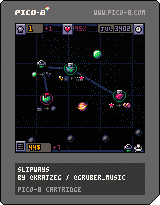
Slipways is now part of the PICO-8-gone-commercial club! You can find the grown-up version of Slipways on Itch or Steam!
So, here is the final PICO-8 version of SlipWays!
Mouse is kind-of-required for this one. You can drag the map around with the right mouse button, but that doesn't work on the BBS (since the browser's context menu will pop up). You won't have this problem when playing on itch.io or inside PICO-8. Alternatively, you can scroll around with SDFE or arrow keys.
Phew. Oh, wait, so you'd like to know how to actually play the game? There is an animated quickstart guide, but here is the shortest possible text summary:
53 comments




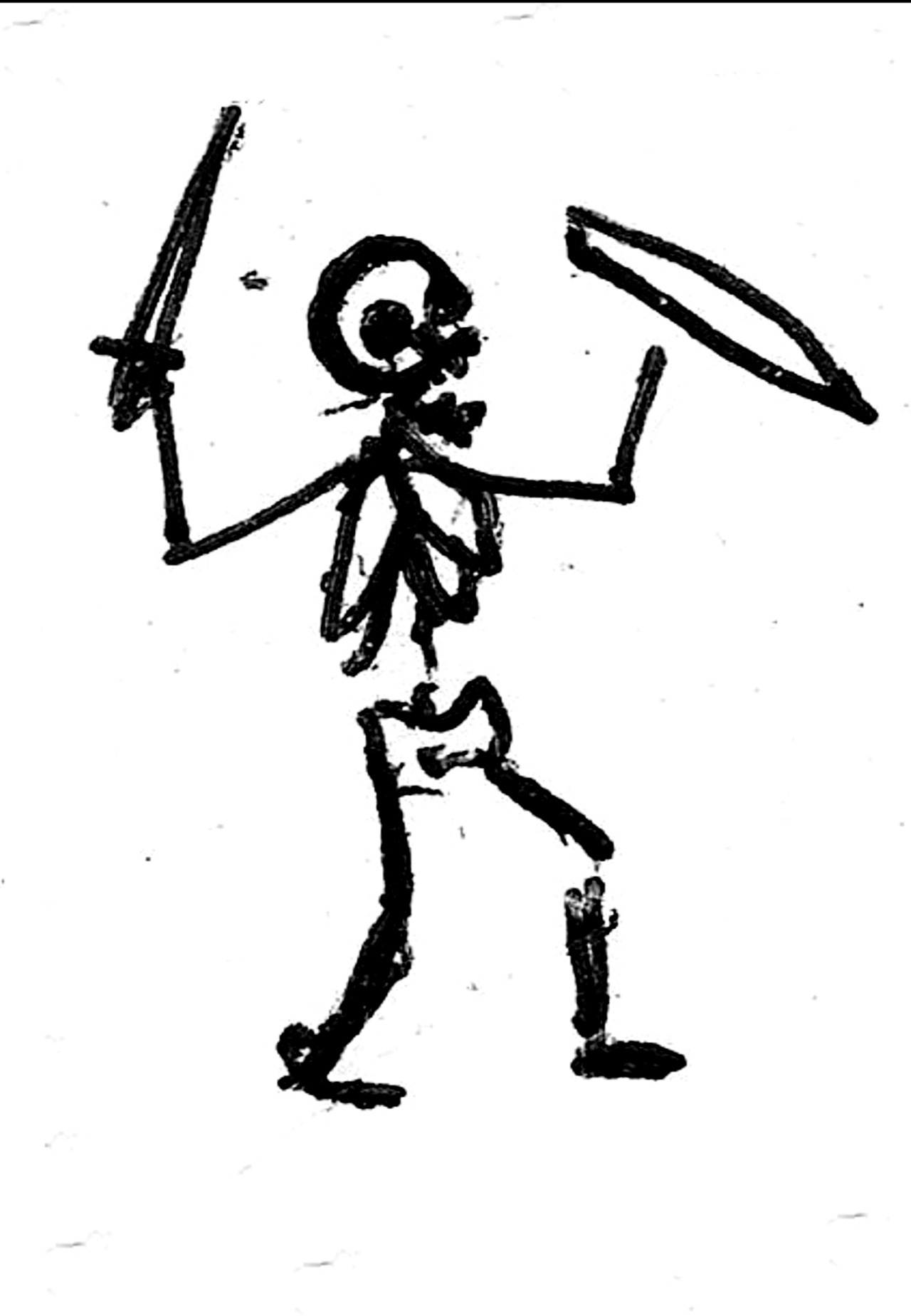


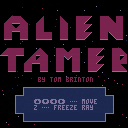
Some helpful excerpts from A WORKER'S GUIDE:
"You are a bio-generated power-core-recovery worker..." (pg. 1)
"...can move up, down, left, or right..." (pg. 3)
"The Freeze Ray is a worker's best friend...keep it charged!" (pg. 10)
"Space Spiders...can be frozen or unfrozen with your Freeze Ray." (pg. 13)
"Space Larvae grow into Spiders instantaneously when frozen!" (pg. 17)
"...Larvae are scared, but Spiders are very curious." (pg. 18)
"Space bugs can sometimes trap workers who aren't careful..." (pg. 20)
"...they are not intelligent, and will only hurt you if you walk into them." (pg. 21)
Made (way behind schedule) for #7DRL 2018
By Tom Brinton
@brintown
8 comments


2018-03-22
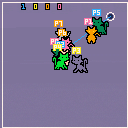
UPDATE: This version adds support for up to 8 AI or human players and a variety of stage sizes. Players (humans and AI) can be on any combination of up to 8 teams.
2018-03-20
UPDATE: This version adds support for AI opponents. You can have up to 7 of them. And up to 2 human players. Not fully tested, so please leave feedback about any bugs/crash issues.
Instructions:
Player 1 starts on Offense with Player 2 on Defense.
Offense players can grab and then toss the ball towards the goal. While the ball is held, the Defense can not swat it away, BUT the ball can only be held for ~1.5 seconds at a time.
Defense players can only swat the ball. Their goal is to move the ball away from the Offense players -- if the ball hits the goal, it only 'counts' if the Offense player was the last person to toss it.
As the ball moves, the yarn unravels and the ball becomes smaller. This is used instead of a timer or score limit -- when the yarn runs out completely, the teams switch sides and Player 2 has a chance to play Offense. After Player 2's yarn has expired, the winner is the player with the higher score.
Player 1 -
Cursor keys (up/down/left/right) - Move Up/Down/Left/Right
Z/X/C/V - (Defense) Swat / (Offense) Grab/ Toss yarn
Player 2 -
E/D/S/F - Move Up/Down/Left/Right
Q/W - (Defense) Swat / (Offense) Grab/ Toss yarn
Description:
'Pong' game made for the #Femijam 4 "Cute Pong" game jam -- this is a late entry; I'm uploading on 3/20, and subs were due on 3/19 at ~1 am. Don't forget to check out the other femijam entires! :)
Right now it supports 2 players and a single screen map.. If anyone can help playtest, I'd like to add support for up to 8 players, split across up to 8 teams. And larger maps. Anyway, if you want to help test, please shout at me on twitter ( @enargy) or leave a comment here.
Based on a game described in the Upside Down Magic series by Emily Jenkins, Lauren Myracle, and Sarah Mlynowski. There, it's played by polymorphed magic students (Fluxers) and there's some verticality at play with the goals. Here, the rules and gameplay are modified to be more like Pong (the theme of the jam).
About the series, my daughter (6) and I have read the first two so far, and the books are really neat.
1 comment



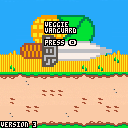
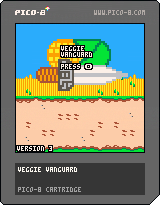
Tweaked some stuff, added some visual effects. Players now get a score multiplier when they spear multiple vegetables in one charge, and I need to think of a good way to represent that.
Edit:
This project is unlikely to be finished, as I spent long enough away from it that the code is now difficult for me to understand. Maybe I'll have a stab at this later.
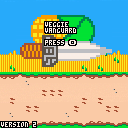
Added some new veggies and reworked how shadows display. I think I'm gonna make a few more vegetable variants and then work on visual effects.
0 comments