



Hi. I am hoping to add animated water to my game by just using a few tiles that loop. I can't seem to find any good resources for animated background elements though. I mostly just find animations for characters or interactive objects.
EDIT: I greatly appreciate all of these responses. I guess what I'm asking is how do I animate an object? Most of what I find is how to animate a player so it's generally based off of "if btn(0) then..." But I just want a standalone animated object that's constantly in loop throughout the game.


 5 comments






My kids learn Scratch at a large school. But are bored of it.
They asked the IT crew if they had heard of PICO-8. But no.
Some thoughts after a few weeks messing around (owner a TRS-80 in the mid 80s, an Amiga in the early 90s, and coded Wingz hyperscript on NeXT for a global bank - look that one up!).
It has huge potential for educational use (and doesn't need to be open source). Clearly the ideal is for it to be a console with its constrictions, but perhaps there could be a school-kid version. A few things might help take-up.
- Can just the font/text have better resolution (as per TRS-80, unrelated to the pixels) ?
- Some keyboard interaction (INPUT, INKEY$) would be huge for kids to get feedback into their code.
- A half-bright mode (for the 16 colours) would add a tremendous amount to the brilliant 3d and vector cartridges I’ve seen here).
- A sixth screen/panel for debug. On break it simply lists variables and values and tables (which seem to be the key to LUA but are not immediately intuitive).
[I plan to edit this Blog, is there a way to stop it coming up on the forum updates ?]
5 comments




Hi, I'm planning out my next game, and I was thinking about sharing the code between carts:
For example, there is cart a:
function a() cls() end |
And b:
-- load doesn't work so, it loads a cart a() -- somehow |
Any way to do that? Reload shouldn't help with code... Zep, maybe you could include this in 0.1.11?
Thanks!
7 comments




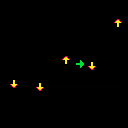
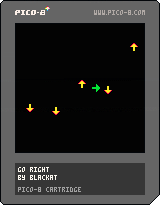
Game about avoiding obstacles. You can only move right or left. Go to the right side to advance to the next level, but watch out for moving arrows!
TODO:
- add menu
- show level number
- show message, when advancing to the next level
- tweak difficulty
- add game ending and "start again" option
- add music and sound effects
0 comments
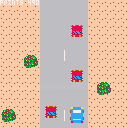
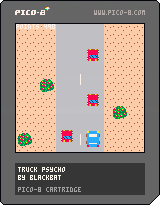
Simple game, where you need to avoid cars coming your way. Using arrows move left or right, up/down to increase/decrease speed. You earn points according to your current speed when you avoid incoming car.
TODO:
- add menu
- add additional cars graphics
- add additional backgrounds graphics
- add instructions in game
- add music and sound effects (hard)
Graphics (red cars and bushes) made by Elerdor
1 comment

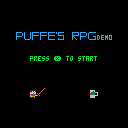

My first completed Pico-8 game :)
Inspired by the Atari Lynx version and a desktop widget I made way, way back.
4 comments






Hello, everyone! I'm making a zine for an upcoming PICO-8 workshop I'm doing with Portland Indie Game Squad (PIGSquad). It's a fairly large zine (72 pages) and I have a few open pages where I wanted to include screenshots and art from some of the amazing things you all have created.
Do you have something you'd like to contribute?
If so, feel free to either post it as a reply on this thread, reply to this post on Twitter, or DM it to me on Twitter. (I have open DMs, so no need to follow me to DM me.)
The zine will printed in color for all workshop attendees, but will also be available on itch.io in PDF form once it is completed. (After the workshop, I may do a second printing at-cost via Kickstarter if there's enough interest from the community.)
Thanks in advance. The work you all do in PICO-8 is so incredibly inspiring to me, so I'd love to include some of it in this zine and inspire others who read it.
 20 comments



Made during the Berlin Minigame jam
start game with left arrow(sorry!)
2player eat apples avoid skulls.
Player 1 arrowkeys
Player 2 esdf
1 comment


Hi, I find myself doing lots of OOP in pico-8 just as I find it a bit more manageable in my head even if it isn't token efficient. I used to create objects with the following method. As a slightly aside point what does cls in the setmetatable call stand for or do? I never worked it out.
setmetatable(actors, {
  __call = function (cls, ...)
    local self = setmetatable({}, cls)
    self:_init(...)
    return self
  end,
})

function actors:_init(type,x,y,xoffset,yoffset,xoffset2,yoffset2,health)
	--actors initilization function sets all of it's parameters
	return self
end
add(actorTable,actors(--parameters))
|
Recently however I have been creating them with the following method.
function createenemy(x,y,path)
	local enem = {}
        --Enemy variables and methods are initialized
	enem.update = function(this)
	end
	enem.hit = function(this)
	end
	enem.draw = function(this)
		spr(this.sprite,this.x,this.y)
	end
	add(enemy,enem)
	add(objects,enem)
end
|
3 comments

So apparently I'm an idiot...or at least never read this in the manual (never thought to)
| When saving in .png format, the compressed size of the code must be less than 15360 bytes. To find out the current size of your code, use the INFO command. The compressed size limit is not enforced for .p8 format. In most cases you don't need to worry about the compressed size, as the token limit (8192) will be reached first. |
Given you can upload carts to the BBS by pasting in code, and exporting to HTML is also a separate process...you can ignore/avoid the compression limit entirely unless you want to pass around the PNG cartridge.
Dammit.
Here I spent a ton of time getting my game under that compress limit when I didn't need to. I was within token/character limits just fine. Arg!
Well...lesson learned...and maybe this call out can help someone else avoid the headache.
9 comments
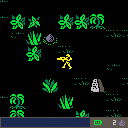
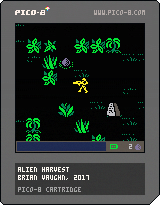
Dylan Burke is finishing the job his father failed to complete on LV-426. He must be stopped. Explore planets and collect 12 alien eggs before Burke can get to them. |
Sound and headphones are recommended for the best experience
.:.:.:.:.:.:.:.:.:.:.:.:.:.:.:.:.:.:.:.:.:.:.:.:.:.:.:.:.:.:.:.:.:.:.:.:.:.:.:.:.:.:.
Player manual. Complete with hints and tips!
https://morningtoast.com/pico8/manuals/alien_harvest_manual.pdf
Browser gamepad support is available through Itch.io:
http://morningtoast.itch.io/alien-harvest
Keyboard controls
- Arrows, Move character
- Z, Map / Continue
- X, Use weapon
34 comments





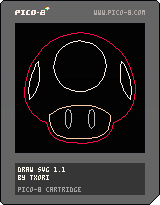
Draw SVG
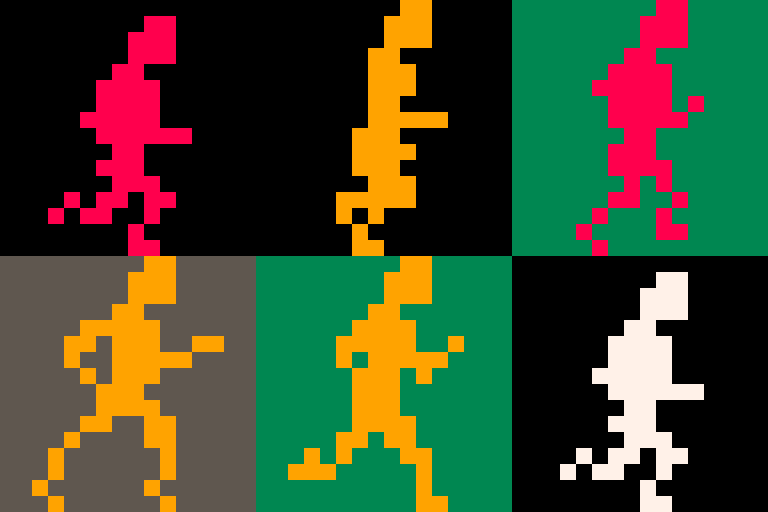
This is a tool do display vectorial drawings in PICO-8. It's useful for logos and big curved shapes that can't fit in memory as regular sprites. Also, you can zoom on those drawings at will.
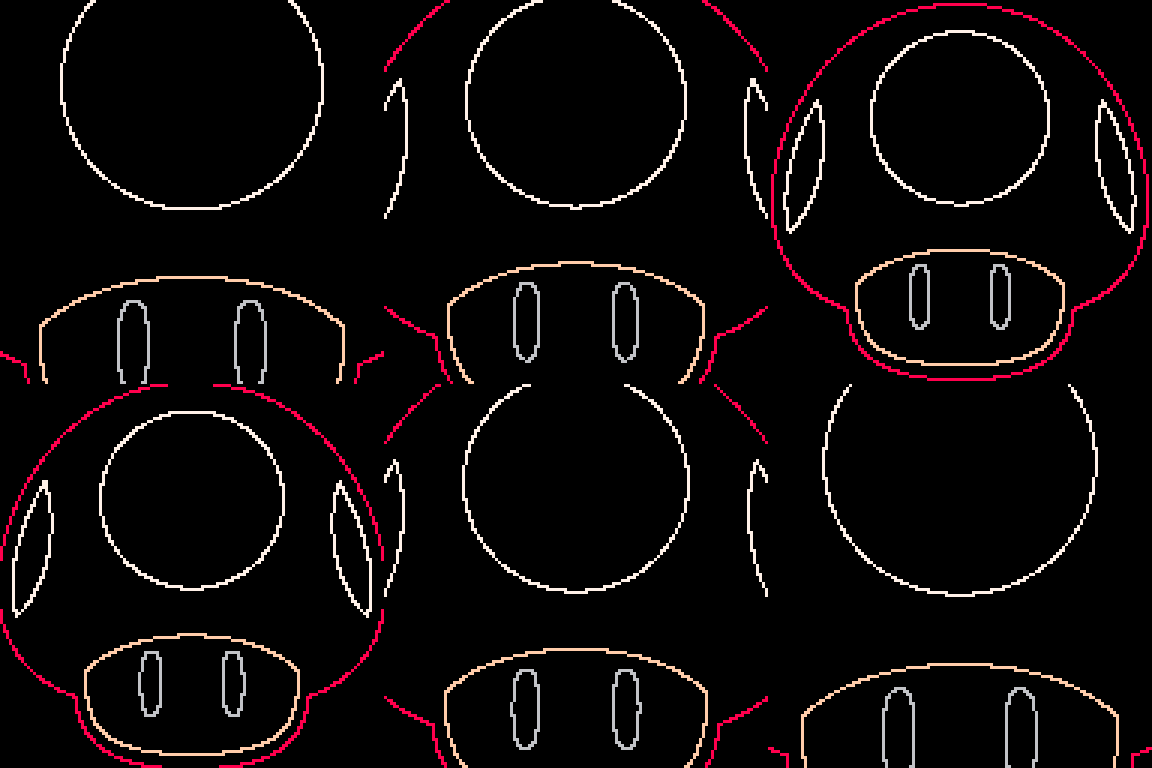
CONTROLS:
Arrows: move around
Z/X: zoom in/out
HOW TO CONVERT SVG FILES TO PICO-8:
Simply use converter tool at:
http://www.txori.com/index.php?static14/pico8
The first number of each vector is the color of that vector.
RELEASE HISTORY:
[hidden]
v1.1 SVG draw engine entirely rewritten 30fps! v1.0 Initial release |
5 comments

Considering how many sounds and effects the Pico-8 tracker shares in common with the old NES music format, Is there any enterprising individual out there who might be able to write up a program that could read NSF and output to a file Pico-8 could understand..? I'd love to be able to use some of the classic musics in my carts.
So far I've tried using nsf programs to output to midi, Then from midi to pico-8 but that has had.. Less than desirable results so far.
2 comments
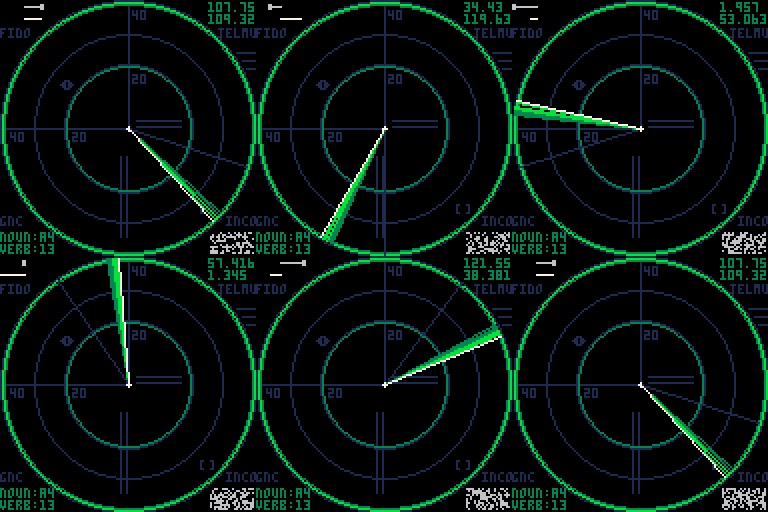
Discovered PICO-8 10 days ago, having dredged up TRS-80 and Amiga emulation. Not a programmer.
Just coding stuff to teach myself and pass on to the kids. This isn't a game but just something to add effects to and copy cool code.
I'm going to
- cycle the colours when a target pinged
- create a pulse wave
- animate the targets
- create nouns and verbs to do something
- animate out (switching off CRT to a dot)
- mini frequency graph
etc etc
Anyway does anyone have any pointers on creating SFX for ...
- sonar ping sound
- pulse sound (eg Aliens motion tracker)
- general static.
Cheers.
 9 comments



Try it out at zachpetersendev.com/picarioGame!
You are a fruit. Eat the tiny dots to grow bigger, or eat other fruit that are smaller than you. Just make sure that none of the larger fruits eat you! Works on anything that can run a web browser (including mobile!)
| Controls: Arrow Keys : Move Mouse : Click and hold to move in direction of cursor Touchscreen : Touch and hold to move in that direction |
The code for this project can be found at This Github Page.
This is a proof of concept game made by Dylan Tran, Zachary Petersen, John Chau, and Sterling Salvaterra. Special thanks to our amazing instructor Adam Smith at UC Santa Cruz for his advice and encouragement, and to Mathew Kuhn for the music.
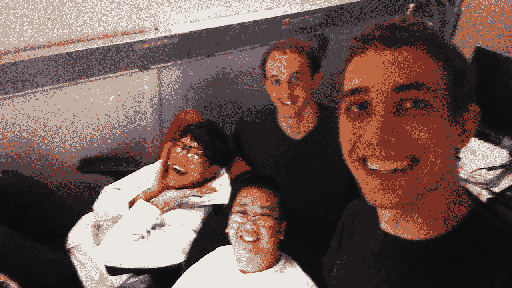
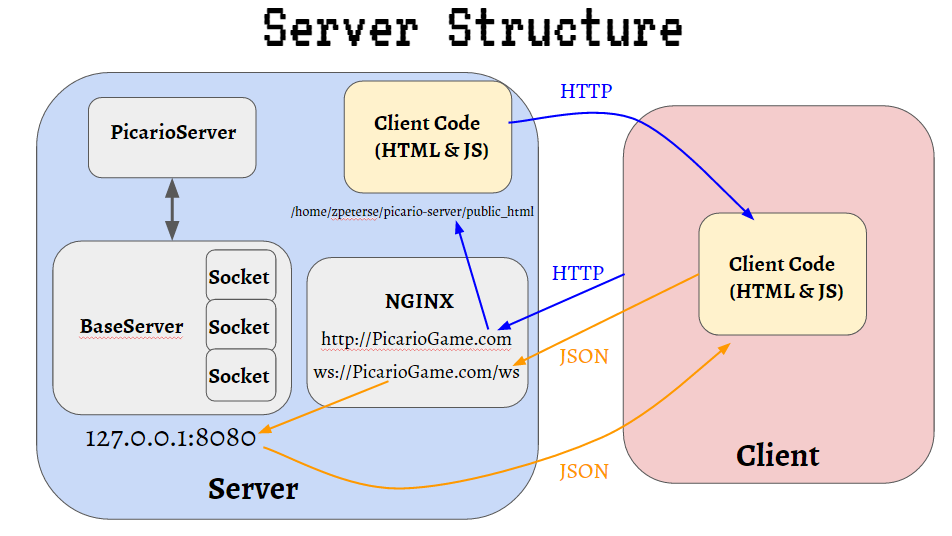
Our goal was to show that the PICO-8 can support a relatively massive number of simultaneous players in a single game given its constraints. We decided to recreate the popular agar.io to achieve this goal.
In our largest test, we had 35+ simultaneous players. Theoretically, the game can handle 64+ simultaneous players.
One of the biggest challenges we faced is that there are only 128 bytes of GPIO in the PICO-8 meaning that the each client can only handle take in 128 bytes of Input/Output per frame. We decided to represent each object with six bytes, one for ID, one for size, two for X Coordinate, and two for Y Coordinate. With 128 bytes of I/O, that meant we could update 21 objects per frame. We designated three of these objects to output (The client telling the server about changes in the player's state and the state of any objects the player eats) and the other 18 to Input (The server telling the client about the change of objects in the world).
We wrote the server in python. Since the clients can only handle 18 updated objects per frame, we implemented a spatial hashing optimization so that each client only receives updates about objects that are nearby the player. The connection between the clients and the server is made using websockets.
 15 comments



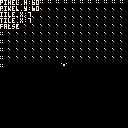
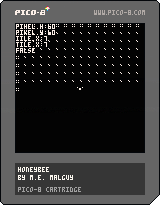
I implemented code for wall detection and now the player moves diagonally across the y-axis, rather than just straight up and down. What am I missing?
 3 comments
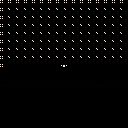
I have been tinkering with Zep's "Wall Collision Example", but I can't seem to get it to work. How can I make boundaries/walls (represented by the four pixels arranged in a square)?
UPDATE: If you are brand spankin' new to PICO-8 and need a tutorial to build walls and boundaries around your map, I highly recommend Uncle Matt on Youtube. ;-) Start here.
 1 comment