Recently I've worked on 2 little libraries. However, I'm not sure how I feel about the token count in these cases and I'd love to discuss that with the community.
Libraries can provide a piece of functionality that they would have otherwise programmed themselves. Someone creates a library and other people can use it in their games.
But unfortunately I feel like it's simply not worth it to ever use a library with Pico-8. Why? Because of the token count.
In pretty much every instance you're better off writing a piece of code yourself then using someone else's library. You may not need specific features from a library but using this library will still cost you those tokens.
What are your thoughts about this? Would you use a library? Or maybe you have a smart idea of dealing with this limitation.


 6 comments


Hi!
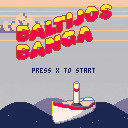
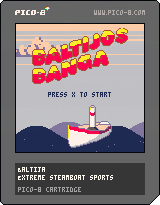
This is my second pico8 game, made for Global Game Jam. This time I had help from proper artist.
It's a silly steamboat simulator. A mix of Hemingway's "Old Man and the See" with "Tony Hawk Pro Skater". Boat rotates with arrow keys and (de)accelerates with X/Z, but only in water. Try to land the gnarliest tricks and score lots of points!
1 comment


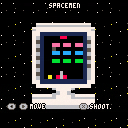
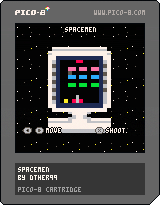
My first game and post on the PICO-8 BBS! And it's a late entry for my first game jam! It might not get judged, but I had fun making this game over the week :)
It's a Space Invaders clone, controls are in-game.
POST MORTEM?:
- When reading ambiguous times, err on the earlier date.
- Plan carefully! The annoying sound bug when rebounding off the left wall was due to an unchecked error earlier on.
- Time management was an issue: I had more things going on this week than I expected, and most time I did have I spent trying to correct the sound bug, working on enemy AI and procrastinating.
I had some other game ideas that didn't pan out, like a puzzle game that relied on rotating the TV to find clues, which I might revisit some other time.
4 comments





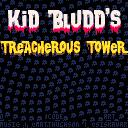
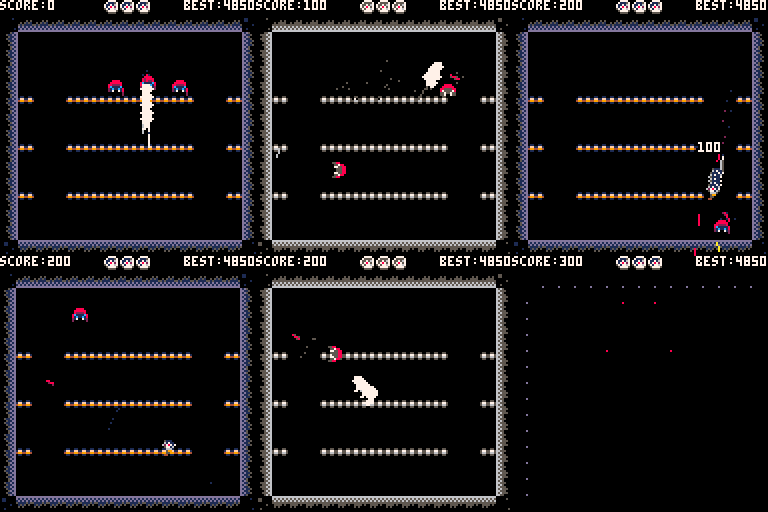
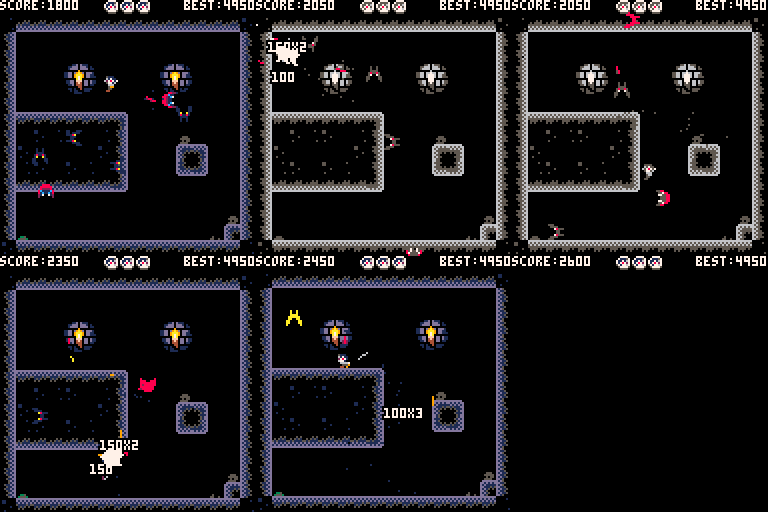
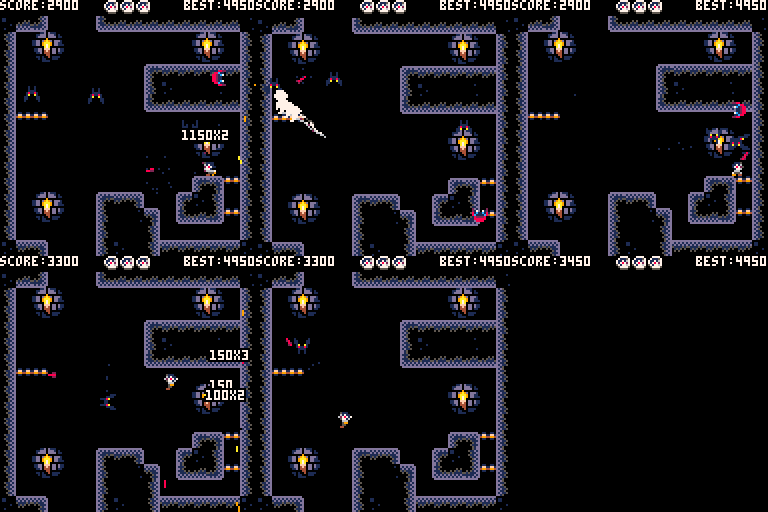
My 12th one-game-a-month project, and my 4th Pico-8 game.
Loosely inspire by Bubble Bobble, but with a darker, more action-packed twist.

 16 comments










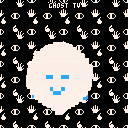
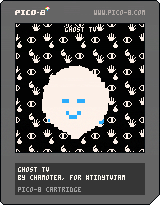
A simple Ghost TV
Press TAB to turn on
Z to change ghosts emotions!
Sorry no real gameplay
Programming @polm23
5 comments




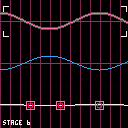
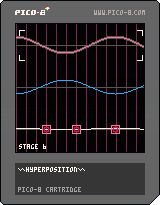
HYPERPOSITION
A puzzle game about the superposition of waves
made for Global Game Jam 2017
Design by Jalan Ember (twitter @bcbcboy) and Sam Alexander (twitter @sxalexander)
Developed by Jalan Ember
Music by Sam Alexander
Enjoy!
4 comments






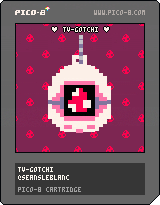
I'm a bit bummed because work and GGJ being this weekend meant I didn't get a chance to take this past a prototype stage, but it's still kinda neat!
Controls:
TAB: turn on TV
ARROWS: hatch egg
Z: feed
X: love
4 comments




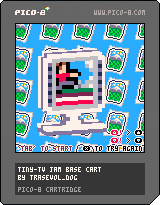
~ RunGirl ~
My own entry to Tiny-TV Jam! :D
Controls are on the screen!
Enjoy the game!
 6 comments


A Japanese calligraphy drawing tool for Tiny TV.
(This is a demake of Shodo.)
(Shodo is a demake of MacCalligraphy.)
Controls
arrows: move brush
z: put brush to paper
x: see entire paper / back to drawing
press the down key and hold when you are seeing entire paper to erase drawing
3 comments


last night's party was great!
but you totally forgot about today's exam!!
what's an oxyloscape again?
5 comments

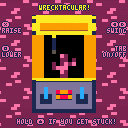
Swing a wrecking ball! Smash everything!
Thanks to TRASEVOL_DOG for this awesome jam. It was a lot of fun making a game AND designing a TV for it. I might tweak things after the jam is all over.
When the line turns bright blue, you have enough momentum to break bricks. You can get the wrecking ball to do a full 360, too. I thought it was cool so I didn't try to fix it.
5 comments


Hi!
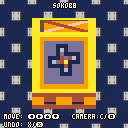
This is my entry for #tinytvjam. It's a sokoban clone, a game where you have to push the boxes to the marked positions.
I wanted to add some music, but I'm really bad at making music. Sorry about that :(
Enjoy!
How to play:
Menu:
X:To start a level. Left and Right to select levels (you can select the levels that you have already beat)
Game:
Move with arrow keys
X: Undo a move (up to 10 moves can be undone)
C: hold and press arrow keys to move the camera (for bigger levels, bigger than 10x11)
Edit: Reuploaded. Forgot to change the header with game name and my data
Edit2: Updated to version 1.1. Added persistent cart data (save the last played level)
11 comments

Hi everyone!
This is my entry for the Tiny-TV Jam. Like title said, it's a tiny Guitar Hero, playable with 3 keys (left, bottom and right arrows).
It's not really finished but it's too late. I didn't had the time to add a real song, it's just random numbers for now… But I think it's pretty fun anyway :) I had a great time creating this little thing, thank you trasevol_dog and congrats to all of the participants!
How to play:
- Press "X" to start a new game
- Use Left, Bottom, and Right arrow keys of your keyboard to "play" a note
1 comment

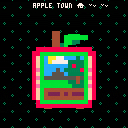
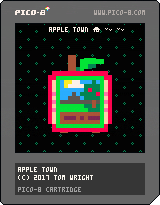
A small apple farming sim.
Tab turns on the TV. Once the TV is on, arrow keys move, X displays the inventory, and Z uses the current item.
Tools:
Magnifying Glass

|
[0x0] |
Examines the square you are facing. Brings up a full screen detailed view of whatever is in front of you. Useful for checking on your trees.
[b]Apple Basket
8 comments




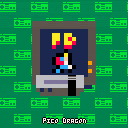
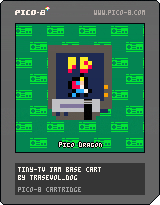
PICO DRAGON
You need a pizza, but all your enemies are between you and the italian restaurant.
Left SHIFT key to turn on the TV.
Press 'X' and start to experience a great adventure in Full HLR
High Low Resolution™: 10x11pixels, up to 16 colors
Keys: move->left, right
punch->X
4 comments

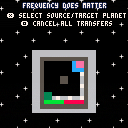
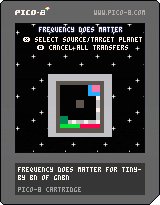
Hello General,
Since all the money has gone for the shiny new spaceships, you will have to control this war against aliens using an 8-bit computer with a screen of 10x11 pixels.
- green box: planet under human control
- red box: planet under alien control
- gray box: unoccupied planet
- blinking frequency of planets shows the number of units on planet. Very slow blinking means 1 unit, very fast vibration means 100 units.
- if you own a planet the number of units will increase automatically
- use X and arrows to select planet for attacking or moving units
- use O to cancel all unit transfers between planets.
You should be able to win, since aliens are not too good at strategy. Maybe they also use 8-bit computers to calculate next moves :)
Good luck!
3 comments