
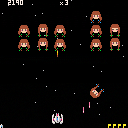
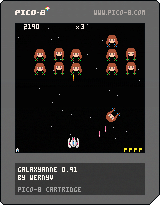
I rewrote overall because over limit for export PNG format.
-stage re-design
-tokens diet
-"lost" sign when escaped
-combo system renew
-stage flags


 5 comments




I'm a huge fan of the DooM franchise, so I decided to make the music from Episode 1 Mission 1 of The Ultimate Doom in the Pico-8 tracker (at Doom's gate) and episode 1 mission 8 (Sign of Evil).
I've also included 8x8 sprites of all of the enemies and a few of the decorations in the cart.
Happy listening!
2 comments



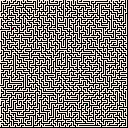
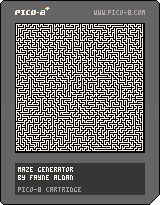
I seem to have gotten myself into a bad habit of programming Picross, Minesweeper, and maze generators when I get bored. lol
6 comments





Hey there! Over the past couple days I've been playing around with PICO-8's GPIO stuff and put together a simple Twitter client. There seemed to be a decent amount of interest in how I got this to work, so I thought I'd share a quick write-up to give others a potential starting point for using GPIO.
Check out P8T over on itch.io or grab the source on GitHub.
This is more of a proof-of-concept than an actual attempt at making a good Twitter client, but hopefully it's good enough for educational purposes!
GPIO
I only discovered PICO-8's GPIO support yesterday. As near as I can tell, the GPIO is meant to represent pins on physical hardware so that PICO-8 apps could use accelerometers, LEDs, etc. on a Raspberry PI or PocketCHIP. I don't know how far along the development is on the hardware side, but in v0.1.7 JavaScript support was added to GPIO in the web player, which essentially gives us 128 bytes of browser/cart shared memory! Using this memory is super easy too:
12 comments





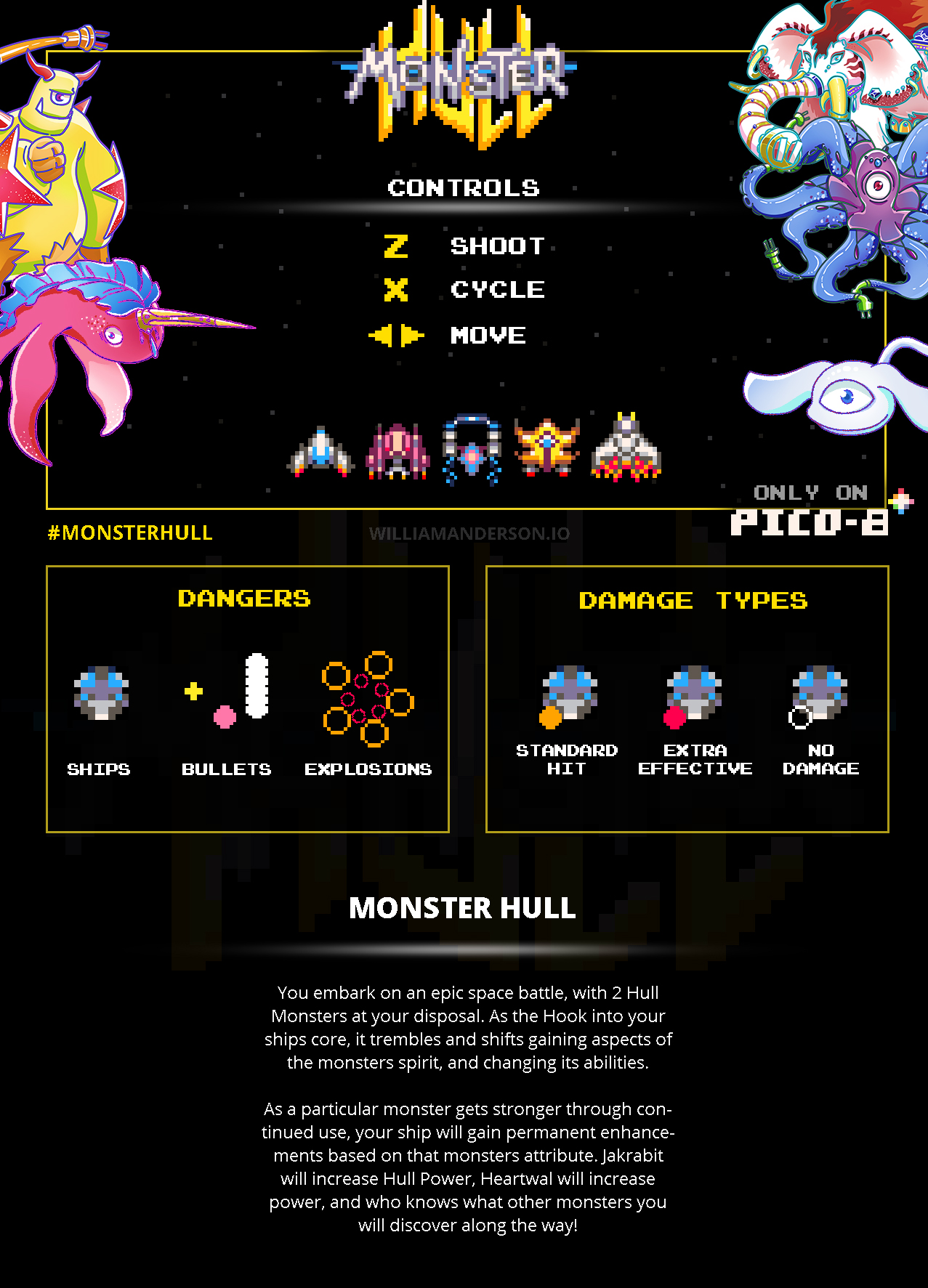
CONTROLS
+==================+
Z - shoot
X - change monster fusion
Left/Right - move
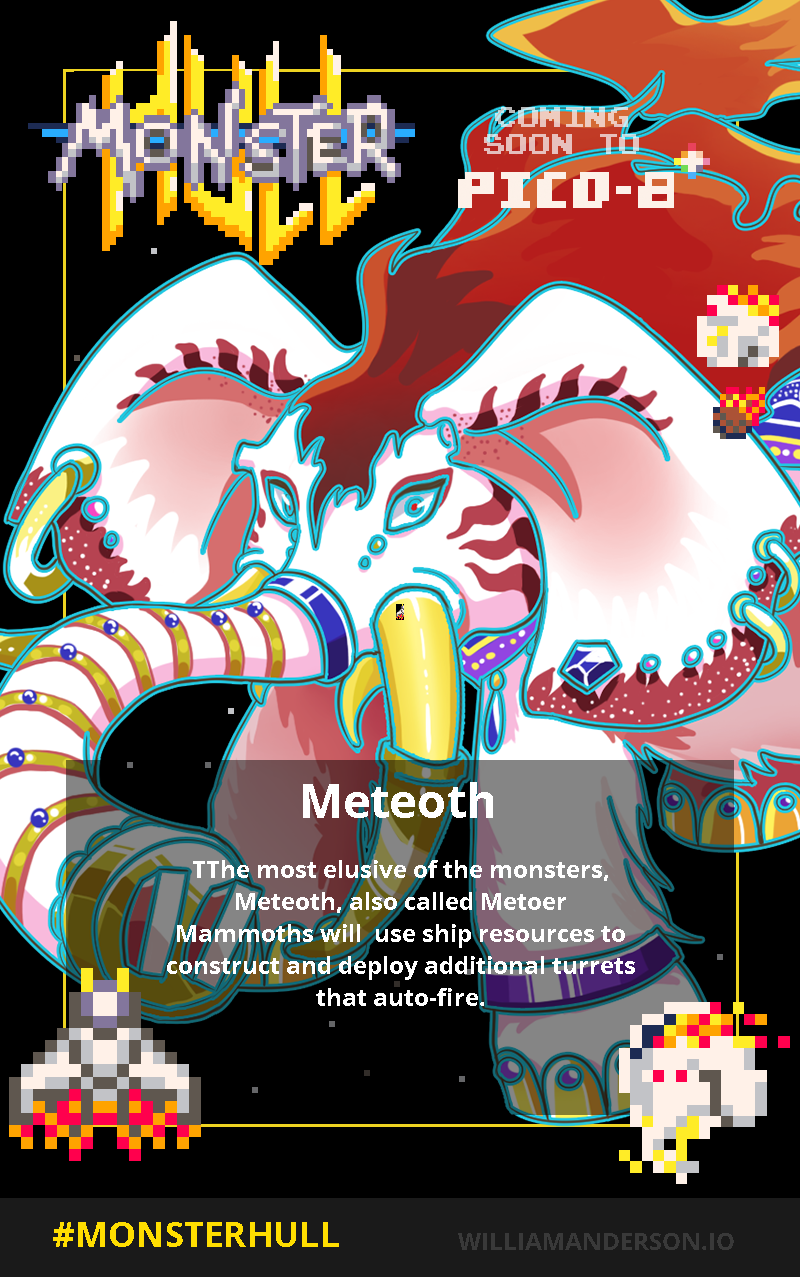
MONSTER HULL
+==================+
You embark on an epic space battle, with 2 Hull Monsters at your disposal. As the Hook into your ships core, it trembles and shifts gaining aspects of the monsters spirit, and changing its abilities.
As a particular monster gets stronger through continued use, your ship will gain permanent enhancements based on that monsters attribute. Jakrabit will increase Hull Power, Heartwal will increase power, and who knows what other monsters you will discover along the way!
PROMO CARDS
+==================+
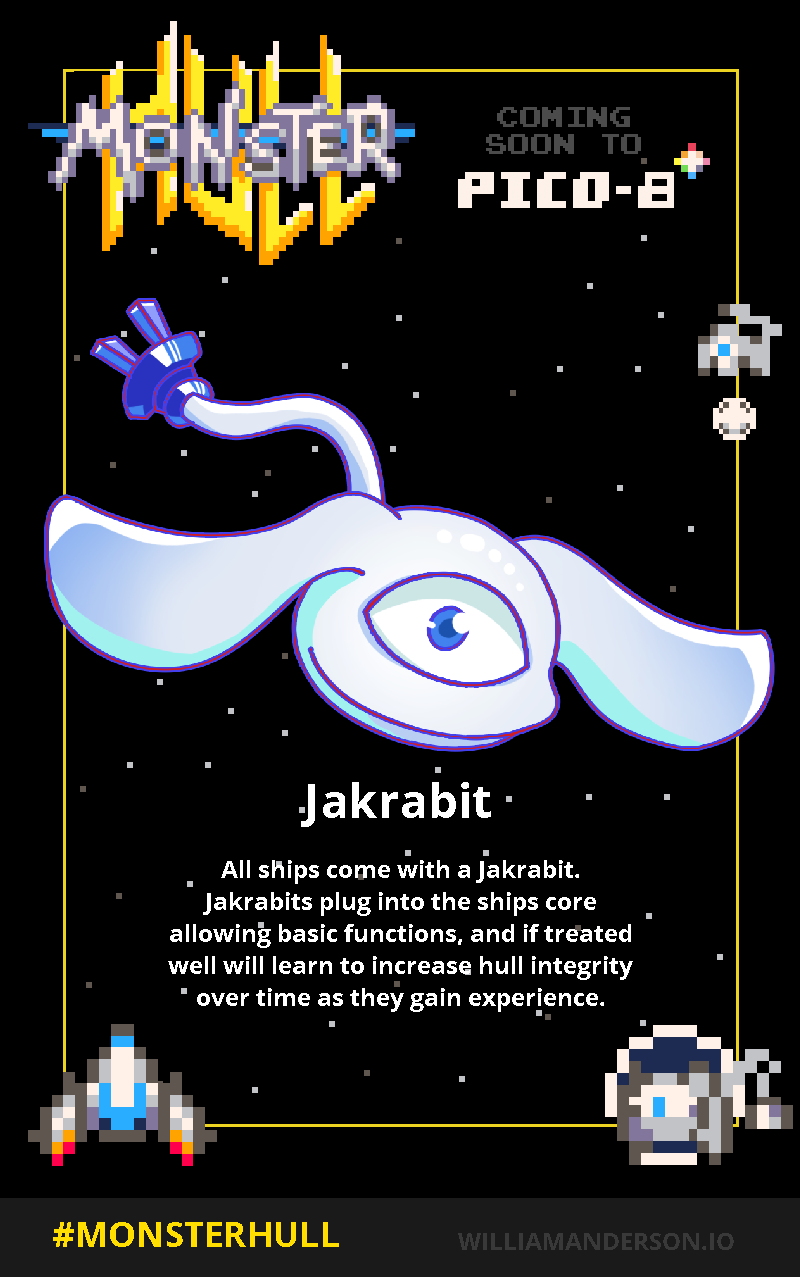
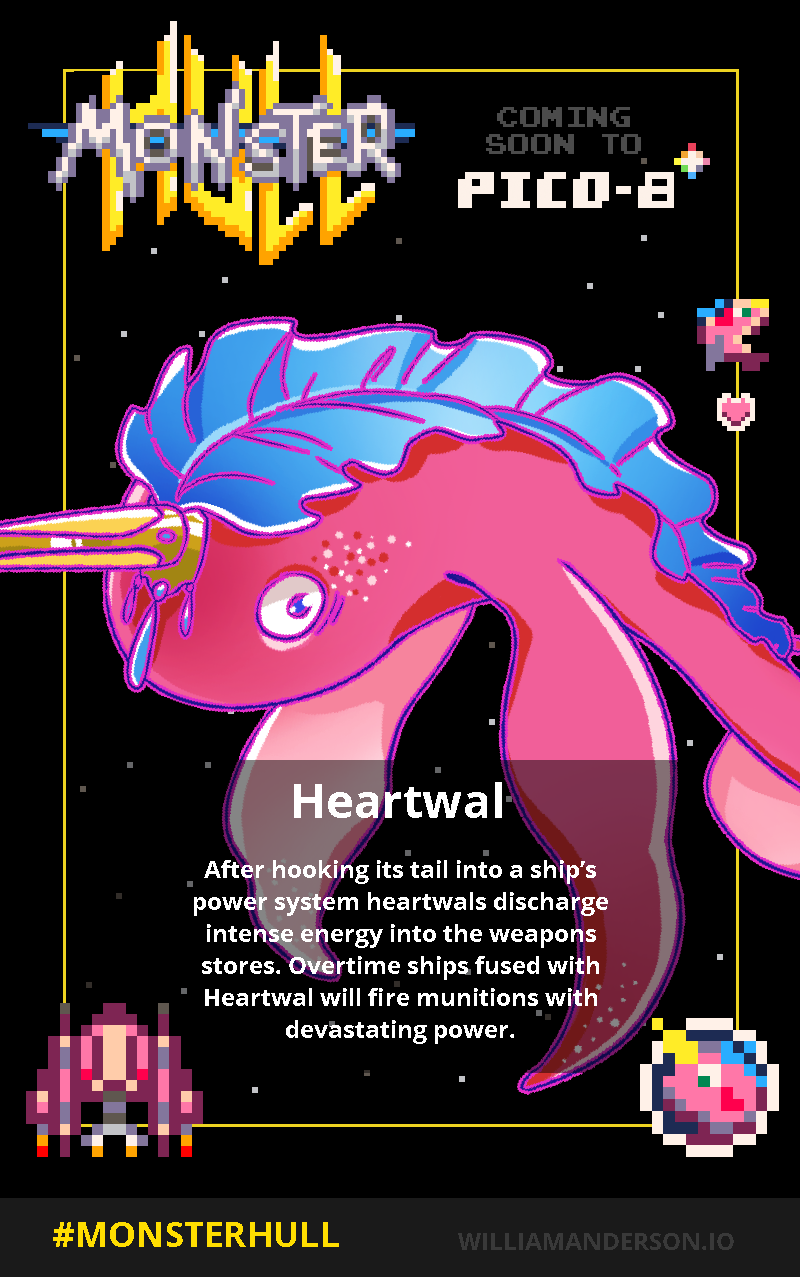
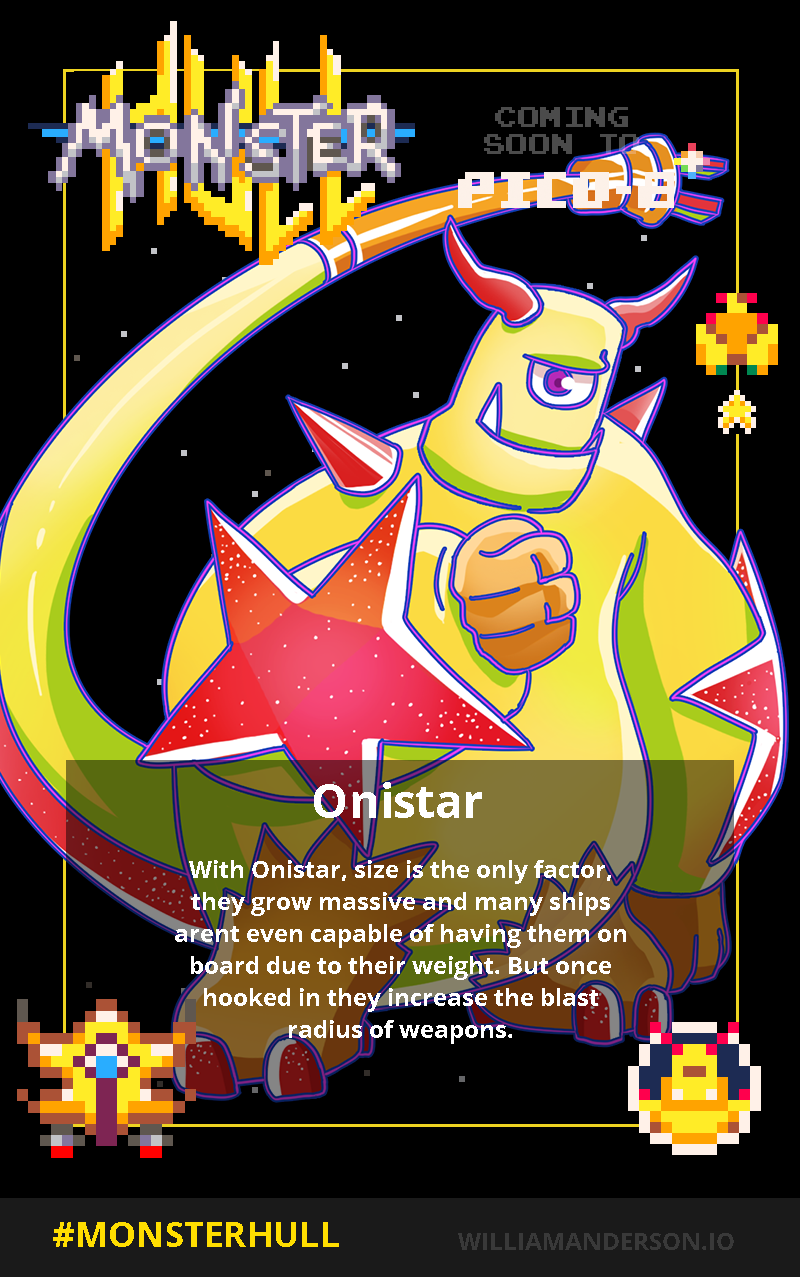
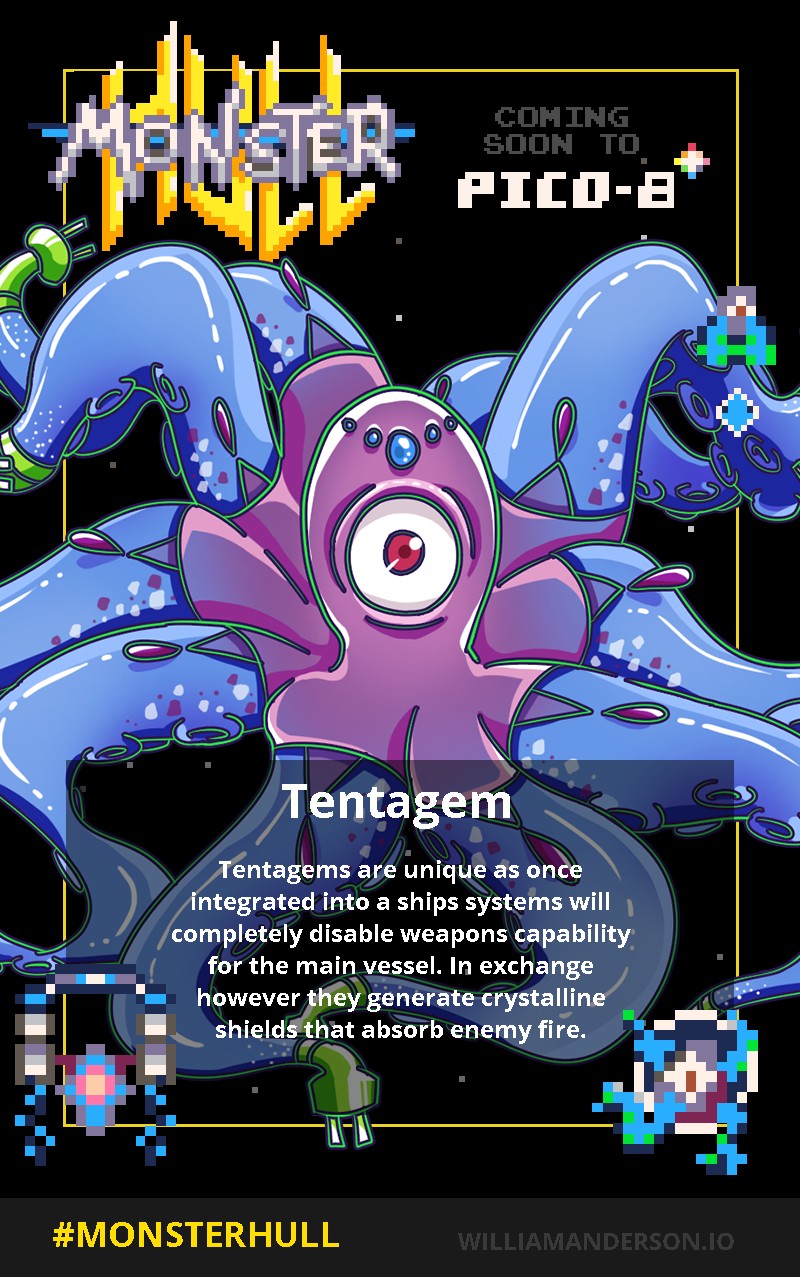
21 comments





A PICO-8 social game that revolves around the two things PICO-8 lovers love to do:
-Making PICO games
-Playing PICO games (ala "Splore"?)
Now, granted... there should be a fun game within this itself, too. So, you're a Pico in some PicoSpace that you can deck out (a general Pico theme, maybe a Migli/Celeste/Classic Arcade/couple other themed sets of assets?), maybe a set of background tracks you can buy as singles and swap to in your pad - which will become the default BGM there... or on the go, with headphones (to overwrite the in-game track with the one of your choice)... and the two meaty parts of the game: going to the "Splorecade" to run an arcade-simulator version of Splore, and the Game Store, which lets you "buy" (IE: download) P8.PNG carts to run on your home Pico-88 system, or later your portable PicoBabe system!
Now, how do we make this social? How do we make feedback to each other with this, and/or share our PicoSpaces with each other? I know we can save a few simple strings like "what we're working on," "a game we played recently and really like" - or maybe we can just check our hearts/stars database here through the internet to get that data on the fly! Or what kinds of things we're have trouble with, so we can get/give development advice to one another. Also, there should be some way to play in each other's PicoSpace too, so we can leave each other notes and so forth.
Talk with me here. What do you think we could pull off, like this?
"Feature Creep Talk:"
I'd like to pull off customizable fighting~platforming movesets and powerups; so internal minigame segments can be like little competitive platformer games, fighting games, simplified beat'em ups (think GaiAttack from Retro Game Crunch), and side-scrolling shmups. Some kind of in-game puzzle or pinball game may be cool too (especially because the pinball elements can coincide with platforming somewhat), but that might be getting into "too crazy" boundaries, given "tokens vs. scope" and all.
"GaiAttack" here:
[youtube]a2dlB2EAgNQ
2 comments




Hi
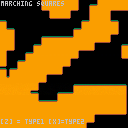
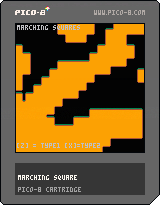
here is my next cartridge which is combination of my previous Cellular automata class and Marching squares technique for generate procedural platform or top-down levels.
Control:
[z] tileset type #1
[x] tileset type #2
[arrows] scroll map
Note: source code is't optimized for tokens for now
AndyGFX
2 comments


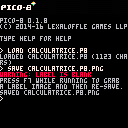
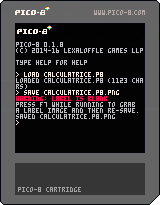
I'm make calculatrice because i think that can be interesting with the pocket chip and i have never make calculatrice actually.
the first problematic i think that is max number is 37272.
it's my first pragram in lua.
do you have any recommandation for me?
thank's

 5 comments





I recently fell in love with PICO-8 and made a few old school demoscene type effects as a cleanser from my main project. Nothing better than banging out a simple 400 loc program that I won't need to support for years :D Anywho, here's some gifs of the madness i've been making in PICO-8:
Dot Tunnel:

Interference Circles: The Eye

Quad Interference Circles: The 88

3D Model / Triangle Rasterization with/without wireframe:


I'm going to try to do some write-ups on techniques / code once I get a bit of free time to clean up the code and document it. Ping me if you have any questions / comments. <3 PICO-8!
8 comments






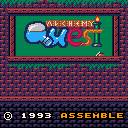
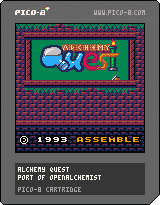
Alchemy Quest is a WIP port of the puzzle game OpenAlchemist, which was developed by Guillaume Delhumeau and Antoine Morineau.
The objective of the game is to combine three pieces of the same type together, which merges them into a different piece. As more pieces are unlocked, the falling pieces become more varied and the game becomes more difficult. The pieces don't drop automatically, which means the player can take their time before deciding where to drop and how to rotate the piece.
CONTROLS:
left/right - move piece
down - drop piece
◯ (Z) - rotate counterclockwise
1 comment


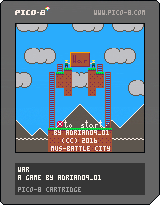
OVERVIEW:
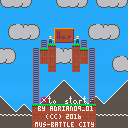
War is a game inspired by Lode Runner and Battle City (especially the Star Wars hack of it). Run through the battlefield, don't get shot and shoot other enemies. Each hit nets you 50 points, every 10000 points you get an extra life. Try to complete all 8 levels and get a surprise - the peace...?! Music from Battle City.
CONTROLS:
D-Pad / Arrows - move your soldier
(O) / X - shoot bullets, end the game on Game Over
(X) / Z - continue on Game Over, start the game
RULES:
Killl 20 enemies to proceed to the next level.
Enemy's life is displayed above the enemy's head.
Each enemy hit count as 50 points.
Every 10000 points net you a life.
Complete 8 levels to get a surprise ending.
SUPPORT ON ITCH.IO
Yeah, do it!
0 comments

Not sure exactly how to phrase this intelligently so...
How do I use the GPIO ports to send and receive data in the web player?
I managed to get a cart together that will send out a score to an endpoint so I can do stuff with it, which is awesome. I used this P8 snippet and it works great.
But I don't really understand what's happening or why...in both the JS and the Pico-8 code. I see a bunch of poke() commands and 256 math stuff but just don't know what they're doing. The P8 manual is pretty light on the GPIO stuff so I'm not sure where else to turn.
I saw someone on Twitter with a demo of a web player cart reading tweets, and that got me thinking about other things I could do with P8 carts if I had the ability to pull down data.
I'm not really looking to make a 2-player network game or anything...just wanting to pass data back and fourth.
2 comments


I translated the pico-8.txt into Portuguese so my niece could read it. I hope it is also useful for the community.
https://github.com/humbertoraposa/pico8/blob/master/pico-8_pt-br.txt
1 comment


if state==0 then
if btn(5) then state=1 end
elseif state==1
...
end
^ This gives me a syntax error for an unknown reason... It says: syntax error line 11: if btn(5) then state=1 end 'then' expected near 'if'.
What is that all about?
6 comments


I decided to create a user defined language for pico8 in Notepad++.
I used the same color scheme as pico-8.
For those who don't know what this is, it changes the colors of text in Notepad++ depending on if the text is a command, a string, an operator (+ - = * /), or other keyword. Basically it makes Notepad++ look the same as typing inside of pico-8.
..Get Notepad++..
https://notepad-plus-plus.org/
..Download..
NP++ pico-8 user defined language xml
(Or you can copy and paste the Hidden Text into a text editor and use the file extension .xml.)
11 comments