




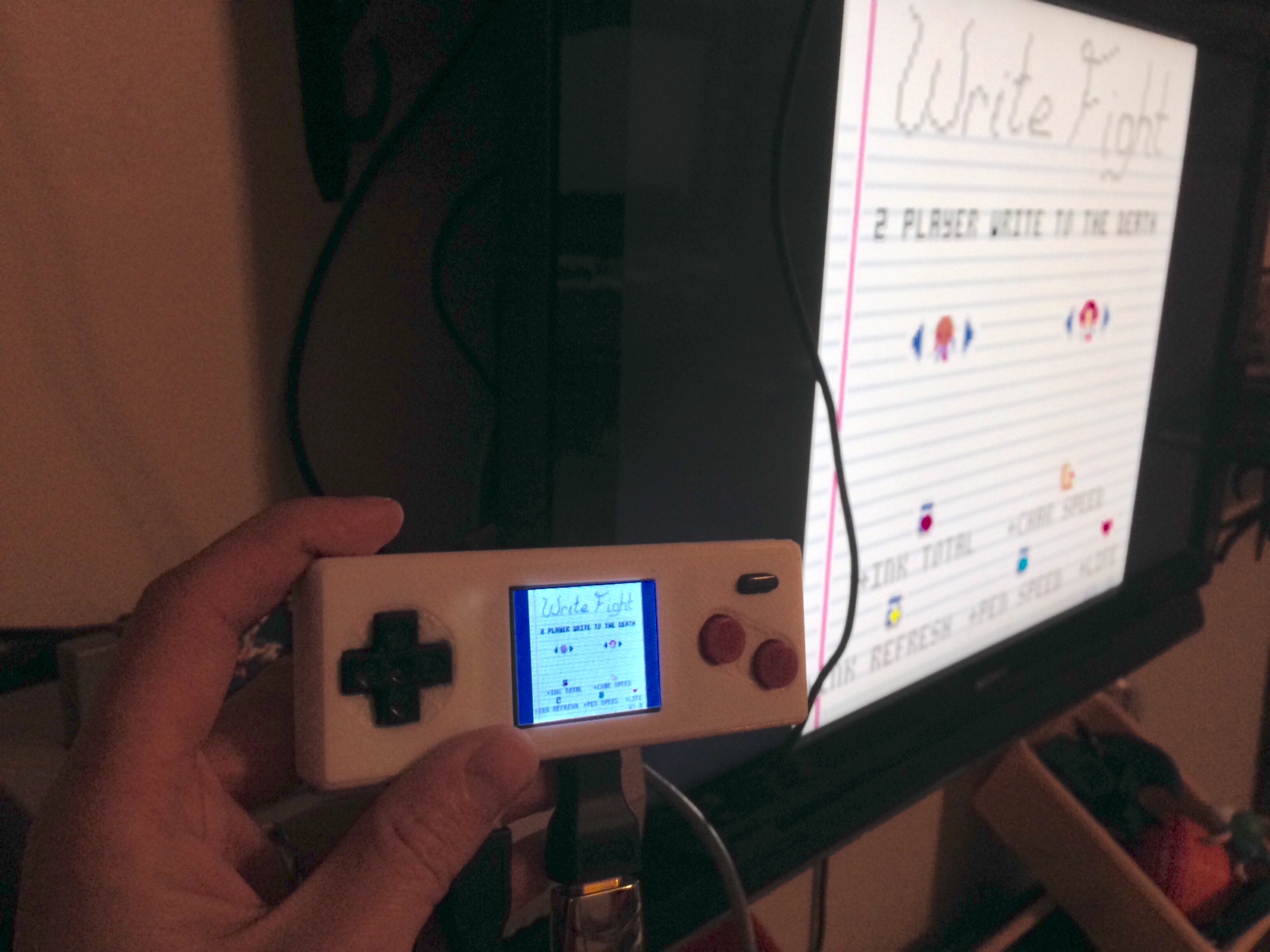
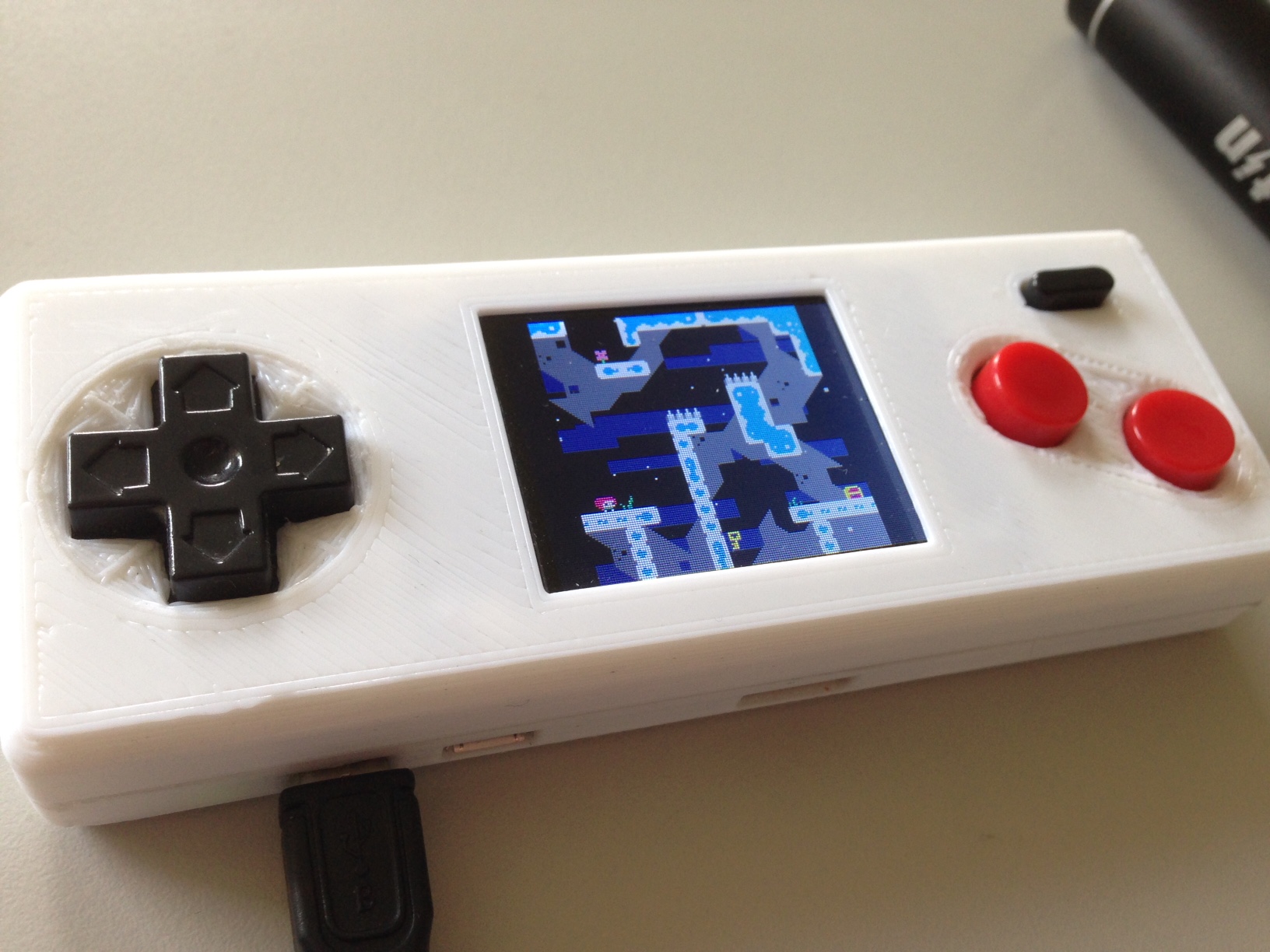
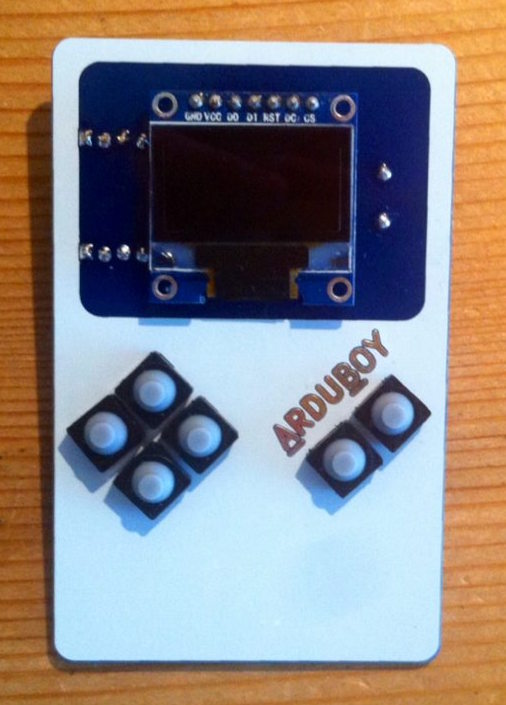
I've been working on a handheld for playing PICO-8. It uses a Raspberry Pi Zero, and an Adafruit 1.8" screen for displaying. The screen size is 160x128, so PICO-8 fits perfectly (alright, centered). The buttons and button PCB are robbed from a USB NES controller I had. The case is 3D printed to fit the parts (very tightly). Total size of the unit is 120x45x20mm.
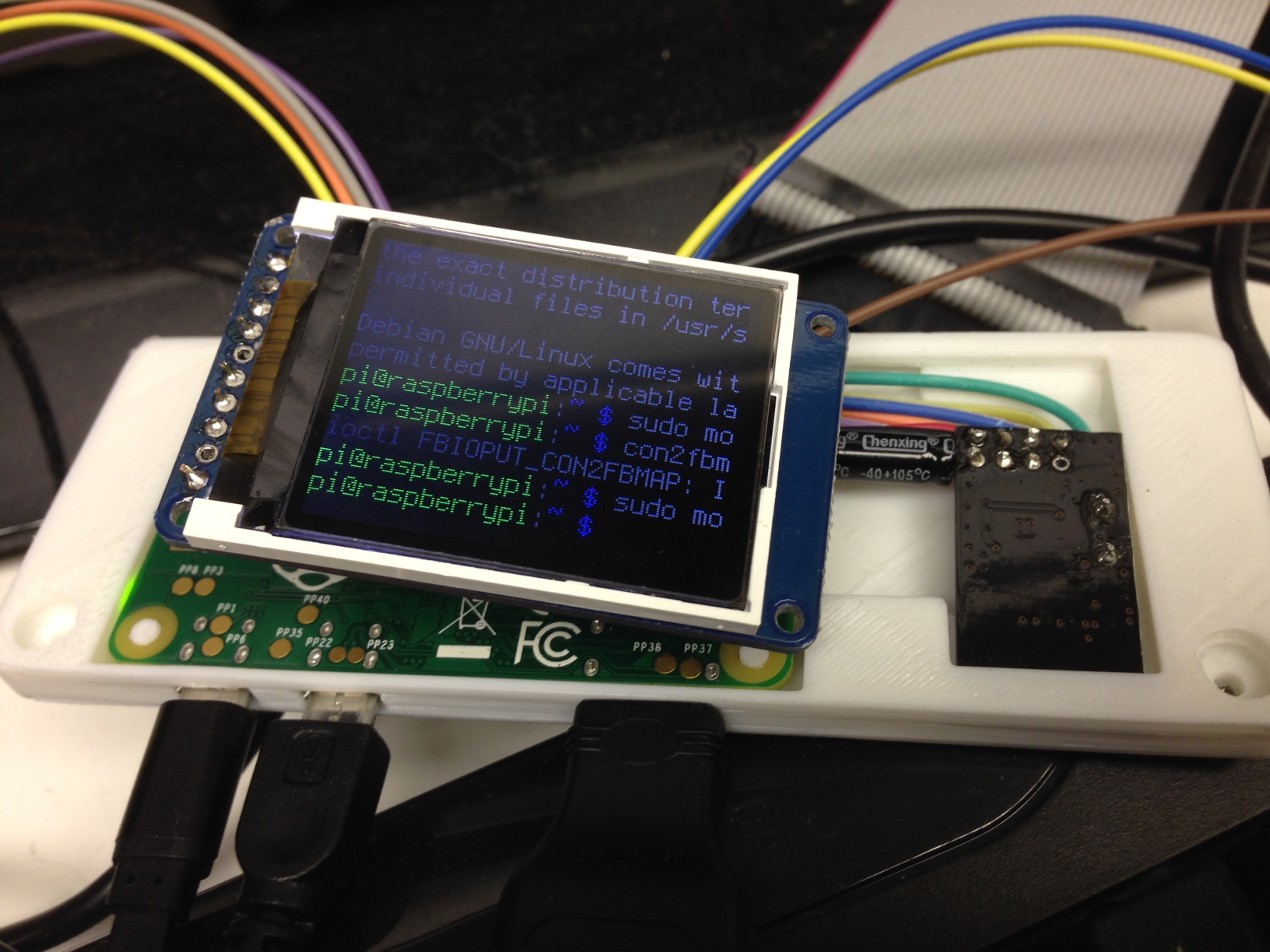
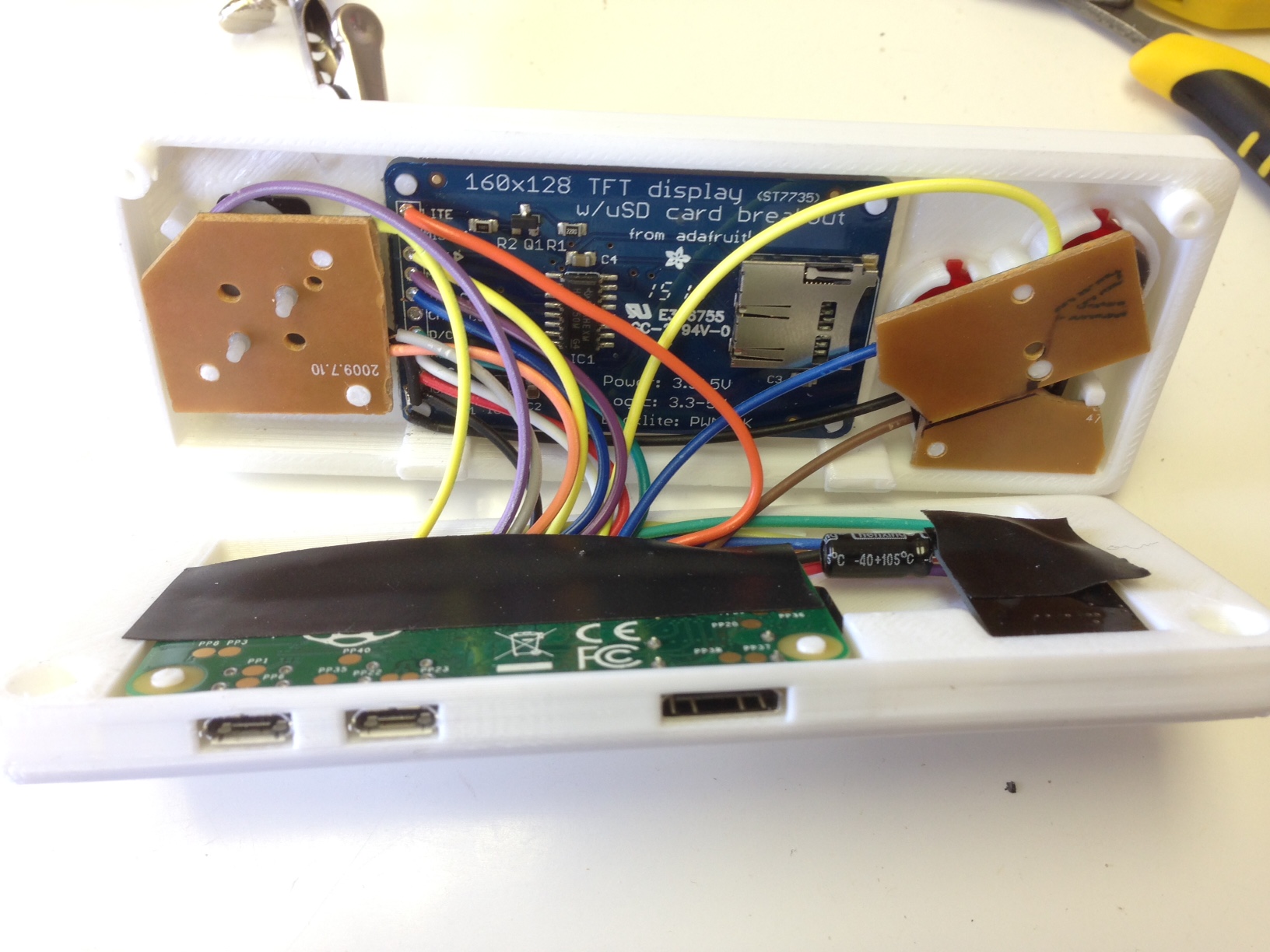
The screen mirrors the output of the HDMI, so you can play with either the TV or built in screen. Currently, it has no internal battery, but I'd like to find a good lipo battery to add. In the meantime, I just connect a USB power stick.


 20 comments








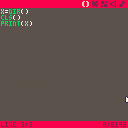
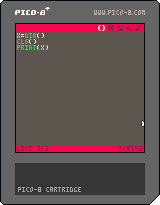
Zep, I think I have found a bug but I don't know whether you would agree.
First, here's what happens when I type the "dir" in the console:
> dir
directory: /test/
dirtest.p8
dirtest.p8.png
Which is what I expected, only this cart is saved. Here's the code entered into the editor to reproduce this bug:
x=dir()
cls()
print(x)
and the result is it prints (on a clear screen) the following:
nil
dirtest.p8
dirtest.p8.png
I suppose the value of x is nil because dir() doesn't return anything. And I suppose the dir contents are printed after because the threading model is weird.
2 comments

So after completing the (very helpful) Squash/Pong tutorial in the first pico-8 zine, I decided to go about setting up a class-based object-oriented framework for implementing the same game - one where relevant data is contained within an object, and the object has callable methods that let the object act on its own data rather than other members reaching in and changing values. The _update() and _draw() functions in turn just call _update() and _draw() methods contained inside game objects.
Here's what I came up with: http://hastebin.com/agasogijet.lua
The code at the top is mine, and the section at the bottom contains the original code (more or less, I made a couple of changes).
It's good if you follow the tutorial from the zine (https://sectordub.itch.io/pico-8-fanzine-1), but if you don't, you should be able to paste the code into the pico-8 editor and run it. The health meter sprites won't show up, and you won't get any sound, but everything else will work.
10 comments





I posted this PICO-8 theme + syntax coloring file for Sublime Text 2 if anybody wants! The syntax highlighting supports PICO-8 Lua code including the PICO-8 library functions. The color scheme uses the PICO-8 palette, and gets pretty close to the look of the editor.
Finally, for an extra touch, I included a settings file to use an unofficial TTF Font by RhythmLynx, reduce the font size, disable anti-aliasing, increase line padding, and force indentation to be a single space like in native PICO-8. (Uses a font size of 7.5, but a font size of 3.5 seems to be a 1x scale font, for those who want extremely hi-res views of their code)

You can get it here!
5 comments











As I've already discussed with some people on Slack, we are making a portable console prototype which will support PICO-8 games:
https://hackaday.io/project/10207-gamegirl-the-retro-console-done-right
I'm doing this with the developer of Lakka and he is currently adapting the picolove implementation to run on this console. As we use RetroArch under the hood, that means this PICO-8 loader could potentially be available on a lot of hardware (Raspberry Pi, ODROID, Android, etc.)
As our screen is 320x240 we think of giving the user the option of running PICO-8 games at either 128x128 or 256x240 with neighbor interpolation.
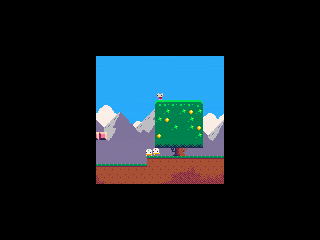
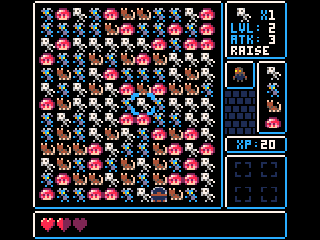
What do you think?
8 comments




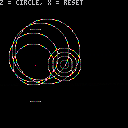
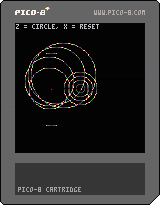

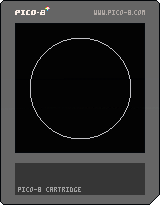

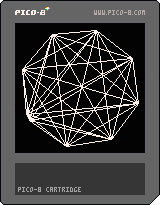
A quick idea I had for a background effect. Honestly it's taking me longer to post this than it did to write, but maybe someone will get some use out of it. =)
Also apparently "K5" is too short for a title on this forum, and fails posting. Fun times.
3 comments


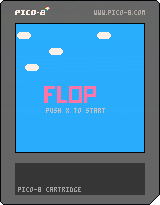






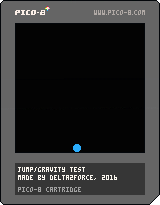
This is an Test.
Controls:
Arrow LEFT/RIGHT : Move
Arrow UP : Jump
Jump again in air : Double-Jump
1 comment

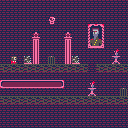
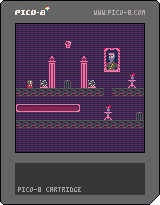



Are you a PICO-8 tinkerer, but haven't been able to see a game to completion? Are your pixel art skills strong, but your code could use help, or vise versa? Do you just simply prefer to work as a team instead of solo?
Come join Picocity, a Slack team oriented towards working together to create finished works for PICO-8.
While I will proudly say there is no better resource for sharing carts and tips than these official forums, what I was really missing was an environment to motivate me to create finished experiences, not just tech demos or code snippets. Picocity came to be with the hopes that aspiring builders can help hold each other up and see carts through to completion.
Create an account and join us at picocity.slack.com
(Please note, this is not in competition or poaching from Neko250's team, you can, and should, participate in both! Picocity started on Twitter, and I only recently realized I probably should mention it here on the forums also.)
4 comments


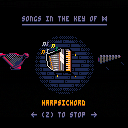
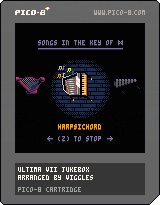
A demake of MT-32 music tracks from Ultima VII, half-assedly arranged for pico8's 4-channel synth. This started out as a way to practice transcribing music by ear, but in the end I cheated and used the original MIDIs as a reference.
It currently includes only the diegetic music from the game, i.e. music that plays from instruments in the game world. I may try to squeeze in one of the longer themes from the game as well, though the cart is kinda tight for sfx space.
9 comments






Sometimes, we want to be able to play animations in reverse. This is the advanced animation function with a reverse option. In this case, the foliage grows, stays for 5 seconds before shrinking away (playing the "grow" animation in reverse), disappears for 10 seconds, then repeats.
0 comments
Hey all,
I'd like to add some (semi-) realistic drum sounds to a game I'm working on, but I'm not very good with the sound editor. Anyone have any suggestions on a sound that approximates a snare hit, a hi-hat closing, and a hi-hat hit? Thanks!
4 comments

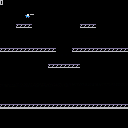
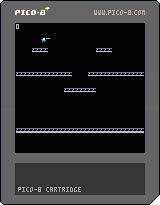
Experimenting with a simple platform game character controller.
TODO:
- fine-grained collision detection
- more map tiles
- fore/background tiles
- shooting animation
- multiple shots
- sound
- double jump
- crouch
- wall jump
0 comments

Hi All,
Has anyone built up inverse-sine and inverse-cosine functions?
Right now, we have cos(x), sin(x), and atan2(dx,dy). If all else fails, I can create a table function to look these up, but figured I'd ask around to avoid duplicating the work.
-Electric Gryphon
1 comment










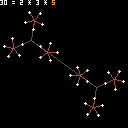
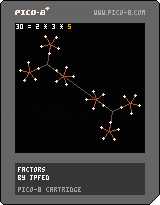
Added coloring to show correspondence between currently-selected factor and its visual representation.
Controls:
Left/Right : select a different number
Up/Down : increase/decrease selected number
Z/X : make factorization canonical (sort in ascending order, no 1s)
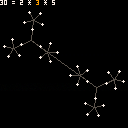
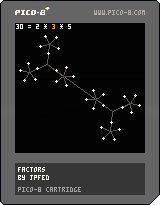
In the original version of this, you could only change the product (and the factors would be calculated from that). In this version, you can change the product, but you can also arrow over to the factors and change them, too, which hopefully helps the user see relationships between numbers.
1 comment


