







Are you a PICO-8 tinkerer, but haven't been able to see a game to completion? Are your pixel art skills strong, but your code could use help, or vise versa? Do you just simply prefer to work as a team instead of solo?
Come join Picocity, a Slack team oriented towards working together to create finished works for PICO-8.
While I will proudly say there is no better resource for sharing carts and tips than these official forums, what I was really missing was an environment to motivate me to create finished experiences, not just tech demos or code snippets. Picocity came to be with the hopes that aspiring builders can help hold each other up and see carts through to completion.
Create an account and join us at picocity.slack.com
(Please note, this is not in competition or poaching from Neko250's team, you can, and should, participate in both! Picocity started on Twitter, and I only recently realized I probably should mention it here on the forums also.)


 4 comments




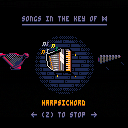
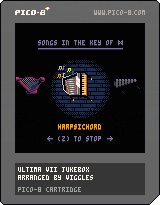
A demake of MT-32 music tracks from Ultima VII, half-assedly arranged for pico8's 4-channel synth. This started out as a way to practice transcribing music by ear, but in the end I cheated and used the original MIDIs as a reference.
It currently includes only the diegetic music from the game, i.e. music that plays from instruments in the game world. I may try to squeeze in one of the longer themes from the game as well, though the cart is kinda tight for sfx space.
9 comments









Sometimes, we want to be able to play animations in reverse. This is the advanced animation function with a reverse option. In this case, the foliage grows, stays for 5 seconds before shrinking away (playing the "grow" animation in reverse), disappears for 10 seconds, then repeats.
0 comments

Hey all,
I'd like to add some (semi-) realistic drum sounds to a game I'm working on, but I'm not very good with the sound editor. Anyone have any suggestions on a sound that approximates a snare hit, a hi-hat closing, and a hi-hat hit? Thanks!
4 comments


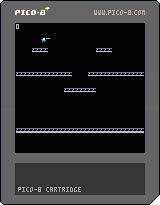
Experimenting with a simple platform game character controller.
TODO:
- fine-grained collision detection
- more map tiles
- fore/background tiles
- shooting animation
- multiple shots
- sound
- double jump
- crouch
- wall jump
0 comments

Hi All,
Has anyone built up inverse-sine and inverse-cosine functions?
Right now, we have cos(x), sin(x), and atan2(dx,dy). If all else fails, I can create a table function to look these up, but figured I'd ask around to avoid duplicating the work.
-Electric Gryphon
1 comment



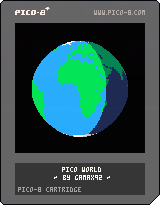







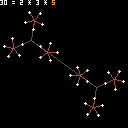
Added coloring to show correspondence between currently-selected factor and its visual representation.
Controls:
Left/Right : select a different number
Up/Down : increase/decrease selected number
Z/X : make factorization canonical (sort in ascending order, no 1s)
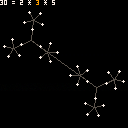
In the original version of this, you could only change the product (and the factors would be calculated from that). In this version, you can change the product, but you can also arrow over to the factors and change them, too, which hopefully helps the user see relationships between numbers.
1 comment

In the last post, we looked at some basic animation, collision and AI examples. In this one, we're going to take it a few steps further and improve upon these functions.
During the development of my game (tentatively titled "Castle of Thunder", which is a port of INTV's Thunder Castle), I realized that I was going to need some more advanced functionality, because the first enemy is a total of 4 sprites when walking horizontally, and 2 sprites when working vertically. Since we had all of our animation stepping, animation speed, frame numbers, etc stored as properties of our actor in our simple animation demo, it works great for 8x8 actors, but not as well when that actor is comprised of several sprites.
Further, I found that I needed to be able to specify x and y offsets for actors with multiple sprites, so that subsequent sprites can have custom positioning and aren't drawn on top of the first. I [i]also
2 comments

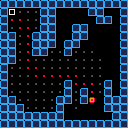
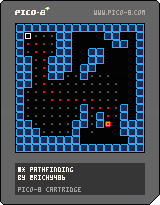
A* pathfinding example made for the pico-8 fan zine!
(just an example, modify the code to move the points)
12 comments







By @AshleyPringle
Just an update with what I worked on tonight :)
Worked on the argue menu. You can't actually choose an argument to make yet, but the menu at least shows something. Also made it so it says how many cash you got when you die.
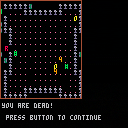
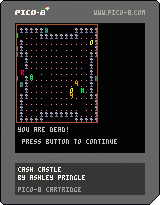
This is a bit broken and unfinished. Made it for 7 Day Roguelike but I screwed up and thought the final day was today when it was actually 2 days ago... :(
2 comments
Hi there,
anyone having an idea how to read fixed point numbers with peek? I managed to get the integer part read and I think I understand as well how the decimal part is designed, but as the decimal part uses the unsigned range of 16 bits, I don't get it read correctly. Currently I have:
function rnum() local dlo=peekb() local dhi=peekb() local ilo=peekb() local ihi=peekb() local nu=bor(bor(shl(ihi,8),ilo),shr(bor(shl(dhi,8),dlo),16)) return nu end |
Where peekb simply reads a byte from memory with peek and increments a pointer b.
local ilo=peekb() local ihi=peekb() |
These bring me the integer part nicely, but I'm having no success in getting the decimals right. Any help or hint is very appreciated :)
3 comments


Hey all, I have some music and sound effects in mp3 format (they are already 4-track chip tunes) that I need recreated in Pico-8! They don't have to be 100% true to the original, but I'd prefer if they were as close as possible. I've got a game that's deep into development and should be completed within the next week or two, and would love to put your name in the credits! There are about 18 mp3s in total, most of them are just small sound effects, and 6 or 7 of them are short pieces of music.
If you're interested, just reply here and I'll send you a link to the mp3 files. Thanks!
15 comments


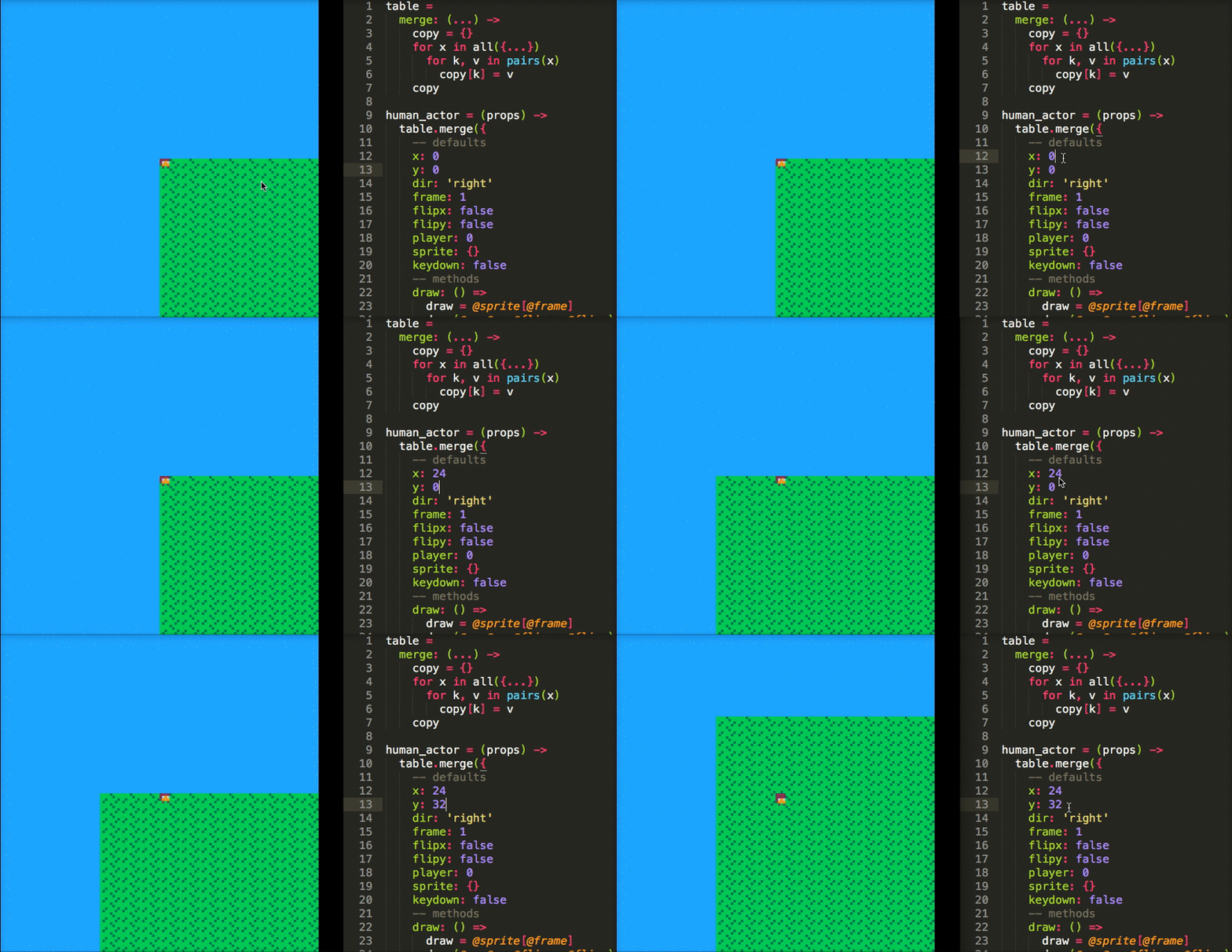
I just came across moonscript the other day. It's a sort of coffeescript-esque language that compiles to Lua. It has a lot of nifty features -- including arrow functions, which is what sold me.
So I wrote a tool that allows you to watch a .moon file and pipe it into the lua part of a .p8 cartridge. It's not thoroughly test and probably only works on OS X, but I've been personally enjoying writing moonscript in Sublime Text 3 and watching PICO-8 automatically reload on save :)
I'll drop the link here in case anyone finds it useful or intriguing: PICOMOON
Cheers!
 17 comments

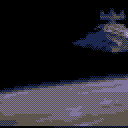
Manged to get 16 frames of full motion (if chunky) video compressed into here before running into the limits of the compressed cart size. Frames are stored as run-length encoded images, with only the difference between frames being noted/redrawn.
I used a custom python script and some elbow grease (file renaming and bulk resizing) to get the images converted into the string format.
-Electric Gryphon
9 comments





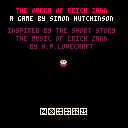
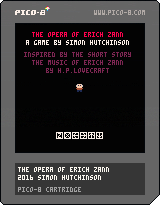
A mini-horror game inspired by H.P. Lovecraft's short story, "The Music of Erich Zann."
Contains pixelated blood and carnage.
Version 1.1 fixes issue with restart.
4 comments



Allow me to preface this by saying that I'm new to Pico-8 and Lua, but have already fallen in love with it. I've already begun following the community on the BBS, subreddit, and Twitter, and I see a lot of questions about how to perform specific tasks that are necessary for almost every game. Anyone who has ever used a game engine previously may have had a lot of the basic things such as controls, animation, collision detection, or even AI handled for them, so they may not know how to roll their own code for such things.
I'm currently working on my first Pico-8 game, and have decided to document the process, and how I personally overcome various problems. Do know that my way is definitely not the only way - there may be solutions that work better, perform better, have smaller token counts, or are more elegant in general. These are just the solutions that I came up with. There isn't really any 'right' or 'wrong' per se, as long as it gets the job done, with the exception of 'lower token count = better' due to the limitations of the system. So, I'm going to try to solve these problems in the smallest possible token count that I can come up with.
[b]Movement:
9 comments





I've seen some questions about how to do collision detection in Pico-8, so figured I'd make another bare-bones demo, this one demonstrating collision detection with map tiles and/or world bounds. The function itself is 24 lines and 125 tokens, and includes flags for turning collisions on or off on an object (such as the player). Here's the full function:
function cmap(o)
  local ct=false
  local cb=false

  -- if colliding with map tiles
  if(o.cm) then
    local x1=o.x/8
    local y1=o.y/8
    local x2=(o.x+7)/8
    local y2=(o.y+7)/8
    local a=fget(mget(x1,y1),0)
    local b=fget(mget(x1,y2),0)
    local c=fget(mget(x2,y2),0)
    local d=fget(mget(x2,y1),0)
    ct=a or b or c or d
   end
   -- if colliding world bounds
   if(o.cw) then
     cb=(o.x<0 or o.x+8>w or
	       o.y<0 or o.y+8>h)
   end

  return ct or cb
end
|
9 comments


