


I just came across moonscript the other day. It's a sort of coffeescript-esque language that compiles to Lua. It has a lot of nifty features -- including arrow functions, which is what sold me.
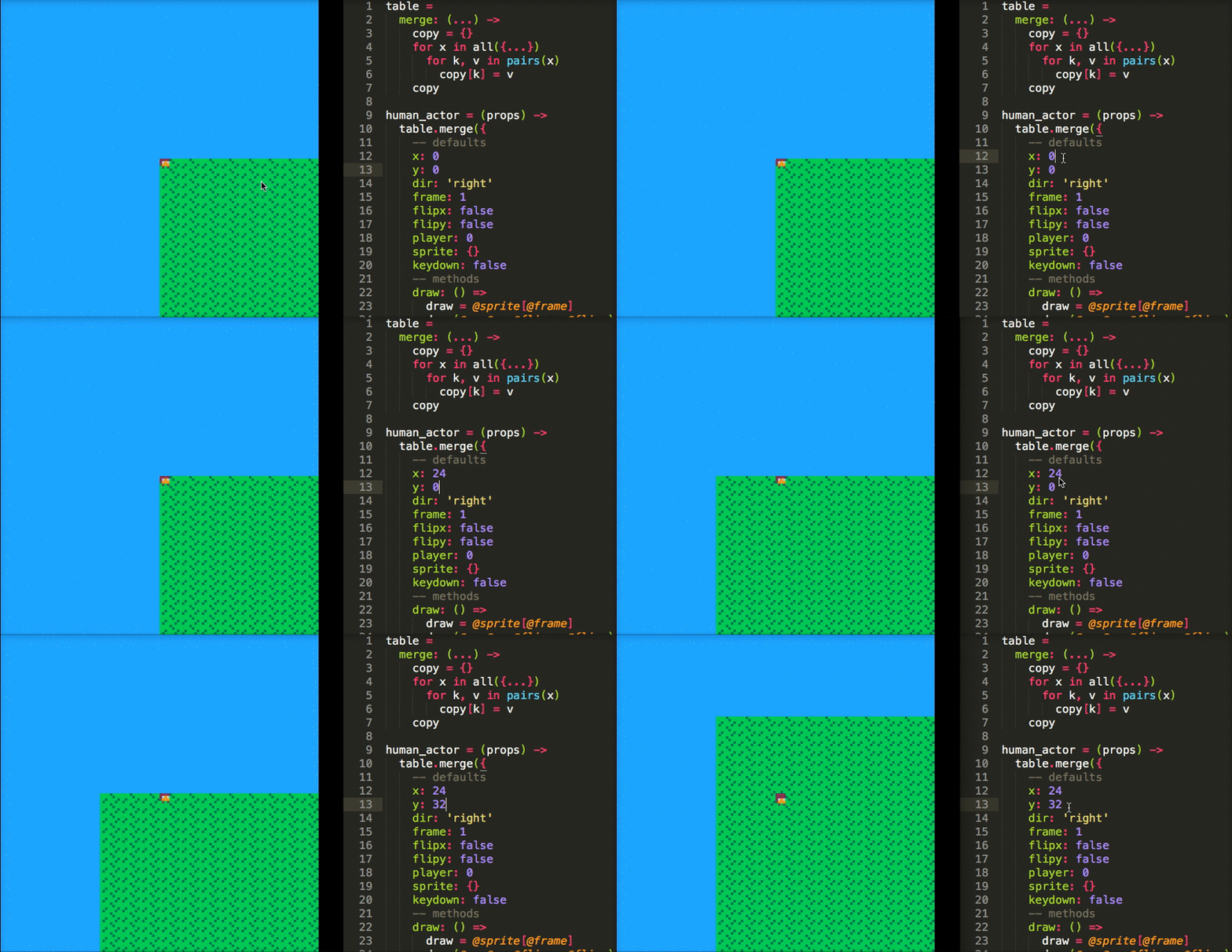
So I wrote a tool that allows you to watch a .moon file and pipe it into the lua part of a .p8 cartridge. It's not thoroughly test and probably only works on OS X, but I've been personally enjoying writing moonscript in Sublime Text 3 and watching PICO-8 automatically reload on save :)
I'll drop the link here in case anyone finds it useful or intriguing: PICOMOON
Cheers!


 17 comments






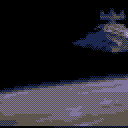
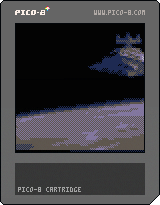
Manged to get 16 frames of full motion (if chunky) video compressed into here before running into the limits of the compressed cart size. Frames are stored as run-length encoded images, with only the difference between frames being noted/redrawn.
I used a custom python script and some elbow grease (file renaming and bulk resizing) to get the images converted into the string format.
-Electric Gryphon
9 comments










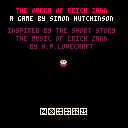
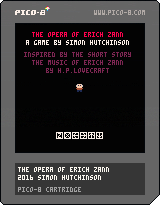
A mini-horror game inspired by H.P. Lovecraft's short story, "The Music of Erich Zann."
Contains pixelated blood and carnage.
Version 1.1 fixes issue with restart.
4 comments



Allow me to preface this by saying that I'm new to Pico-8 and Lua, but have already fallen in love with it. I've already begun following the community on the BBS, subreddit, and Twitter, and I see a lot of questions about how to perform specific tasks that are necessary for almost every game. Anyone who has ever used a game engine previously may have had a lot of the basic things such as controls, animation, collision detection, or even AI handled for them, so they may not know how to roll their own code for such things.
I'm currently working on my first Pico-8 game, and have decided to document the process, and how I personally overcome various problems. Do know that my way is definitely not the only way - there may be solutions that work better, perform better, have smaller token counts, or are more elegant in general. These are just the solutions that I came up with. There isn't really any 'right' or 'wrong' per se, as long as it gets the job done, with the exception of 'lower token count = better' due to the limitations of the system. So, I'm going to try to solve these problems in the smallest possible token count that I can come up with.
[b]Movement:
9 comments





I've seen some questions about how to do collision detection in Pico-8, so figured I'd make another bare-bones demo, this one demonstrating collision detection with map tiles and/or world bounds. The function itself is 24 lines and 125 tokens, and includes flags for turning collisions on or off on an object (such as the player). Here's the full function:
function cmap(o)
  local ct=false
  local cb=false

  -- if colliding with map tiles
  if(o.cm) then
    local x1=o.x/8
    local y1=o.y/8
    local x2=(o.x+7)/8
    local y2=(o.y+7)/8
    local a=fget(mget(x1,y1),0)
    local b=fget(mget(x1,y2),0)
    local c=fget(mget(x2,y2),0)
    local d=fget(mget(x2,y1),0)
    ct=a or b or c or d
   end
   -- if colliding world bounds
   if(o.cw) then
     cb=(o.x<0 or o.x+8>w or
	       o.y<0 or o.y+8>h)
   end

  return ct or cb
end
|
9 comments



This is a very simple animation function that anyone can use in their games. It's a bare-bones demo to keep everything as simple as possible. The function itself is only 14 lines and 74 tokens, and works like this:
anim(object, start frame, number of frames, speed (in frames per second), [flip])
In the demo, the object is the player, but it can be anything. Start frame is where the animation to be played begins (so in this case, moving left/right starts on frame 6, so we have anim(player,6,[..])). Number of frames is how many frames in that animation to play. We have 3, so anim(player,6,3,[..]). Speed is how fast the animation should play in frames per second (I have it set to 10 here). Lastly, [b]flip
3 comments




I was making a game and i don't understand how collision works thanks.
EDIT: I have read the collision demo and i was wondering if there is a less usage way to do that
I don't want to loose all my tokens.
2 comments

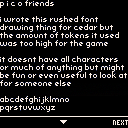
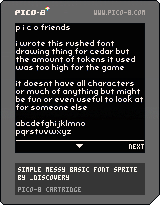
Press the up/down arrow keys
As the title states!
This isn't optimized at all, an exercise for the reader.
I drew the letters myself, as sprites, hence their existence in
the sprite sheet. Those are so you can swap either/or, and trade
sprites for code space and performance.
Have fun!
I threw the file on github as well
p.s The CC license isn't really applicable but I wasn't sure if NOT selecting it would imply you can't use it at all and now I can't edit that out it seems. The github repo has it as MIT license - you can do whatever you want with this!
2 comments

Does anybody know if the PICO-8 typeface is available as a regular font anywhere? I guess it‘s coded differently as a regular font in PICO-8 so someone would have to recreate it to use outside.
I want to create a game jam poster and of course it would look great to use the 5x3 characters for that, in print.
5 comments



Here's a recent interesting project which is completely unrelated to Pico-8.
http://superpowers-html5.com
It's an HTML5 game engine. More importantly, it's a free and open-source web-based development IDE. That is to say, instead of using Superpowers IDE to make Unity-like Superpowers games, you can add a plug-in to your Superpowers server to add additional project types, including (officially supported, in fact) LÖVE games and static webpages.
Superpowers is a real-time multi-user collaborative development environment unlike anything I've ever seen before, albeit still very much in its infancy. We should seriously consider adding Pico-8 cartridge support to it, as an alternative to using Pico-8's built-in IDE.
It would take a bit of effort, but with the result, you'd basically have the ability for any number of developers to simultaneously log onto a hosted Superpowers server, upload scripts and sprites, and download and run the resulting combined cartridge from the server in real time.
Superpowers is pretty much designed for small teams working together on game jam entries with strict time limits, getting all the work together immediately in real-time as individual files are changed and saved, without having to worry about committing and merging changesets like you would with Git or other collaboration methods.
... I don't know, just a passing thought. Probably wouldn't be worth it, considering how difficult it would be to manage Pico-8's arbitrary limits in a development environment meant to handle limitless modern PC games.
0 comments

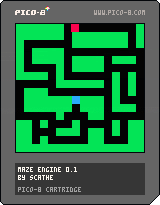
What is it?
It's not a game, but rather a framework for a specific genre of games ala Pac-Man and Burgertime. It's a complete skeleton framework with all of the basic functionality to create these types of games.
Features:
- A sample map with collision detection
- Outside of map bounds = collision; nothing can move out of bounds
- A player control system with automated assisted controls (it's difficult to line up exactly with a new corridor, so the controls will auto-correct to anticipate and compensate for this when a collision is detected)
- Enemy AI and movement in "oldschool" style; it does not use A* or other complex pathfinding algorithms, but instead evaluates the closest next direction to move in when it detects an intersection, which is what the oldschool games did.
2 comments


I've bought PICO-8 with the thought that it would be a neat way to learn coding and make small pixely games, but so far I can't get used to the language and workflow of Pico. I've tried deciphering other people's cartridges, but some things just make no sense. Is there anything I can do to learn Pico?
12 comments






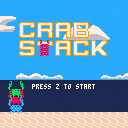
Hello! I made this short mini-game as an entry for Crab Zine, an art zine about crabs!
Check it out here: https://gum.co/QYpiZ/crablife
The mysterious crab billionaire, Pedals T. Crab, has offered to share some of his wealth with your crab gang. Press Z to jump. Catch the coins as they float past! Catch as many as you can!
Yellow Coins = 10 point, Red Coins = -50 point, Green Coins = 50 points
7 comments



Does this work? It says in the version history for 0.1.4 "fixed: multi-line comments", without any more information. If multi-line comments are supported, what's the syntax? Thanks.
9 comments




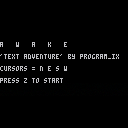
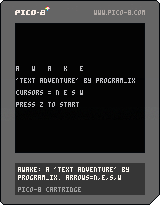
Like TRAIN, I started this game with the misguided idea that PICO-8 could do more things than it actually can. In this case, I was sure I'd read somewhere the console could allow text input if you did some weird mode thing. No idea where this idea came from.
In any case, I'd already written some of the room logic by the time I realised, so I figured a very basic exploration thing would be easier to play with just four directions and Z anyway.
Explore this weird building you're in, and try to find a way out. Arrows are North, East, South, West. Z is your action button although the only actions are starting or restarting the game.
Hope you enjoy! (Use this code and make your own adventure games!!!)
0 comments
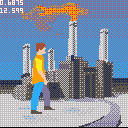
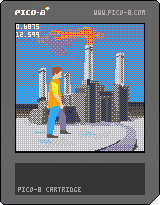
This is a first pass at trying to do something like Out of This World (or Another World depending on which side of the pond you land on).
Background is a static, shaded vector image that is rendered once at the beginning of the scene into a temporary buffer and then copied to the screen every frame.
The man is a moving vector animation that is rendered to the screen every frame.
Things aren't really structured for an actual game yet, but at least this shows that the concept could work.
11 comments






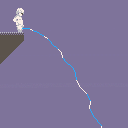
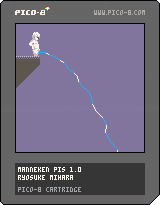
A Manneken Pis simulator.
Controls
- up/down : increase/decrease water pressure
- left/right : rotate aim
- z : hide/show HUD
15 comments



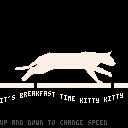
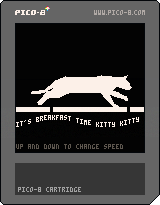
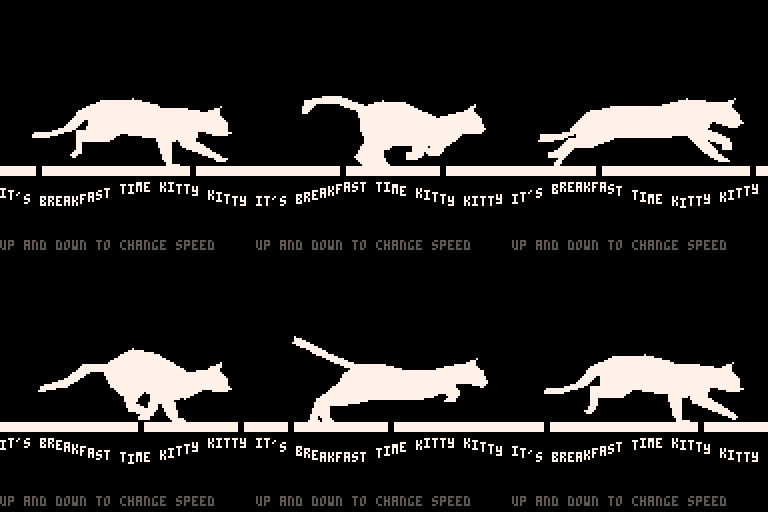
It's a filled polygon, smoothly tweened animation of a running cat. There's still a decent amount of space left for a program, or even more complex animation.
Thanks to Eadweard Muybridge for taking photos in the 1880's that are still useful today.
-Electric Gryphon
4 comments






I wanted to try this since a long time:
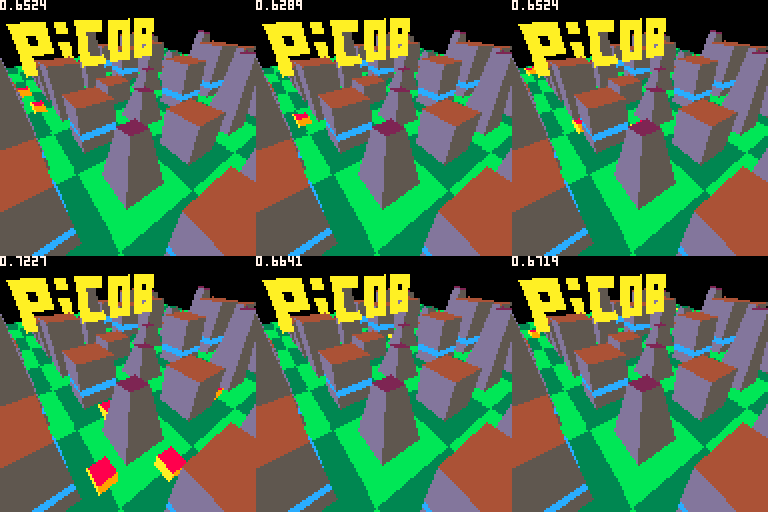
The scenery polygons are rendered as a list of line segment for every line of the screen. { { x, z, color }, { x, z, color }, ... }
No need to sort anything because polygons are inserted in every line raster with z test (making previous segments moved or deleted inside every lines)
it takes less than 0.3 of the frame to draw this frame rasterized buffer even if it is quite complex.
Then dynamic model polygons are drawn on the top of it with z test.
I'm quite happy with the result, now I need to try more complex models...
This is just a demo yet. (It still has annoying bugs)
 2 comments

