


Controls
WASD/Arrows to move
X Interact/Shoot
Z  Move faster (unlockable)
How to play
You wake up in the middle of a spooky town trying to find your way back home. Help the citizens of this weird town and they will open paths for you.
BUT BEWARE!
The streets are swarming with spirits and if you let them, they will take you away. Shoot them down with your mysterious powers and win candy in return.
Spend your candy on vending machines across the town, and grow in power. Make sure to find them all as the night progresses, the spirits become spookier.
We appreciate your feedback.
-Thanks for playing
Links


 29 comments







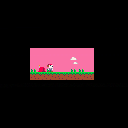
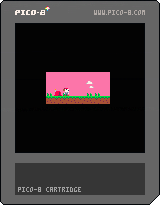
i'm trying to make a function where the camera will jump forward by an amount when the player character reaches the end of a 'room' (the end of the current screen) but am struggling to find a way to make it work, anyone know what i should do?
p.s. code currently shows what i'd like it to be, currently can't make it do more than two rooms
2 comments


I participated in the third Wowee Game Jam. The above is my submission!
Can't believe this is my third jam this year...
0 comments
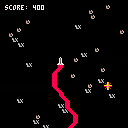
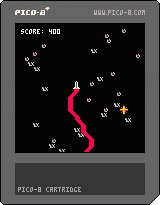

- Run the cart at this link: https://www.lexaloffle.com/bbs/?tid=41062
- Pick up the hen with the web
- Slam into the right side of the screen repeatedly
observe that part of the lines which make up the web are visible on the left (opposite) side of the screen
This happens in v0.2.2 of the BBS player, the native version, and the HTML export from the native version. It does not happen in the previous version.
2 comments



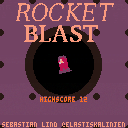
A game about a tiny rocket speeding through space for energy
Controls
Keyboard
Steer: Left / Right arrow keys
Gas: Z
Brake: X
Controller
Steer: D-pad / Joystick
Gas: A / Y
Brake: B / X
Credits
Sebastian Lind Twitter
Good luck and have fun!
6 comments



.jpeg)
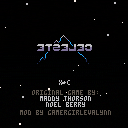
Up is down, left is right, jump is even dash! Do you have what it takes to adjust to these changes and reach the summit?
7 comments







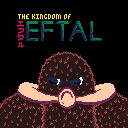
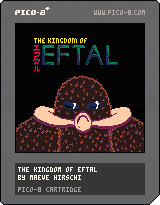
Optional background: (Contains spoilers for the Nausicaa of the Valley of the Wind books by Hayao Miyazaki!)
After the "Seven Days of Fire," a global war that ended all forms of industrial civilization when it was at its climax, civilization was reformed somewhat into the kingdom of Eftal which retained many of the technological wonders from before the event. Close to 700 years after the Seven Days of Fire, disagreements over the right to the throne and attempts to destroy the spreading toxic jungle that had appeared just after the apocalypse resulted in the kingdom's near-complete destruction.
The insects which reside in the jungle were enraged by the constant attacks on it, and a surge of insects-- including the king insects of the jungle, the Ohmu-- overtook the capital city of Eftal and nearby lands, becoming seedbeds for the fungus of the jungle. Those that survived this tidal wave of forest and insect (called a Daikaisho) either became a tribe of mercenaries or entered the forest which they call their home, surviving off of a symbiotic relationship with the plants and insects that live there.
14 comments






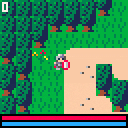
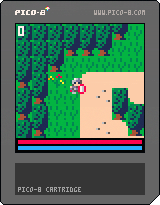
I'm making an RPG like the legend of Zelda on 64x64 screen mode.
It is working in progress.
4 comments


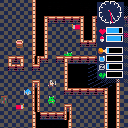
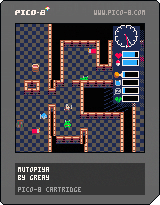
It's my first roguelike dungeon crawl,
µtopiya
Loosely inspired by grim survival games like Pathogic (Мор. Утопия) or Diary of a Spaceport Janitor, the focus is on scrounging for supplies & managing hunger, thirst, exhaustion, and infection.
Controls:
mostly pretty straightforward.
🅾️ to pick up / interact / confirm (in inventory, hold to drop)
❎ to cancel / bring up inventory
Credits:
it's all by me
but
the clock uses code cribbed from 1sergey's clock cart
the dungeon generation is based on johanp's dungeon generator
dialogue function from profpatonildo's simple textbox example
a* pathfinding based on dooart's example
0 comments
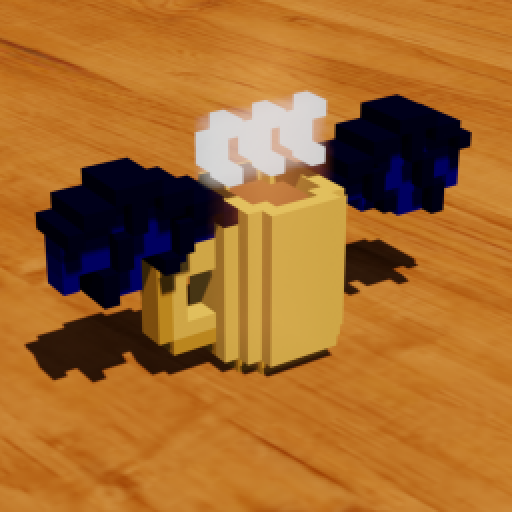
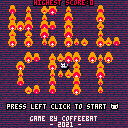
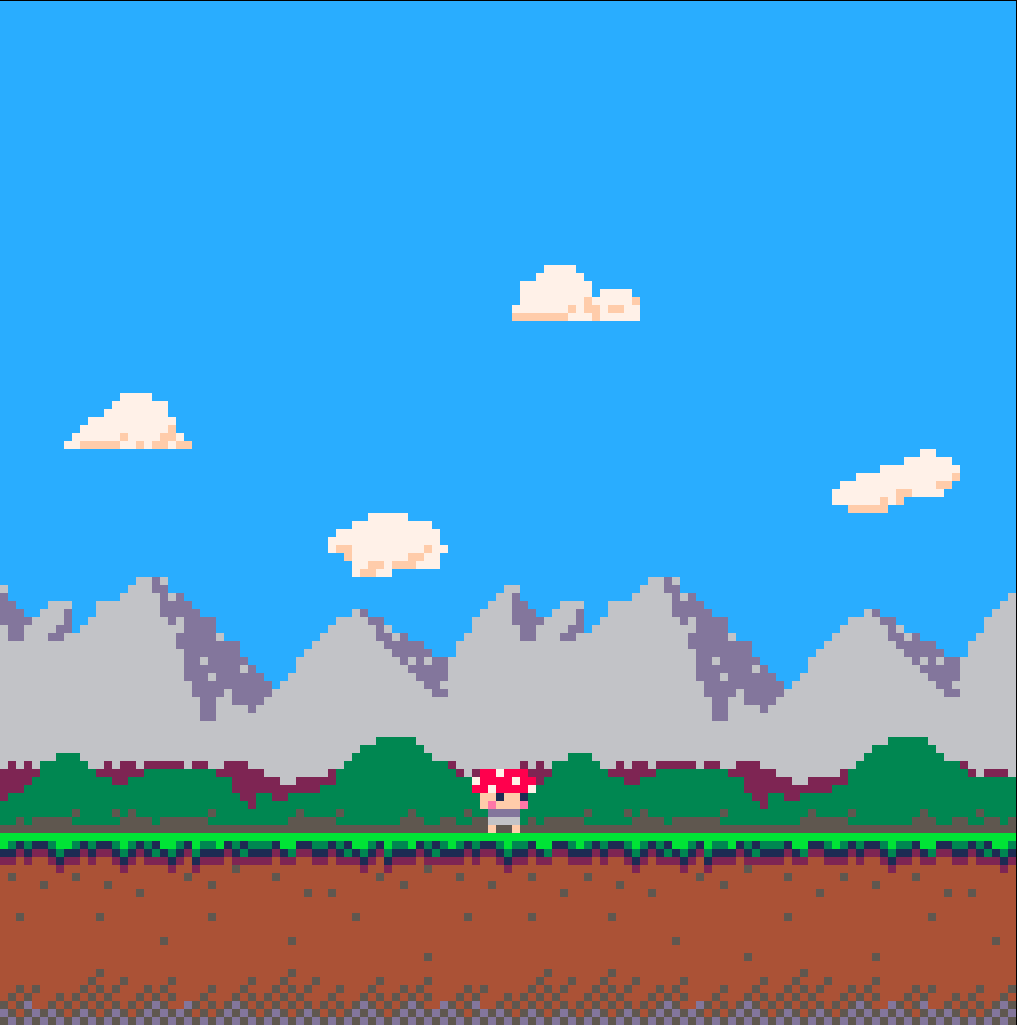
This post is an update on the environments of Mushroom Hero. Been working on the design of the first level, it's a grasslands area! The mountains took a ton of reworking but I finally got them in a state I'm happy with. I added some hills in the middle ground to provide a bit of depth. Also created 4 cloud variants to dot around the sky.
I want to leave a bit of room up top for (possibly) a coin/score counter to be implemented in the future. By freeing up some of the sky it also allows room for higher platforms and harder to reach areas.
 0 comments
Hi everybody! I'm about to release my first full-scale project, but I have one final obstacle to contend with: font choice. I have 3 options, and I just wanted to see what you guys thought would be good.
Option 1:
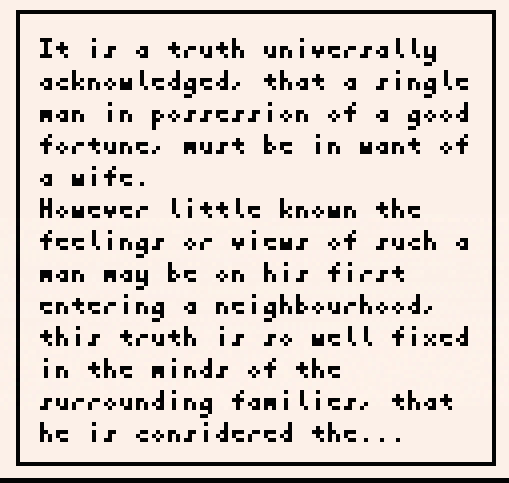
Option 2:
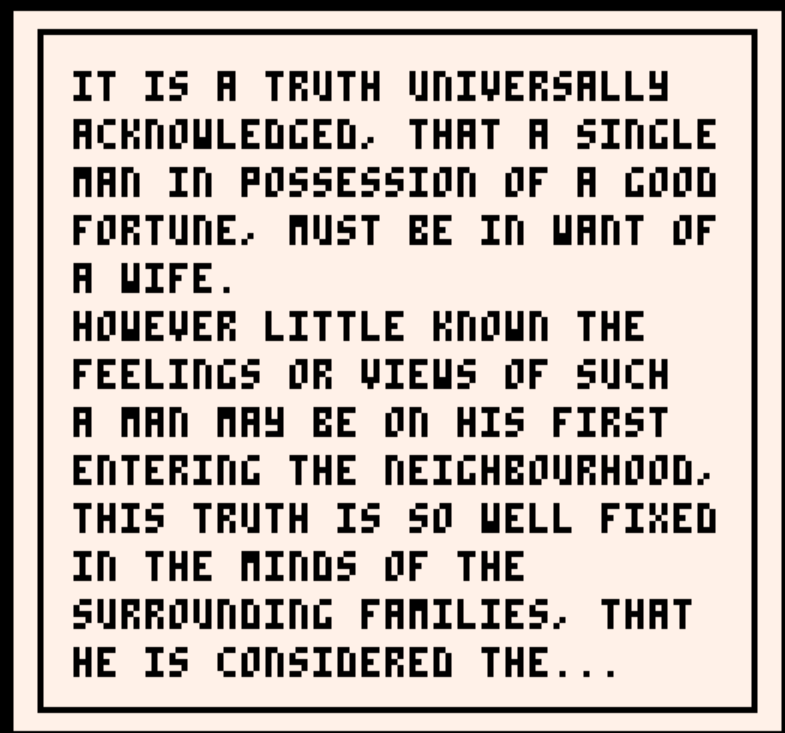
Option 3:
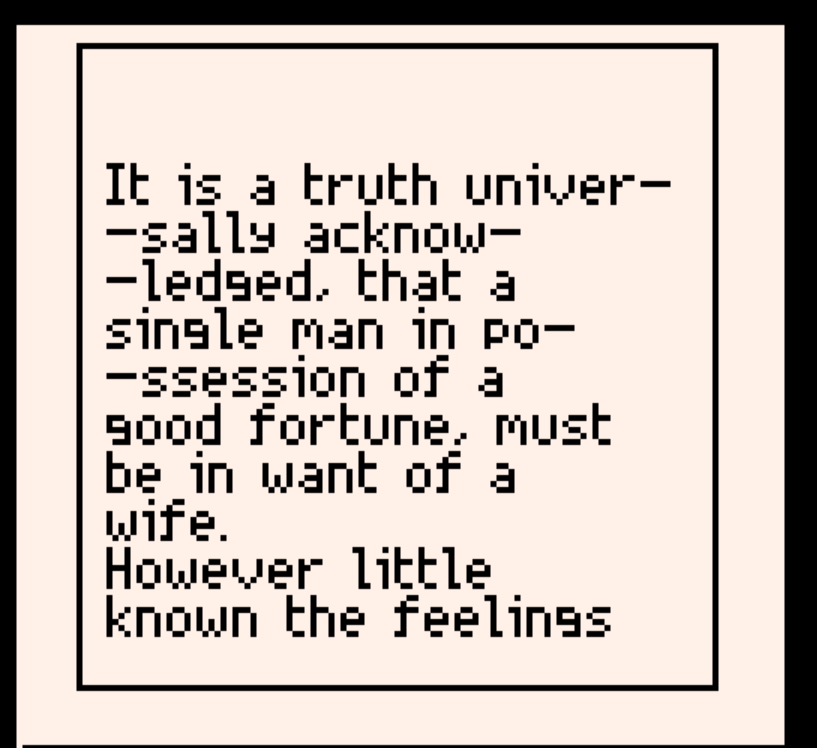
Options 1 and 3 have support for uppercase and lowercase letters (though, conversely, option 2 supports symbols). Option 3 looks the nicest, but I have to use less of the screen for text or else it takes up too much CPU power. Also, the font is bigger, so it has less characters per line. Right now, I'm really stuck between options 1 and 2. I like the addition of upper and lowercase letters, but to be honest, I'm not sure that makes up for it being sort of ugly.
Anyway, let me know what you think :)
16 comments





.png)
Here's the third song in Noclip! Made it last night. It's the longest track I've made so far! I'm pretty proud of it. Let me know what you think!
0 comments

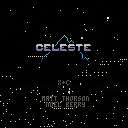
I present to you a celeste classic mod that offers a unique perspective on vanilla with a gameplay twist that keeps you on the edge of your seat. A very high skill ceiling, but fun for anybody that wants to pick it up and see how far they can go.
Features:
- All 31 screens from the original game have been stitched together into one big mega-map!
- An unlocked camera
- Rising lava that wants to prevent you from ever reaching the summit
- 5 unique difficulties
- Every berry remains functional
- A score based on how far ahead of the lava you are when you reach the summit
- New tunes! A remix of the classic classic music
- A new coat of paint. An optional palette swap to keep things looking fresh
11 comments


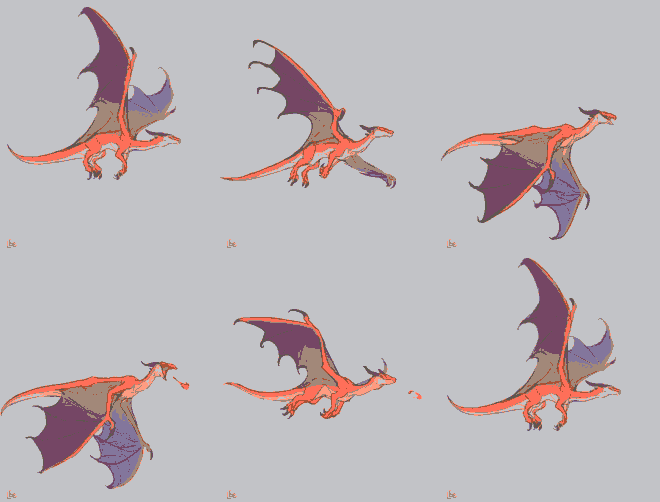




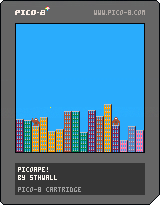
Working on my first Pico8 game, I'm really liking the console. It's inspired by the QBASIC Gorillas game.
Instructions
- Up/Down - Power
- Left/Right - Angle
- Hold O - Increment by 5
- X - Throw Banana
0 comments

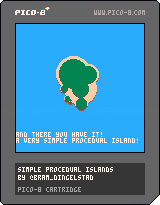
Hey everyone! I'm making Clarice Clairvoyage over at a WIP thread, but wanted to share a part of my upcoming devlog separately as an animated cart/snippet!
It goes over the steps to make a procedural island, if you want to use the code, free free to do so!
Would appreciate the attribution!
There's a lot of ways that you can make it your own, try to edit which circles you want do draw more on besides the first one. Maybe do another layer on top of the trees for some more texture? Add a mountain or vulcano? Maybe a little town!
It's up to you!
If you can and want to learn more about me or the project I'm working on: Check out Clarice Clairvoyage!
Thanks! - Bram
1 comment


This post is mostly just to share an experiment I did when playing around with compressing graphics.
I noticed when looking around, that many PICO-8 carts that do compress graphics were using some form of LZ or RLE compression. Out of curiosity, I decided to do some research on how the Generation 1 Pokemon games compressed an impressive amount of graphics data into the small cart size. It turns out that they use a form of RLE compression. I won't go into detail myself, but instead refer to a great YouTube video that very precisely describes how it works.
Essentially, this compression algorithm stands out because:
- It splits the graphics into bit planes (i.e. 1 bit-per-pixel images)
- It operates on pixel pairs, only encoding runs of pairs of 0's
- It uses several flags to control how the bit planes are mixed in order to increase compression ratios
- The original algorithm compresses 2bpp images (i.e. 4 colours). That being said, there is no reason why it cannot be extended to higher colour depths
9 comments

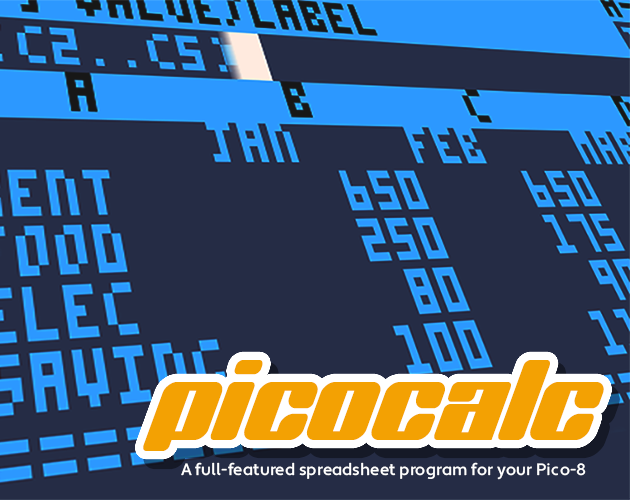
Your Pico-8 just got down to business.
The full-featured, high-precision spreadsheet application for the Pico-8 that nobody asked for has finally arrived! PicoCalc is a feature-complete1 clone of the 1979 classic VisiCalc, which introduced the world to an entirely new category of business application. Steve Jobs said of VisiCalc, it's "what really drove -- propelled -- the Apple ][ to the success it achieved."
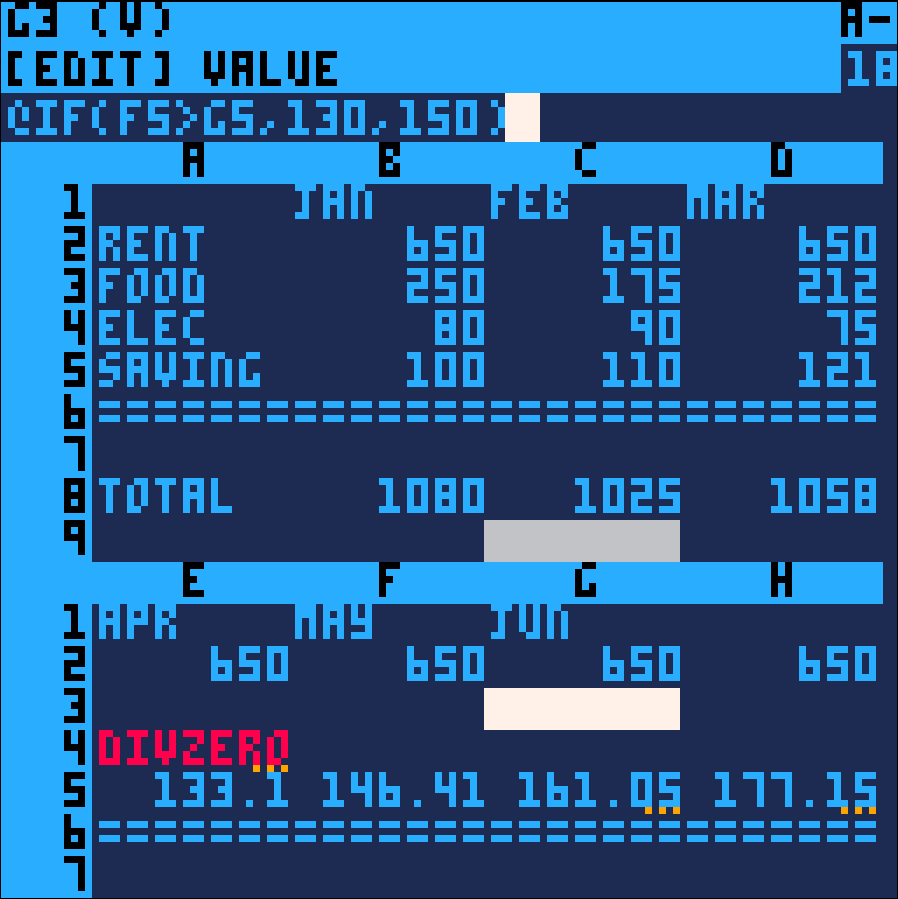
PicoCalc does everything* VisiCalc can do, with some enhancements over the Apple ][ classic:
- 18.18 integer/fractional precision vs. VisiCalc's 12.
Handles numbers as big as 999999999999999999.999999999999999999 - Granular error reporting!
Get informed of division by zero, number overflow, and more. - Multi-color representation of active/inactive cursor, locked titles, truncated values, and error messages
- Save and load your work
12 comments