





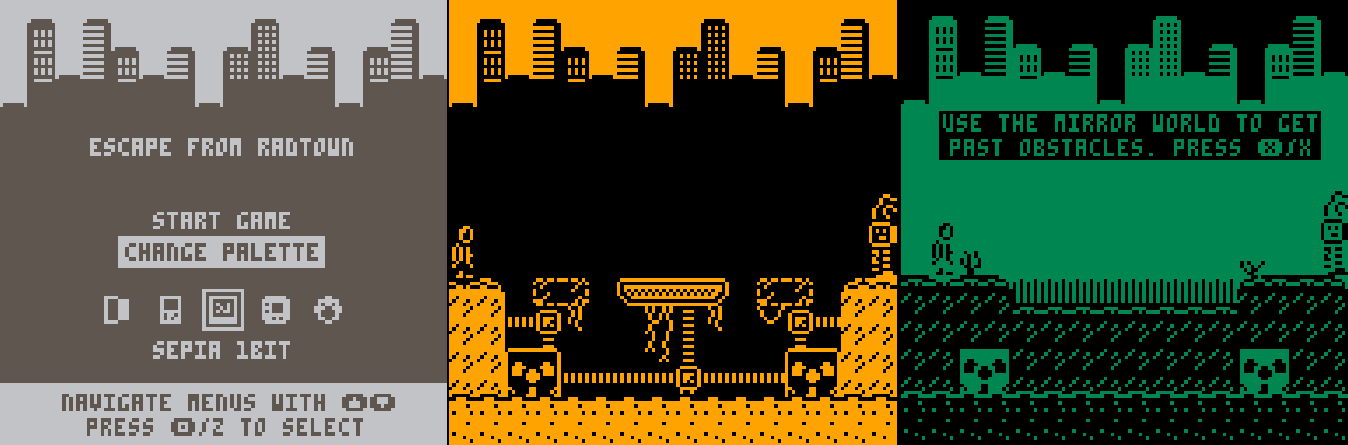
I'm posting this here because I'm not sure if it will get any more development, but this is a game I made for a 1-Bit weekend game jam (this one: https://itch.io/jam/1-bit-weekend). The game itself is "complete" in that there are no half-finished levels or artwork, it's just a little short due to the time constraints (it was a 3 day jam but work meant I only really had 2 days). Anyway, here it is. More info below if you're interested.

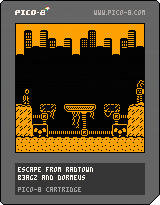
The game and art was done entirely by me, and my partner in music projects put together some nice tunes (all the music was by him). You can find the Itch page here; https://b3agz.itch.io/escape-from-radtown. But to save you a click, here's the text from the page:


 4 comments



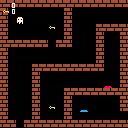
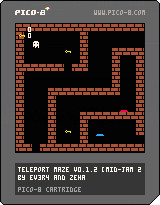
Fixed Version:
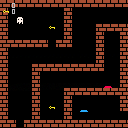
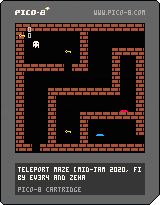
A game I made for the Mid-Jam 2020 together with ZeHa in less than a day.
The goal is the exit of the maze, you will need to go through a lot of teleporters to get there!
Some teleporters will have levers with the same colors.
Controls:
Left/Right/Up/Down - Movement
Credits:
EV3R4
0 comments
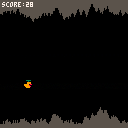


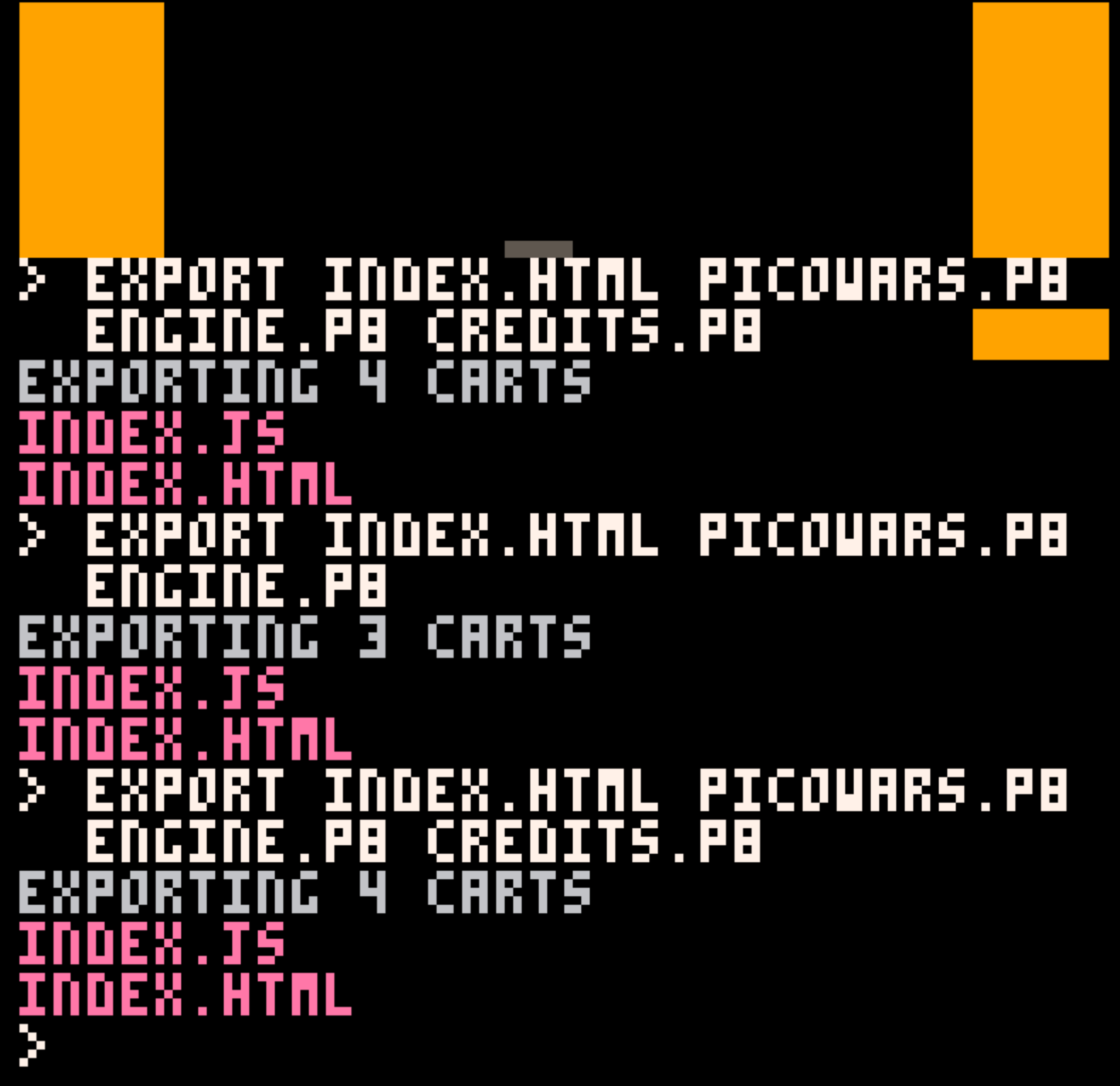
It seems like it's just counting the number of parameters passed into EXPORT? "index.html" is the resulting exported file but it's counted as if it's a cart.
2 comments

Strangely in my game's HTML export the controls aren't working for iOS(Apple) phones but work fine in android.
I'm using 0.2.0i
Multiple users have reported this for my game on Itch.io here: https://lambdanaut.itch.io/picowars
Has anyone seen this bug before? Can anyone else try to to replicate it?
I wish I could test this myself, but I don't have an iOS device : (
1 comment


hi there,
one of the most annoying things in PICO-8 for me is when i'm building a map and I always have to switch back and forth into the sprite palette (at the bottom of the screen) to pick a different sprite.
one solution would be to make this palette toggleable with a keyboard shortcut. this would at least make it faster, because i wouldn't have to move the mouse for that.
so far i haven't found any info about such a shortcut. would it be possible to include this in a future release?
2 comments

Note: This game was created during Mid-Jam 2020, a game jam on itch.io
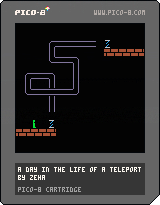
How does teleportation work? It's quite easy to explain. There is an invisible teleportation vortex, which carries the subject to its destination. In this game, YOU are the teleporter. Whenever a person enters, your job is to recreate the vortex path using your arrow keys as quick as possible.
The vortex path is displayed on the screen for you to memorize while the person walks towards the teleporter. Once he enters, the path disappears and you have to quickly smash the arrow keys according to the path (left/right/up/down). Please note that you shouldn't try to accomplish this in realtime (as the teleported person is gliding along the path), instead try to do it much quicker than that. If you're too slow, the teleportation process fails, resulting in the death of the person. So make sure you do a good job!
0 comments


.png)
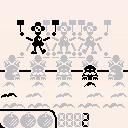
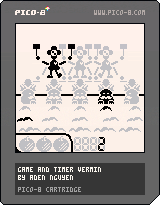
This is the second game I made. This is my own take on the third game in the game & watch series; vermin
Left/Right - Move
Z - start Game A
X - start Game B
press and hold z or x - to see your high score.
To play you must stop the moles from getting the apples.
3 comments



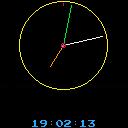
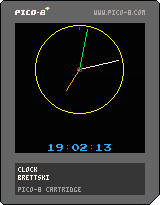
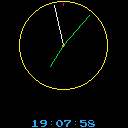
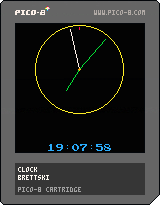
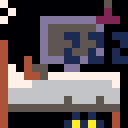
Hey so I built a clock. Just because :)
It actually turned out to be a pretty fun little project.
 0 comments


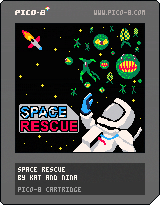
Space Rescue
Rescue all the stranded astronauts in this top-down, asteroids inspired shooter.
Features
- Four levels!
- Final boss!
- Power-ups!
- Original music tracks!
- Cheesy sci-fi references!
- Options menu to customize your gameplay:
- Difficulty select
- Enable / Disable screen shake
- Enable / Disable music
- Level select
Controls
- Left, right to steer
- Up, down to throttle
- Z to fire
- X to open the radar screen
Source code
I'm not proud of the code, this grew up from a prototype. I'll do OOP next time I swear!
2 comments


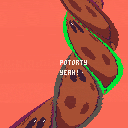
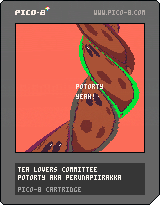
Small demo made for the Nova 2020 (online) party. It's a remix of Patarty demo by Slipstream on the Amiga 1200 ( https://demozoo.org/productions/173425/ ). Makes heavy use of tline :)
2 comments


After reading this post https://www.lexaloffle.com/bbs/?tid=38297 I got more interested in coroutines. I had originally dismissed them completely, but this article https://docs.google.com/document/d/14HzJnqKdVtBjN2vN9-rZHLR3rlgwWwDym8ehzhKRqFo got me thinking that I had missed something.
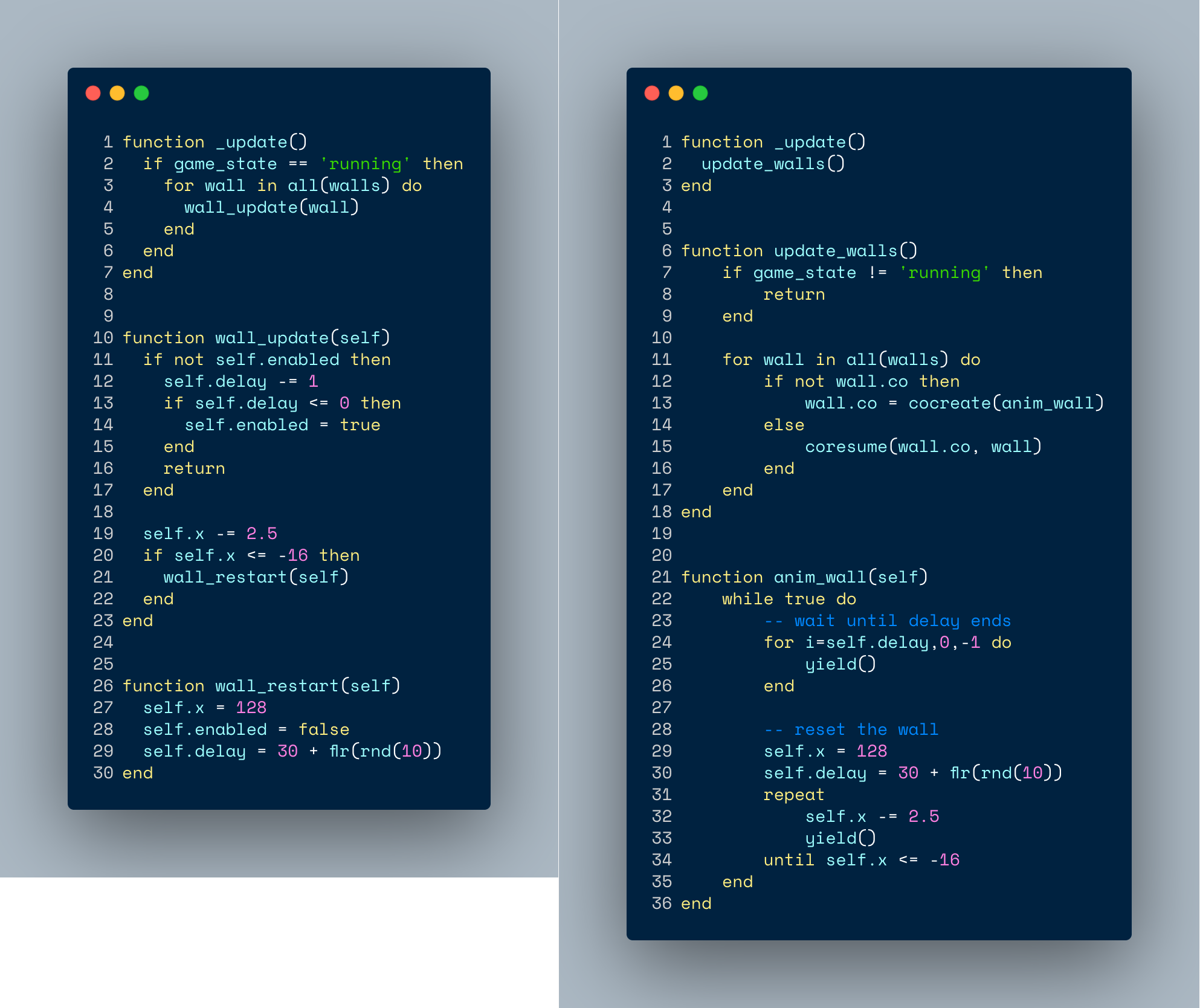
Here is my before and after wall animation code. (Flappy Bird Game) Both achieve the same result, but I feel like the coroutine version is easier to expand and update. The coroutine encapsulates the entire animation logic, including delay. While the function version has to manage more variables.
What do you think? Is the coroutine version better or worse?
 0 comments

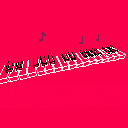
A piano controlled by a keyboard or MIDI controller.
left/right: change instrument.
up/down: change input mode.
MIDI input (Mac and Windows)
Use this program to use a MIDI controller. It converts MIDI inputs into keyboard inputs.
Keyboard input
This approach approximates a piano layout using the keyboard (like in PICO-8's SFX editor).
5 comments




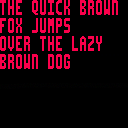
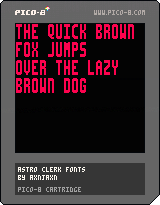
This cart contains three things of interest:
- A 6x15 font I used in Astro Clerk
- Code for encoding your own 6x15 font in the same way (i.e. four 1-bit graphics per tile)
- Code for decoding/printing with a 6x15 font
Inside the cart, you can use initfont to create a starting point by upscaling the system font, encode6x15 to write the sprites, and print6x15 to output the result.
0 comments


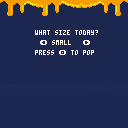
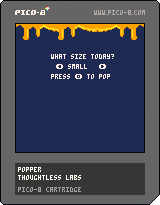
Well, I've made my first game to a point that you can do something and I'm pretty darn proud of myself.
Enjoy popper!
UPDATED: Added an instructional note at the beginning of the game.
UPDATE2: Now with better-looking Popcorn AND you have to press the button until they all pop!
UPDATE3: Added more kernels and numbers are deleted from the table if they've been chosen making for a faster completion of the game by removing chance of selecting a kernel that has already been popped.
UPDATE4: Jitterbug! Kernels are now all very excited about popping.
UPDATE5: Maybe you aren't hungry for too many kernels. How about being able to choose from a few random amounts of kernels to pop? Well, now you've got it!
4 comments


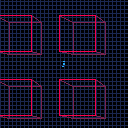
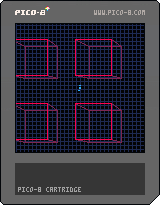
Ok I finally got it right.
This is pretty much a prism command that draws a rectangle as well as lines to connect it to another rectange that's a little larger.
Enjoy!
5 comments

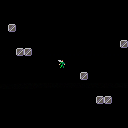
This is a game tribute to the prince of Fife.
It fall under the fan art category. While technically this cart has no actual references to the band, do not distribute this for money, Angus is their i.p.!
Someday:
He will quest for the jet pack and gain a dash ability.
- this will include a laser dragon boss battle!
Then he will recharge his hammer in the sun and gain the smash ability.
- this will include a Death Knight boss battle!
There may be 8bit heavy metal music!
0 comments

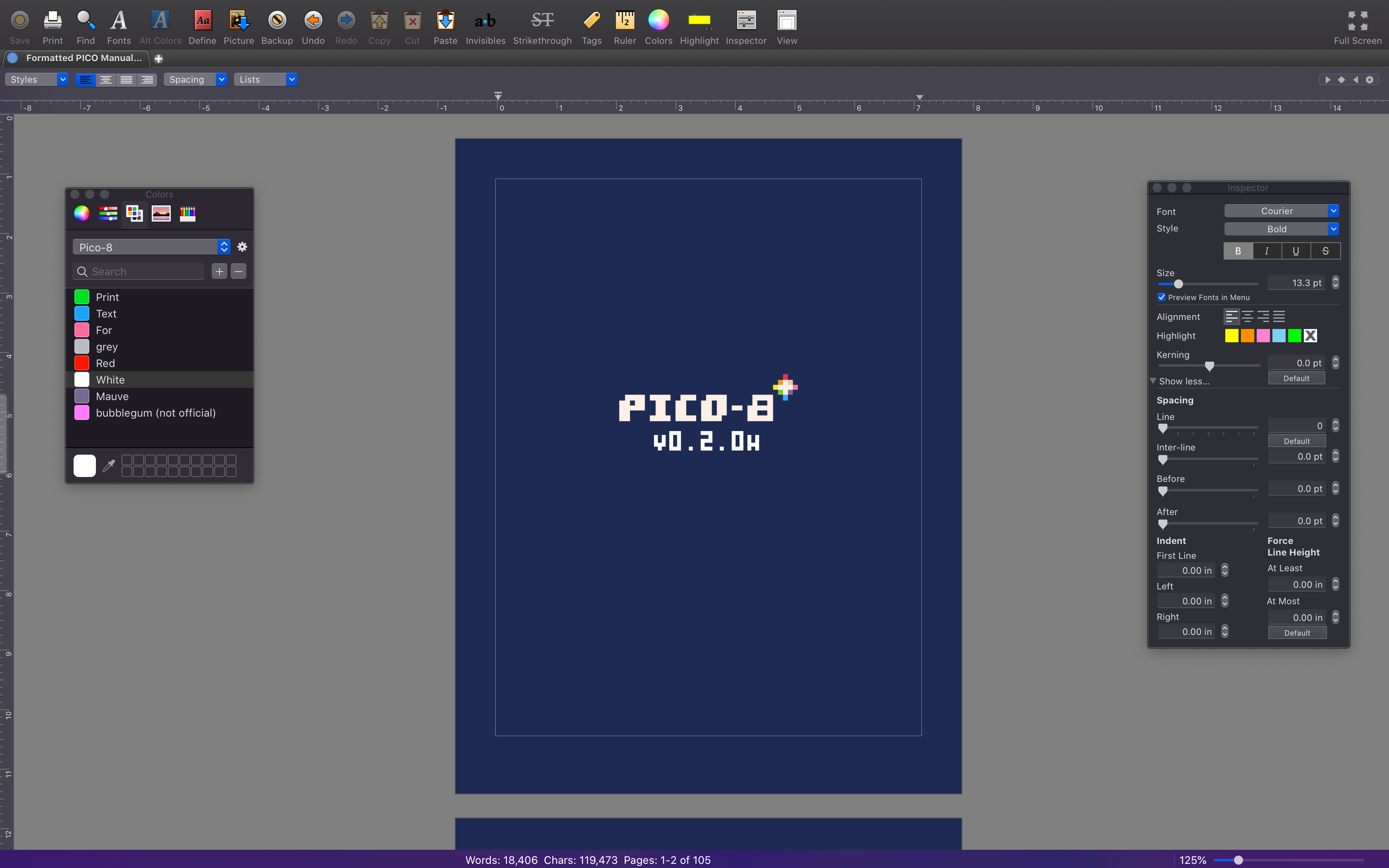
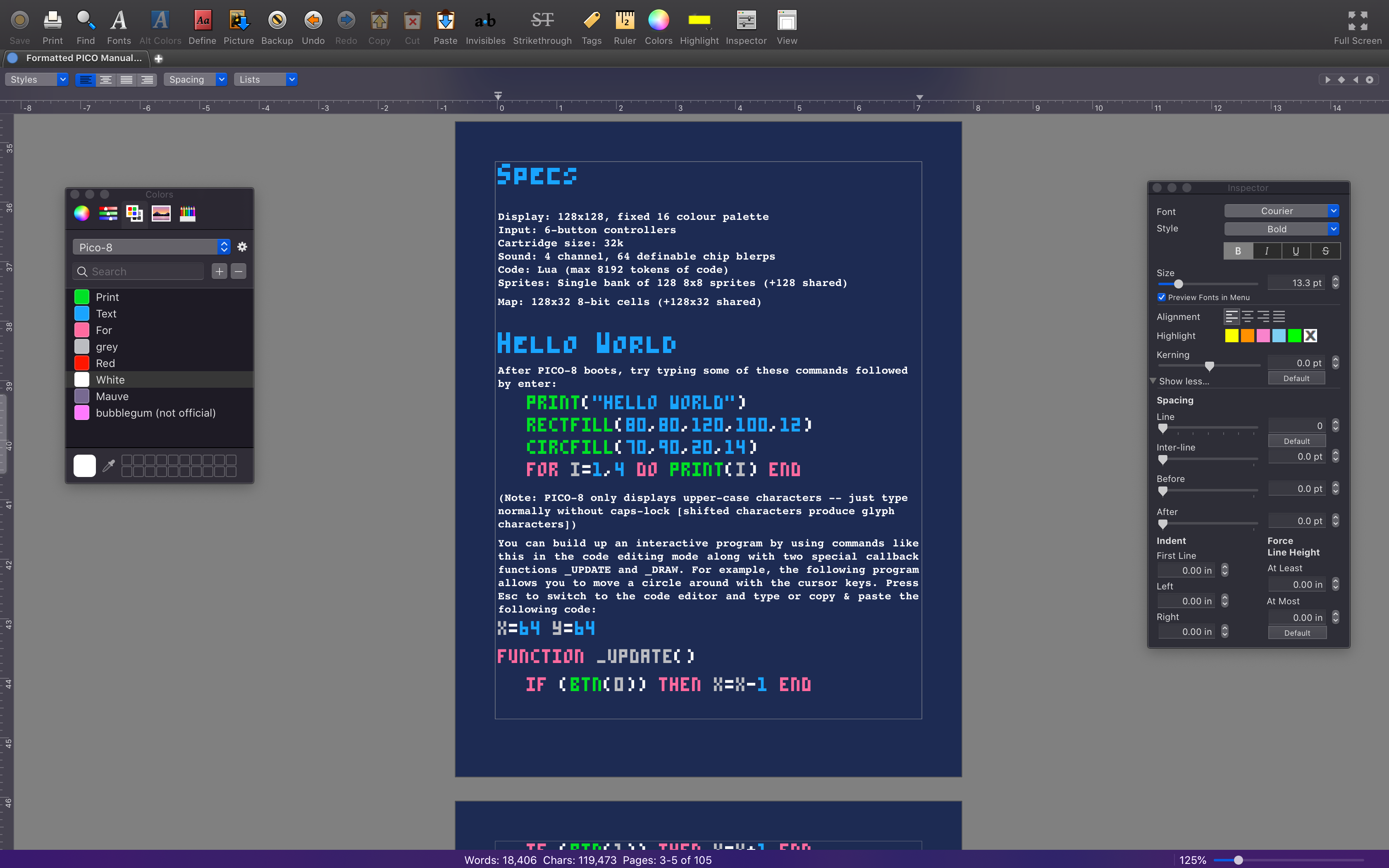 Since quarantine is boring, I thought to start something I was thinking of doing for a long time, which is to format and proofread PICO's manual. I'm around a third of the way done, and below I have linked a Drive folder with the drafts. If anyone wants to review and maybe critique the formatting please do so! I'm no expert at this, so any help/advice would be very welcome.
I'm using Bean as my word processor and there's two files in the folder: a .bean and a .rtfd file. I tried to make the colour scheme using PICO's palette here, and the background colour is the code editor's background. I also tried to make the font and syntax highlighting as accurate as possible. I don't know if the font will work unless I export as a PDF though, since the font is custom. I found a font for PICO but the link was good as dead (file in owner's trash) so I made one.
0 comments
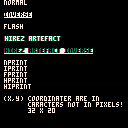
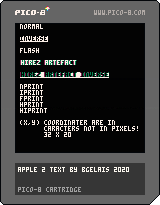
This is my snippet with PRINT functions that mimic Apple II text artefacts.
function _init()
sfx(0)
end

function _draw()
cls()
nprint("normal",1,0)
iprint("inverse",1,2)
fprint("flash",1,4)
hprint("hirez artefact",1,6)
hiprint("hirez artefact inverse",1,8)

nprint([[
nprint
iprint
fprint
hprint
hiprint

(x,y) coordinater are in
      caracters not in pixels!
      32 x 20
]],1,10)
end

-- apple ii prints

function iprint(_str,_x,_y)
l=#_str*4-1
rectfill(_x*4,_y*6,_x*4+l,_y*6+5,7)
print(_str,_x*4,_y*6,0)
end

function fprint(_str,_x,_y)
l=#_str*4-1
print(_str,_x*4,_y*6,7)
	if (time()%.5>.2) then
		rectfill(_x*4,_y*6,_x*4+l,_y*6+5,7)
		print(_str,_x*4,_y*6,0)
	end
end

function nprint(_str,_x,_y)
print(_str,_x*4,_y*6,7)
end

function hprint(str,_x,_y)
_x*=4
_y*=6
print(str,_x,_y,3)
print(str,_x+2,_y,2)
print(str,_x+1,_y,7)
end

function hiprint(str,_x,_y)
_x*=4
_y*=6
rectfill(_x,_y,_x+#str*4,_y+5,7)
print(str,_x,_y,3)
print(str,_x+2,_y,2)
print(str,_x+1,_y,0)
end
|
3 comments

