Hi! I'm toying around with Pico 8 for fun and relaxation on the side, where my primary pursuit is to develop games for the Nintendo Entertainment System in 6502 assembly.
It's fairly straightforward to implement coroutines in 6502 assembly and use them to represent state machines for entities (actors, etc.).
I was curious if it's common to use coroutines in Lua on Pico-8 for this purpose. I tried searching for "cocreate" in a couple of the featured games but no results came up.


 3 comments





Hello community!
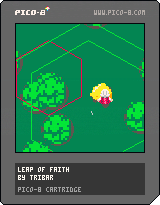
I am looking for music track and sfx (since the ones in place sucks) for my project Leap of Faith. The music track shouldn't be long as game sessions are like several seconds and would increase as game progresses but not that much. Also another track could be for endless title screen.
If someone has a music track or willing to compose I'd be glad to hear!
 0 comments



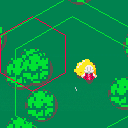
This is the juiced up version of the game we are going to build today, Mon 3rd, April, 2017, in a workshop I'm teaching at.
And here is the intro cartridge:

 1 comment



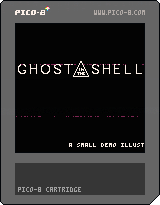
Being inspired by the new "Ghost in the Shell" movie, I created a small demo replicating the glitch effect seen in the movie trailers.
The static effect is reasonably configurable, random and light weight, using very few available tokens. To read more about how the effect is achieved, visit my dev blog at: http://whiteoutlabs.com/pico-8/ghost-in-the-shell-signal-static-on-the-pico8/
3 comments




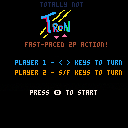
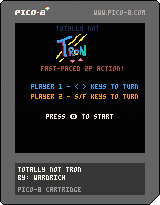
Created using by following along with rabidgremlin's tutorial (see here).
In following through the tutorial completely (and not trying to branch off too soon) I think I've figured out where I went wrong in my first game (the hangman one) and how I could have made things a lot easier on my self.
4 comments





All of the data for a pico8 cartridge can fit on a tiny png - but this is because all of the data are limited. But comments are not limited. You could write a novel in the comments and pico8 wouldn't object. So what happens if you run out of memory writing really long comments?
2 comments




I made this small script that takes four PICO-8 gifs and creates a 2x2 mosaic gif (with all the gifs running side by side).
https://github.com/kometbomb/mosaic
It assumes the default gif settings (256x256, duration is irrelevant as long as all the gifs are of same duration) and thus creates a 512x512 gif. This is very useful for tweets etc. You might want to run some gif optimizer afterwards.
I included a Windows batch file and a shell script so you can run it on any system that PICO-8 supports, as long as you have Imagemagick installed.
How to use (Windows):
mosaic.bat top_left.gif top_right.gif bottom_left.gif bottom_right.gif output.gif |
Or on Linux/Mac:
./mosaic.sh top_left.gif top_right.gif bottom_left.gif bottom_right.gif output.gif |
3 comments

NOTE: THERE IS NO SINGLE PLAYER MODE
A lot of firsts on this one... first time ever looking at Lua code (obv. first time ever coding with it). First time designing a game (I'm more of a VBA Macro kinda person). So there was a lot to overcome here. Please comb my code and tell me how I can make this better.
I started off following Rabidgremlin's tutorial:
but then branched off on my own. I'm not sure if there are better ways to interpret which sprites are currently printed into which screen co-ords or whatnot.
Only bug in my software is the win/lose tune doesn't play... and I have no idea why.
Anyway, thanks for taking the time to check this out. Hope you have fun!
PS: Oh, I'm also not sure how to cleanly "exit" a game, so once you win/lose you'll have to manually quit and re-run the game.
0 comments

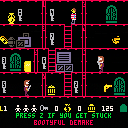
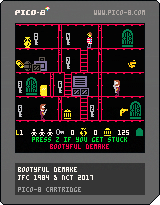
Based on the 1984 game, Booty, by John Cain, for 8-bit computers. Pico-8 Coding & Graphics by Nate Taylor.
Jim the Cabin Boy has to collect all the items of Booty from the ship's 20 cabins by collecting keys that open locked doors. Hazards include the pirates who patrol the rooms, rats which crawl along the deck and the ships parrot which flies around the ship. Also some booty is booby trapped and explodes when Jim tries to collect it.
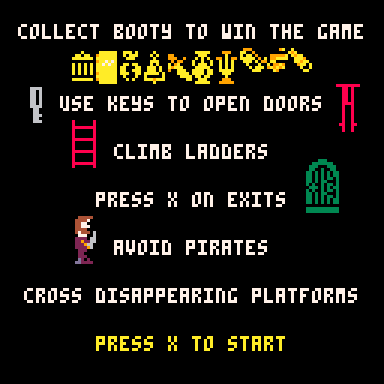
Press Z if you get stuck on any level. The getting stuck on a ladder bug is now fixed.
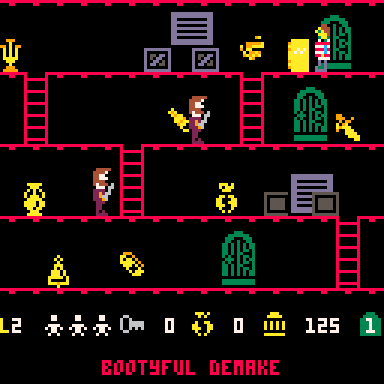
This game is now completable, but is still considered in beta until some extra features are implemented.
19 comments





Overview
So the other day I delved deep into trig to pull out the bare minimum of what makes things move in circles.
The problem I've had in the past is that I often looked at games or demos that incorporated a lot more things, so I often would make incorrect assumptions about how to implement these types of things. My hope with this tutorial is to just show you the absolute bare minimum of what you need to get a sprite moving in a counter-clockwise circle, and explain everything line by line as best I can.
Here is what we are making:

To make something move in a circle, we have to use trigonometry. This tutorial is going to explain the trig functions we'll be using so that you can hopefully use them on your own without copy and pasting.
Prerequisites
To get the most out of this tutorial, you just need pico8 installed.
The gist
A sprite moving in a counterclockwise circle
radius = 30 originx = 64 originy = 64 angle = 0 while(true) do angle += 5 if (angle > 360) angle = 0 cls() x=originx + radius * cos(angle/360) y=originy + radius * sin(angle/360) spr(0, x, y) flip() end |
Rendering with pico8
[b]NOTE: Skip this section if you want to get right to the trig! Just go to "Show me the trig!"
4 comments





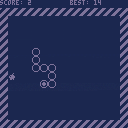
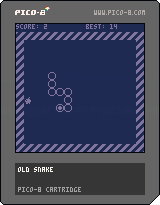
Greetings! This is my first finished Pico-8 game and also my first post to this bbs.
Control the snake with arrows and try not to crash. On collecting an apple the snake grows in length but the speed remains constant. Can you fill the screen with the snake?
2 comments


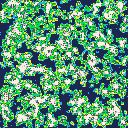

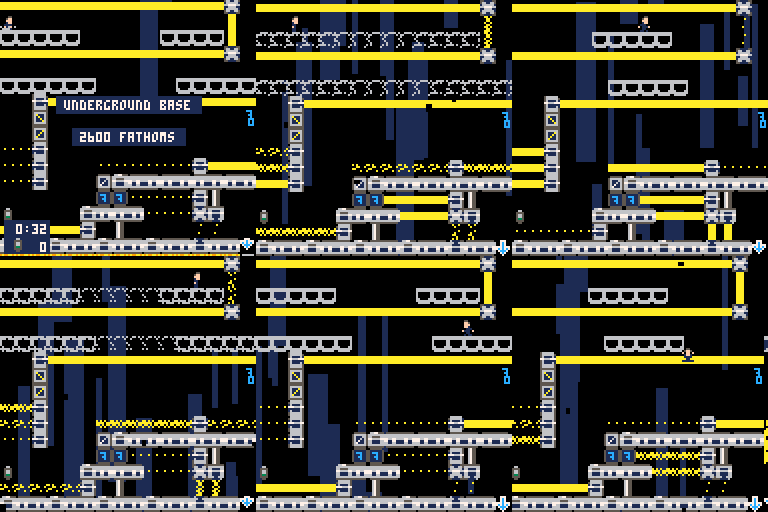
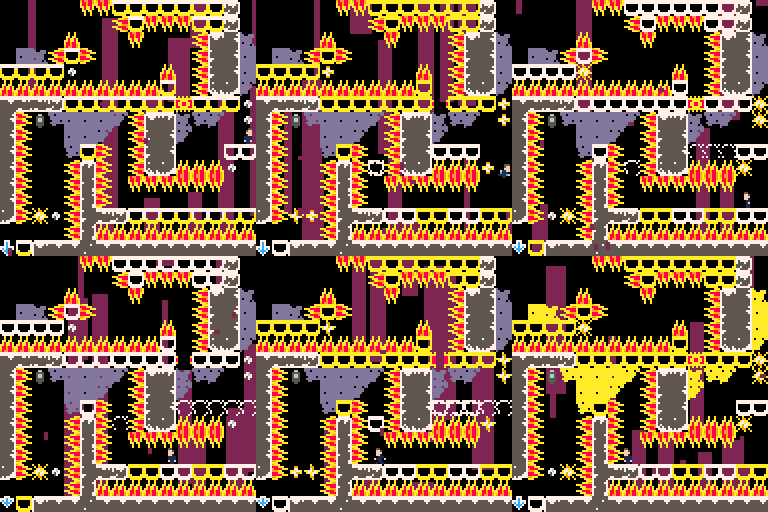
Your mission is to penetrate the enemies secret lair buried fathoms deep inside an active volcano and retrieve the stolen plans. Collect USB drives of enemy secrets for bonus points on each level.
Your agent is armed with only his glide suit and his wits in this hardcore platformer.
Arrow Keys or D-PAD to move.
Z or B button to Jump - press again to glide slowly.
While gliding, press X/A button or press Up to boost briefly upwards.
Get to the bottom of each level to get to the next.
Good luck! Feedback welcome.
A game save and resume/continue feature has been added. It now saves after every death and every level you pass, so it allows you to resume from right where you left off.
 . .
. . 
 6 comments



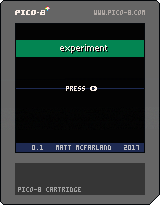
Here's a boilerplate I plan on using for prototyping different games.
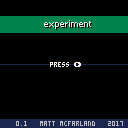
It consists of a splash screen which transitions to the title screen, upon which the user is encouraged to press the play button. Once the button is pressed, the screen transitions to the "gameplay" state, which is nothing but a text greeting asking the user to press a button, which then results in transitioning to the gameover screen, and finally a press of the button returns the user back to the title screen.
This is a simple implementation of a Finite State Machine
Splash -> Title -> Game -> GameOver -> ...Title
Demo
 0 comments


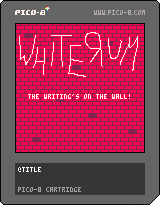
This is my third entry into #1GAM.
The theme was "Write".
Sadly, I haven't quite gotten the hang of starting "early" yet.
So this, again, was cobbled together in the last few hours of the month, just to meet the deadline.
I mean, there are still 9 more months left in this year, so I might still get a chance to make an actual game in the future.
It's actually quite fitting, that most people will only get to play this starting on April Fools' Day.
0 comments