


I'll preface this by saying that I am a (very) novice programmer who is really enjoying creating games with Pico-8.
I think that this question is more of a structural one. I don't know how to handle a break in game action so that I can do a simple animation when - say - my main character / spaceship is destroyed.
Lets say that I just want to do something that I imagine is pretty straight forward - say use CLS() with different colours (CLS(1), CLS(2), CLS(3) ... etc.) so that the screen flashes six or seven times when my spaceship is destroyed.
I know how to create the animation that I want through code, but I don't know where to put it / how to structure the _update() or the _draw() to "pause" the game so that the animation can run and then the game can pick up from where it was before.
I'm not sure that I've explained myself all that well here but if anybody has any guidance, I'd appreciate it.
D.


 4 comments


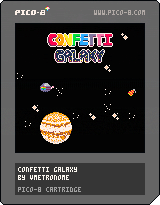
A small, side-scrolling shoot 'em up made for Jupiter Hadley's Birthday Jam. My first try at PICO-8. Cross-uploaded on itch.io.
-Controls-
Use the arrow keys to move and hold Z to fire.
Don't forget to blow out the candles!



 2 comments


Not sure if this is the right place, but I couldn't find any other places to report bugs so here goes:
Using a wacom intuos tablet and windows 7 left and right clicks do not register in the PICO-8 app.
To click any of the app buttons I have to use the trackpad buttons on my laptop rather than the intuos tablet.
0 comments

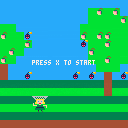
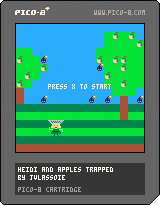


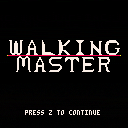
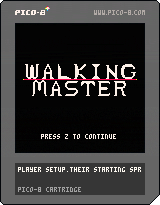
Hello. This is my very first game I ever made. I'm a beginner with no programming, music, and sprite design experience whatsoever. I came up with a simple concept that seemed doable and worked on fleshing it out, while teaching myself a few tricks and techniques alongside some tutorials to build up foundations.
Walking master is a challenging game where you, well, walk, through many stages, and get through the obstacles that stand in your way. The game features the following:
-Varied, dynamic level designs.
-Challenging gameplay
-Graphics!
-Music!
-Secrets!
Use the arrow keys to move, and follow the command prompts.
A lot of my coding is pretty bloated and probably not so efficient so pardon that. I left notes throughout the coding to explain what does what. I do hope for other total beginners that are using Pico-8 to learn how to code and make games can find mine to be useful and easy enough to understand. :)
Enjoy guys!
Note: Stepping on the tiles is pretty finicky. Try to step towards the middle and/or the leftish side of it. I don't know how to effectively set up parameters so I used if statements to setup a few varied conditions.
2 comments


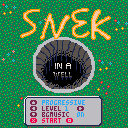
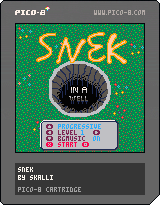
Hi there!
This is my first attempt at a game made with pico-8 (And also my first LUA application).
The actual game took me about half a day but the graphics and music were pretty hard for me and took longer.
Everything is fully functional, bug free and with overall aesthetics in mind.
I hope you guys enjoy playing! :-)
1 comment


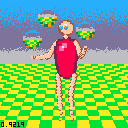
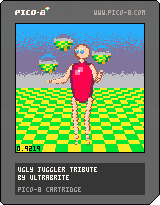
so this poor guy has been sitting there, unfinished and lonely, since last summer.
I started this as a follow up to my Boing demo then totally forgot about it!
I don't think I'll be back on it any time soon, so here it is anyway!
bonus:
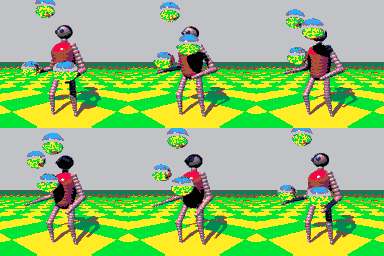
the original demo's 24 frames converted to pico8 resolution & palette as a gif
(my first idea was to somehow cram it into a cart)
 1 comment



Take on the role of Bomber, a magical curious creature who in ready for a new adventure. Jump, dodge, stomp and bomb your way through this intense retro arcade game.


Hope you guys enjoy the game!
Credits
Code, Pixels & Design: @melvinsa
Sound & Music: @gruber_music
Promo/Banner Art: @laufman
9 comments








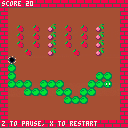
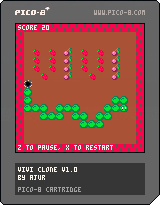
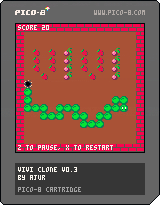
Hi,
Here is my first pico project. After few days of tinkering with it, I finally have something that is satisfying :)
Still few things to add and change, but its already playable.. kind of ;)
As for the original vivi - it's the game i was playing as a kid on my first pc. Funny thing is, after trying to implement everything based only on those memories, I've made some research and somehow found it somewhere in internet archive :)
Changelog
1.0 Final version... kind of
- added persistent high scores
- code rearanged.. a little. but its still a mess
This game could have much more improvements, but its time to start something new.
Older versions:
[hidden]
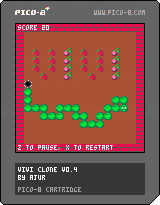
0.4 Gameplay improvements:
- rearanged and expanded levels
- added lifes :)
- added mushrooms!
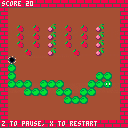
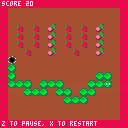
0.3 Released playable version
 4 comments


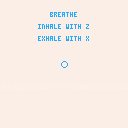
My first project with PICO 8 - A simple tool to help you focus on your breath.
Hold Z as you inhale, trying to fill the circle (and then some!)
Hold X as you exhale, trying to minimize the circle (and then some!)
Repeat.
0 comments



Hello there!
I totally forgot to share some screenshots from my first "big" project on PICO-8 :D
Here is one of the latest state of the game, I'm already approaching dangerously the token limit :3
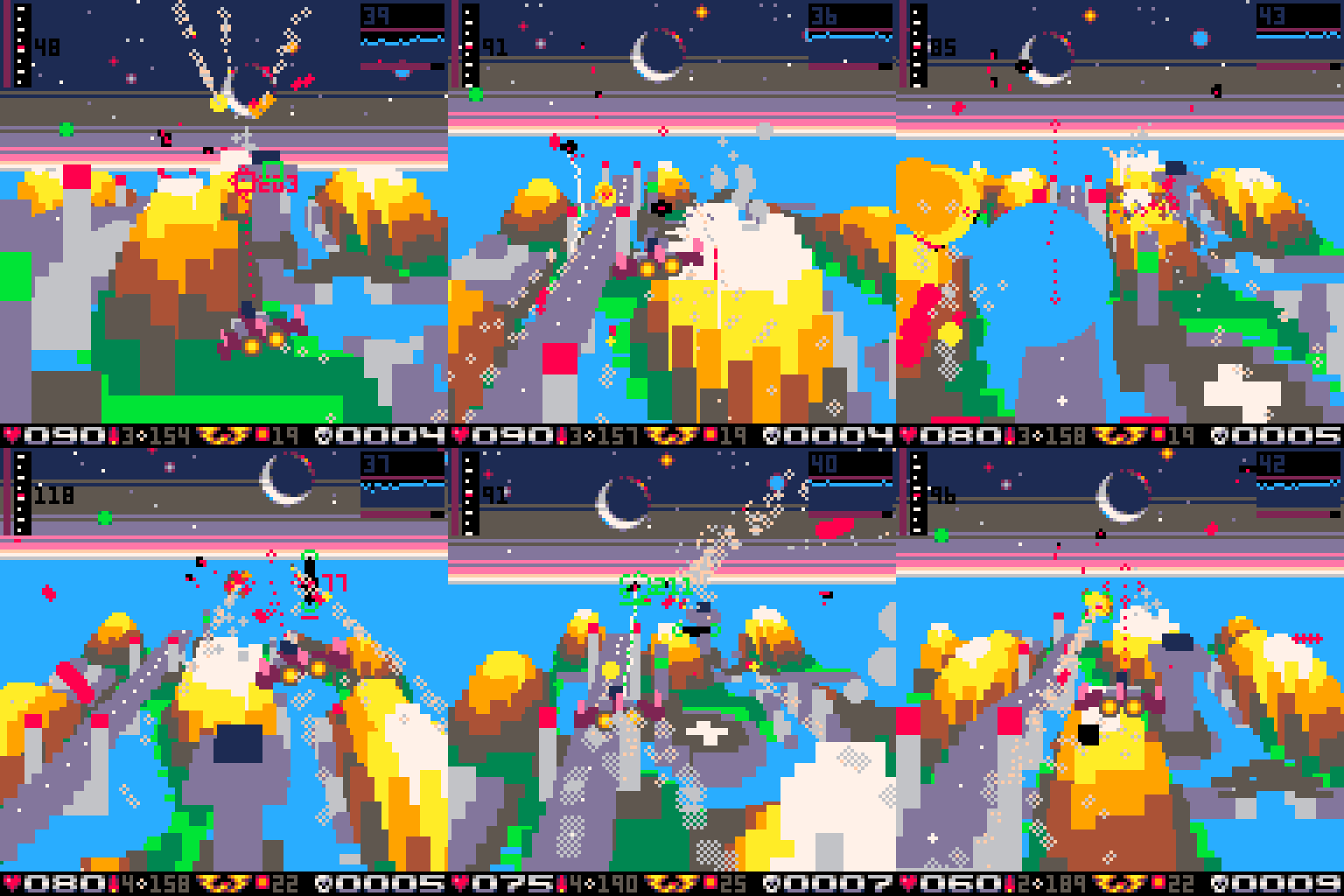
And the title screen looks like that:
 9 comments



Is there any way to print a character at a larger size? For example if you want to use one of the glyphs in a level but you need to make it 4x bigger?
2 comments



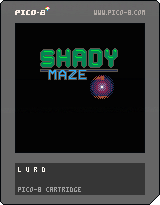
Little demo for my crazy concept I was thinking of while being in nuthouse. Finally, collisions works fine but maze still have no finish.
4 comments


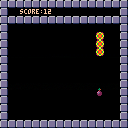
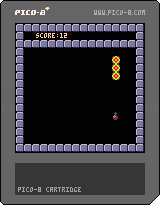
Not very original to make a snake game, but it's my first attempt to finish something :-)
2 comments



Just a quick cart to determine which numbered 'player' has been assigned to each gamepad connected to your machine.
0 comments

I'm hoping someone here can help with this.. I'd really appreciate any ideas or input.
Here's a copy of my log.txt: http://paste.debian.net/916153
This is on a Raspberry Pi 3 running the latest version of RetroPie.
Trying to get the Raspbian version of pico-8 to accept input from a Buffalo USB gamepad. The pad is recognized and works in Emulation Station and the emulators on there.
What I'm seeing there in the log file is that my sdl_controllers.txt definition appears to be correct and that pico-8 recognizes the gamepad. However, when I try to set buttons using "keyconfig" in pico-8, it does not appear to be reading any input from the controller (none of the buttons are updated to use a gamepad button instead of a keyboard key).
I haven't been able to find any help online for this particular issue. Usually once the user has gotten the sdl_config.txt format correct, the pad will just work. Any ideas?
Thanks in advance!
9 comments

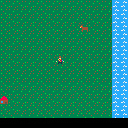
- Added 4 types of wandering animals with night/day behaviors,
- Improved rivers,
- Updated inventory (now it keeps track of the animals met).
There is still nothing to do but exploring the world, collecting objects for no reason, meeting animals.
Still no sound/music...
Update:
- Added some objects
- Added inventory
- Added home
- Added texts
3 comments
