

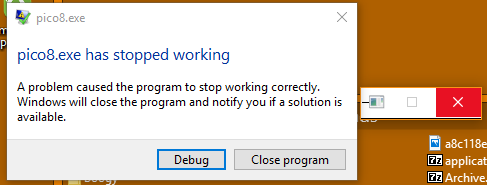
Whenever I leave full screen, the PICO-8 window appears as just the programs drag bar, then crashes


 10 comments









NOTE: This is a guide to my menu system that I have used in the example cartridge however contains mostly general tips that you can adapt to your own needs.
This is a simple guide for my Menu System that also shows off how to do simple 2-colour palette swapping. Anyone is free to build upon and implement this system into their own games they make.
If there are any questions or queries, feel free to leave a comment and I'll try to reply as soon as possible. Here are some guides suitable for beginners to help explain how to use it.
Guides
How To Add More Options:
[b]How To Select Options:
23 comments


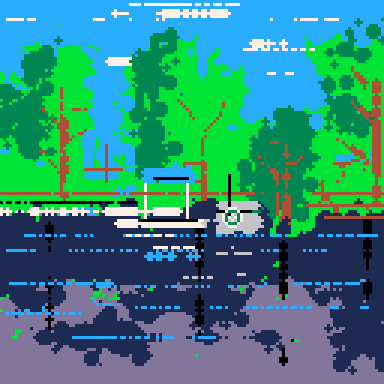


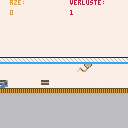
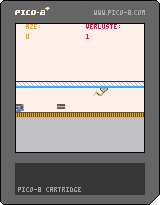
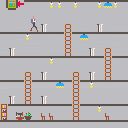
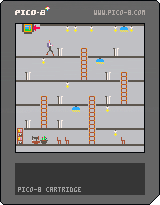

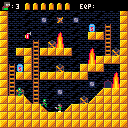
Finished for a game jam, although currently there is not a satisfying end-game after completing the 3 levels!
This is a zombie arcade game. I will finish it up and polish it a bit more later.
4 comments



Hi,
Perhaps this has been asked before, but I don't recall seeing anything about it specifically. Apologies if so.
I've just gone over the png compression limit on a cart, but have about 1128 tokens & 20,000 odd characters left to go. I'll probably use all of them.. I know I can reduce the length of my variable names, or minify the source to make it fit, but -
I was wondering if there was a technical reason why the cart file size couldn't be, say, doubled, or even left unrestricted? As long as you're within the token and character limit that is.
For the record, I think the idea of storing data directly in the image is pretty damn cool & I'm not suggesting that be changed, but if it's only restricted by image size, perhaps the 'overflow' data could be stored in a private png chunk? In theory it shouldn't interfere with how it appears or downloads in browsers or image viewers etc.
If it's a hard limit on file size or Javascript or something though, I guess I can't really argue against that one.
I guess it's no big deal, but I'd love to be able to keep the original source in the cart is all.
Cheers
edit: clarification - cart [b]file
5 comments
Well... trying to make some dynamic level generation script - it's a thing I've been digging into, lately... and kind of fuzzy on implementing it.
So, the idea is that the main playmap area is 3 screens tall, 5 screens across; and ultimately, represented as a table like:
LVL1={/leveltype,scr1,scr2,scr3,scr4...scr15} (where scr1 for instance, is a perlin noise variable that indicates where it joins with other screens... so if it were "4," it would open to the right (up=1, left=2, right=4, down=8). LVL1-LVL15 each do this.
I have a table called DOORWAYS={1,6,11,5,10,15} ...these are the screen IDs that can contain doorways. And then one that's DOORSHUF={RND(1,6),RND(1,5),RND(1,5)...} - the idea is that the starting door from level 1 is the first variable, and it references "DOORWAYS" to place the appropriate door - then every door thereafter is made by adding the next "n" of DOORSHUF to the previous one, and if need be, subtracting 6 from it until the table finishes, and returning those values to a DOORLIST table that should end up looking like either (16 values of 1 through 6, to reference DOORWAYS) or (16 values of DOORWAYS that always alternate).
From there, I'm aiming at taking THAT table, and having each of 15 levels take that sequence, and concoct a "fast road" that's high risk, rewarding, but very direct toward the next door; and a "slow road" that's safer but winding (at least 7 "screens" in sequence)... the two paths can cross, too. The path generation basically adds the appropriate openings to scr1, scr2, etc. (and doesn't really matter which way it generates, since that's just the openings on the screens); and calculates via +/-1s and +/-5s (trying to devise a way to prevent calculative wrapping... so "5 to 6" has to do a "+5" and 4 "-1s" rather than a +1... so that too)...
Anybody else here mess with this kind of thing and get it to work right, by chance?
In progress:
DOORWAYS={1,6,11,5,10,15}

FUNCTION MAKELEVEL(BIOME,SCR1=0,SCR2=0,SCR3=0,SCR4=0,SCR5=0,SCR6=0,SCR7=0,SCR8=0,SCR9=0,SCR10=0,SCR11=0,SCR12=0,SCR13=0,SCR14=0,SCR15=0)
--CREATE SEQUENCE OF 16 DOORS
DOORSHUF={RND(1,6),RND(1,5),RND(1,5)...}
D=0
N=1
FOR N=1 TO 15 DO
D+=DOORSHUF(N)
ADD DOORLIST (RETURN DOORWAYS,D)
N+=1
NEXT
|
12 comments

I honestly didn't know there was a blog element to this. Nice :D
The main thing I'm working on is called "Bob's Adventure" which is probably just a working title, even though its meant to be kinda dumb.
so far, I've had my Pocket CHIP for a little over a week and I'm reeeeeally enjoying the ability to just walk along coding, and by making really simple little sprites, I don't need to worry about a long drawn-out design process and talking to 3D modellers to make any progress. I can just blast out some rubbish sprites and get on with the fun coding bit! Love it!
Hopefully people will check out my game as it gets updates. So far, there's not a whole lot to do on it other than wander around and kill zombies, but my goal for the game is two add two more enemy types, expand the level and then have the game culminate in a boss battle. I also want to add more music and animation along the way (memory permitting!)
1 comment
Was gonna use my PC for a bit while working on a project I started "CHIPping" away at... but I can't seem to find where the default carts directory is on the P-CHIP edition... where should I look?
1 comment

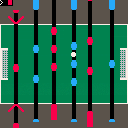
This is just a little thing that I made whilst going about my day and I'm not sure I'll get around to finishing so feel free to grab it from the PICO-8 WIP section and do some work on it!
6 comments


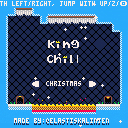
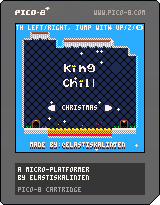
This is a challenging platform game with the focus on just the platforming.
You play as a king that on unknown circumstances is stuck in a deep cave. On your journey you will dodging lava, spikes and maybe some bugs ;)
The goal is to get out as fast as possible! The clock is always ticking so play smart and chill!
Hope you enyoy it and post your best scores in the comments!
UPDATE 1.3
- Added character animations
- Added scene transitions
- Added ways to play the game with different skill levels
- Fine tuned all levels to make them more fair and fun + foliage
- Remade start screen
- Remade the enire last run
16 comments




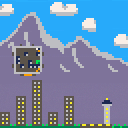
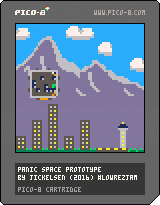
You lost the keys to your spaceship, your carnivorous pet has gotten loose, and that fugu you last night has left you in a state of paralysis! Not to mention that your ship is currently crashing towards the ground.
Use the cursor keys to fire your ships steering rockets to get out of this mess, and use z to switch view and see how close your are to certain doom. The ship'll only let you fire the steering rockets while all loose objects (including you) are at rest. You'll need the key to the main engine to have any hope of landing safely!
Made during the last weekend of the #LOWREZJAM 2016. Only one level so far but more may come in the future!
1 comment

Going to use this post to keep track of PICO-8 related links I may want to reference later
INPUT
Input layout
0 comments

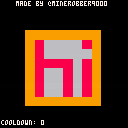
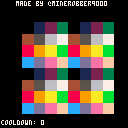
This is a WIP Pico-8 art gallery. The "cooldown" in the bottom right hand corner is how many seconds you need to wait before pressing Z to change the sprite.
Changelog:
Version 0.1.1:
- Now with scaled scrolling speed!
Planned Features:
- Cooldown timer only showing during cooldown time
- Sprites next to each other instead of using a button to swap them
- Better documentation
1 comment

I might be mistaken, but it seems like the special characters for buttons aren't working after upgrading to v0.19 of Pico-8.
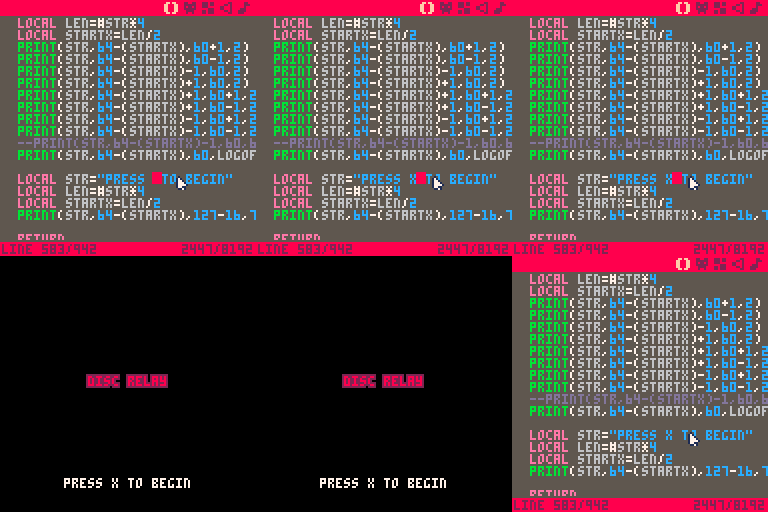
Shift+LRUDOX all show just the regular characters. Did something change (the manually still says that is how to use them). Or maybe something is busted on my end. Can someone else confirm this is broken/working?
Thanks!
Matt
7 comments


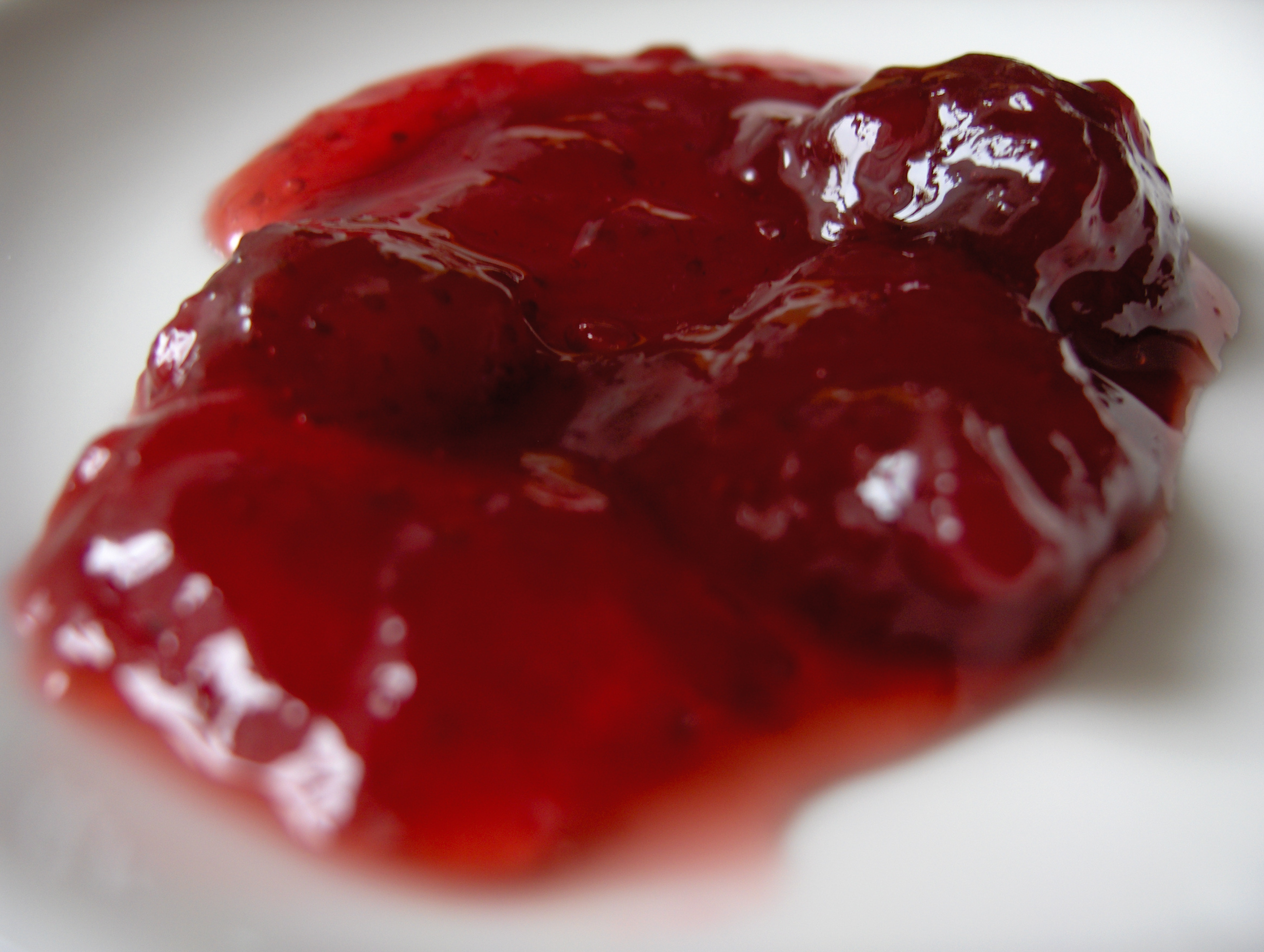


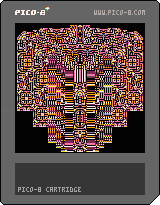
My first post here! Thanks to everyone who posts here, I have learned so much from you.
This is a little graphics thing I made on the PocketCHIP while trying to get to grips with cellular automata.
Use arrows while holding one of the action buttons to change palettes, display modes, or regenerate a new pattern. Use arrows while holding the other action button to smear the patterns into stripes.
Features:
Memory poke trick to create reflections
Modification of Conway's Game of Life from Pico-8 zine issue 2
5 comments



In Exploding Birds you, a lonely bowl of rice, feed hungry birds... TO DEATH! All the while avoiding their unending stream of poos.
You start with a limited number of rice in your bowl, if your bowl gets pooped in, you lose some of that precious rice, so make the most of your limited resources to get a high score!
Features yet to be implemented:
- Sound effects and Music
- Powerups! Become a box of Alka-Seltzer or Rocket Launcher and actually explode the birds.
- High Score tracking
Inspired by: https://twitter.com/gameideamachine/status/760550740603592704
5 comments
I am understanding that you can tell a 'variable' to mimic a command, thus:
r=rnd print(r(6)) |
I am wanting to know how to code this, preferably using only one 'variable' and without making it a function:
a=rnd b=flr(a)+1 print(b(6)) |
How would you do it ?
10 comments



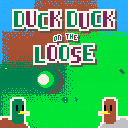
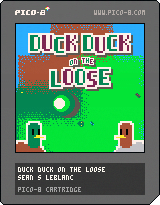
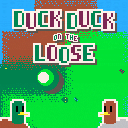
Uh oh, a flock of ducklings has gone missing, and it's up to Duck Duck to save the day! Can you help them find all seven?
I mean... it's not really your responsibility. I'm sure they'll be fine on their own. Why don't you just take some time to wander around and enjoy yourself? And hey, if you happened to find some ducklings along the way, that's cool too.
note: the web version on the BBS won't work because the module's TOTAL_MEMORY is too low, but I've included the cart here so you can still download it if you want. If you want to play it online I recommend the itch.io version.
 15 comments