









I might answer my own question here, but I want to take music from one cart and add it to my cart.
From what I've read, I need to copy the sfx and music sections of Cart A and paste it into Cart B. Easy enough, however, I've already made sound effects for Cart B. Am I correct in expecting that my sounds will get overwritten when I paste in Cart A effects?
Any nice way to import music without clobbering my own sound effects so I don't have to remake them? They're not great or anything, but making sounds is easily the most tedious thing in Pico8 and I'd hate to spend all the time to try and churn them out again.
Or maybe my game just won't have music...always an option...


 2 comments

Hi i am trying to export my sounds but it gives back wav files with zero duration.
Im using this command: export("sound%d.wav") after making some wav's
Please help.
2 comments



Hi guys,
The Lair is almost ready for public consumption, but I'd like to playtest it for a while as a closed beta, to ferret out bugs and improve the gameplay as much as possible. This is how it looks like right now:

If you're interested in playing the game and helping out, drop me a line at [email protected] and I'll fire you back a link :)
0 comments

This new version comes with a reduction to two rooms, but makes a certain mechanic really important.
No, there isn't just 1 room, but two. -w- Progress.
There was a huge code cleanup and minification, so we have that going for this version. And the auto generated is back and improved!
Me and my brother are coming up with a successor of "I Fell", featuring better mechanics, better movement, and hopefully better art and music. I had fun making "I Fell", so I thought, "why not?" This is the result.
0 comments

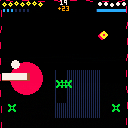
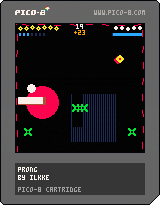
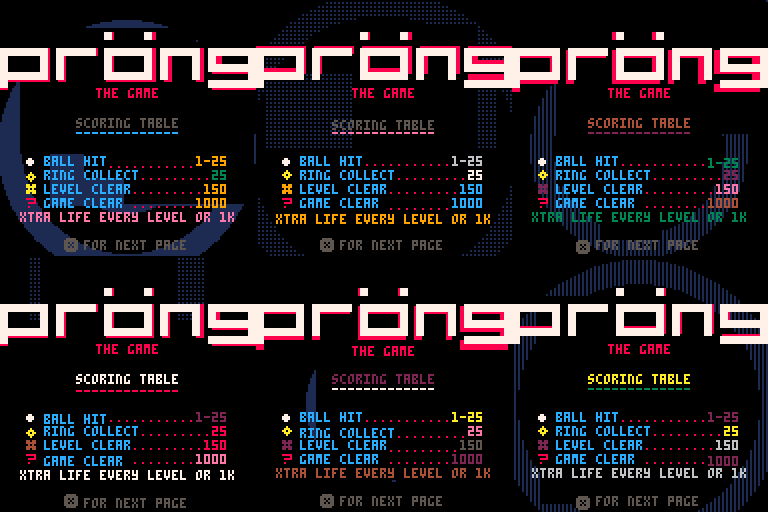
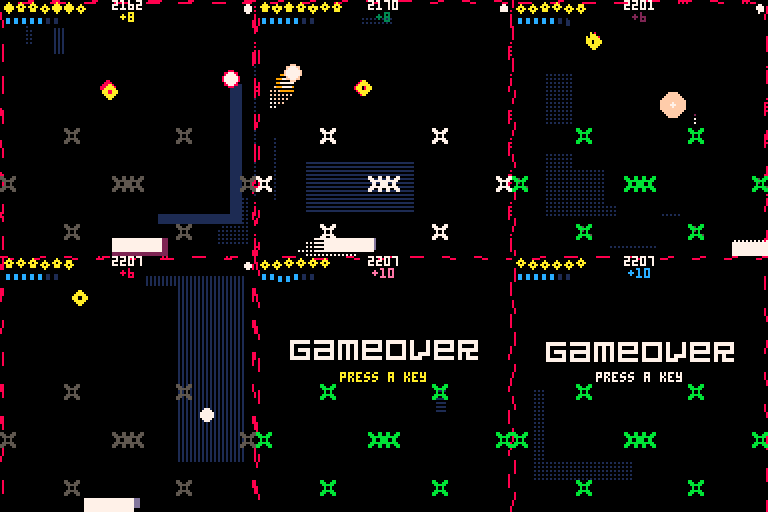
Pröng is a mutant game of pong. Also a techno-thriller dating sim.
This was a bit of an experiment combining many different game mechanics together. It was a lot of fun to make. It was also my first pico-8 project ever so I learned quite a bit.
I might do a write up in the future outlining the development process as I think it would be interesting to share.
Hope you enjoy.
3 comments




About
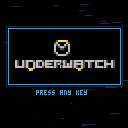
Underwatch is an objective based team shooter demake. The objective is to capture the control point (marked in orange) by ensuring that only your teammates are occupying the area.
You must eliminate your enemies and raise your team's capture meter to 100% before the other team does!
Controls
- z: Primary Ability
- x: Secondary Ability
- Up: Jump
- Left: Move Left
- Right: Move Right
Any resemblance to existing copyrighted material is coincidental and unintentional.
0 comments
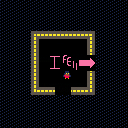
Forgot the instructions: Move around with the arrow keys.
Anyways, the cart is finished, at least I have declared it so. It is not perfect, but it was a nice stretch into what PICO-8 could do.
I enjoyed making this, and I hope you do, too.
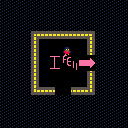
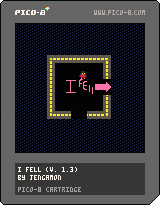
My first cartridge. I was trying to learn the basics of PICO-8 (I literally got it yesterday), and this is want I ended up with. It is nowhere near finished (ignore that 1 in the version). The heaviest inspirations seem to be FNAF and Yume Nikki.
4 comments


Hi,
here is example how to write lua code more as OOP using metatable and user defined callbacks for update and draw per actor.
Note: Plane sprite is created as sprite 2x1 on sprite id 1 and 2.
--   Actors+Actor CLASSes
-- andygfx - cubesteam - 2016

-- Define TActors container class ---------------------------------------------

TActors = {}

-- TActors CONSTRUCTOR

function TActors:New()

    o = {
            list={}
        }

    setmetatable(o, self)
    self.__index = self

    return o

end

-- TActors methods ------------------------------------------------------------

-- add actor to Actors list
function TActors:Add(actor)
	add(self.list,actor)
end

-- delete actor from Actors list
function TActors:Del(actor)
	del(self.list,actor)
end

-- return count of actors in list
function TActors:Count()
	return #self.list
end

-- call user defined update method on all actors in list
function TActors:Update()
	for a in all(self.list) do
		if a.enable then
			a:update()
		end
	end
end

-- call user defined draw method on all actors in list
function TActors:Draw()
	for a in all(self.list) do
		if a.enable then
			a:draw()
		end
	end
end

-- Define TActor class --------------------------------------------------------

TActor = {}

-- TActor CONSTRUCTOR ---------------------------------------------------------

function TActor:New()

    o = {
            name="actor",
			enable=true,
			visible=true,
			x = 0, y = 0,
			_x = 0, _y = 0,
			sprite = 0,
			sx = 1, sy = 1,
			dx = 0, dy = 0,
			update = function() end,
			draw = function() end
        }

    setmetatable(o, self)
    self.__index = self

    return o

end

-- METHODS

-- set actor fields
function TActor:Set(name,sprID,x,y,w,h,dx,dy)
	self.name=name
	self.sprite=sprID
	self.x=x
	self.y=y
	self._x=x
	self._y=y
	self.sx=w
	self.sy=h
	self.dx=dx
	self.dy=dy
end

-- set actor update and draw callback
function TActor:SetCallback(fncUpdate,fncDraw)
	self.update = fncUpdate
	self.draw = fncDraw
end

-- respawn acgtor to start position
function TActor:Respawn()
	self.x=self._x
	self.y=self._y
end

-- pico8 callbacks ------------------------------------------------------------

function _init()
end

function _update()
  Actors:Update()
end

function _draw()
  cls()
  Actors:Draw()
end

-- TEST ACTORS ----------------------------------------------------------------

-- create Actors container
Actors=TActors:New()

-- user defined UPDATE callback for actor
function UpdatePlane(self)
	self.x+=self.dx
	self.y+=self.dy

	if self.x>128 then self:Respawn() end

end

-- user defined DRAW callback fro actor
function DrawPlane(self)
	spr(self.sprite,self.x,self.y,self.sx,self.sy)
end

-- create actor#1
plane1 = TActor:New()
plane1:Set("plane1",1,10,20,2,1,1,0)
plane1:SetCallback(UpdatePlane,DrawPlane)

Actors:Add(plane1)

-- create actor#2
plane2 = TActor:New()
plane2:Set("plane2",1,10,35,2,1,2,0)
plane2:SetCallback(UpdatePlane,DrawPlane)

Actors:Add(plane2)

-- create actor#3
plane3 = TActor:New()
plane3:Set("plane3",1,10,50,2,1,3,0)
plane3:SetCallback(UpdatePlane,DrawPlane)

Actors:Add(plane3)
|
1 comment


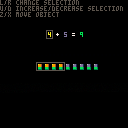
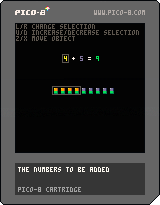

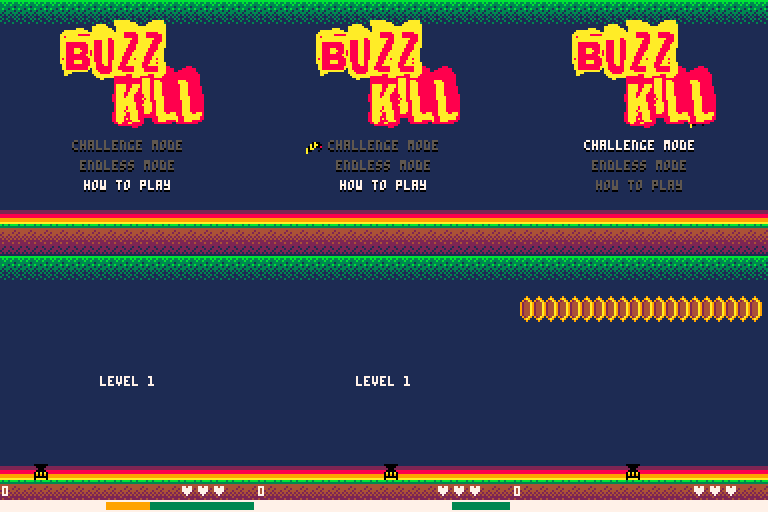
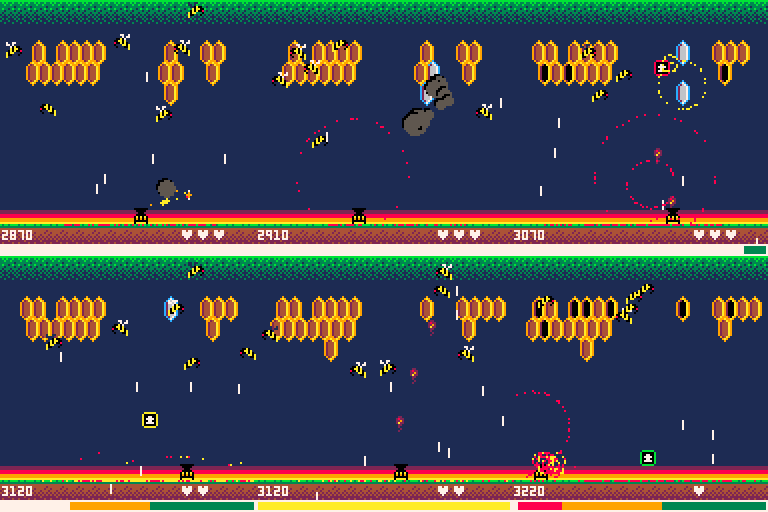
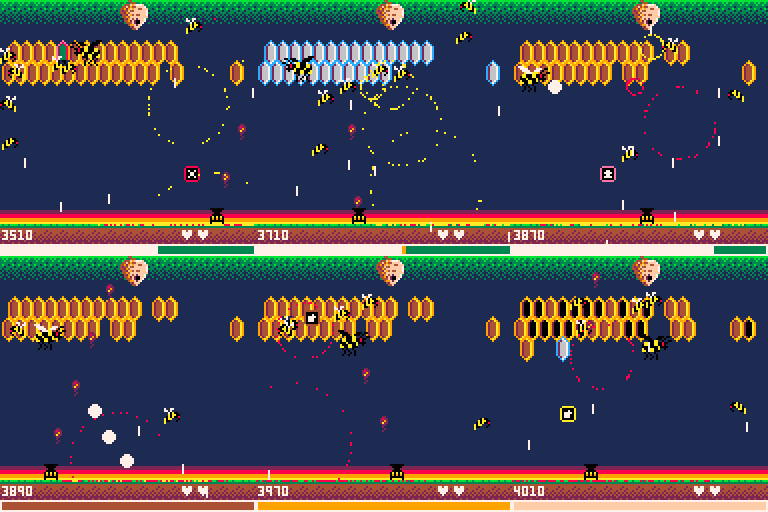
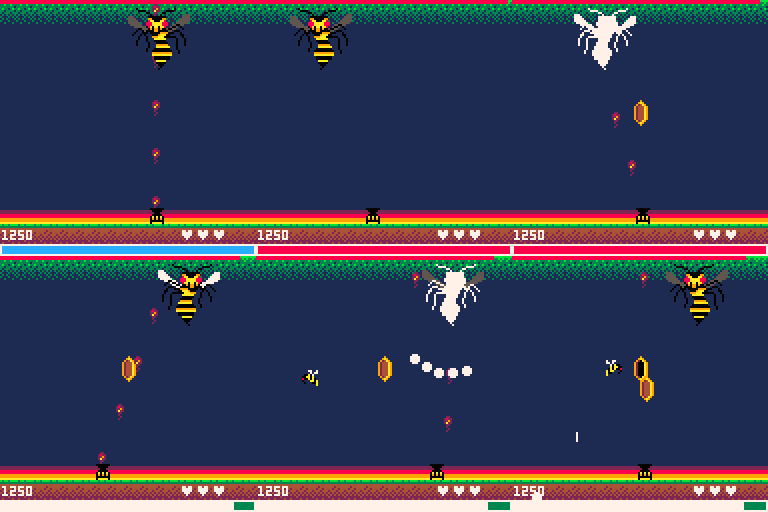
My next Pico-8 game, Buzzkill, is nearly complete. The only thing way outside my skill zone is music, so I'm looking for someone that might be interested in having their music showcased in my game. Your name will be on in-game credits and in code.
Figure it's worth a shot to ask...worst case is no one bites and I'm no worse off.
Would be most interested in 2 tracks. One for normal level play and one for the boss level. It's a arcade shooter so something up tempo and fun. Pieces can be short...doesn't have to be The Planets or anything.
Here are some screenshots of the game in-progress to help spark ideas.
Please post a reply if interesting and we'll get in touch. Thanks!
Title screen
Game play
Boss level
 0 comments

Hello!
I noticed that it's not possible to paste a code snippet in which special button characters appear in a string.
Copy or cut will work, but the paste command doesnt do anything. Removing the special characters from that code snippet lets you copy and paste normally again.
0 comments


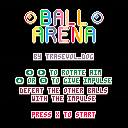
Defeat the other balls before they defeat you!!!
Have fun!
This is the presentation I made for Picoscope 2016 but rerecorded at home and in english! My mic is not that great and I don't think I'm very good at talking into it but I still wanted to do this for those of you who don't speak french!
If you have any questions, do feel free to ask!
If you liked that video and would like to see more of that kind of thing do tell because I have no idea if this is any good!
You can download the made-in-Pico8 presentation here!
1 comment

Hi, guys. So I'm trying to get some faster collision detection going, but I think what I got is way too slow still.
--p = object 1 (size is 8px) --af = object 2 (size is 8px) check = true if(p.x + p.width < af.x) then check = false end if(p.x > af.x + af.width) then check = false end if(p.y + p.height < af.y) then check = false end if(p.y > af.y + af.height) then check = false end if(check) then --if our player is inside a after image if( p.x >= af.x and p.y >= af.y and p.x <= af.x + af.width and p.y <= af.y + af.height or p.x + p.width >= af.x and p.y >= af.y and p.x + p.width <= af.x + af.width and p.y <= af.y + af.height or p.x >= af.x and p.y + p.height >= af.y and p.x <= af.x + af.width and p.y + p.height <= af.y + af.height or p.x + p.width >= af.x and p.y + p.height >= af.y and p.x + p.width <= af.x + af.width and p.y + p.height <= af.y + af.height ) then --hit end end |
1 comment
Hey everyone, I've modified gif_len in config.txt, but Pico-8 always records 4 second gifs no matter what. Help!
3 comments
Hey everyone, I've modified gif_len in config.txt, but Pico-8 always records 4 second gifs no matter what. Help!
0 comments

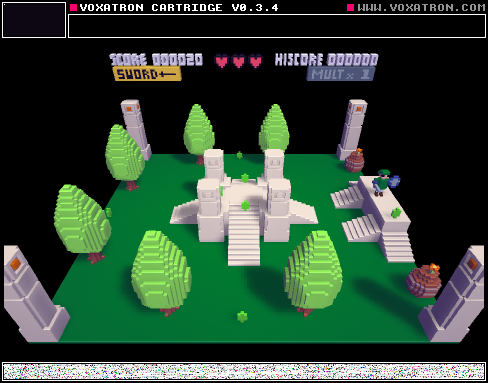


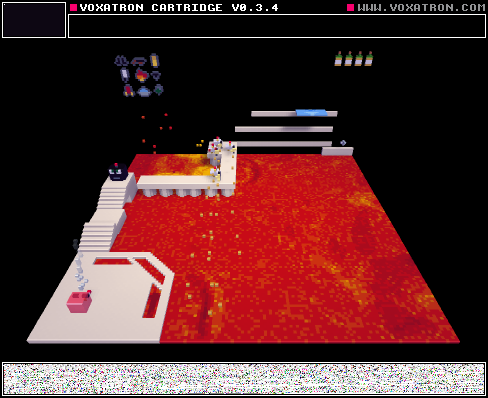

It could be inspiring!!
Also, I tripped across this video, and thought some of you may appreciate it; especially comparing it with P8's "restrictions."
3 comments
