I discovered Pico-8 because I ordered a PocketCHIP, so in my mind, I'm making games with a handheld in mind...but that's just me, for all I know.
How and where do you most often play Pico-8 games?
On your living room TV with controllers?
On your PC?
Just using the keyboard?
Some custom housing you've made for your Pi with joystick and buttons?
...?
Just wondering so that I might be able to do some testing with alternative devices and setups.
It seems like the Pico-8 will get to other platforms at some point so it's good to think about where people when designing your game.


 18 comments










I just recently got Pico-8 and I'm already a huge fan. I have a few suggestion of things that could hopefully rather easily be implemented into the editors which might help some people, such as myself :)
-
The ability to scroll the map with the arrowkeys. I find it a bit cumbersome to use space and drag around the map, especially since the map window is so small if the sprites are visible at the same time.
-
Be able to switch "sprites" by right-clicking on them. This might be a little more tricky but it's a feauture I really like from Charpad (C64 map and tile-editor). If you right click on a sprite it will swap place with the currently selected sprite and "remap" them on the map. This is just for tidyness - makes it easier to move things around.
-
Make "delete"in the music editor work aswell as backspace, and make one of them step down one step like the editor does when placing notes.
-
Make delete in the sprite editor clear the currently selected sprite to the currently selected color.
- Adding keyboard-shortcuts for the draw and fill-tools in the editor.
4 comments




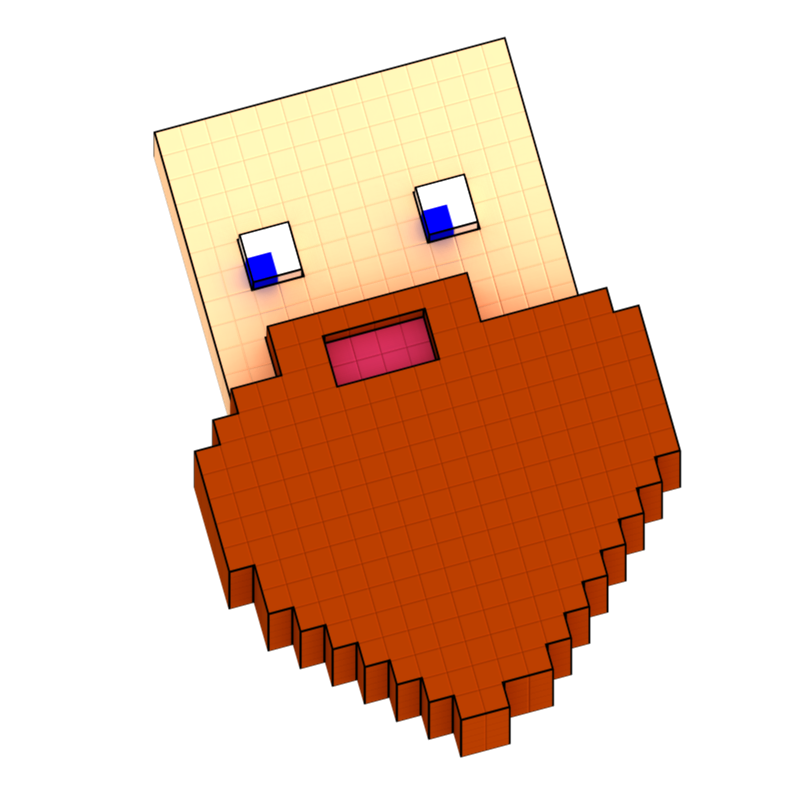
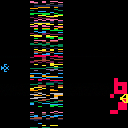
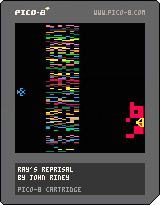
Remember Yar's Revenge for the 2600? I do. Just getting started on this little clone. No gameplay yet, just getting the pieces in place. Let me know what you think!


 2 comments


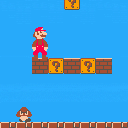
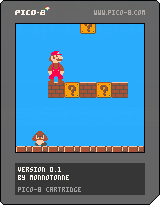
A port of the original super mario bros onto the pico-8. It's still very much a work in progress and lacks key features such as items, enemy AI, and falling into a pit crashes the game. But the basic engine and collision detection is all there, so feel free to play around with it if you want.
Let me know what you think, and what areas it can be improved upon.
6 comments




A little fun thing I did with Zep's Hello World program. This could be amazing as an actual boot screen xD
0 comments

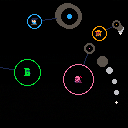
Hey everyone! This weekend, at the Toronto Game Jam, I made a small 0-player game named Nite Fite. It was my first time working in Pico-8 and I had a blast.
Since this is a 0-player game, you don't actually have any controls. The fighters go automatically, and when they die, they pull a property from the fighter that killed them, and randomize another property. This results in a kind of weird shifting metagame that's oddly captivating to watch.
I loooooved working in Pico-8 and will definitely try to put some more stuff out in the future.
Edit: the old version had a horrible invisible bug that completely compromised the inheritance system. This version should work fine now.
2 comments


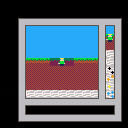

(edit: naturally the first time I uploaded this I forgot to take a screenshot. lol)
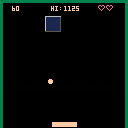
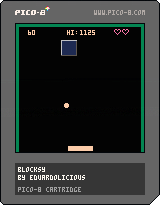
My first game! It's pretty bad! But ok for the 24 hours or so I took introducing myself to Pico-8
About ~10% or so of this I'd say is probably wholesale lifted from the first tutorial for Squashy over at Picozine, since that was my starting point to all this. Added some more objects/collisions and turned it into a game sorta thing
Features:
- Z/X to adjust paddle speed
- multiple return angles
- scoring (10pts for a successful volley, 25pts for hitting the block)
- high score tracking (saved via cartdata())
- annoying sounds, by me
- working game over/restart screen
- poor logic
- poorer comments
There's the occasional (literal) corner case where the ball doesnt interact with the block correctly, but I think I've gotten it as good as I can get it with the horrible way I logic'd it all out. I've already learned/determined a better method for bounding boxes so whatever I make next WON'T be this bad (hopefully).
Enjoy! Hopefully someone gets 20 seconds of fun out of it (or learns something from it
2 comments

Controls
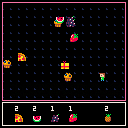
- Arrows move you around
- X will start a new level
Development
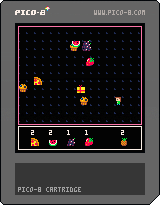
This is my first game of sorts. I made it for my preschooler and as a way for me to learn some P8 basics. There's not much to it. Presents release food, then collect all the food until you get them all. There's no end, per se, the collection goal just keeps going up. If this ends up being something she enjoys, I'll add things to it but if nothing else this is a great reference for my future projects.
And thanks to everyone here on the forums...I learned a lot about some the nuances of Lua and it came in handy.
I used the animation function from here:
https://www.lexaloffle.com/bbs/?tid=3117
I copied food sprites from here:
https://www.reddit.com/r/pico8/comments/3jhmni/spritesheets_and_tools_for_the_pico8_palette/
I couldn't find the thread where I got the collision function but thank you!
Once nice experience I had with this program was the refactoring. My first dive into this game was just hacking through new commands and learning. Once I got that to a workable state, I refactored it in about 2 hours to be pretty nicely laid out, IMHO. Still learning where to gain efficiencies but hey, it's a start.
7 comments


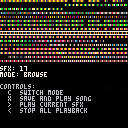
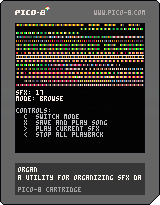
Organ is a simple sfx organizer.
When I make music with the pico8 tracker, I usually end up with an unreadable mess of samples that have nothing in common.
This utility lets you switch sfx indexes and update the song data accordingly.
You can either specify a filename in the code (still waiting for a usable ls()), or paste the song data of another cart manually.
The data is saved on the editor itself (even when a filename is specified). To save it to your music cart, you'll need to edit it manually (I'll make a better UI in the future).
I may or may not extend this to make a music compression utility :T
0 comments


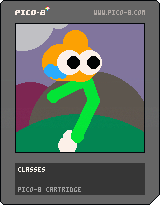
crying boy running towards his dreams
u can make it, boy...
uses verlet integration i ported to pico-8
2 comments


So, I just recently heard about PICO-8 and fell in love with the concept, especially since a lot of my game-related projects recently end up crumbling under their own weight. Thankfully, there is no way to do that to yourself with the constraints of the Pico, so I hope to finish a few small games for it to get my groove back :).
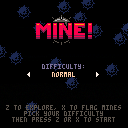
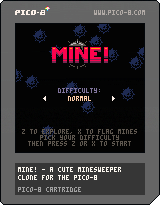
This is my first Pico project. It's just a Minesweeper clone - I wanted to start with a known quantity just to get a feel for Lua and the API. I figured that in the unlikely event that the Pico becomes a hit handheld console, at least all those Minesweeper fans will have an implementation ready to go.
Then I found about the search function in splore and realized that somebody already made one :). Well, I guess there is two to choose from now :).
5 comments




.png)

I accidentally uploaded an empty spritesheet instead of the cartridge for a quick test thing, as 20297. Is there a way to delete it so it doesn't gum up splore and stuff?
3 comments


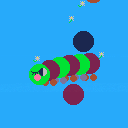
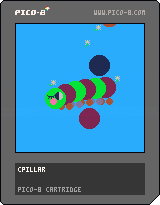

This is a simple barebones template targeted at people who just got pico-8 and want to make games. It's liberally commented and designed to set up and format commonly used techniques. It handles button presses, screen updates for moving sprites, timers, text, and map display. While targeted at beginners, I also find it useful as the base for new projects because of how easy it is to edit and modify. One note; this is designed for people who have some semblance of programming experience, though not necessarily in Lua.
0 comments
As I'm learning P8 and getting back into a low-level state of mind, I'm finding that (like anything) you need a plan to get a project done, but even more so in this type of environment...and that means you probably have notes, charts, doodles, spreadsheets...whatever...
I'm just wondering what physical artifacts folks create when building a game. And maybe, if you're keen to it, take a quick photo and post it.
I'm not asking anyone to give away their secret sauce or blueprints for their "next big thing" but just something to give insight into the creative and development process you go through...especially if you've made what most people would consider a "polished" game.
I just finished my first program but I did most my planning/doodling "in code" as I worked through what I wanted to do. So now I'm looking back to refactor and thinking about how to best plan things out. All in all, I'm just looking for inspiration.
Going back to basics like this is both wonderful and frustrating...but in a good way :) I haven't done it like this in decades but something about it just feels good.
1 comment


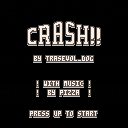
CRASH THE CAR!! BY ALL MEANS! CRASH IT!!! AGAIN!!
The arrow keys control the car! That is all the controls!!!
This is the sequel to CRASH!.
The music was made by the talented Pizza!!!
Have fun, show end-screens and tell me what you think!!!
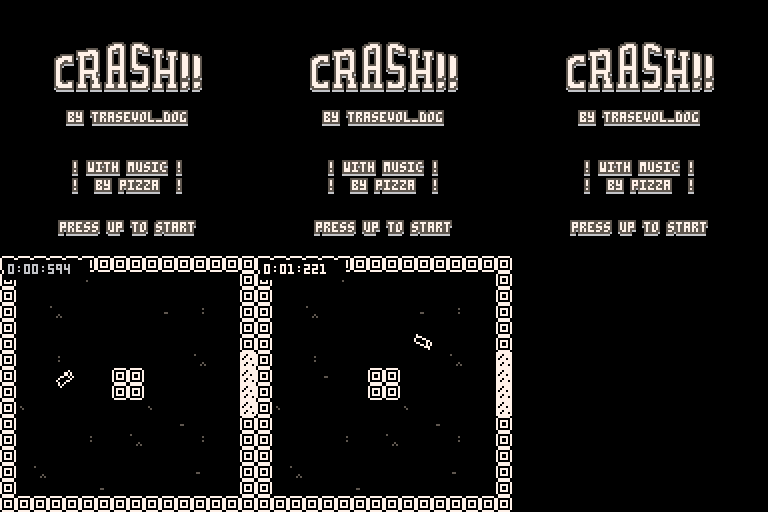
If you like the game, please do consider supporting it on itch.io!! : )
3 comments


Since the Ouya just runs Android, wondering if there's any way to nicely get Pico-8 running on it?
I haven't tried yet but not sure I'd even know how to go about it.
I am one of the unfortunate souls that bought an Ouya, but now thinking I could just use it as my router to the television for P8 games since it's already got the outputs, controllers, etc.
2 comments