


I just tried exporting a cart I made and I noticed that the .js file is fairly large compared to the actual cart size (1.1MB vs 3KB in PNG format). I realize that some of this is the player itself, but also noticed that the cart data is stored rather inefficiently (a javascript array with the elements represented as text integer values).
Couple of questions here -- first, has anyone separated the player code from the cart code so that they are in separate files and can be cached separately? Seems rather inefficient to have to reload the player each time a cart is changed, especially on mobile devices where someone may be downloading over a limited data plan or even on the server side where someone pays for amount of data they serve (like on Amazon's S3).
As for the cart data, is there any plans to modify the web player to load a more compact format? Ideally, it would be able to load the .p8.png file directly, but even doing some compression inside the javascript would help out a lot, IMO.
Thanks!


 6 comments



The audio crackles/pops if there are multiple sounds or channels being used at a time in Chrome, Edge and Opera. The sound doesn't appear to be working at all in IE11. The only browser that the sound works flawlessly in is Firefox. I haven't tested it yet in Safari.
This is on a Windows 10 Pro system with fully updated drivers. Also tested on my wife's laptop (also Win 10, only tested in Chrome), and it has the same issue.
To reproduce, a good game to try out is Celeste. You should hear crackling sounds as the music on the title screen plays if you are using one of the above listed browsers (basically anything on Windows except Firefox).
6 comments




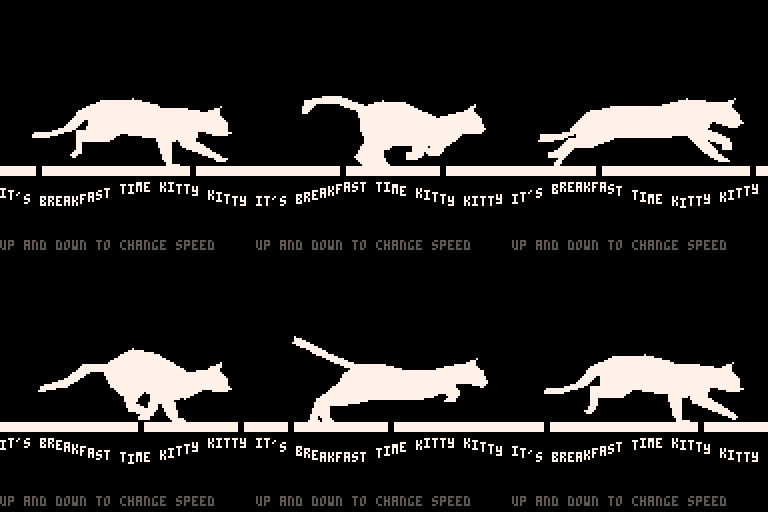
It's a filled polygon, smoothly tweened animation of a running cat. There's still a decent amount of space left for a program, or even more complex animation.
Thanks to Eadweard Muybridge for taking photos in the 1880's that are still useful today.
-Electric Gryphon
4 comments










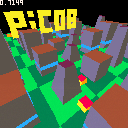
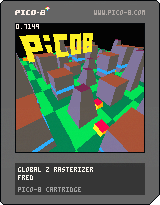
I wanted to try this since a long time:
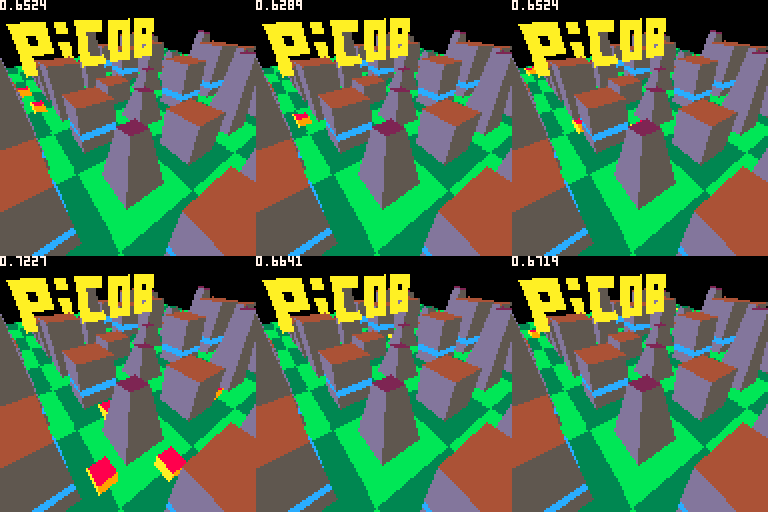
The scenery polygons are rendered as a list of line segment for every line of the screen. { { x, z, color }, { x, z, color }, ... }
No need to sort anything because polygons are inserted in every line raster with z test (making previous segments moved or deleted inside every lines)
it takes less than 0.3 of the frame to draw this frame rasterized buffer even if it is quite complex.
Then dynamic model polygons are drawn on the top of it with z test.
I'm quite happy with the result, now I need to try more complex models...
This is just a demo yet. (It still has annoying bugs)
 2 comments


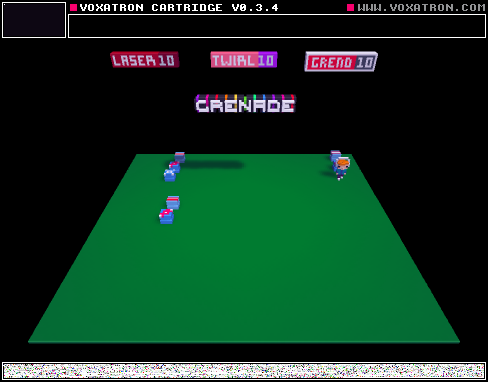


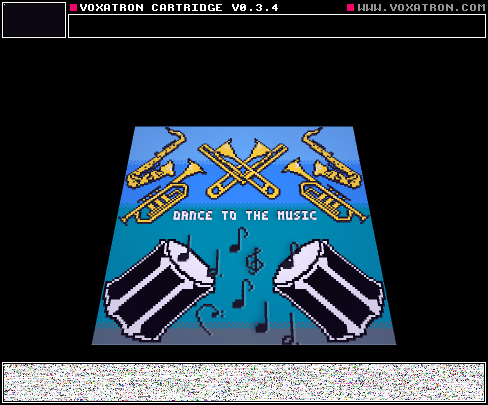
I added a bunch of new levels, but it's still a work in progress.
The game ends at the rooftop currently.
1 comment

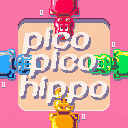
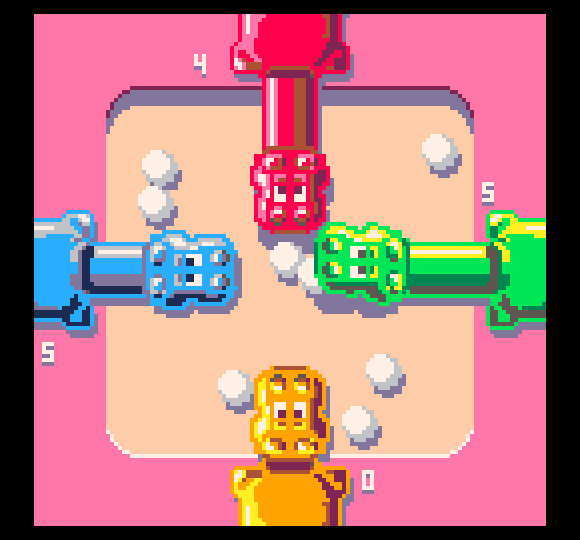
Relive the joy of the 80's with some key mashing and marble gobbling. Feed those peckish pachyderms as fast as you can to win.
This is a two to four player, shoulder to shoulder kind of game.
Up Arrow: Red
Down Arrow: Yellow
Left Arrow: Blue
Right Arrow: Green
If anyone feels an urge to replace the music with something better, please be my guest.
--Electric Gryphon
10 comments










This awesome cartridge allows you to mine for a very long time.
Download the cartridge yourself, and edit the code! Inside are somethings you can edit, for a different charecter, if you want your charecter black, and some other cool configurations.
It's released as finished, but it will get big updates some times.
You can save your game too, so that's another reason to download it.
Download Game: http://adf.ly/1XZKLS
Guide on how to do simple hacks for the game: http://adf.ly/1XZSTd
Guide on how to do complex hacks for the game: http://adf.ly/1XZauL (how to make a block doesn't work)
TIPS:
Coal spawns after 12 meters deep - 10% chance spawning ( 1 in 10 )
Iron spawns after 40 meters deep - 5% chance of spawning ( 1 in 20 )
Gold spawns after 100 meters deep - 2.5% chance of spawning ( 1 in 40 )
Diamond spawns after 300 meters deep - 1.25% chance of spawning ( 1 in 80 )
Coal sells for 5c (c = coins)
Iron sells for 15c
Gold sells for 45c
Diamond sells for 135c
0 comments


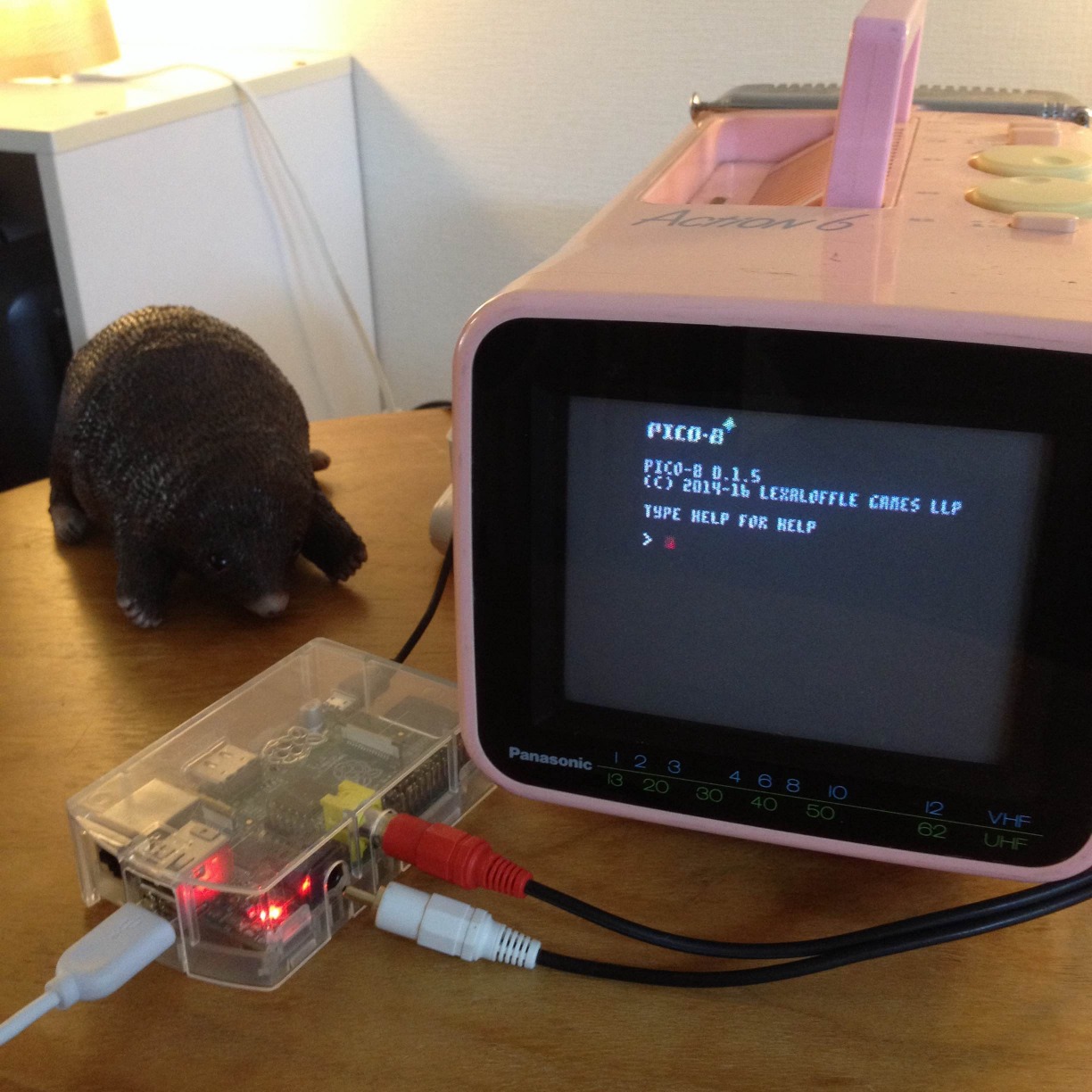
A build of PICO-8 0.1.5 is now available for Raspberry Pi! Check your updates page or look in your Humble library under the Linux downloads section.
It works in fullscreen under either X Windows or directly from the terminal (using directfb). For speed, the default resolution is 280,280; you can set this with the -width and -height switches:
pico8 -width 720 -height 480
Known issues:
- After quitting, keypresses during the session are sometimes dumped to terminal (annoying if you quit by typing shutdown instead of CTRL-Q!)
- Freeze on exit (observed on a zero)
- Some math-heavy cartridges (e.g. /demos/cast.p8) don't run at full speed on first generation models.
There are two builds included in the archive. pico8 is compiled statically (so no need to install SDL2), and pico8_dyn dynamically loads libraries, in case you'd like to supply your own SDL2.
Have fun, and please post pictures if you get pico-8 running on any cute displays!
93 comments









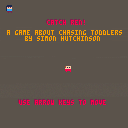
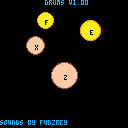
Hey guys! This is just a little music test that I have been working on, I might make a piano thing or something, I was playing around with audio, got a little sketchy and came up with a few retro drum sounds, (NOTE: These are NOT the original sounds from my test, I accidentally overwrote the file & forgot to get the backup, so I just reprogrammed it, but it works similar enough to my original, so it's good, Enough talk, more compose! Play around with it, and put suggestions below! Also, if you want, remix it! But give credit to me please.
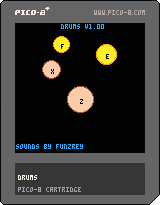 0 comments

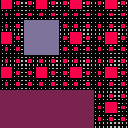
Photosensitivity warning: blinky as all fuck.
This is a hacky little Sierpinksi Carpet fractal implementation, with oscillating zooming and panning and random color changing, with a hacky shot at a Shepard Tone for the soundtrack.
Controls:
- A sense of control over the universe is illusory.
2 comments



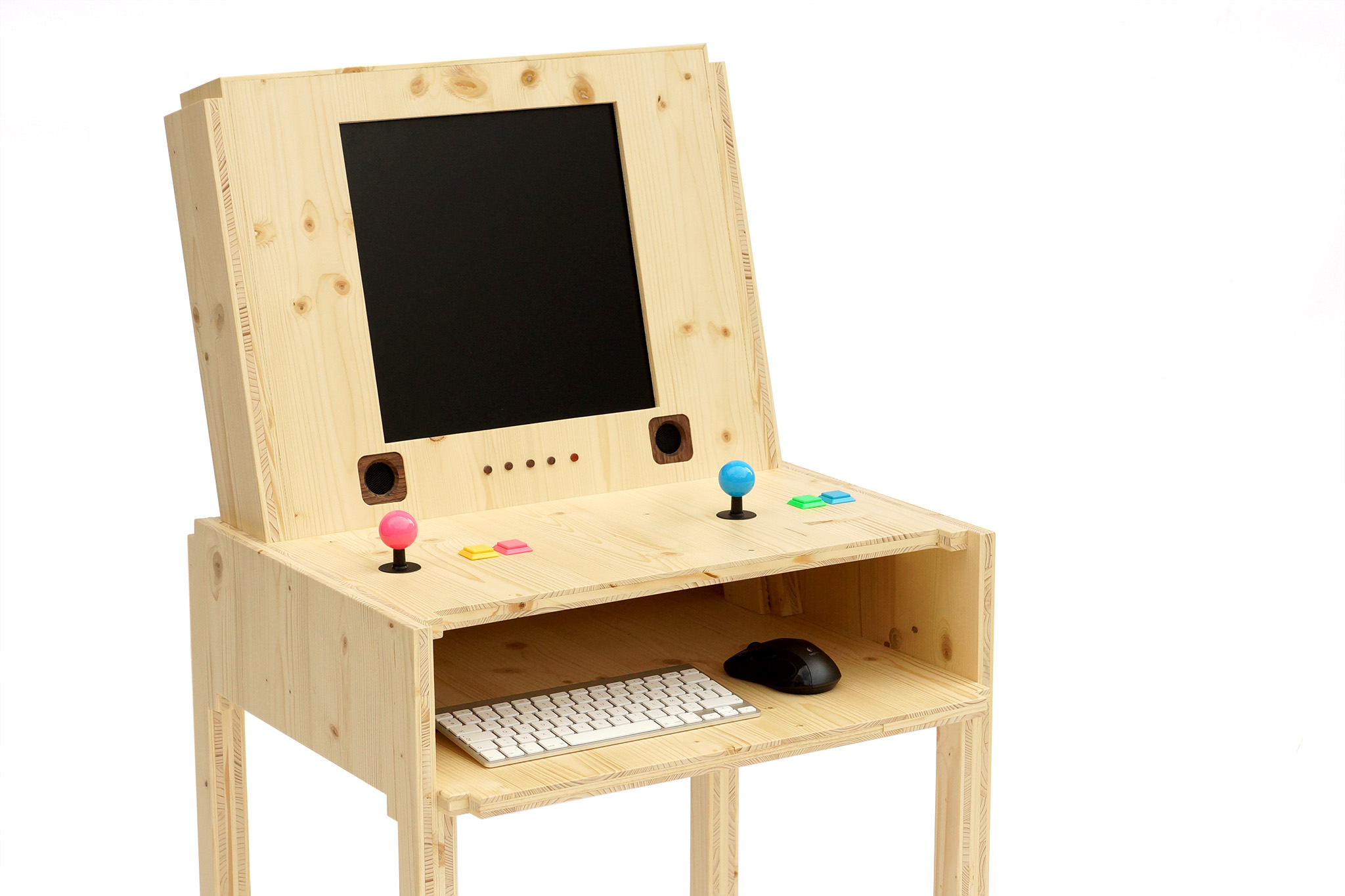
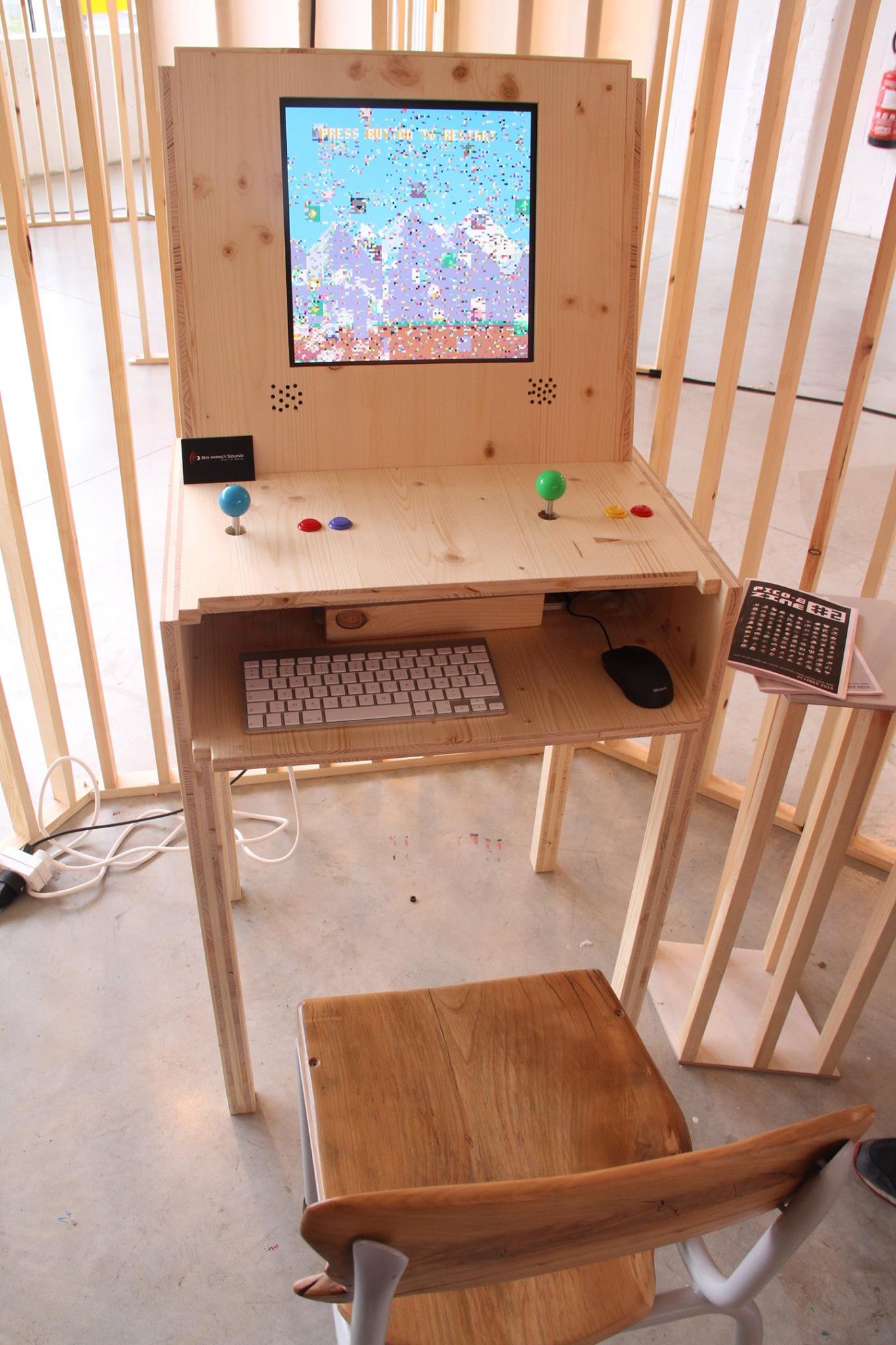
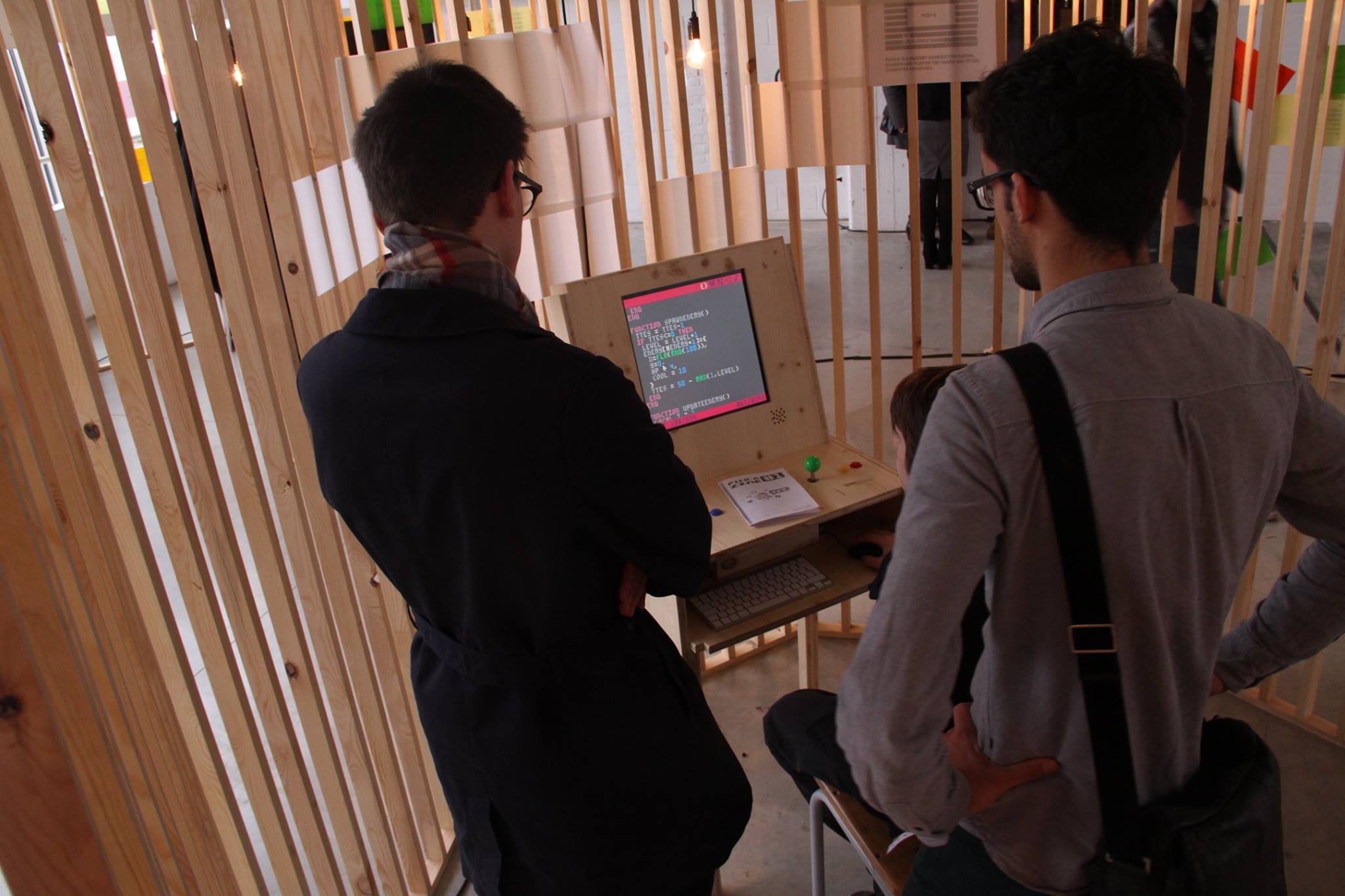
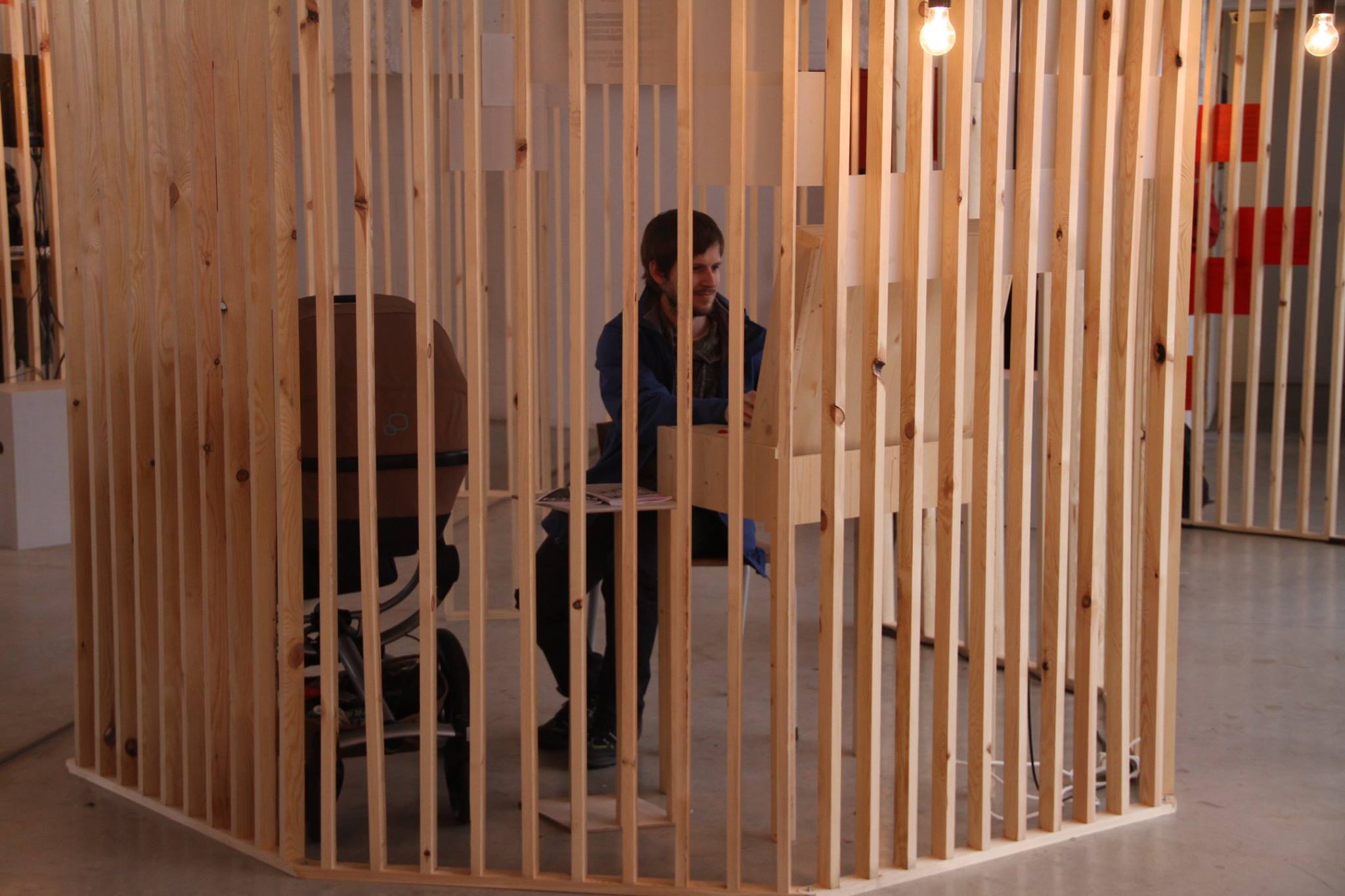
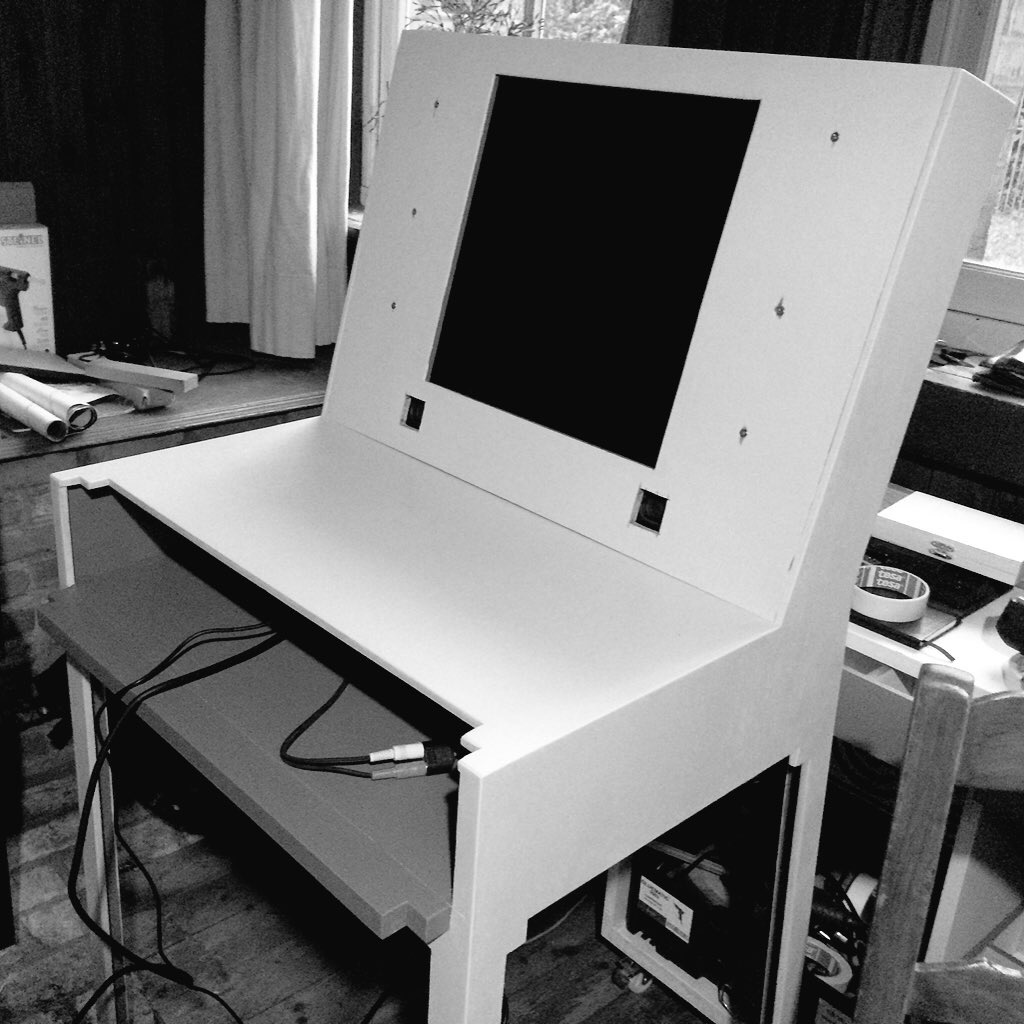
In the last few weeks we made a PICO-8 arcade for the Screenshake 2016 festival.
In our design we wanted to combine the comfort of playing the games using classic arcade controls with the ability for festival visitors to develop games as well. We also printed out some fanzines.
The arcade as shown at the festival:
Butterfly Demo Vine:
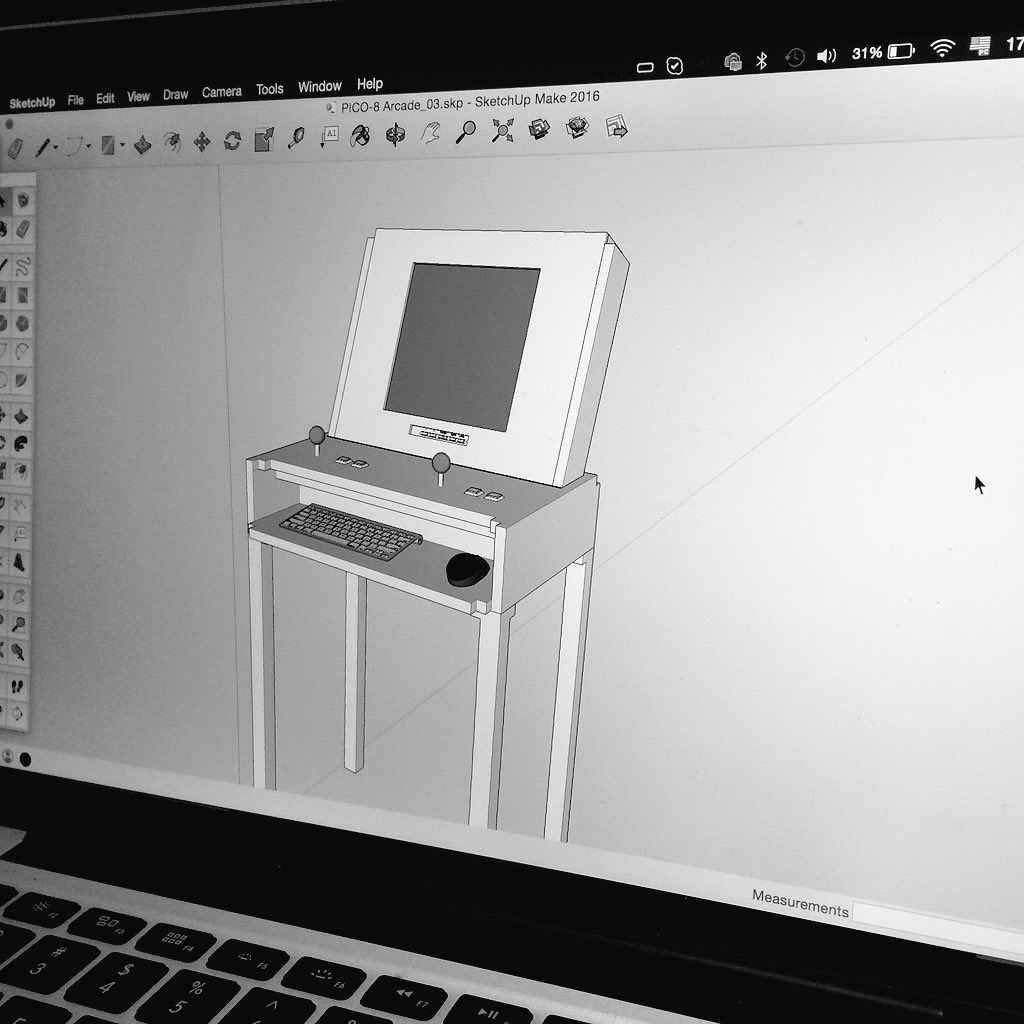
The design in SketchUp and the first prototype:
7 comments



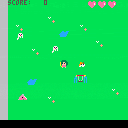
girl like a dog
dog like a ball
ghost like a girl
girl dislike a ghost
ghost dislike a dog
arrow key >> move cursor
z key >> throw ball
2 comments

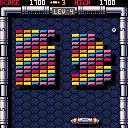
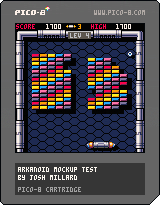
The beginnings of an Arkanoid clone, based on a nice pixel art mockup by @DavitMasia.
Controls:
- left/right: move paddle
- z: start; release ball
- up: SECRET CHEATER LEVEL SKIP
Details:
This first version has the basic game loop -- break tiles with the ball, clearing the board will move to the next level -- but is missing just about everything else so far. No powerups, no enemies, no actual endgame (if you beat the last level, current #7, it just loops back to #1), no proper title screen, etc. Musical bits are dredged up from childhood memory and so are probably not spot on.
I hope to keep cracking away at it, get more of that added, but if anyone wants to have a go at doing so themselves they're welcome to it as well.
8 comments






Hi folks,
I've been wanting to make a handheld Pico-8 console, powered by a Raspberry Pi. I hadn't realised that the Raspi version wasn't available yet, but I thought I'd see if I could get it working anyway.
A company called Eltechs makes a product called Exagear Desktop which allows you to run x86 binaries on an ARM host - apparently it's about four times as fast as QEMU. I bought a license (which are only about £8 at the moment), but sadly it doesn't work because it seems Exagear Desktop doesn't support SDL :-P
I'll continue tinkering, but I suspect this route is a dead end until Eltechs adds OpenGL support.
0 comments

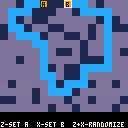
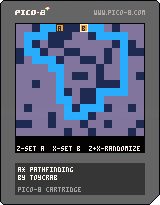
I finally got A* pathfinding working. I know it's already been done in PICO-8 but it was a good learning exercise. Now I hope to use it in a little point-and-click adventure.
Arrow keys: Move cursor
Z: Set the starting point
X: Set the goal
Z and X: Generate a random level
0 comments
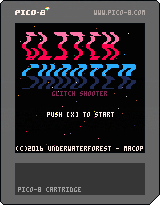




Hello!
I am just getting started with Pico-8. I want to do a Pico-8 game jam with design students at my university. To learn some good practices, I want to look at some code of larger games (creative commons, thank you!). It works in the Pico-8 code editor.
But if I cannot open the .p8.png in any external code editor. I tried Brackets and Sublime Text, both are "smart" enough to just show the png images.
I removed the .png and let the file end with .p8. Then Brackets refuses to open it, because it is not UTF-8. Sublime Text opens it, but shows only unreadable HEX codes. Are there Mac OS users around who know a way to do it?
Another problem: The file ending with .p8 does not load in Pico-8 any more, "could not load".
What is going wrong here? Does it matter that I downloaded the .p8.png from the BBS?
Any help would be greatly appreciated!
3 comments