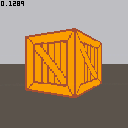
Got bored and wrote a textured wall renderer.
If you really wanted to you could simply replace sspr with line and have a colored wall renderer.


 6 comments


I've tried to add my purchase to this page. I followed the instructions on this page, but I can't see the "Lexaloffle Account Activation" link on the humble bundle purchases page.
3 comments



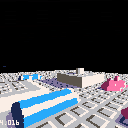
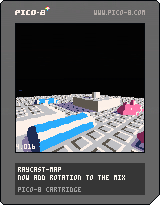
This is a first attempt to render textured height maps in something close to real time. I guess these would be considered voxels?
I am casting rays from the screen and checking intersect with the floor plane to get an x,z coordinate. Then I load a pixel from the map for the color and a pixel from the map at an offset location to get a height value.
A neat feature is that shadows could be baked into the texture.
Code is ugly, buggy, and poorly optimized...
Issues:
--In order to keep the frame rate up while moving, I had to double pixel size.
--Looking up a pixel on the map is very slow, but I want to be able to handle 512x512 height maps and this is the best way I can think of. (512x512 color map and 512x512 height map)
--tall vertical walls jump in and out of existence, especially when at a distance. Actually, this happens with all pixels. Rounding errors perhaps?
I'm going to look at Zep's Raycast demo and see if there is anything in there that I can borrow.
-ElectricGryphon
5 comments


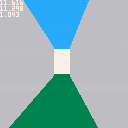
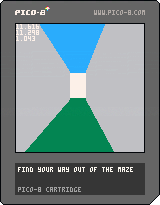
A silly game based on the 3D 'CAST' demo where you navigate a maze to try to find your way to a garden. Arrows to move. Hold Z to cheat.
5 comments


Still working on it, but it's gotten to the point where all major features have been implemented and it's winnable.
Instructions:
[hidden]You're solving a bomb with a certain number of digits (depending on how many you choose), by rewiring and replacing modules. How hard could that be?
Panel overview:
You'll view a grid of 4x5 panels, each corresponding to an element in the number, as you solve circuits, the panels will change to green and represent a part of the number. When you're confident in what the number is, press X and select the number. You can only do this when you've solved two circuits. Each panel must be guessed correctly to win the game, and if you guess incorrectly ... well ...
The circuit:
Pay attention to what flashes briefly, as it won't be said again until you complete a module. Go from 1st to 2nd to 3rd, cutting each side of the module, removing the old one, and soldering the new one on. When you're "cutting out" the modules, you replace the module you're working on with a wire (the grey rectangle), and if you're "replacing" them, you replace it with one of either same shape or same color. It won't be both, and you might have to try either to figure out what the circuit wants. Once you figure it out, every other module will follow the same rule.
No you can't just cut off a side of the circuit and then resolder it, that won't work.
7 comments




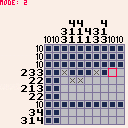
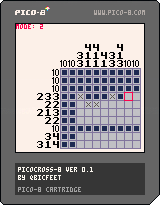
Controls:
- left/right/up/down to move cursor
- Z to mark a square
- X to flip between cursor mode (0 - nothing, 1 - cross, 2 - mark)
Just uploading this stupid thing I got sidetracked with and made today. I'll probably continue with it and flesh it out, just not sure when. At the moment it has 3 puzzles (2 of which were shamelessly stolen from Picross DS (pls dont tell anyone)) and which one you get when you boot up the game is random so keep rebooting the player until you get a different puzzle.
If you don't know how to solve Picross puzzles, this page might be a good start.
TODO:
- win state
- main menu & puzzle selection menu
- automatically mark numbers as rows/columns are filled in
- better controls
- tutorial (?)
- sounds, music and a plethora of juicy effects
- code optimizations to be able to fit in as many puzzles as possible
7 comments





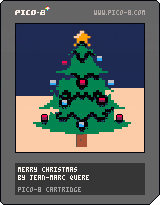
Hi,
Before there are hundred of similar cartridges...
I want to wish you a Merry Christmas!
Have a lot of fun with your familly.
I kiss you all ;-)
Thanks for the greater good that you give every day to the community <3
Many thanks to zep (for this strange and wonderful thing called pico-8)
Kind regards,
jihem
2 comments
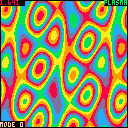
Hello, this is my first attempt to code anything in this great virtual console.
It's just four effects I coded in my first few evenings since I bought the Pico-8.
I try to use the special modes at 0x5f2c to mirror some of the effects so that I have to draw less pixel.
Although, one can use the keys to go through all the modes, and based on the mode more or less pixels are drawn and the text are aligned accordingly.
A: changes mode
B: changes part
10 comments





I keep thinking of old ST/Amiga era game styles that I'd like to experiment with in Pico-8 but a lot of them need mouse support.
Are there plans to add mouse support? Is there already mouse support and I've missed it? Is this a terrible idea and should I get my coat?
To me It seems a bit strange to use the mouse in the editors and then it be not available in game.
D
7 comments


(this message is translated in French and also is in english / ce message est traduit en anglais et il est aussi en français)
Is my first one day sure Pico-8 ! C'est mon premier jour sur Pico-8 !
I do not create of game, but I surly create games later ... Je ne créer pas jeu, mais j'en crérai surement plus tard ...
Follow-me if you want to receive my next games ! Suis-moi si tu veux recevoir mes prochain jeux !
Bye !!! Au revoir !!!
Valérian
1 comment

This Wednesday, I opened one of my pico-8 in notepad and realized how simple the format is. I immediately wanted to build tools that write cartridges. The idea that hit me was this: It can be hard to make multi-screen scrolling levels or title screens from tiles, because every image has to be composed of tiles, it would be easier to just paint the image in photoshop, and then have a tool break it into tiles, eliminate duplicate tiles, and write the result into a cartridge file.
So I got started, first step, a bit of code that scrolls a map around the screen. Secondly, make some art that uses the pico8 palette. I made a JASC PAL file based on a screen shot, and used PSP8 to dither the old red-eyed tree frog that's used so much in image processing.
Then wrote some code to read the resulting PNG, break it into 8x8 tiles, and write tiles and resulting map into a cartridge. I'm already writing Lua here, so I used LÖVE, which made reading image files and looking at pixels pretty easy, even though it's not what it was meant for, but who has time to write all this stuff in SDL and C? So that wasn't too hard, and by end of day, I had put up a proof of concept:
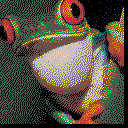
Navigate with arrow key, speed up with the first button (keyboard Z or controller A).
The code that generates the cart is really awful, everything happens in love.load(), and there is a ton of string processing that's about as inefficient as you could make it if you wanted to, and the resulting cartridge had way more tiles than you need, because duplicate elimination wasn't done yet. Gotta save some work for version 1.
0 comments
I've been playing around with the map editor and I've even managed to stick Betsy at the bottom of the screen. I used some ball code from Squash code in pico-8 fanzine #1.
There's no collision detection, so raining on Betsy does nothing. She's also at a fixed y position so the platforms have no effect too.
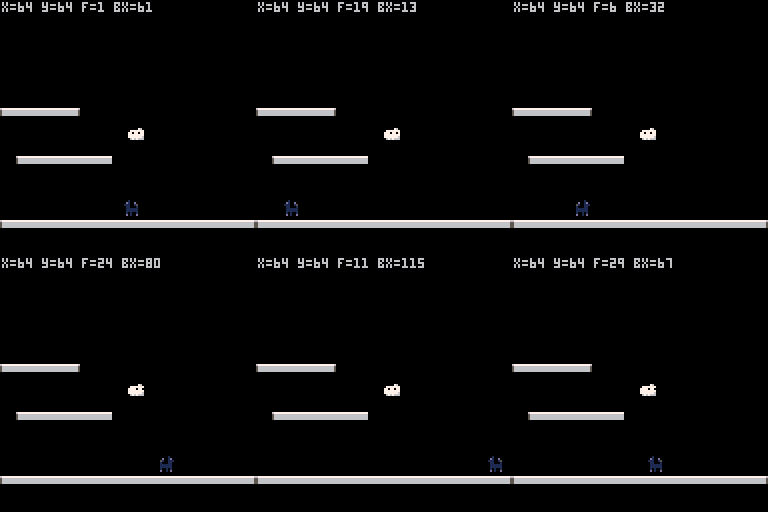
Update: I've managed to make a pig's ear of the cart title!
Update #2: Wahey posted to the wrong user blog!
1 comment
Hi, I am new to Pico-8 and I love it.
I yesterday tried to benchmark filling every pixel individually. At first I used pset. I tried something very simple like pset(x,y,c) where c = x + y + nframe, where nframe += 1 every update. I got 15fps, then I got 30 when I put it inside, like pset(x,y,x+y+nframe)
Then I tried to see if pset per pixel matters. I tried to poke at 0x6000, of course it's faster because I was poking two pixels at once. But if one needs to still control individual pixel, has to do bit manipulation with band and mul by 16, so it will be slow again. It would work for copying screen areas with memcpy, like a game I had seen that makes cool glitches.
Then I tried to make a buffer
vram = {}
for i=1,8192 do
vram[i] = fill with stuff..
end
but memcpy(0x6000,vram,8192) did nothing (black screen)
is there a symbol to get the pointer of vram? I also tried vram[0], vram[1] at the function.
Now if I copy some of the contents at 0x3400 and then do memcpy(0x6000,0x3400 it works, my array has stuff.
6 comments


I wrote a little utility to export PNG files to pico8 cartridge map files. I've got plans to automatically eliminate duplicate tiles and allow arbitrarily sized images, but in the meantime, here is my first proof-of-concept to show that I've got the cartridge format correct, and the basic idea works, using the good old red-eyed tree frog seen in all kinds of image processing demos (the pico8 palette is not too kind to it).
Not that this is not a game, it's an automatically generated cartridge. The real magic is in the generator (which I hope to publish when I'm happy with it).
4 comments


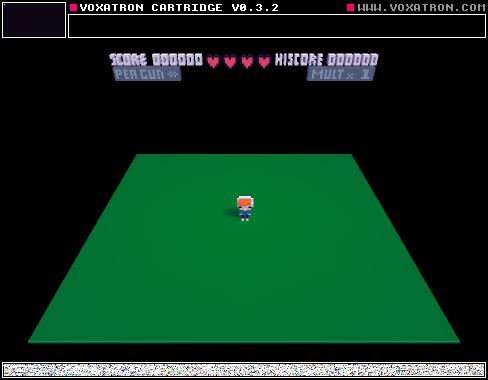
Hello! This is Quicksilver in Beta edition I hoped you enjoy it, it is WIP. Any suggestions just comment below!
YOU ARE NOT ALLOWED TO COPY
0 comments
I'm still learning my way around game development, so my progress was too slow to submit something on time. I have decided to continue working on my game that I planned to submit for the first pico-8 jam. This is it's dev log.
The premise of the game is that you are a cloud who is trying to protect a little puppy (Betsy) from the cruel world. Being a cloud kinda limits what you can do to achieve this. The game will be a puzzler with Betsy wondering around various hazards on the screen.
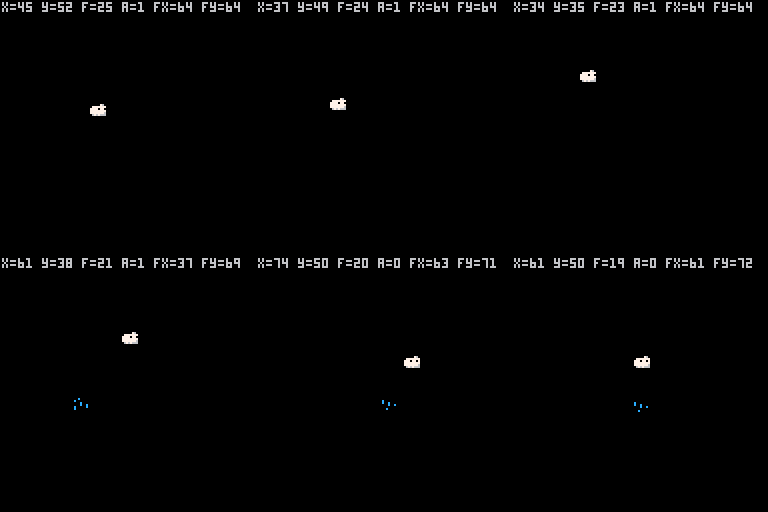
Controls are cursor keys and z to rain.
Update: I've worked out how to add a preview of the game. yay!
2 comments

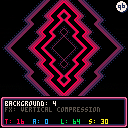
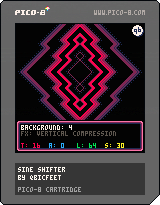
Controls:
- right/left to increase/decrease amplitude
- up/down to increase/decrease wavelength
- Z/X to increase/decrease animation speed
- Q to change background
- W to change effect type
I've been toying around with my Pico-8 for the last few days and after a good amount of bashing my head against a wall I finally have something cool and somewhat presentable. It translates horizontal lines on the screen either horizontally or vertically in a sine-wave-like pattern, just like the battle backgrounds in Earthbound and Mother 3.
Thinking of making a short vertical slice of some sort of RPG with a basic battle system that makes use of it.
Here are the relevant code snippets if you'd like to use the effects in your own game:
[hidden]
-- horizontal distortion effect
-- by qbicfeet
--
-- t: time
-- a: amplitude (in pixels)
-- l: wavelength (in pixels)
-- s: speed
-- y1: first horizontal line
-- y2: last horizontal line
-- mode: interlaced y/n

function sine_xshift(t,a,l,s,y1,y2,mode)
  for y=y1,y2 do
    local off = a * sin((y + flr(t*s + 0.5) + 0.5) / l)

    if mode and y%2 < 1 then off *= -1 end

    local x = flr(off/2 + 0.5) % 64

    local addr = 0x6000+64*y

    memcpy(0x4300,addr,64)
    memcpy(addr+x,0x4300,64-x)
    memcpy(addr,0x4340-x,x)
  end
end
|
-- vertical distortion effect
-- by qbicfeet
--
-- t: time
-- a: amplitude (in pixels)
-- l: wavelength (in pixels)
-- s: speed
-- y1: first horizontal line
-- y2: last horizontal line
--
-- note: the difference between
-- y2 and y1 can not be greater
-- than 111 or it will corrupt
-- the draw state ram!

function sine_yshift(t,a,l,s,y1,y2)
   local dy = y2-y1+1

   memcpy(0x4300,0x6000+64*y1,64*dy)

   for y=y1,y2 do
    local yy = (y + flr(a * sin((y + flr(t*s + 0.5) + 0.5) / l) + 0.5)) % dy

    memcpy(0x6000+64*y,0x4300+64*yy,64)
  end
end
|
11 comments






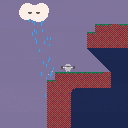
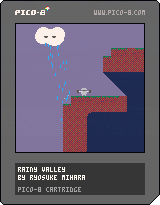
Control the vehicle with water jets well and rescue mice in the valley.
- Your vehicle can move by thrusting water jets.
- You can refill the tank with rain water.
- Trying to thrust jet when the tank is empty will damage the vehicle’s life support system.
- When you ride on a mouse, the tractor beam will start pulling the mouse automatically.
- Bring mice the teleport device at the starting point.
Controls
- left: move left (thrust water jet right)
- right: move right (thrust water jet left)
- up: fly up (thrust water jet down)
10 comments




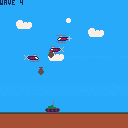
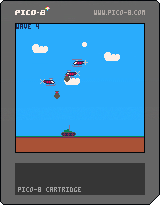
Controls:
Left and right to move
Hold z and use left and right to aim
press x to fire
Shoot down helicopters and dodge their bombs.
This is the third cart I've made for my blog: quidditycode.com
I'm making a game with pico8 every week.
Edit: Fixed Link
3 comments