







So, this may not work in future versions of Pico-8, but right now, I've noticed that if you do a load() within your game game code, you still have your base ram untouched until you run run(). With that info, you can use objelisks technique (https://www.lexaloffle.com/bbs/?tid=1860) and use cstore(x,y,z) and some empty space in the spritesheet to transfer info from one cartrige to another. Then use run() to switch to the new cartrige and peek to read back the transfered info. A single sprite equals 32 bytes with is good enough for a metroidvania.
As I said, there's no guarantee that load() will work like that in the future and it probably wouldn't work like that on a "real" Pico-8 console, so in a way it could be considered cheating. But right now it works.


 6 comments





thanks guys! :D We've added an updated version that now uses a rather scary looking "MASTERBUN/GLITCHBUN" to draw all of the sprites (except the chubby one), using pal() to recolour the different areas as needed to save space.

We went from 6 sets of 2x2 sprites at 4 frames each (96 sprite-blocks) to only 2 sets (32 sprite blocks, + potential for more buns). This is especially important since we have not decided if we want to use the shared memory space for sprites or for the map.
The only problem is that pal(x, 0) remaps x to actual black instead of transparent, as I expected. Unless I find a work around I will have to create additional master-sprites for bunnies with bows on one and both ears (bringing the total back up to 64 blocks), which is really too bad.
This is my first time programming a game myself (and the first time working with my sister!) and I'm really please with how things are going. If anyone knows the solution to the transparency/black problem, I'd love to hear it!
old version:
5 comments





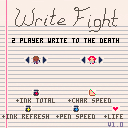
Two-player deathmatch game. Players draw lines which will damage the other player if touched. Pick up ink bottle power-ups to increase your draw speed, ink reserve, and refresh speed. Includes 9 characters and 14 randomized maps.
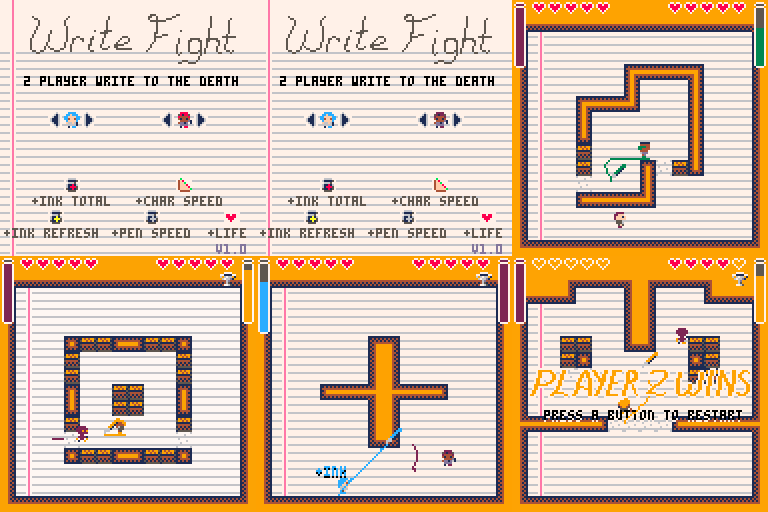
Player 1 keys: Cursors + Z / N
Player 2 keys: SDFE + tab / shift
X/Q change the player color on the home screen.
This is a complete version of my entry into Ludum Dare 32: An Unconventional Weapon. http://ludumdare.com/compo/ludum-dare-32/?uid=15743
5 comments



ver 0.8 (15244 chars)
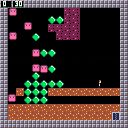
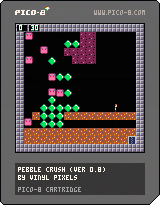
Controls: Left, Up, Right, Down to move. A + Direction: interaction without moving.
[hidden]
ver 0.7 (14903 chars)
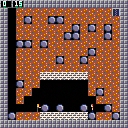
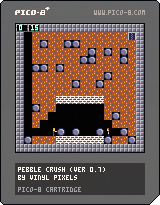
ver 0.6 (15275 chars)
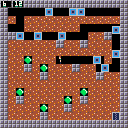
ver 0.51 (14441 chars)
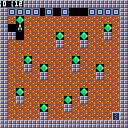
ver 0.5 (14228 chars)
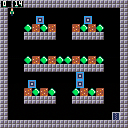
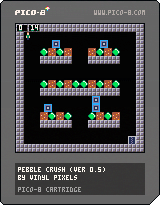
ver 0.4 (13327 chars)
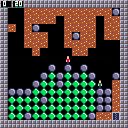
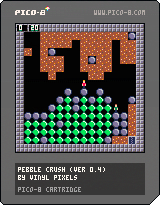
ver 0.3 (12420 chars)
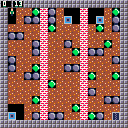
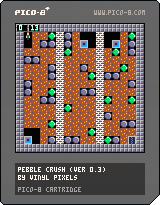
ver. 0.2 (11575 chars)
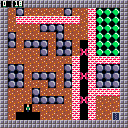
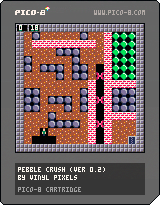
ver. 0.1 (6373 chars)
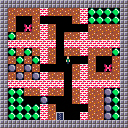
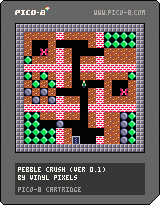
Hi everyone!
Many thanks to the creators of the most awesome, briliant thing since the wheel :)
Got hooked up on Thursday evening (thanks Rezoner ;)) and this is my work in progress on a clone of a very popular game from Atari / Commodore. Not all core features are implemented yet, but since I'm currently at 6.3k / 15.3k there is still plenty of room :)
There is no restart or menu so if you die, you need to restart the cart (I'll have the menu in 0.2, I promise :)).
10 comments



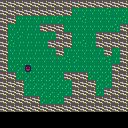
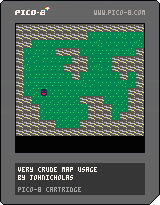
Hey everyone! I recorded a quick screencast on how to get started with responding to player input and animating a sprite to match the input.
7 comments


I don't know if this is a bug or feature, but it seems to me that nested loops do not work.
I attempted to use the following code, debugging the text showed that only one loop occurred:
local x=0 local y=0 while(x<16) do while(y<16) do val=mget(x,y) print(val) y+=1 end x+=1 end |
I don't know if this is intended or a limit of lua, but I was able to work around it with the following code:
local i=0 while(i<256) do local x=i%16 local y=(i-x)/16 val=mget(x,y) print(val) i+=1 end |
2 comments


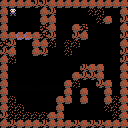
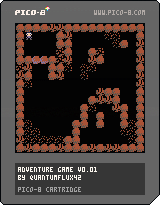
Working on making a simple RPG style game, so far I've just been working on getting the very basic movement and collision detection code working. Let me know if you have any questions. Thanks!
1 comment



Here's the small shooter I made with the early version of pico-8.
- fire with Z
- launch all missiles with X
- missiles recover with time
- missile deal double damage on non-shielded targets
30 comments




Hey.
I really like PICO-8 - it's really helpful to be able to learn a little tool, and stay inside that same tool until I finish a whole game.
However, one of my goals in playing with PICO-8 is to practice Lua.
Is there a way to turn off the PICO-8 specific syntax, so that I don't acquire "bad habits" of using += or whatever?
Thanks!
Johnicholas
8 comments




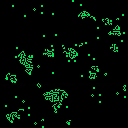
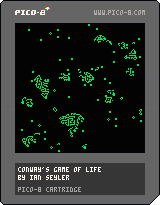
I'm not 100% sure this is working correctly but it was a good first try.
-- conway's game of life
-- by ian seyler

maxinit=1400

cls()
for t=1,maxinit do
 x=rnd(127)
 y=rnd(127)
 pset(x,y,15)
end

while(1) do
 for y=0,127 do
  for x=0,127 do
   neigh=0
   for tx=-1,1 do
    for ty=-1,1 do
     if(pget(x+tx,y+ty)==15) then
      neigh+=1
     end
    end
   end
   if(pget(x,y)==15) then
    neigh-=1
    if(neigh<2 or neigh>3) then
     pset(x,y,0)
    end
   elseif(pget(x,y)==0) then
    if(neigh==3) then
     pset(x,y,15)
    end
   end
  end
 end
end
|
3 comments

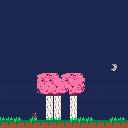
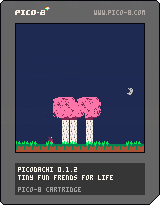
experimenting with pico hardware
neato features:
persistent loading/saving (not sure yet if this works in the web player?)
day/night cycle
shitty music
2 comments
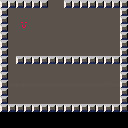
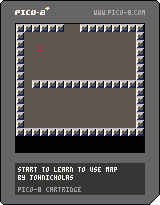
This is just me trying to learn how to use the map data. That tempting "door" at the top doesn't work yet.
2 comments


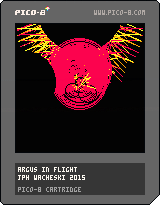
The Argus is watching all, always,. .
(small graphic/sound test)
loving the hard limits of this system,.
except the color limit, can we currently peek/poke to dynamically alter the colors in the 16 ?
I like the limit of 16 palette,. however would rather be able to change these sometimes., all greens or blues,. cycle one, etc.
very cool system otherwise.
0 comments
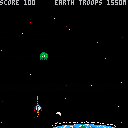
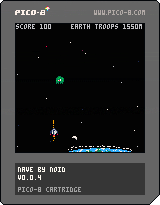
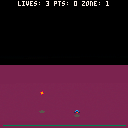
You are Flynn Flier, Ace Aerospacer, Space-Dart Superhero! After escaping Tranus's Test, you fly to planet Zondak, a land of energy-ball beings! You've been tasked with circumnavigating Zondak--with every ball of plasma on the planet trying to kill you! Weave through the world of the Zondaks, zapping everything in your way! Will you make it through the 13 zones of Zondak?
SPACE-DART PILOT'S MANUAL Use the ARROW KEYS to maneuver your craft LEFT, RIGHT, FORWARD, and BACKWARD. Note that you will pilot this ship in THREE DIMENSIONS! Press the Z key to ASCEND. Release the Z key to DESCEND. Your ship will automatically hover above the ground, so don't worry about crashing! Apply pressure on the X key to fire an ENERGY BLAST. Your ship can only manage the energy for one ENERGY BLAST per second, but each one is powerful enough to disrupt one Zondak Plasma Sphere. You will score 10 points for each Zondak Plasma Sphere you destroy, and clearing a zone scores you 100 points times that zone's number (clearing zone 1 gives you 100 points, zone 2 gives you 200, etc). You have 3 LIVES to reach Zone 13. Once you have made it past the final zone, you will see the GAME OVER screen, with your final score flashing on screen. Post a screenshot of this screen, with the zone and score clearly visible, and see how you stack up against other pilots! |
8 comments
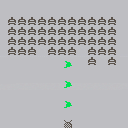
Over Ludum Dare #32, sugarbyte and I made Extinction Explosion!!one!
While reviewing games, I discovered PICO-8.
This is (the beginning of) a very crude demake, of the already simple jam game.
 0 comments


