



Hi,
This is a work in progress.
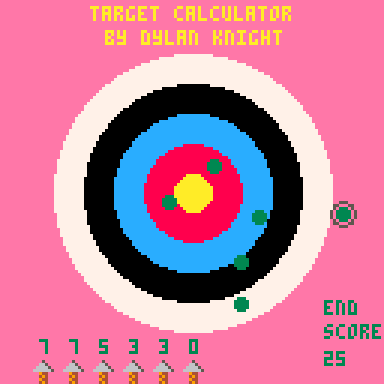
Its a little app that allows the user to enter arrow locations on a digital archery target to help keep track of your score. My 11 year old son Dylan is just starting out in archery and we have been using a paper score card to keep track of his efforts to date.
However, we thought that this current method of recording scores was ripe for a little app that we could run on our phone in the field (others may be available in the app stores, not checked but we wanted to make our own!), not only to score, but to also keep track of the approx. location of all 36 arrows shot during a scoring round. This is something the "traditional" recording method doesn't offer, it just captures the score achieved, not the location of the arrows.


 7 comments


Hi,
This is a work in progress.
Its a little app that allows the user to enter arrow locations on a digital archery target to help keep track of your score. My 11 year old son Dylan is just starting out in archery and we have been using a paper score card to keep track of his efforts to date.
However, we thought that this current method of recording scores was ripe for a little app that we could run on our phone in the field (others may be available in the app stores, not checked but we wanted to make our own!), not only to score, but to also keep track of the approx. location of all 36 arrows shot during a scoring round. This is something the "traditional" recording method doesn't offer, it just captures the score achieved, not the location of the arrows.
The plan is to expand this app so it provides some insight into your performance (e.g. average score, total number of "gold" hits, any bias in arrow location e.g. most land in bottom left quadrant etc...
Plus, it was a good excuse to get Dylan into a bit of coding. He's done a bit of Scratch at school but likes "real" coding with commands etc.. and not just visual blocks! I also love it since it take me back to my days mucking about coding on the ZX Speccy and Atari ST :-)
0 comments



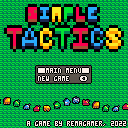
Simple Tactics
Miniature warfare, playable anywhere
Description
This is a turn-based war game for 2-4 players where the goal is to rout the opponent's army, or capture their HQ. To do this you'll capture properties, produce new units and make good use of the terrain to strategically outmaneuver your foes!
Contents
This game features a total of 9 unique units and 8 different maps.
Controls
This is a 'hot seat' game - pass the controller to the next player when your turn is done!
Note: Controls can be viewed via the 'gamepad' button on the desktop web player.
D-Pad (Arrow Keys) - Navigate
O Button (Z) - Select / Confirm / Open Menu
1 comment


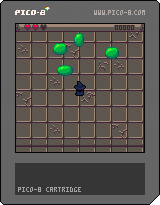
Hi all.
Now that I'm understanding ZEP's new 2ndary Font handler, is there any easy way to determine the # of pixels across in a text statement like, "Example" would take ? Particularly for if the font is proportional.
cls()
print("example",64-PixelLength("example")/2,32,7)
|
2 comments



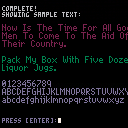
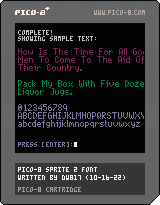
(v07 10-16-22)
TO LOAD THIS PICO-8 CART, in immediate mode, type:
load #sprites2font
Hello.
I've actually been working on this for some time now. I would like to acknowledge and give appreciation to @GPI for his initial offering which got me started:
https://www.lexaloffle.com/bbs/?tid=49517
Thanks !
So what you have here is a quite complete program to convert your spritesheet which takes into account every 8x8 sprite as a single character to encode to the custom font memory. Saved neatly as a single clipboard paste PRINT() string to do it all.
The final text sent to your clipboard looks a little like this: ?"⁶@56000008⁵⁸⁶\0\0¹\0\ ...
2 comments


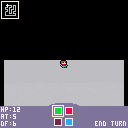
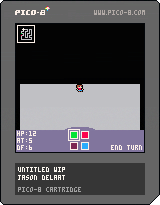
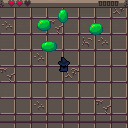
So I've started working on this. It's still very early and I've only got some of the UI elements and the very beginnings of procedural generation in place but I think there's enough to make it worth sharing.
Controls
While moving around:
- 🅾️ to switch to the ability selector. (Coloured boxed bottom-middle)
In ability selector:
- 🅾️ to select highlighted item
- ❎ to cancel
Choosing 'END TURN' pulls up a 'Dice Selector' menu which doesn't do anything yet.
Press either ❎ or 🅾️ to dismiss it.
Notes
- Actual movement in the game will be tile based but I wanted people to be able to zoom around the big empty levels fairly quickly for now because it's not like there's much to see.
- At the moment the levels are just a big loop of straight, boring grey hallways surrounded by blackness but eventually room will be able to expand into the available empty spaces, there will be locks, keys, enemies, puzzles, etc.
- The mini-map may or may not be in the actual game but I wanted to give an overall idea of the shape of the generated levels.
- The green square in-level is the level entrance and the red one the level exit. Nothing happens yet when you get to them.
- The stats on the bottom left are hard-coded and don't do/mean anything yet.
I'm trying my hand at procedural generation using graph re-writing. There's a fairly straight-forward summary of the process here for anyone interested: https://www.boristhebrave.com/2021/04/02/graph-rewriting/
This version isn't actually using re-writing yet which is why all the interesting stuff is missing from the level. It's just a graph with a basic loop. I've got the system written and—I think—working as expected so next steps are to start testing some rules for slightly more interesting levels to shake out all the bugs and then take it from there. Oh yeah, and all the actual game mechanics. Those will probably help too.
3 comments



This is a common feature of many text editors. Though quite basic, it would make it way easier to traverse through your code and would get rid of some of the frustration of having to inch the cursor to the right.
6 comments

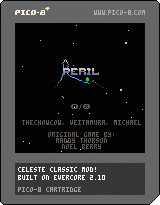
Climb a perilous mountain in this celeste classic mod by ChowCow, Veitamura, and Michael. Shoutouts to Blobert, Superboi0119, eYan, and Sheebeehs for playtesting.
18 comments

.png)

 (1).jpeg)
.png)


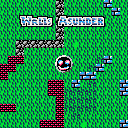
A celeste mod, where Madeline is a snake... don't ask.
Strawberries function like the apples in snake, and will increase the length.
12 comments






A new instance of PICO-8, will have the custom font properties set to zero.
?peek(0x5600) -- =0 ?peek(0x5601) -- =0 ?peek(0x5602) -- =0 |
This sets width and height to a default of 0 pixels. This will never be a useful default state.
It can be confusing for newcomers- and frankly is easily forgotten / overlooked for experienced users- when working with custom fonts.
Request:
- Initialise custom font properties to a reasonable default of 8 x 8 px, which matches the one-off character default. i.e.
poke(0x5600,8,8,8)
6 comments


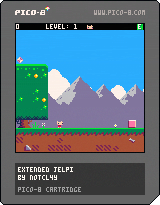
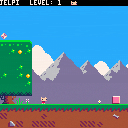
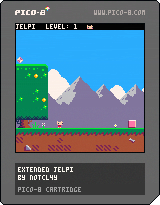
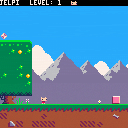
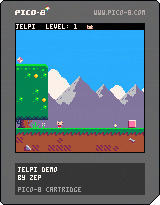
Extended Jelpi is a remake of Jelpi Demo with more features.
I wanted to make a Jelpi Demo remake with alternative palette and extended second level. And why not make and extended version of this game?
In the remake you can change palette, multiplayer in the pause menu. Also there are icons in the pause menu and top bar now!
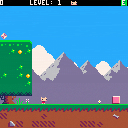
v1.3
- Added death count
- Changed the victory screen music a bit (forgot that I added the modified copies of SFX myself for music, so I made more music, again, and it's unused :P)
Old versions:
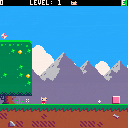
 10 comments




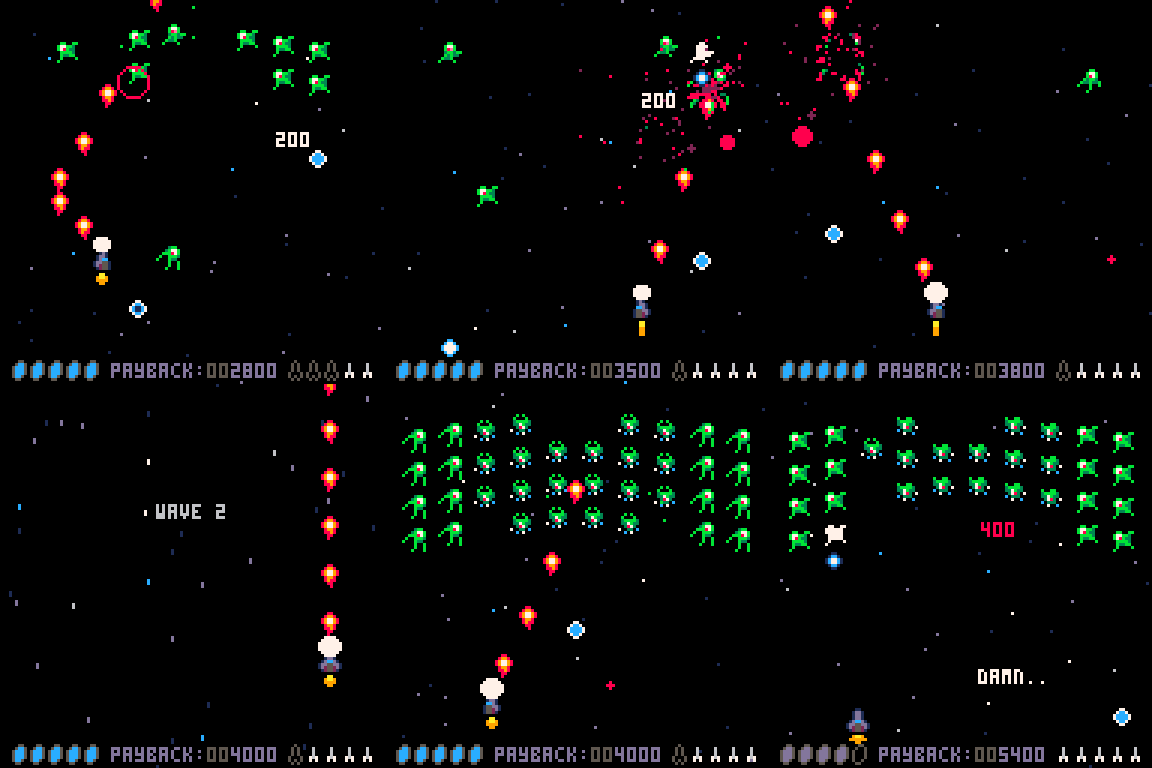
How to Play
The First Gloopadoop Invasion is a retro arcade style shoot-em-up. You need to shoot the Gloopadoops and survive at least 10 waves and defeat the mastermind boss at the end.
- Arrow keys move the ship - or you can use a controller
- Z or N or C - Shoot your T72 flame cannon!
- X or M or V - Shoot your AIM-21 "Shatterer" Missile - you have maximum of 5 and they regenerate
NOTE: you can use a gamepad or controller also. Please do!
If you get hit by an enemy or a bullet you will lose health. You have 5 health pips - dont lose them all!
If all enemies are destroyed or have left the screen the next wave will start. There are 10 waves and then . . . well you will see.
0 comments



Hello, we haven't seen each other for a long time, friends, I leave this so you can see what you think of this video, please don't take it the wrong way
https://youtu.be/4qRdUrSS20Y
I hope you don't take it the wrong way, I just want you to give your opinion on this.
3 comments

v1.2
- Added sound when the disk is inserted
- Added monitor (you can remove it in pause menu)
v1.1
- Fixed sound when inserting a disk
 5 comments

What's up guys
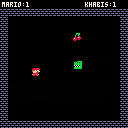
I made a video to explain how Lua works - in Persian
and this game is the result
only in 20min you can make a wonderful game
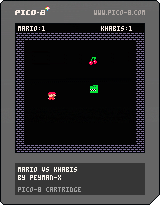
In Persian "khabis" means bad guy.
Khabis and mario try to get fruits and avoid bombs.
a simple senario and addictive game :)
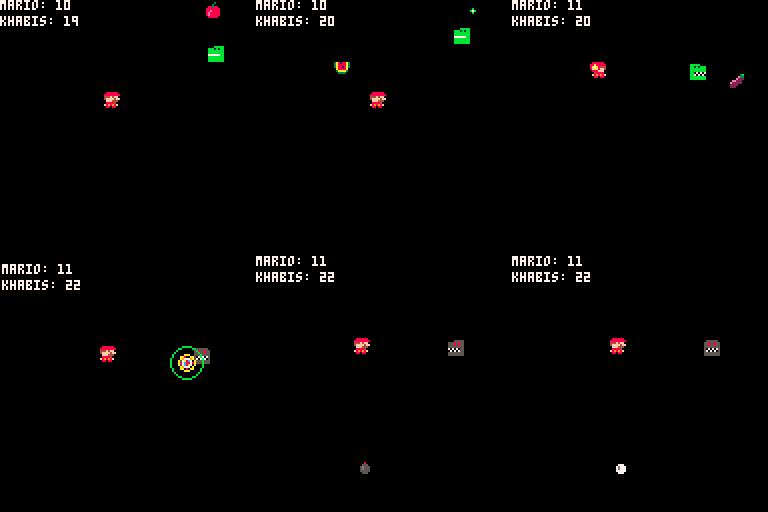
Collision Detection
In physics, a collision is any event in which two or more bodies exert forces on each other in a relatively short time.
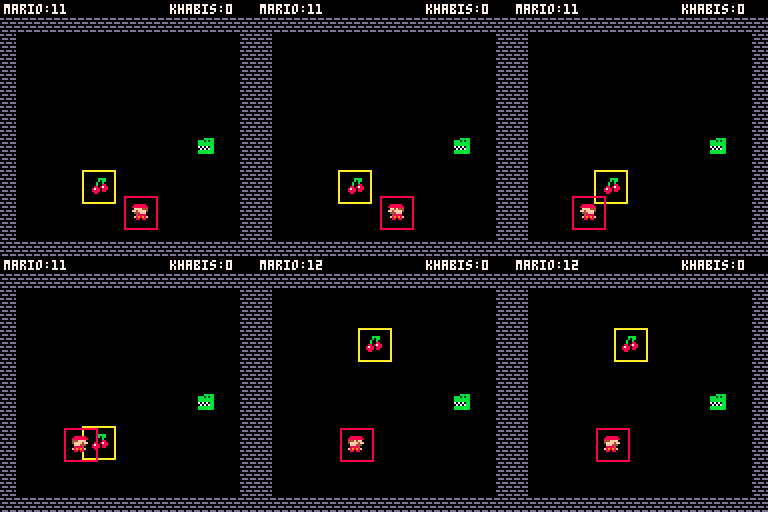
function collision(a,b,x,y)
    if (a <= x and a+8 >=x or
            x <= a and x+8 >=a) and
                (b <= y and b+8 >=y or

[ [size=16][color=#ffaabb] [ Continue Reading.. ] [/color][/size] ](/bbs/?pid=119095#p) |
1 comment
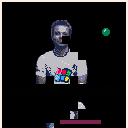
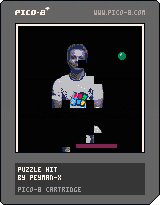
First I load my image to a table,
final positions in x,y and random position in (a,b)
function load_image()

	--load the image
	me = {}
	for j=0,8 do
	 row={}
		for i=0,8 do
					add(row,{
					 spr=j*16+i,
					 x=i*8+30,
					 y=j*8+20,
					 a=rnd(150),
					 b=130,
					})
  end
  add(me, row)

	end

end |
then I call a magnet() function to move a=>x and b=>y
function magnet() local step=1 for j=1,8 do for i=1,8 do local p = me[j][i] x= p.a y= p.b if p.a > p.x then p.a-=step end if p.a < p.x then p.a+=step end if p.b > p.y then p.b-=step [ [size=16][color=#ffaabb] [ Continue Reading.. ] [/color][/size] ](/bbs/?pid=119089#p) |
2 comments